
BarcodeChecker for Tickets PC
TicketCreator
Download BarcodeChecker for Tickets on PC With GameLoop Emulator
BarcodeChecker for Tickets on PC
BarcodeChecker for Tickets, coming from the developer TicketCreator, is running on Android systerm in the past.
Now, You can play BarcodeChecker for Tickets on PC with GameLoop smoothly.
Download it in the GameLoop library or search results. No more eyeing the battery or frustrating calls at the wrong time any more.
Just enjoy BarcodeChecker for Tickets PC on the large screen for free!
BarcodeChecker for Tickets Introduction
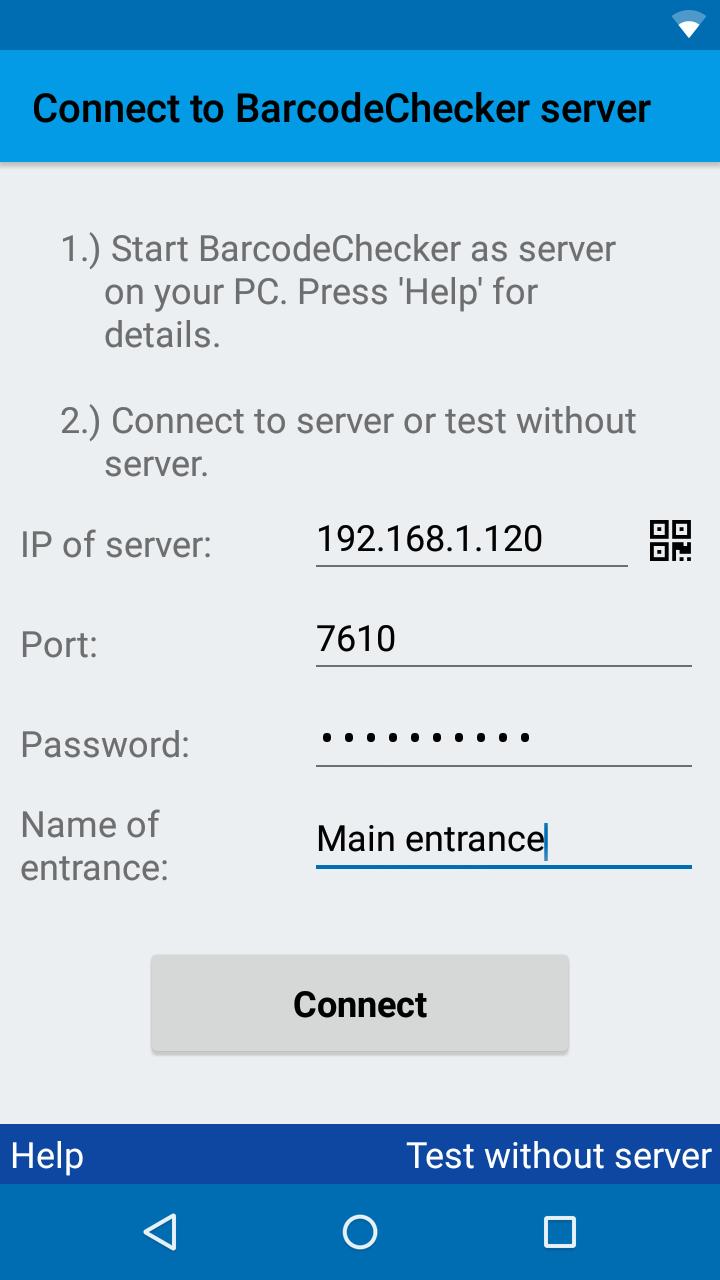
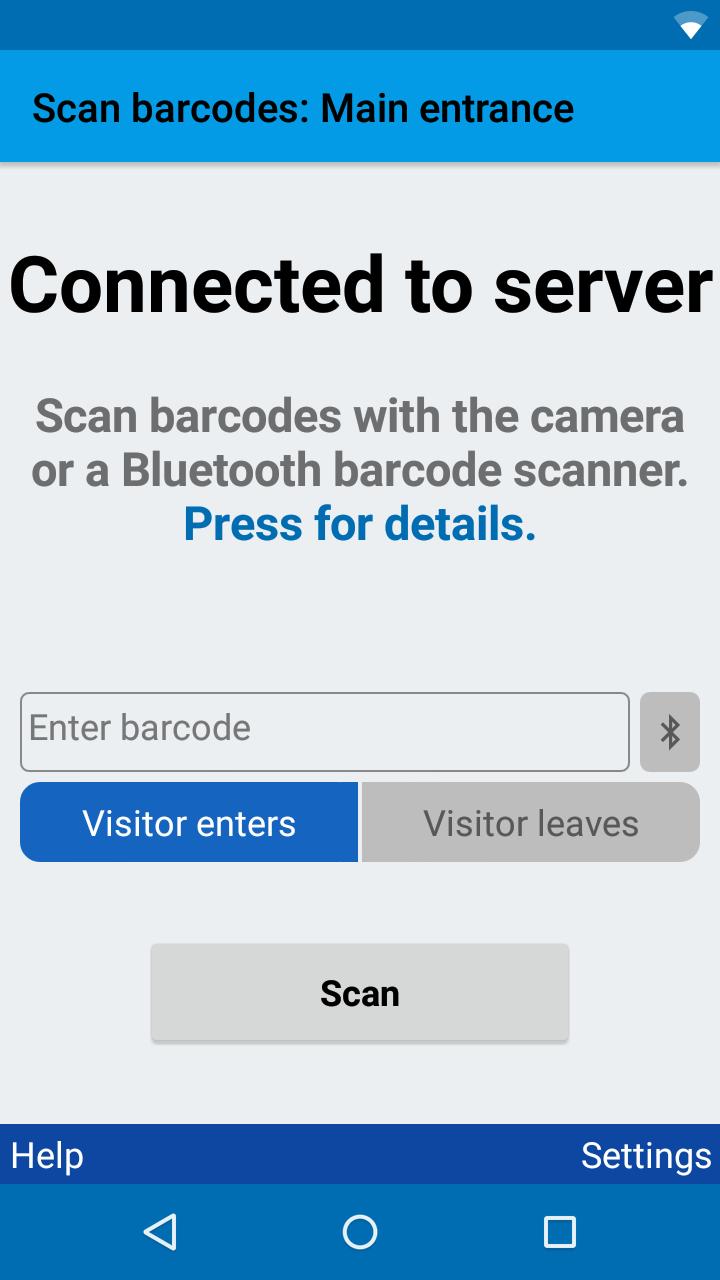
BarcodeChecker is an app to scan and check event tickets with barcodes or QR codes. It allows event organizers to verify barcode tickets at the entrance with one or multiple Android smartphones and log attendance.
You cannot use the app to scan lottery tickets or purchased tickets if you are not the event organizer and have a list of valid barcodes.
Each valid ticket is admitted only once; forged or copied tickets are rejected. After scanning a valid barcode the smartphone flashes green and beeps 1x, but after scanning an invalid barcode it flashes red, vibrates and beeps 3x.
You can check barcode tickets that were printed with the TicketCreator software or import any other list of barcodes or QR codes from an Excel file. For registered tickets the name of the ticket holder or additional info can be displayed after the scan.
During scanning, the smartphones must be connected to a Windows PC, which runs the BarcodeChecker software as server and contains the list of valid barcodes.
NOTE:
The app is free, however, you must purchase and install the BarcodeChecker for Windows software to run the server on your PC. You can test the server for free in trial mode.
FEATURES:
• Scan ticket with barcodes or QR codes
• Check tickets that were printed with the TicketCreator software
• Import and check any list of barcodes or QR codes from an Excel file
• Scan with multiple smartphones
• Display name of ticketholder for registered tickets (reception/welcome function)
• Record time of arrival and departure
• Export attendance list
• Restrict access to certain sections
• Supports Bluetooth barcode scanners
• Damaged barcodes can be entered manually
• Requires Windows PC as server
SETUP:
1.) Download BarcodeChecker app to smartphone.
2.) Install BarcodeChecker software for Windows on PC. The software must be purchased or can be tested in trial mode for free.
3.) Start BarcodeChecker software on PC as server and open list of valid barcodes.
4.) Connect smartphones by WIFI to BarcodeChecker server PC.
5.) Scan tickets with smartphones.
Supported barcode formats:
• QR codes
• Code 39, Code 128,
• UPC-A/E, EAN-8/13
• PDF 417
• Code 2 of 5 interleaved
• Data Matrix
• Aztec
MORE INFORMATION:
https://www.TicketCreator.com/barcodechecker_app.htm
Preview
Tags
ProductivityInformation
Developer
TicketCreator
Latest Version
6
Last Updated
2024-05-05
Category
Productivity
Available on
Google Play
Show More
How to play BarcodeChecker for Tickets with GameLoop on PC
1. Download GameLoop from the official website, then run the exe file to install GameLoop
2. Open GameLoop and search for “BarcodeChecker for Tickets” , find BarcodeChecker for Tickets in the search results and click “Install”
3. Enjoy playing BarcodeChecker for Tickets on GameLoop
Minimum requirements
OS
Windows 8.1 64-bit or Windows 10 64-bit
GPU
GTX 1050
CPU
i3-8300
Memory
8GB RAM
Storage
1GB available space
Recommended requirements
OS
Windows 8.1 64-bit or Windows 10 64-bit
GPU
GTX 1050
CPU
i3-9320
Memory
16GB RAM
Storage
1GB available space