Alarmy - Alarm Clock & Sleep PC
Alarm Clock Alarmy
Download Alarmy - Alarm Clock & Sleep on PC With GameLoop Emulator
Alarmy - Alarm Clock & Sleep on PC
Alarmy - Alarm Clock & Sleep, coming from the developer Alarm Clock Alarmy, is running on Android systerm in the past.
Now, You can play Alarmy - Alarm Clock & Sleep on PC with GameLoop smoothly.
Download it in the GameLoop library or search results. No more eyeing the battery or frustrating calls at the wrong time any more.
Just enjoy Alarmy - Alarm Clock & Sleep PC on the large screen for free!
Alarmy - Alarm Clock & Sleep Introduction
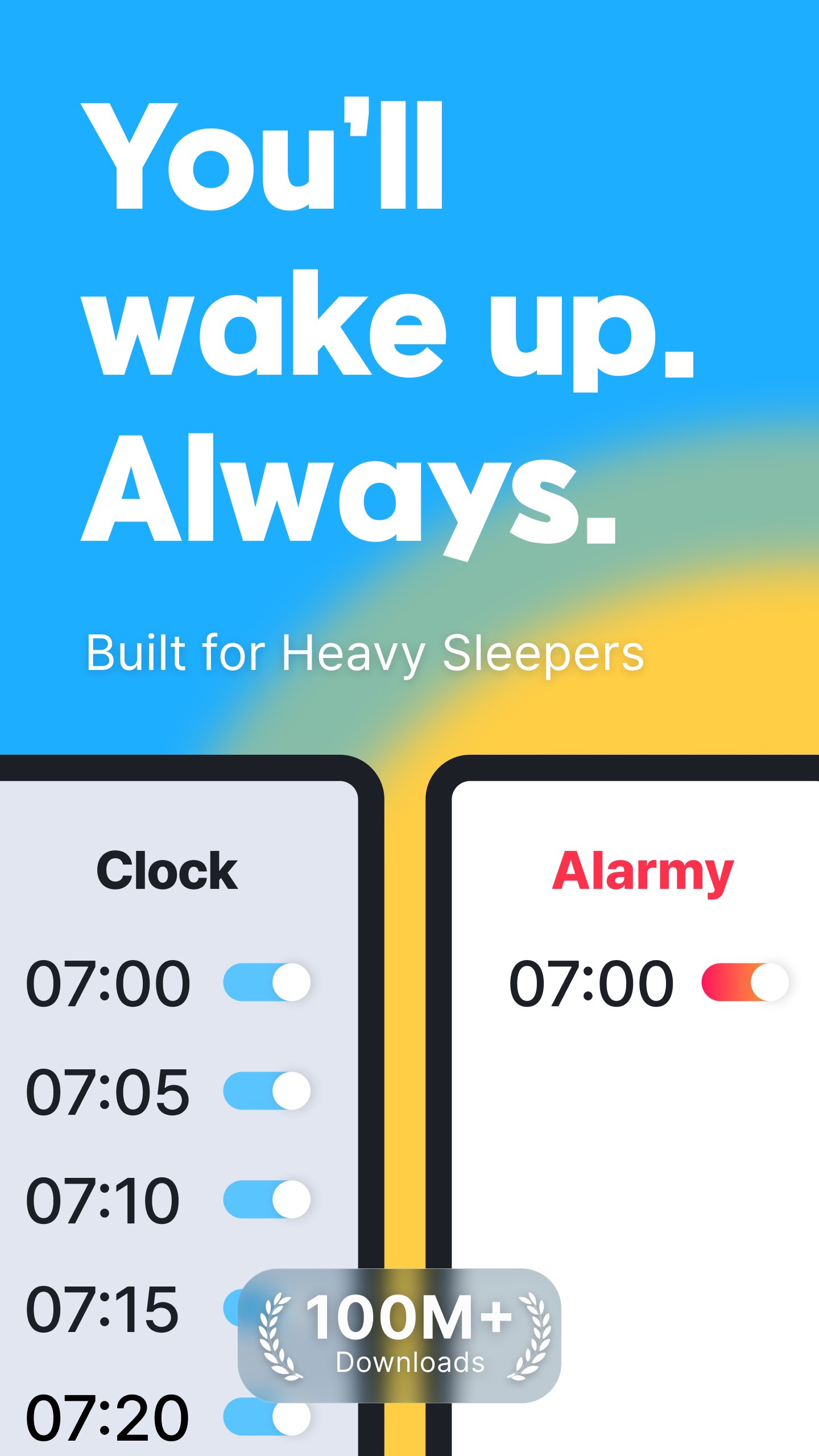
Boost your mornings with Alarmy – the most powerful loud alarm clock app for heavy sleepers!
Wake up refreshed and motivated every day using our loud alarm clock app, customizable alarm missions, and powerful alarm sounds.
■ The Best Loud Alarm Clock App
Are you tired of regular alarms not working? Our loud alarm clock app comes with ultra-powerful alarm sounds like “End of the World” and “Cock-a-doodle-doo,” making it perfect for heavy sleepers. No more oversleeping – this alarm app is louder and smarter.
■ Smart Wake-Up Missions
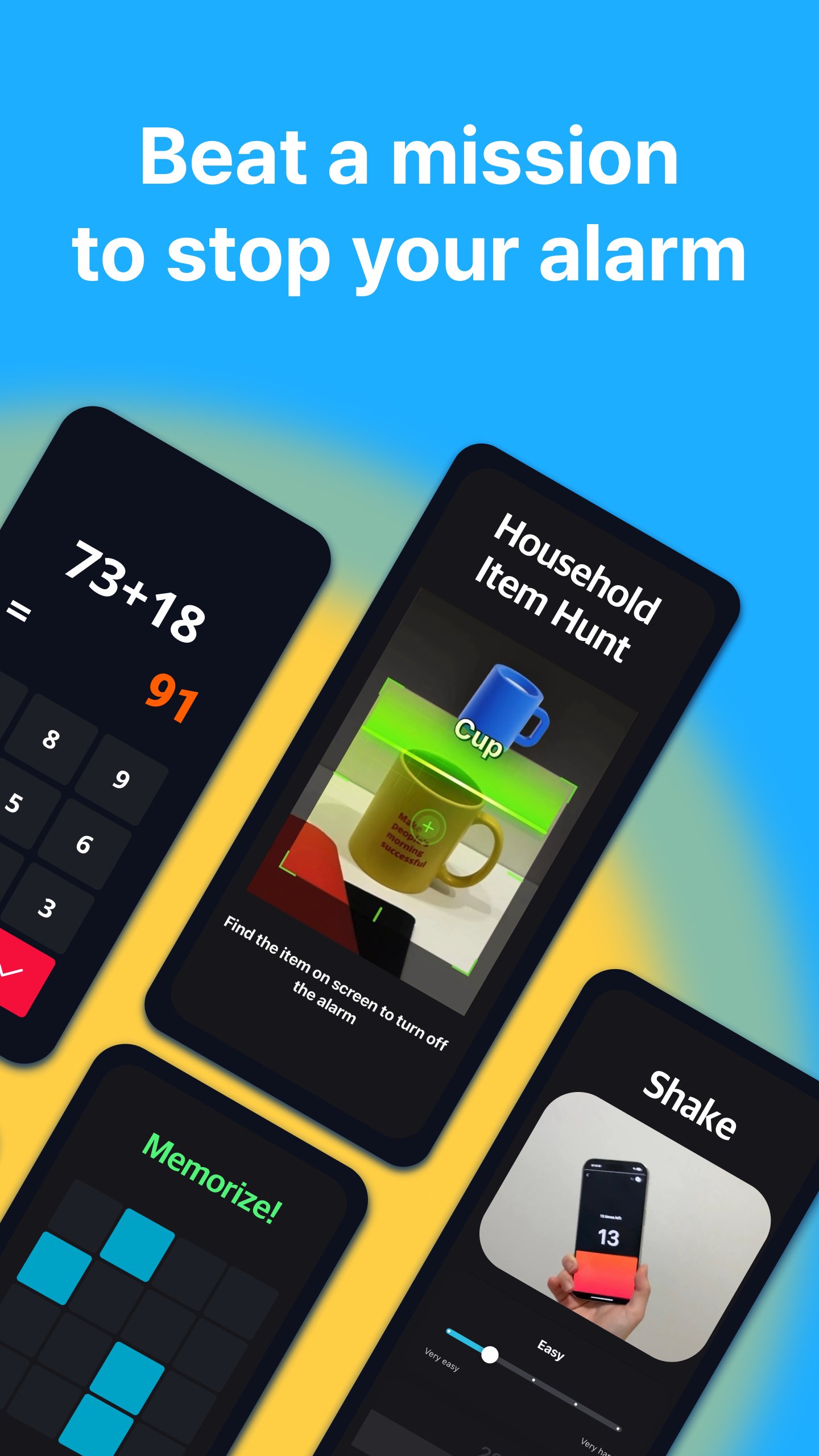
Can’t wake up? This loud alarm clock app includes fun and powerful alarm missions:
- Barcode & photo alarm: force yourself to get out of bed
- Math alarm & memory: get your brain moving
- Typing motivation quotes: boost your mindset
- Shake or squat alarm: physical activity to eliminate sleep inertia
■ Special Mode for Snooze Addicts
Break your snooze habit with Wake Up Check – if you ignore the alarm, your wake up alarm missions restart.
Perfect for those with ADHD or anyone who needs the strongest way to get out of bed.
■ Alarm Clock App for Students & Workers
Set your loud alarm clock app to match your lifestyle:
- Students can scan their textbook with a barcode alarm to jump into study mode
- Office workers can use loud alarm sounds and typing alarm missions for an energy boost
■ Customizable Sounds & Routines
Choose from dozens of loud alarm clock tones or peaceful alarm melodies.
Whether you love music alarms, or strong alarm tones, we’ve got you covered.
Build your morning routine and evening habit with the best alarm tools.
■ Sleep Better with Sleep Tracker
Great mornings start with good sleep. Use our sleep tracker to monitor your sleep cycle and reduce snoring.
Pair it with calm sleep sounds like rain, ocean waves, or ASMR for deeper rest.
Alarmy isn’t just for waking – it’s for sleeping better too.
■ Recommended For:
- Deep sleepers looking for a reliable loud alarm clock app
- Anyone needing a loud alarm clock app with smart alarm missions
- Users who want to build a morning routine or consistent habit
- Students preparing for exams with ADHD-friendly alarm features
- People who want to track and improve their sleep with our sleep tracker
■ Motivation Boost Features
- Set your alarm clock app background to motivational quotes or videos
- Use typing alarm missions to recite your goals every morning
■ Life Hacks with Alarmy
📘 Study Mode
- Choose Photo Mission
- Register your textbook cover
- Wake up + start studying = instant productivity
🎯 ADHD Routine
- Use loud alarm clock app + barcode alarm mission
- Add Wake Up Check to prevent snoozing after your alarm
🌙 Sleep Routine
- Set bedtime with alarm clock
- Play calming sleep sounds
- Track with sleep tracker
- Repeat 5+ nights to build a healthy sleep cycle
Enjoy all features:
loud alarm clock, alarm app for heavy sleepers and more!
---
■ PERMISSIONS
- SYSTEM_ALERT_WINDOW (Android window permission)
Needed for displaying the dismissal screen on Android 10 and above.
■ OPTIONAL PERMISSIONS
Service can be used without agreement, except for:
- Write External Storage: Needed to load external alarm ringtones.
- Camera: Required for photo alarm missions where users need to take pictures.
- Read External Storage: Needed to save photos taken by users in photo alarm missions.
- Location Information: Needed to obtain weather information after the app is closed.
- Device Manager: Used to prevent the app from being uninstalled.
Alarmy uses the Accessibility Service API to provide ‘Prevent turn off’ feature. The optional feature blocks the user from turning the device off while the alarm is ringing so that they can wake up better.
- Privacy Policy (English): http://alar.my/privacy_policy_en.txt
- Email: [cs@delightroom.com](mailto:cs@delightroom.com)
- Developer Contact: 368, Sapyeong-daero, Seocho-gu, Seoul, Republic of Korea
Preview
Tags
ProductivityInformation
Developer
Alarm Clock Alarmy
Latest Version
26.35.2
Last Updated
2026-09-18
Category
Productivity
Available on
Google Play
Show More
How to play Alarmy - Alarm Clock & Sleep with GameLoop on PC
1. Download GameLoop from the official website, then run the exe file to install GameLoop
2. Open GameLoop and search for “Alarmy - Alarm Clock & Sleep” , find Alarmy - Alarm Clock & Sleep in the search results and click “Install”
3. Enjoy playing Alarmy - Alarm Clock & Sleep on GameLoop
Minimum requirements
OS
Windows 8.1 64-bit or Windows 10 64-bit
GPU
GTX 1050
CPU
i3-8300
Memory
8GB RAM
Storage
1GB available space
Recommended requirements
OS
Windows 8.1 64-bit or Windows 10 64-bit
GPU
GTX 1050
CPU
i3-9320
Memory
16GB RAM
Storage
1GB available space