ADR Tool 2019 Lite PC
ANOPS Arkadiusz Neubauer
Download ADR Tool 2019 Lite on PC With GameLoop Emulator
ADR Tool 2019 Lite on PC
ADR Tool 2019 Lite, coming from the developer ANOPS Arkadiusz Neubauer, is running on Android systerm in the past.
Now, You can play ADR Tool 2019 Lite on PC with GameLoop smoothly.
Download it in the GameLoop library or search results. No more eyeing the battery or frustrating calls at the wrong time any more.
Just enjoy ADR Tool 2019 Lite PC on the large screen for free!
ADR Tool 2019 Lite Introduction
The ADR Tool 2019 Dangerous Goods free app is the most developed software in the Google Play world to solve your uncertainty and everyday issues with dangerous goods. It is now the third edition of the powerful dangerous goods app (2015, 2017, 2019).
The ADR Tool 2019 app will help you in complicated situations with ADR goods:
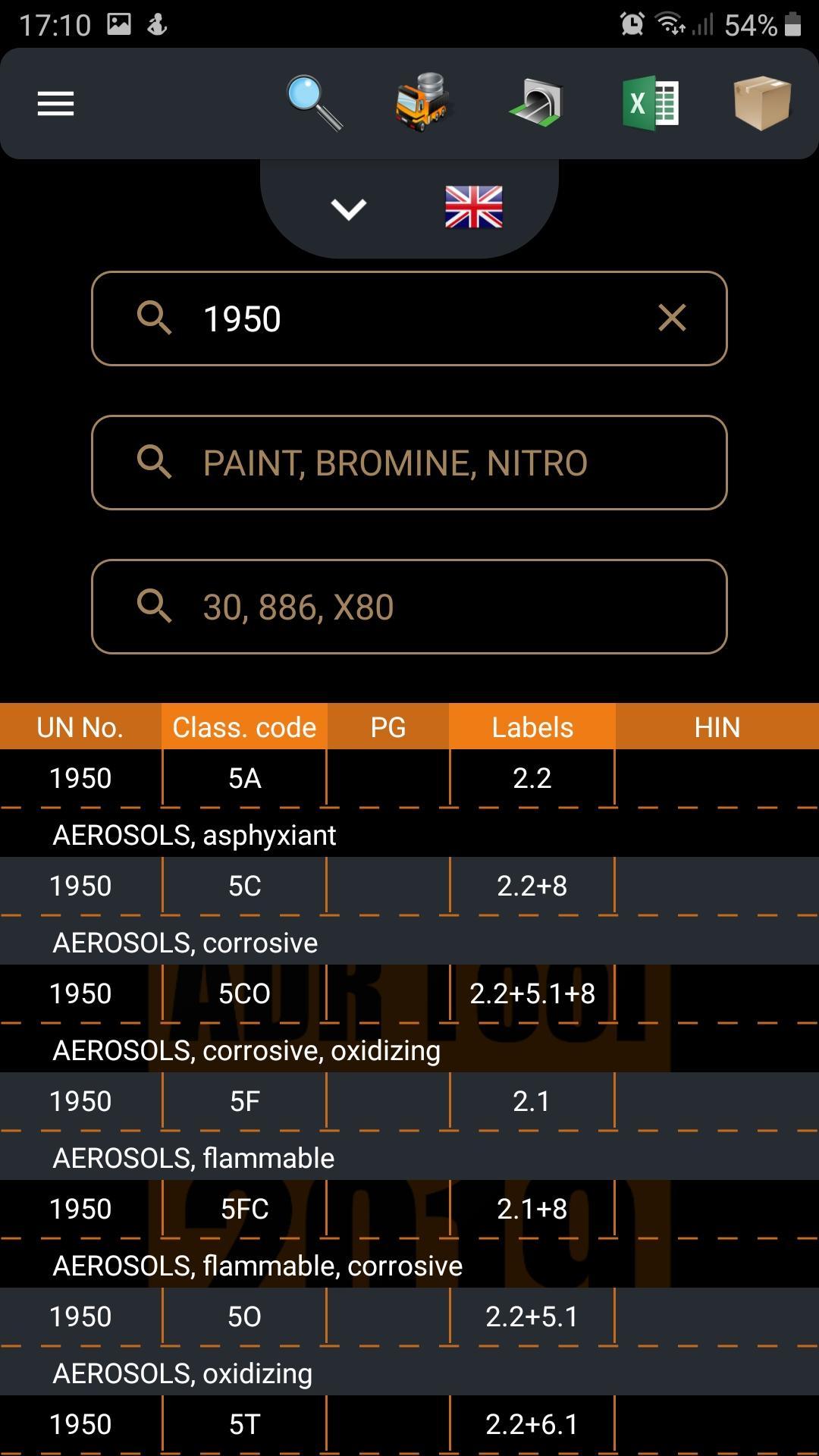
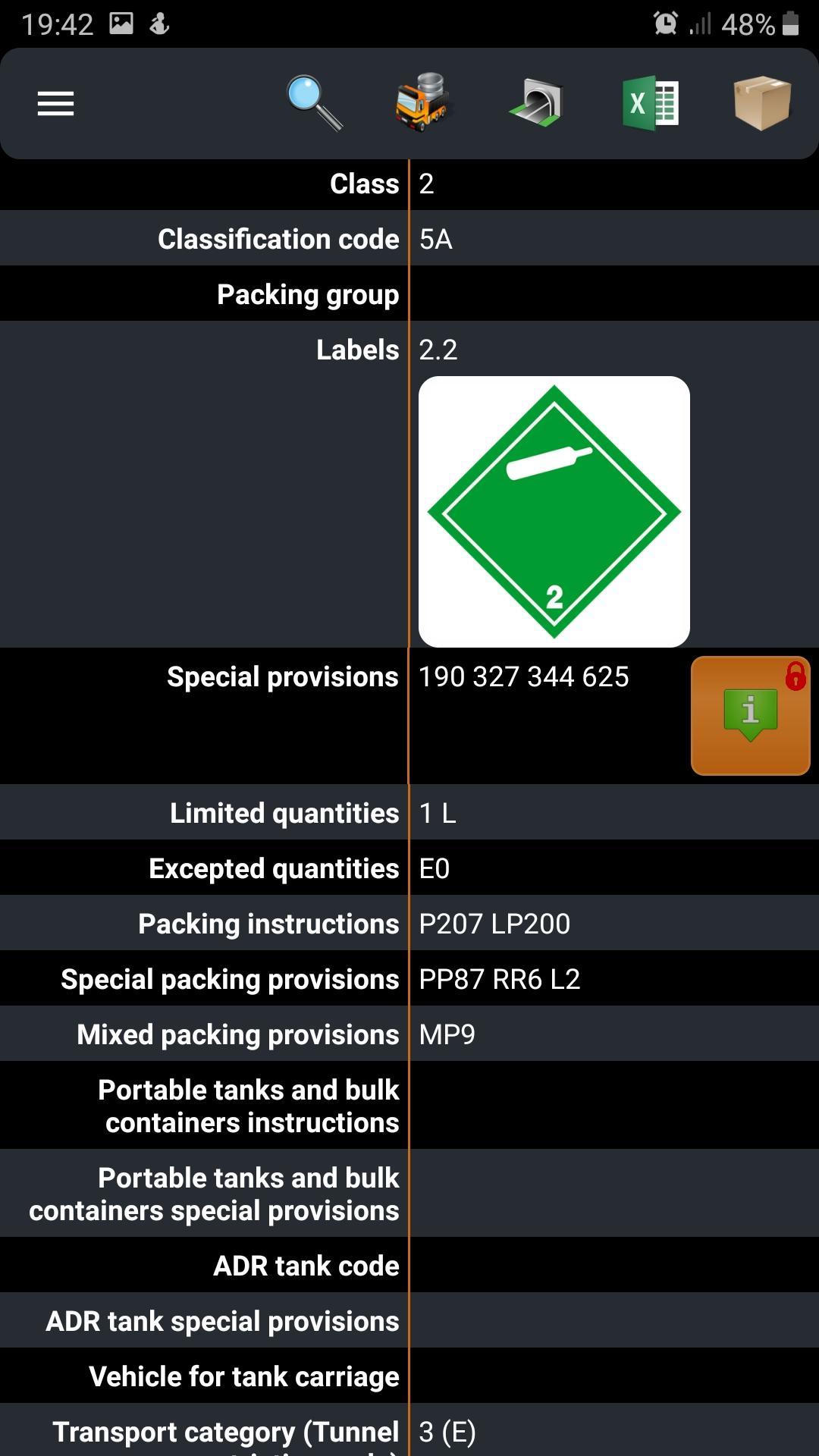
◈ in accepting the transport order – will identify the dangerous goods being transported (e.g. labels, hazards, exemptions, high-risk goods)
◈ during deciding when to open orange plates - will calculate exemption points (limits) for 1 dangerous good
◈ during issuing or completing transport documents - will indicate the dangerous goods and packaging names in 11 European languages
◈ as a translator during a roadside inspection (especially abroad) - the application menu is available in 28 languages
◈ in archiving your shipments - will export your loading list to the excel file, word file or even send files by email
◈ in downloading the required written instructions for the driver onto your device
◈ during planning the carriage through road tunnels, pointing out compulsory equipment & fire extinguishers
◈ convenient and simple preparation for your ADR exam
◈ in reminding you of important dates (new alarm feature).
Feel like the expert, feel confident and try to solve your basic and painful problems with ADR Tool 2019 apps... and all is clear now!
ADR Tool team
adr@adr-tool.com
https://adr-tool.com/
https://www.facebook.com/ADR.Tool.IMDG.Tool/
Preview
Tags
ProductivityInformation
Developer
ANOPS Arkadiusz Neubauer
Latest Version
1.6.14
Last Updated
2021-03-11
Category
Productivity
Available on
Google Play
Show More
How to play ADR Tool 2019 Lite with GameLoop on PC
1. Download GameLoop from the official website, then run the exe file to install GameLoop
2. Open GameLoop and search for “ADR Tool 2019 Lite” , find ADR Tool 2019 Lite in the search results and click “Install”
3. Enjoy playing ADR Tool 2019 Lite on GameLoop
Minimum requirements
OS
Windows 8.1 64-bit or Windows 10 64-bit
GPU
GTX 1050
CPU
i3-8300
Memory
8GB RAM
Storage
1GB available space
Recommended requirements
OS
Windows 8.1 64-bit or Windows 10 64-bit
GPU
GTX 1050
CPU
i3-9320
Memory
16GB RAM
Storage
1GB available space