WEBVISION PC
hashikura keiichi
Download WEBVISION on PC With GameLoop Emulator
WEBVISION on PC
WEBVISION, coming from the developer hashikura keiichi, is running on Android systerm in the past.
Now, You can play WEBVISION on PC with GameLoop smoothly.
Download it in the GameLoop library or search results. No more eyeing the battery or frustrating calls at the wrong time any more.
Just enjoy WEBVISION PC on the large screen for free!
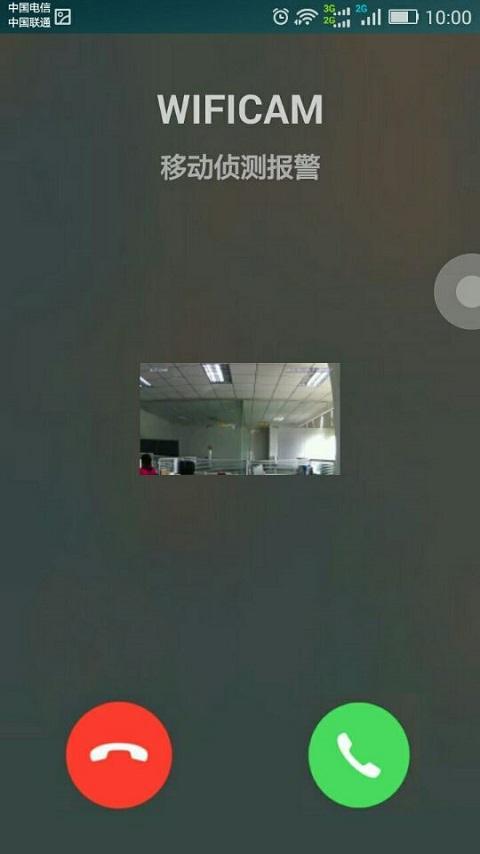
WEBVISION Introduction
P2P系列产品有什么特征:
1:即插即用,不用设置,只要把网线电源插好,不要电脑网络知识也能自己DIY装好,没有电脑也能装好,只要你有一部手机也能装好。和普通网络摄像机相比,省却了繁杂的设置过程,不用用户了解什么IP地址,网关,域名,更重要的是,不用在路由器里做端口映射啦
2:普通网络摄像机不能用的地方也能用了,国内很多铁通,小区宽带,长城宽带等复杂网络环境,传统的网络摄像机不能适应这么复杂的环境,所以很多用户买了,只能内网看看,想远程网看根本就不可能,有了此款P2P系列产品,再复杂的环境,也能一穿而过,不用任何设置。
Preview

Information
Developer
hashikura keiichi
Latest Version
2.0.0.5
Last Updated
2017-11-22
Category
Photography
Available on
Google Play
Show More
How to play WEBVISION with GameLoop on PC
1. Download GameLoop from the official website, then run the exe file to install GameLoop
2. Open GameLoop and search for “WEBVISION” , find WEBVISION in the search results and click “Install”
3. Enjoy playing WEBVISION on GameLoop
Minimum requirements
OS
Windows 8.1 64-bit or Windows 10 64-bit
GPU
GTX 1050
CPU
i3-8300
Memory
8GB RAM
Storage
1GB available space
Recommended requirements
OS
Windows 8.1 64-bit or Windows 10 64-bit
GPU
GTX 1050
CPU
i3-9320
Memory
16GB RAM
Storage
1GB available space