SelfyzAI: AI Video Generator PC
Sweet Snap Studio
Download SelfyzAI: AI Video Generator on PC With GameLoop Emulator
SelfyzAI: AI Video Generator on PC
SelfyzAI: AI Video Generator, coming from the developer Sweet Snap Studio, is running on Android systerm in the past.
Now, You can play SelfyzAI: AI Video Generator on PC with GameLoop smoothly.
Download it in the GameLoop library or search results. No more eyeing the battery or frustrating calls at the wrong time any more.
Just enjoy SelfyzAI: AI Video Generator PC on the large screen for free!
SelfyzAI: AI Video Generator Introduction
🔥 Discover SelfyzAI — create stunning Story Agent, AI avatars, AI art, AI portraits & animated AI videos in just a few taps.
Bring your imagination to life with Story Agent, your AI-powered creative partner that turns your ideas and photos into captivating visual stories. From unique concepts to engaging narratives, Story Agent helps you create and tell your story with AI.
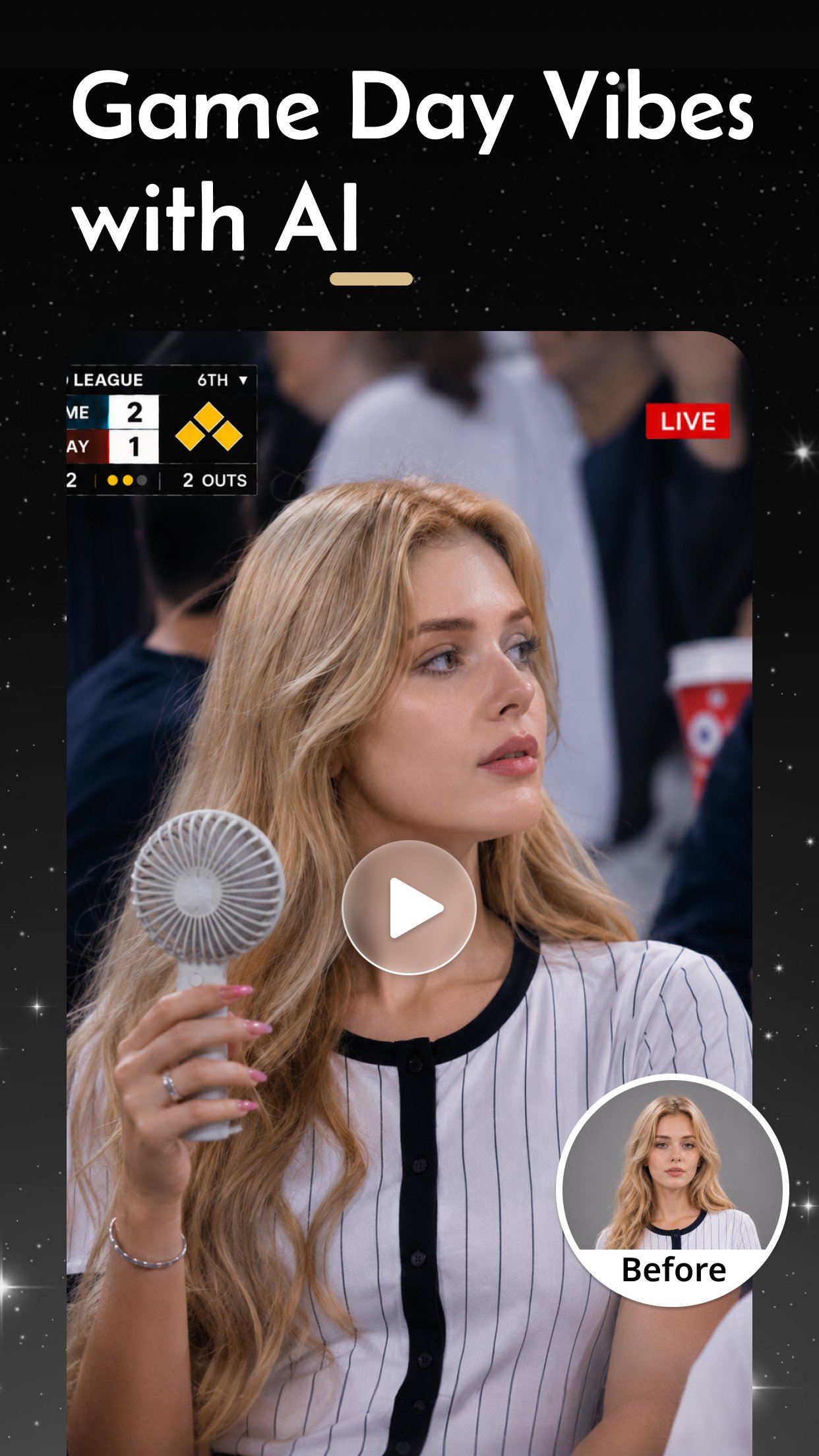
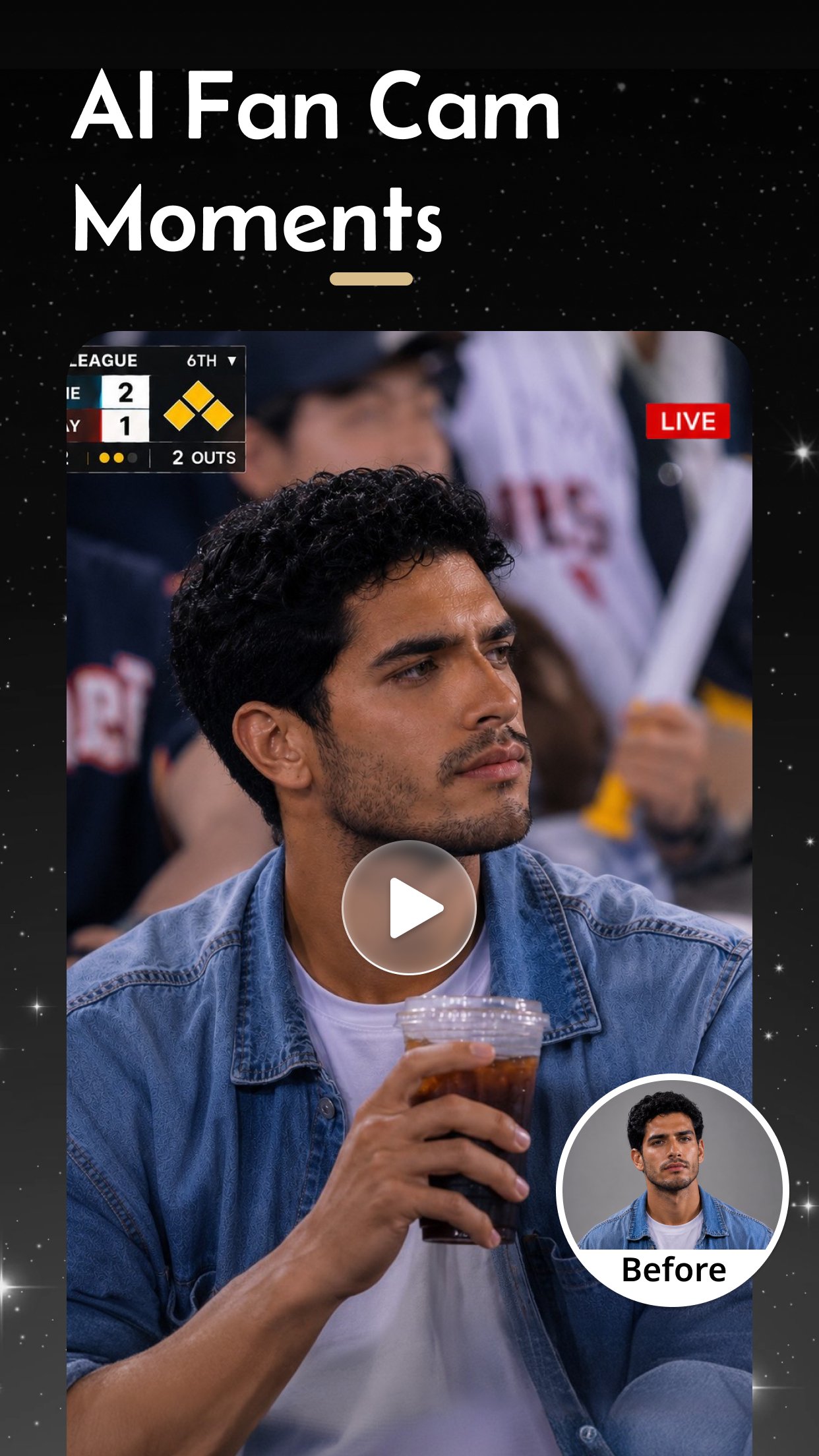
Transform your photos and ideas into viral AI-powered content using advanced image generation models and smart editing tools. Create eye-catching visuals for social media, professional branding, fantasy art, personalized stories, and creative storytelling.
✨ Perfect for:
🎨 AI art creation
📸 AI portraits & selfies
💼 Professional AI headshots
🎬 AI videos & motion photos
🔥 Trending social content
🎨 AI Art Generator
Turn text into amazing AI-generated visuals.
• Photorealistic portraits
• Anime & cartoon art
• Ghibli & cinematic styles
• Fantasy & cyberpunk scenes
• Viral AI image trends
Powered by advanced AI models including: NanoBanana, PixVerse, Sora, Kling, Veo & Wan
🤖 AI Avatar & Portrait Creator
Create stylish AI avatars and profile photos.
• AI selfies & social portraits
• Professional AI headshots
• Fashion & magazine styles
• Career & office photo looks
• Realistic facial enhancement
🎬 AI Image to Video
Bring your photos to life with AI animation.
• Animate static portraits
• Create cinematic AI reels
• Generate short AI videos
• Motion effects & dynamic visuals
• Perfect for social platforms
✨ AI Retouch & Smart Editing
Professional AI editing tools made simple.
• Skin smoothing & beauty enhancement
• Teeth whitening & face refinement
• AI object remover
• Smart background replacement
• AI outpainting & image expansion
⚡ AI Enhance & Photo Restoration
Improve every photo instantly.
• HD AI enhancement
• Restore old & blurry photos
• Intelligent detail sharpening
• Black & white photo colorization
• Natural lighting optimization
🚀 Trending AI Templates
Create popular AI content in seconds.
🔥 Viral AI avatars
💼 LinkedIn & business photos
🎨 Fantasy & luxury AI scenes
👶 AI baby generator
🛍️ Product & brand visuals
❤️ Why Users Love SelfyzAI?
✅ Multiple AI models in one app
✅ Realistic AI portraits & avatars
✅ AI art & AI video generation
✅ Smart enhancement & restoration
✅ High-quality exports
✅ Fast and easy creation
📩 We Value Your Feedback!
Email: selfie-ai@outlook.com
Download SelfyzAI now and create amazing AI avatars, AI art & AI videos today! ✨
Preview
Tags
PhotographyInformation
Developer
Sweet Snap Studio
Latest Version
8.6.4.110140
Last Updated
2026-09-21
Category
Photography
Available on
Google Play
Show More
How to play SelfyzAI: AI Video Generator with GameLoop on PC
1. Download GameLoop from the official website, then run the exe file to install GameLoop
2. Open GameLoop and search for “SelfyzAI: AI Video Generator” , find SelfyzAI: AI Video Generator in the search results and click “Install”
3. Enjoy playing SelfyzAI: AI Video Generator on GameLoop
Minimum requirements
OS
Windows 8.1 64-bit or Windows 10 64-bit
GPU
GTX 1050
CPU
i3-8300
Memory
8GB RAM
Storage
1GB available space
Recommended requirements
OS
Windows 8.1 64-bit or Windows 10 64-bit
GPU
GTX 1050
CPU
i3-9320
Memory
16GB RAM
Storage
1GB available space