Spanish Image Editor - Text On PC
Spanish Image Editor Team
Download Spanish Image Editor - Text On on PC With GameLoop Emulator
Spanish Image Editor - Text On on PC
Spanish Image Editor - Text On, coming from the developer Spanish Image Editor Team, is running on Android systerm in the past.
Now, You can play Spanish Image Editor - Text On on PC with GameLoop smoothly.
Download it in the GameLoop library or search results. No more eyeing the battery or frustrating calls at the wrong time any more.
Just enjoy Spanish Image Editor - Text On PC on the large screen for free!
Spanish Image Editor - Text On Introduction
Using this app which you can easily create :
☆ Greeting Cards
☆ Posters
☆ Notices
☆ WhatsApp Status
☆ Logos(PNG)
☆ GIF Animation Images
► Highlights ◄
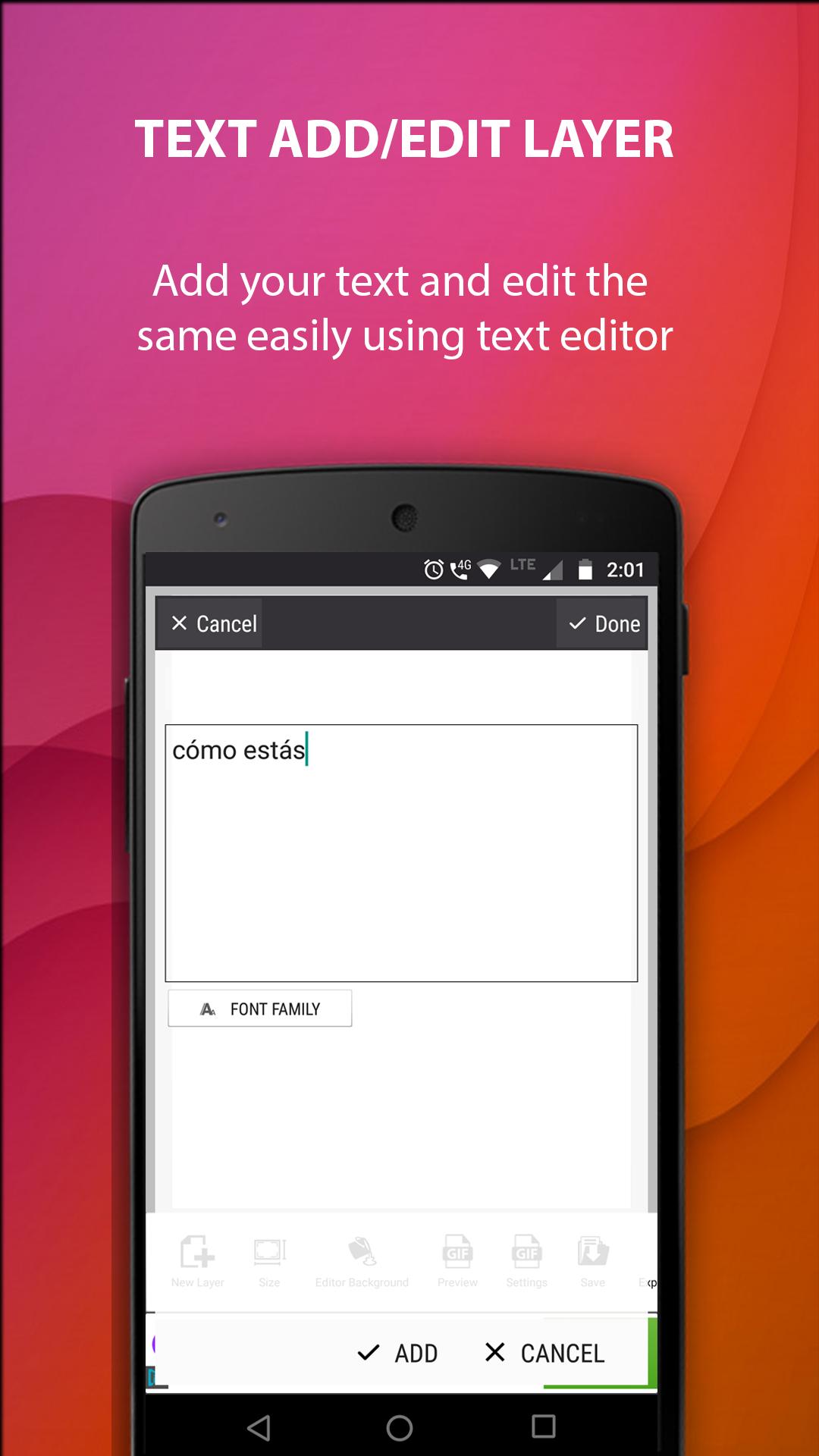
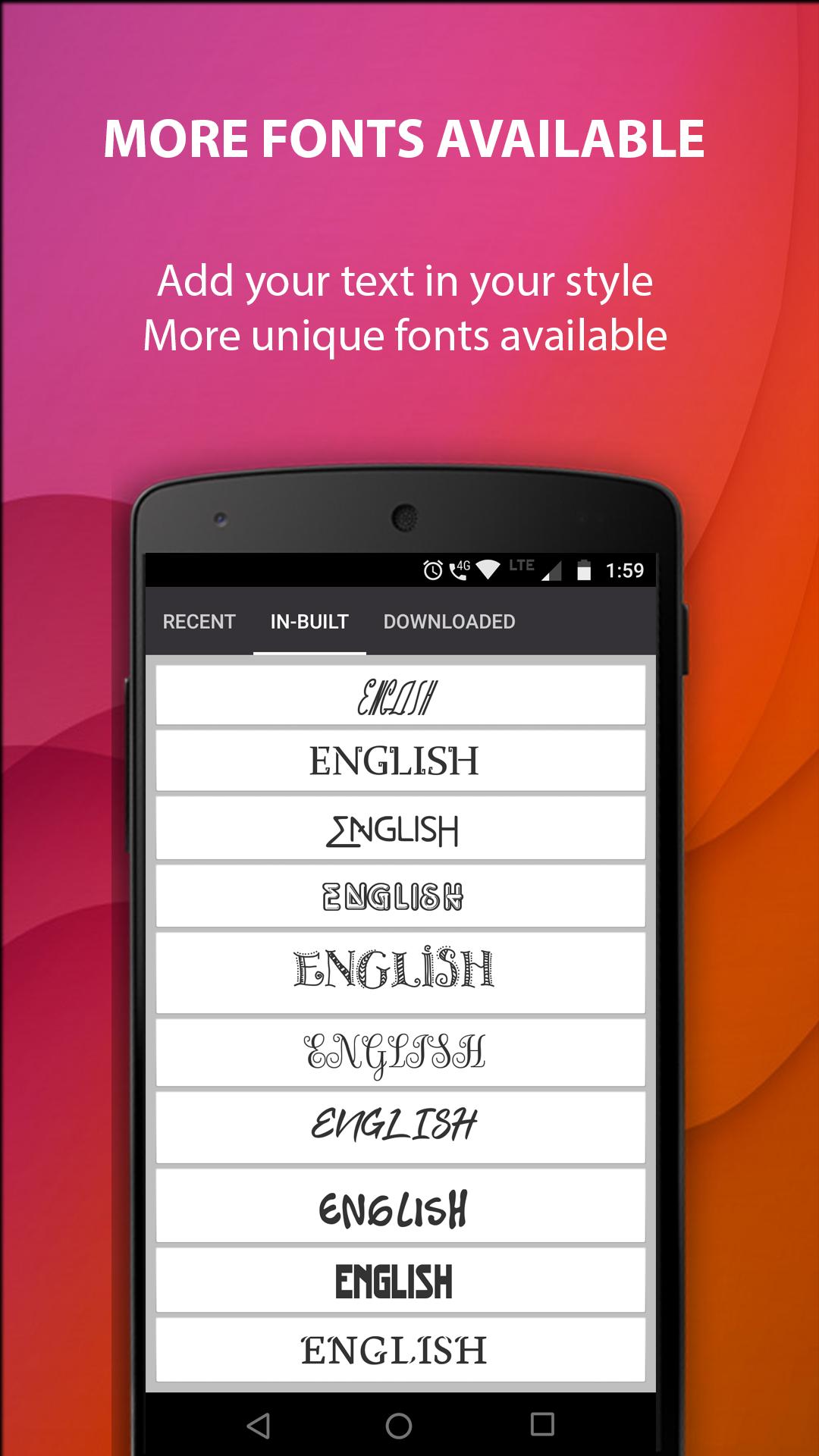
- Add Texts with SPANISH & ENGLISH Fonts.
- A huge selection of Stickers, Clip arts, Frames.
- Draw layer by layer. Give effects to each layer.
- Can draw your own pencil sketch.
- Adjust text color, size, stroke, shadow and curving.
- Use patterns for text background.
- Remove background of images and make it transparent.
- Image cropping/blurring support.
- Duplicate/Copy Layer option available.
- Text/Pictures can be animated to create cool GIF Images.
- Save as Template option to reuse your layout.
- Your own logo can be added to any of the images that you create.
- Easy share in WhatsApp, Facebook, email, and other installed apps.
Please text us at +91-7736232006 via WhatsApp if you need any support.
Preview
Tags
PhotographyInformation
Developer
Spanish Image Editor Team
Latest Version
4.918
Last Updated
2019-03-28
Category
Photography
Available on
Google Play
Show More
How to play Spanish Image Editor - Text On with GameLoop on PC
1. Download GameLoop from the official website, then run the exe file to install GameLoop
2. Open GameLoop and search for “Spanish Image Editor - Text On” , find Spanish Image Editor - Text On in the search results and click “Install”
3. Enjoy playing Spanish Image Editor - Text On on GameLoop
Minimum requirements
OS
Windows 8.1 64-bit or Windows 10 64-bit
GPU
GTX 1050
CPU
i3-8300
Memory
8GB RAM
Storage
1GB available space
Recommended requirements
OS
Windows 8.1 64-bit or Windows 10 64-bit
GPU
GTX 1050
CPU
i3-9320
Memory
16GB RAM
Storage
1GB available space