
Sketch Master - Photo Sketch M PC
InMix.Studio
Download Sketch Master - Photo Sketch M on PC With GameLoop Emulator
Sketch Master - Photo Sketch M on PC
Sketch Master - Photo Sketch M, coming from the developer InMix.Studio, is running on Android systerm in the past.
Now, You can play Sketch Master - Photo Sketch M on PC with GameLoop smoothly.
Download it in the GameLoop library or search results. No more eyeing the battery or frustrating calls at the wrong time any more.
Just enjoy Sketch Master - Photo Sketch M PC on the large screen for free!
Sketch Master - Photo Sketch M Introduction
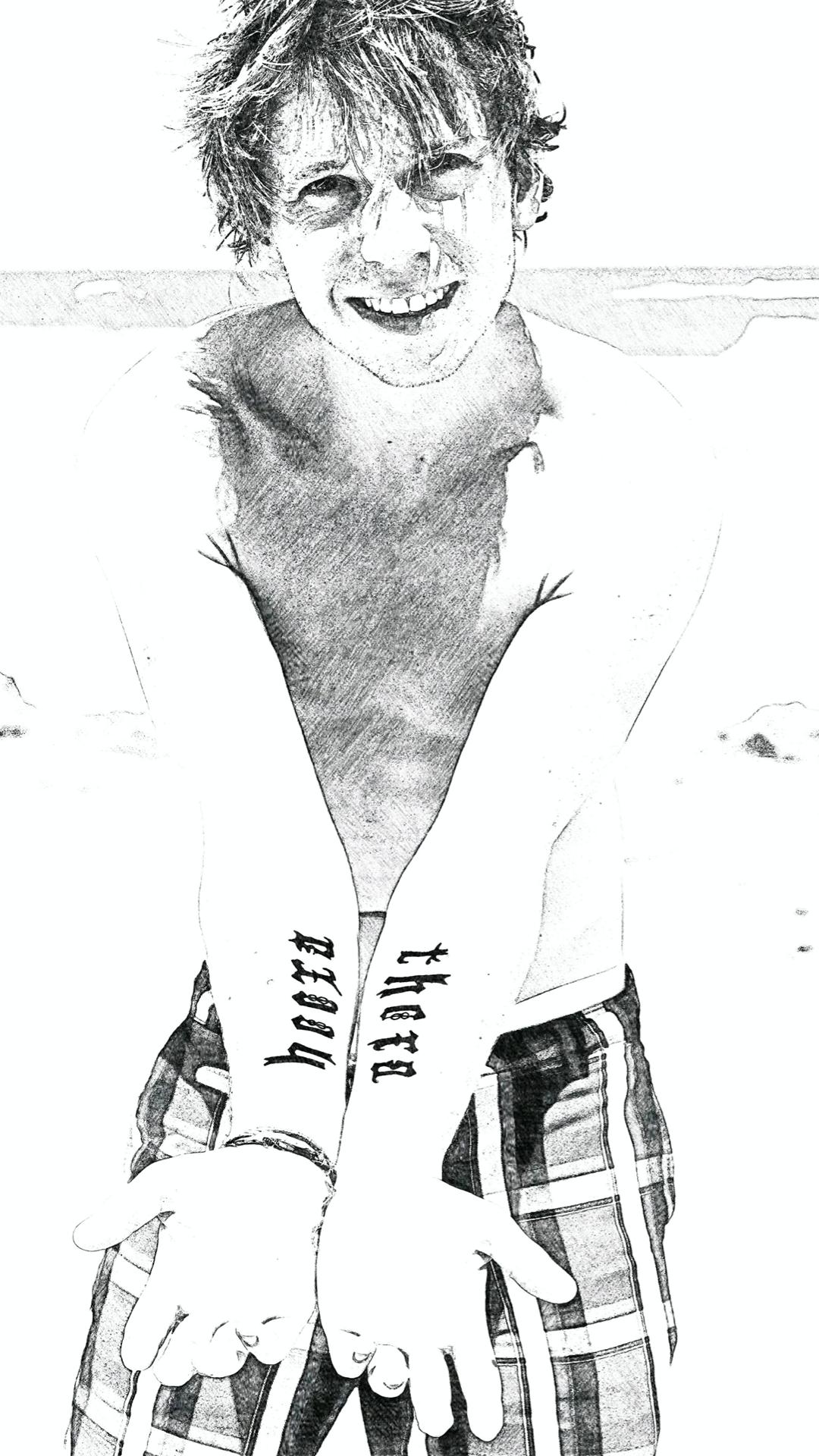
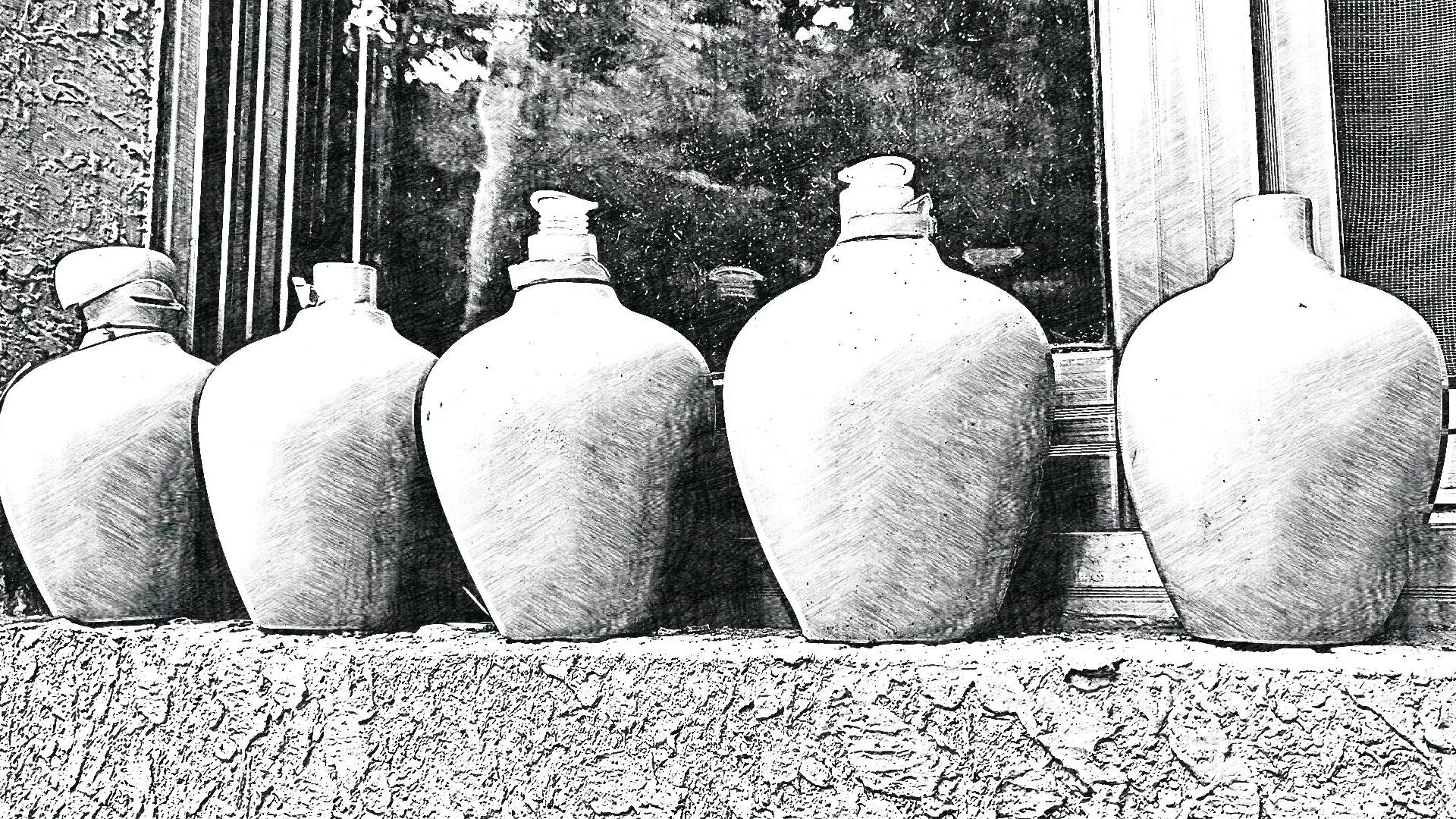
With hundreds of filter effects, Sketch Master can help you easily turn wonderful moments or any pictures into high-quality sketch art. A light and easy-to-use photo editor is also provided. You can easily share your works to social networks such as Instagram, Facebook, etc.
Usage guide:
1. Take a picture or pick a picture from your device;
2. Choose and apply a wonderful effect;
3. Save and share the sktech art to your friends;
About permissions:
• Read or Write External Storage - The app needs this permission to access the pictures on you device and save your sketch art to the SD Card;
• Access Camera - The permission is required and only used to take photos;
Privacy Policy:
Protecting your privacy is very important to us, and we do not collect any private information about you. More privacy policy details: https://inmixstudio.web.app/privacy.html
Preview
Tags
PhotographyInformation
Developer
InMix.Studio
Latest Version
1.00.03
Last Updated
2021-04-16
Category
Photography
Available on
Google Play
Show More
How to play Sketch Master - Photo Sketch M with GameLoop on PC
1. Download GameLoop from the official website, then run the exe file to install GameLoop
2. Open GameLoop and search for “Sketch Master - Photo Sketch M” , find Sketch Master - Photo Sketch M in the search results and click “Install”
3. Enjoy playing Sketch Master - Photo Sketch M on GameLoop
Minimum requirements
OS
Windows 8.1 64-bit or Windows 10 64-bit
GPU
GTX 1050
CPU
i3-8300
Memory
8GB RAM
Storage
1GB available space
Recommended requirements
OS
Windows 8.1 64-bit or Windows 10 64-bit
GPU
GTX 1050
CPU
i3-9320
Memory
16GB RAM
Storage
1GB available space