Reverse Image Search Pro PC
Asad Khilji
Download Reverse Image Search Pro on PC With GameLoop Emulator
Reverse Image Search Pro on PC
Reverse Image Search Pro, coming from the developer Asad Khilji, is running on Android systerm in the past.
Now, You can play Reverse Image Search Pro on PC with GameLoop smoothly.
Download it in the GameLoop library or search results. No more eyeing the battery or frustrating calls at the wrong time any more.
Just enjoy Reverse Image Search Pro PC on the large screen for free!
Reverse Image Search Pro Introduction
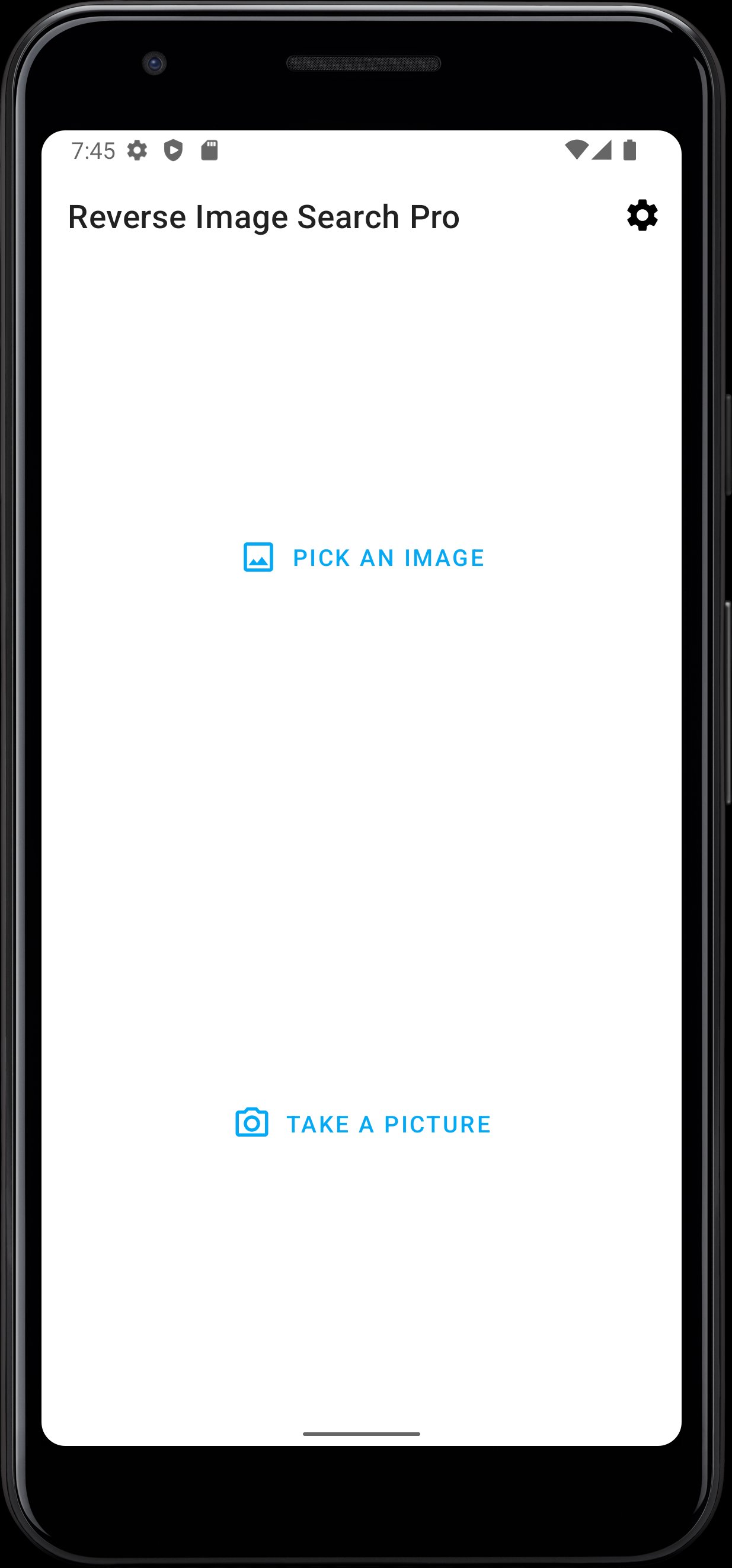
Reverse Image Search Pro app makes it super easy and quick to do an image search for personal, research or work use.
Now With a single tap, you can search your image for free with matching images or personalities throughout the world. This app allows you to search for any image using a reverse image search engine.
This is the best and powerful free app to search for photos with speed and accuracy. The application uses the most popular and powerful Google, Yandex and Bing image search engine for image searching purposes.
Reverse Image Search Pro Features:
• Finding celebrity, politicians, cars, etc. name that you can’t remember but have a picture with you
• Search someone's social network profile
• Search a higher resolution version of a picture
• Search location photos while traveling
• Finding similar products on the internet
• Finding a source of images like popular photographs, memes, screenshots, logos, characters, etc.
How to use:
• Install Reverse Image Search Pro.
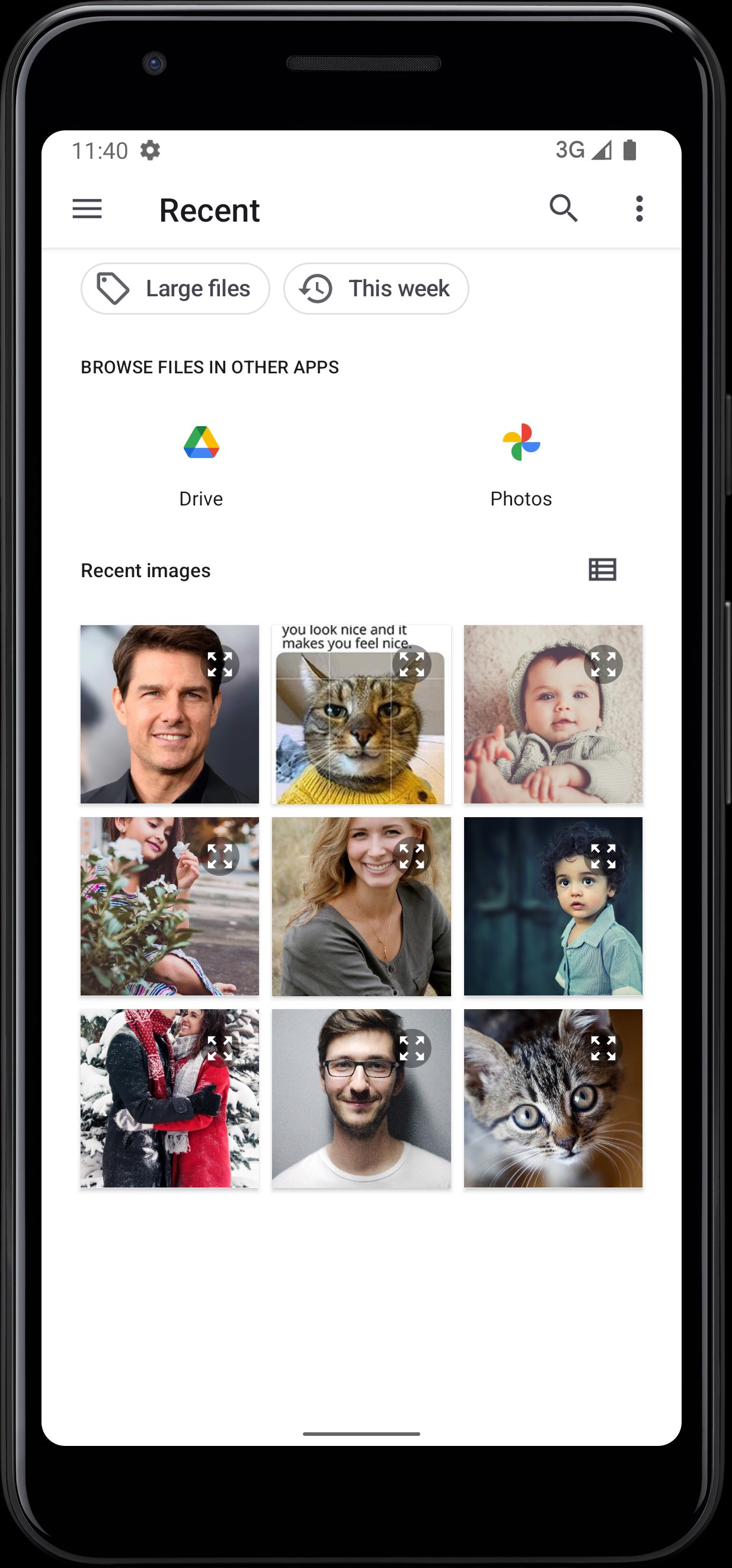
• Select an image from Gallery or Camera that you want to search on the internet (Internet connection is required).
• After a few seconds, this app will give the required information and relevant Images.
If you really like our App. Please provide your valuable feedback And a ⭐️⭐️⭐️⭐️⭐️ review.
Your support is very valuable to us.
Thanks !!!
Preview
Tags
PhotographyInformation
Developer
Asad Khilji
Latest Version
1.5.2
Last Updated
2025-10-26
Category
Photography
Available on
Google Play
Show More
How to play Reverse Image Search Pro with GameLoop on PC
1. Download GameLoop from the official website, then run the exe file to install GameLoop
2. Open GameLoop and search for “Reverse Image Search Pro” , find Reverse Image Search Pro in the search results and click “Install”
3. Enjoy playing Reverse Image Search Pro on GameLoop
Minimum requirements
OS
Windows 8.1 64-bit or Windows 10 64-bit
GPU
GTX 1050
CPU
i3-8300
Memory
8GB RAM
Storage
1GB available space
Recommended requirements
OS
Windows 8.1 64-bit or Windows 10 64-bit
GPU
GTX 1050
CPU
i3-9320
Memory
16GB RAM
Storage
1GB available space