Retroboy PC
Embargo
Download Retroboy on PC With GameLoop Emulator
Retroboy on PC
Retroboy, coming from the developer Embargo, is running on Android systerm in the past.
Now, You can play Retroboy on PC with GameLoop smoothly.
Download it in the GameLoop library or search results. No more eyeing the battery or frustrating calls at the wrong time any more.
Just enjoy Retroboy PC on the large screen for free!
Retroboy Introduction
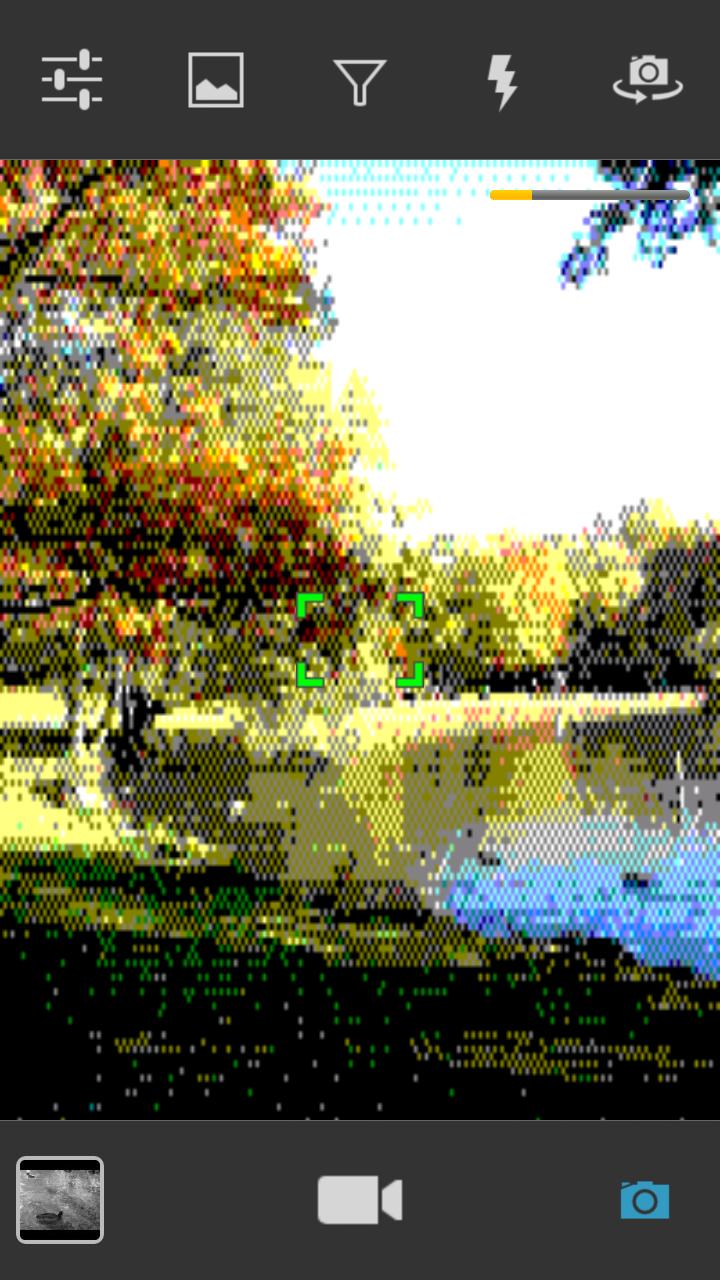
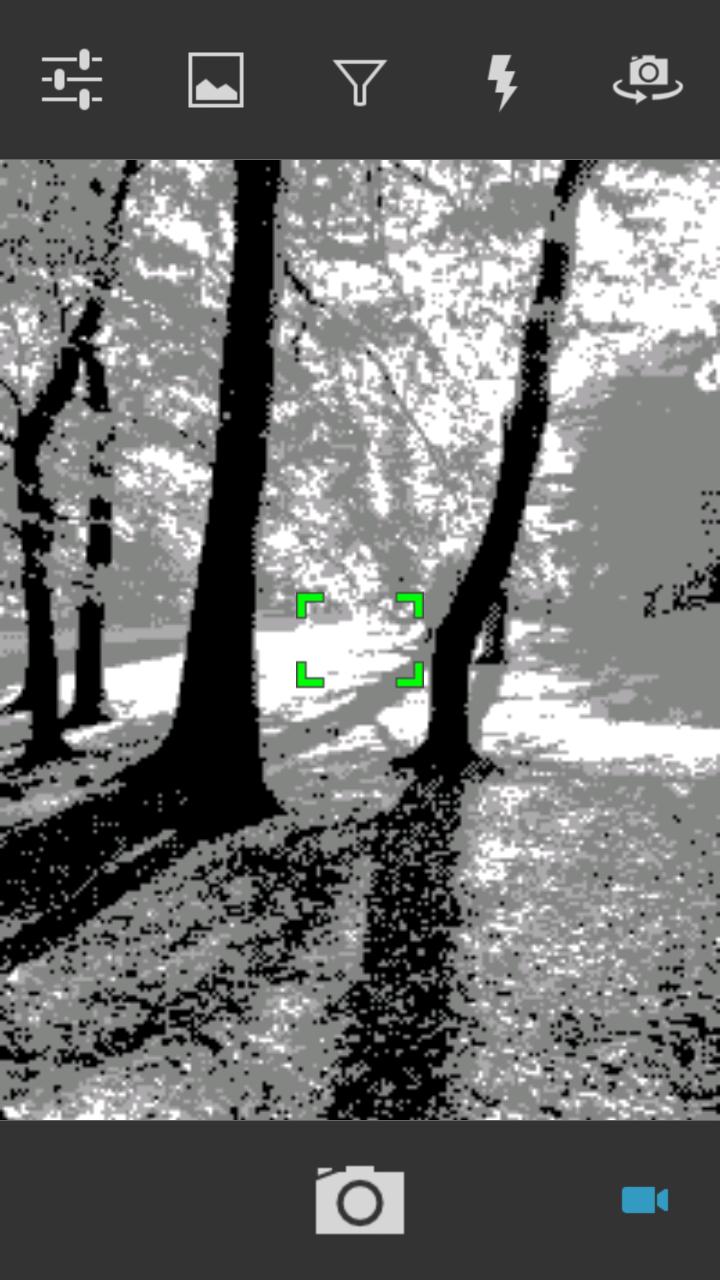
Retroboy provides vintage imaging technology not seen since the digital cameras and monochrome screens of the previous century. A series of real time filters implement various image processing algorithms, to emulate the graphic experience of classic hardware. This app is open source and pull requests are most welcome!
https://github.com/mikljohansson/retroboy
* 4-tone Bayer dithering as found on the Nintendo® Game Boy® Camera
* Amstrad CPC filter with 27 color palette
* PXL-2000 PixelVision filter emulating one of the first digital video cameras
* Commodore 64 filter with VIC-II 16-color palette
* Atkinson dithering filter used by the original Apple® Macintosh® OS
* Halftone dot filter as popularized by Roy Lichtenstein and the pop art movement
* Record animated GIF movies
* Scene mode setting to support for example low light exposure
* Zoom using the volume rocker
* Adjust the dynamic contrast to further enhance your photos
* Process images from your gallery by tapping the share button and selecting Retroboy
* Share your pictures through Facebook, Twitter, Tumblr, MMS, E-mail or any other methods your device supports
Preview
Information
Developer
Embargo
Latest Version
2.5.2
Last Updated
2014-12-20
Category
Photography
Available on
Google Play
Show More
How to play Retroboy with GameLoop on PC
1. Download GameLoop from the official website, then run the exe file to install GameLoop
2. Open GameLoop and search for “Retroboy” , find Retroboy in the search results and click “Install”
3. Enjoy playing Retroboy on GameLoop
Minimum requirements
OS
Windows 8.1 64-bit or Windows 10 64-bit
GPU
GTX 1050
CPU
i3-8300
Memory
8GB RAM
Storage
1GB available space
Recommended requirements
OS
Windows 8.1 64-bit or Windows 10 64-bit
GPU
GTX 1050
CPU
i3-9320
Memory
16GB RAM
Storage
1GB available space