
Profile Picture Border Editor PC
dreamApps
Download Profile Picture Border Editor on PC With GameLoop Emulator
Profile Picture Border Editor on PC
Profile Picture Border Editor, coming from the developer dreamApps, is running on Android systerm in the past.
Now, You can play Profile Picture Border Editor on PC with GameLoop smoothly.
Download it in the GameLoop library or search results. No more eyeing the battery or frustrating calls at the wrong time any more.
Just enjoy Profile Picture Border Editor PC on the large screen for free!
Profile Picture Border Editor Introduction
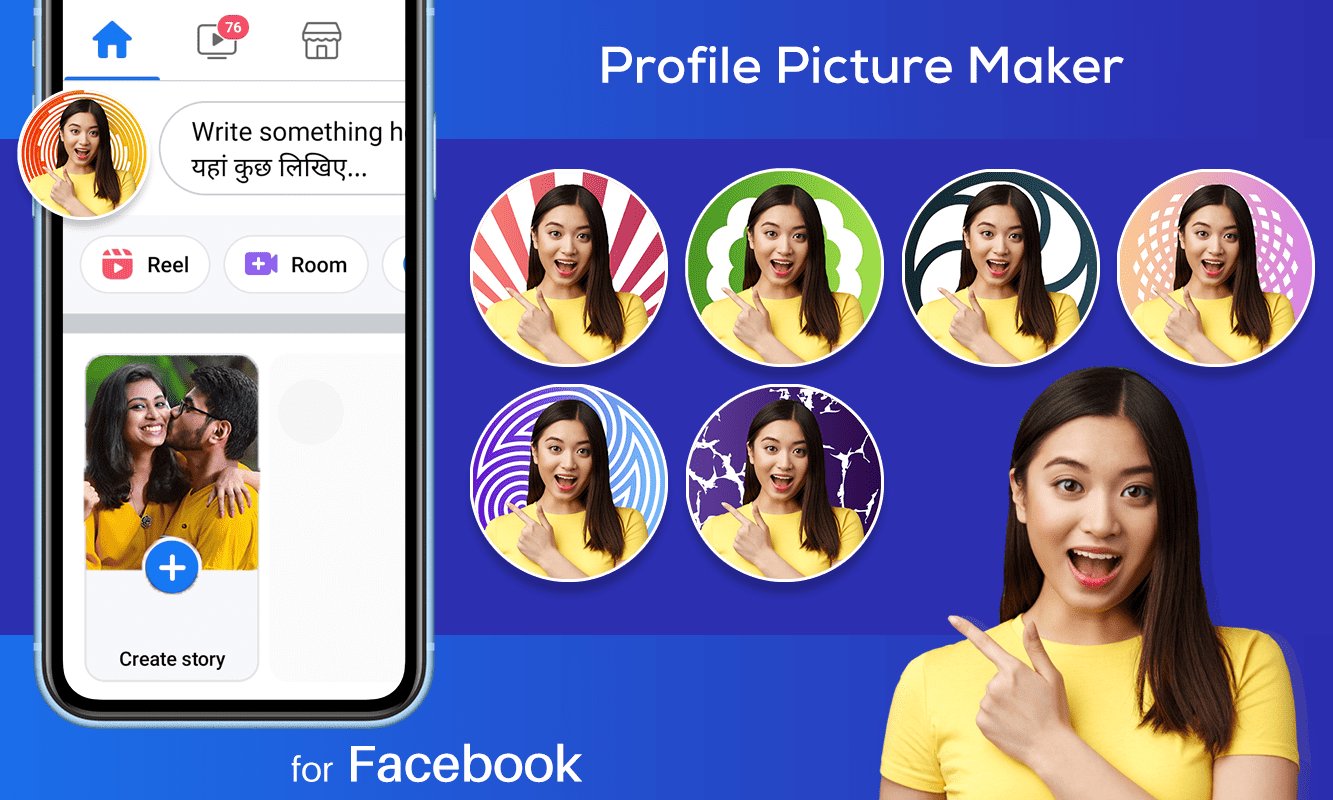
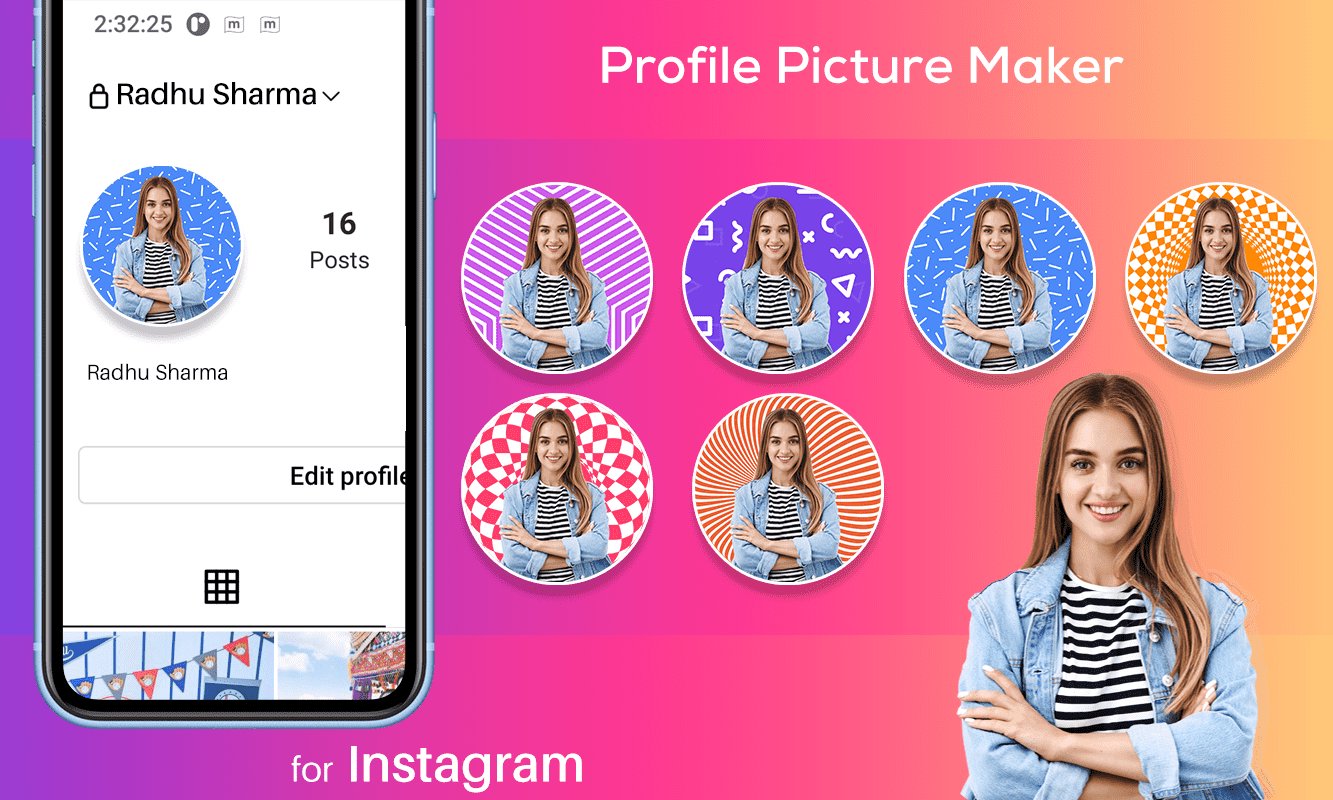
Nowadays, create unique and attractive profile pictures easily with the Profile Picture Border App. Make your social media stand out with amazing Border Frame designs!
Customize my profile pic and background to stand out, attract more people, and impress your audience with unique design assets using user-friendly PFP Maker. Create a professional profile pic from a selfie in under two minutes instead of scheduling business photoshoots.
► Types of Profile Picture with our Profile Picture Maker:
• Social Media Profile Picture Maker for Facebook, Whatsapp, Instagram etc.
• Messenger Profile Picture Maker for Skype, Telegram, Twitter etc.
• Business Profile Picture Maker : Passport, Employers etc.
• Profile Picture Maker : Resume/CV, Gaming Accounts & Children.
► App Contains :-
• Profile Picture Maker : Provided lots of collection, so Customize your profile picture with designing mask, gredient color, solid color, HD Background.
• Tool for creating versatile profile pictures quickly from any photo - ideal for personal, business, messaging, and gaming profiles.
• If you find anything wrong or any copyright things then mail us. We would love to hear everyone.
• Rate us and give your valuable comment for this awesome app to create more cool apps like this.
• If you like this Profile Picture Border application then share with your friends and family member.
Preview
Tags
PhotographyArt-&PersonalizationInformation
Developer
dreamApps
Latest Version
1.23
Last Updated
2026-03-29
Category
Photography
Available on
Google Play
Show More
How to play Profile Picture Border Editor with GameLoop on PC
1. Download GameLoop from the official website, then run the exe file to install GameLoop
2. Open GameLoop and search for “Profile Picture Border Editor” , find Profile Picture Border Editor in the search results and click “Install”
3. Enjoy playing Profile Picture Border Editor on GameLoop
Minimum requirements
OS
Windows 8.1 64-bit or Windows 10 64-bit
GPU
GTX 1050
CPU
i3-8300
Memory
8GB RAM
Storage
1GB available space
Recommended requirements
OS
Windows 8.1 64-bit or Windows 10 64-bit
GPU
GTX 1050
CPU
i3-9320
Memory
16GB RAM
Storage
1GB available space