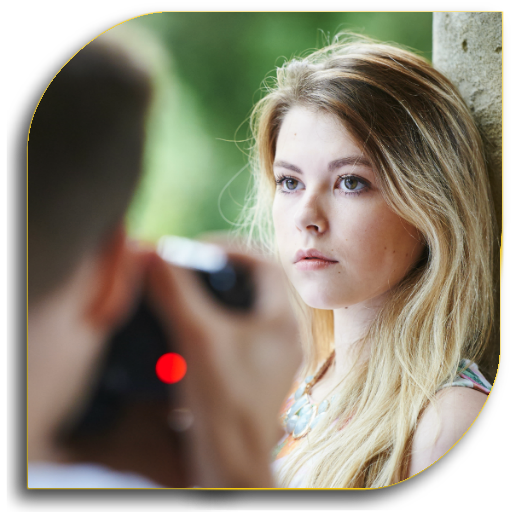
Portrait Photography (Guide) PC
Art & Craft Studio
Download Portrait Photography (Guide) on PC With GameLoop Emulator
Portrait Photography (Guide) on PC
Portrait Photography (Guide), coming from the developer Art & Craft Studio, is running on Android systerm in the past.
Now, You can play Portrait Photography (Guide) on PC with GameLoop smoothly.
Download it in the GameLoop library or search results. No more eyeing the battery or frustrating calls at the wrong time any more.
Just enjoy Portrait Photography (Guide) PC on the large screen for free!
Portrait Photography (Guide) Introduction
"
★★★ Enjoy Free Tips & Tricks ★★★
Want to improve your portrait photography!
Learn the elements of a good portrait photograph.
You Will Get Essential advice to shoot your best portraits.
It can't be that difficult, right? Your friend/spouse/child asks you to take his/her picture. You have a nice digital camera, so you grab it and take the picture. But you're not happy with the result, and you don't know why.
Anyone can take a well exposed, flattering portrait by following a few simple tips. By using a lens that will flatter, not distort your subject; lighting and exposing the scene well; and correctly focusing on the subject, you're guaranteed a great shot. To help you, we've put together suggested starting points for you to try.
Portrait photography tips can run the gamut from simple tweaks to your camera settings to the seemingly impossible task of getting children to stay still.
We'll then discuss some of the more advanced portrait photography tips, such as the benefits of using flashguns and other accessories when shooting portraits.
Whether you're taking portraits of your friends or you've been commissioned to photograph a family, and whether you're shooting in a pristine studio or outside in your local park, the helpful advice below will help you become a better portrait photographer.
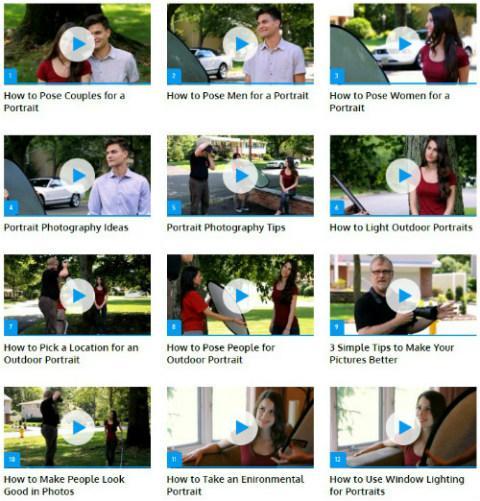
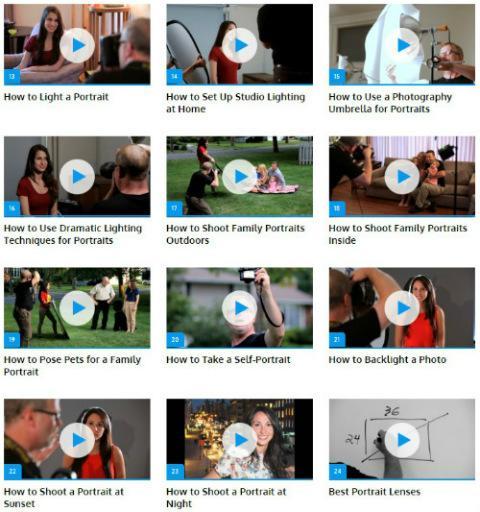
Learn how to take great portraits from professional photographer in these Application videos.
✰✰✰ If You Like It! Support Us By Rating Us 5 ★★★★★ ✰✰✰
★★★★ We will try our best to make it better, any comments or suggestions will be nice, please let me know via feedback in our app ★★★★
"
Preview
Tags
PhotographyInformation
Developer
Art & Craft Studio
Latest Version
1.0.2
Last Updated
2023-11-28
Category
Photography
Available on
Google Play
Show More
How to play Portrait Photography (Guide) with GameLoop on PC
1. Download GameLoop from the official website, then run the exe file to install GameLoop
2. Open GameLoop and search for “Portrait Photography (Guide)” , find Portrait Photography (Guide) in the search results and click “Install”
3. Enjoy playing Portrait Photography (Guide) on GameLoop
Minimum requirements
OS
Windows 8.1 64-bit or Windows 10 64-bit
GPU
GTX 1050
CPU
i3-8300
Memory
8GB RAM
Storage
1GB available space
Recommended requirements
OS
Windows 8.1 64-bit or Windows 10 64-bit
GPU
GTX 1050
CPU
i3-9320
Memory
16GB RAM
Storage
1GB available space