
Pixelate: Blur & Anonymize PC
kalisohn
Download Pixelate: Blur & Anonymize on PC With GameLoop Emulator
Pixelate: Blur & Anonymize on PC
Pixelate: Blur & Anonymize, coming from the developer kalisohn, is running on Android systerm in the past.
Now, You can play Pixelate: Blur & Anonymize on PC with GameLoop smoothly.
Download it in the GameLoop library or search results. No more eyeing the battery or frustrating calls at the wrong time any more.
Just enjoy Pixelate: Blur & Anonymize PC on the large screen for free!
Pixelate: Blur & Anonymize Introduction
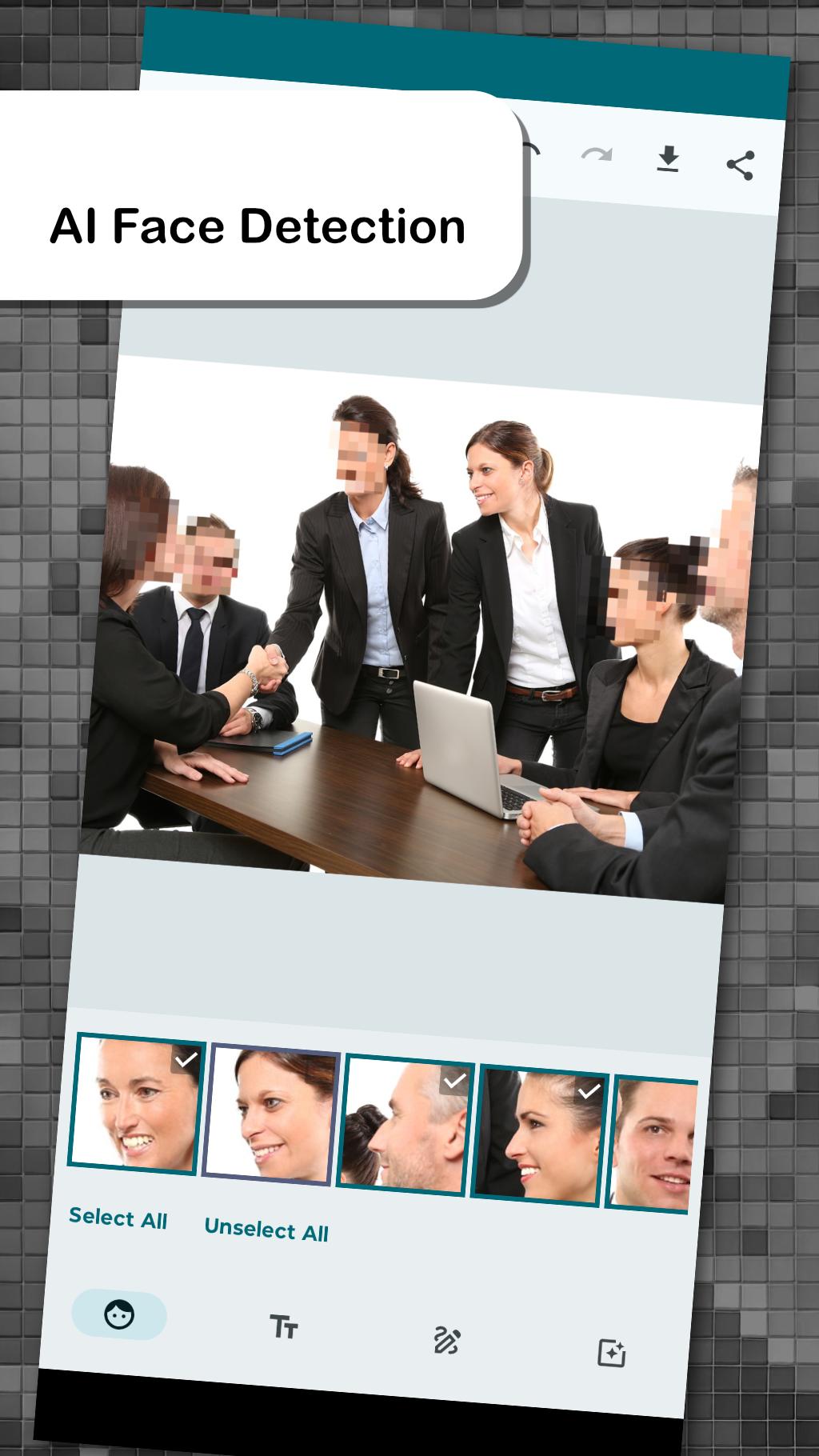
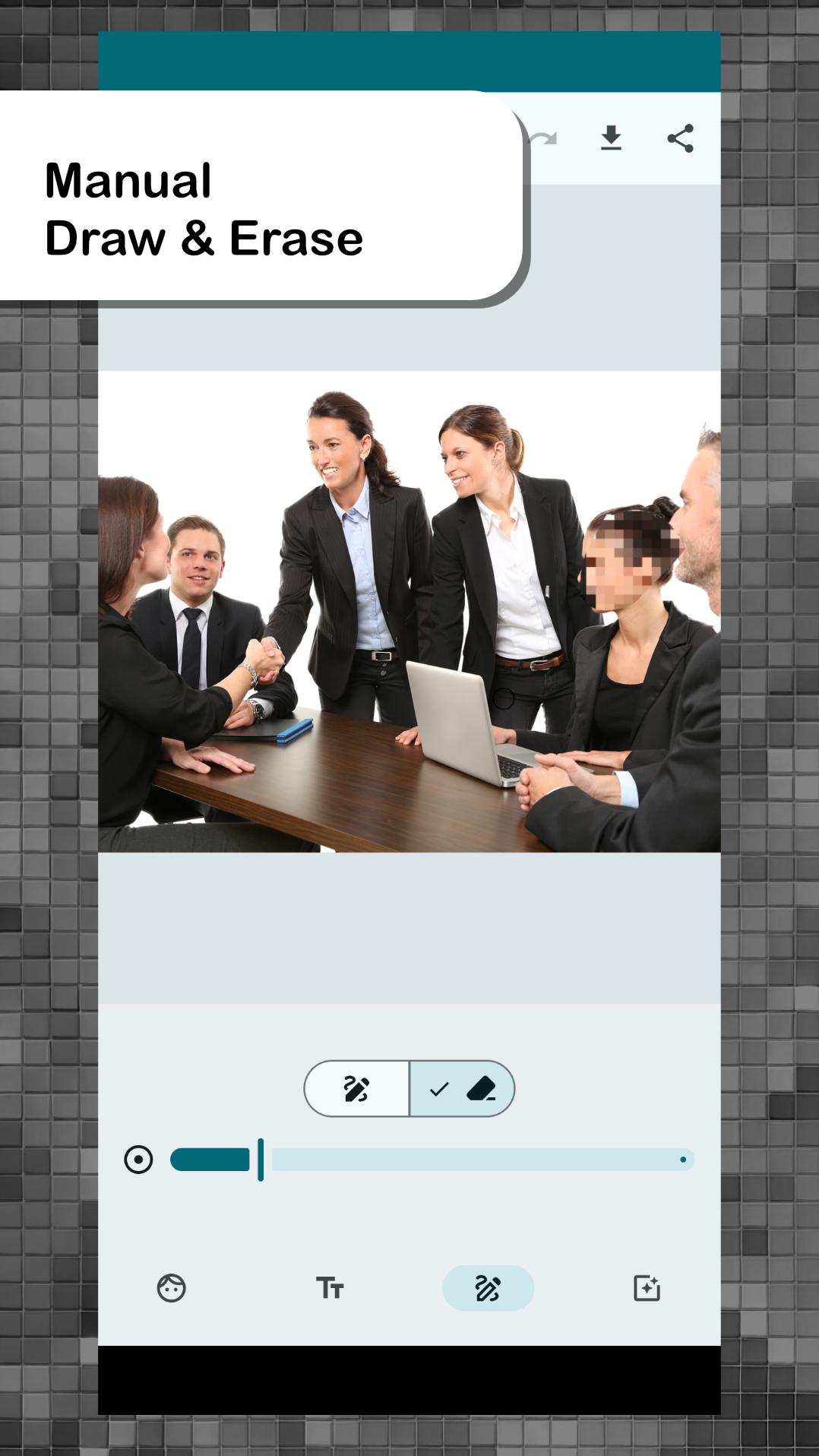
Pixelate is a photo editing app designed to enhance your privacy and security. Easily blur, pixelate, or black out texts, faces, and objects such as license plates in your photos. Whether you're creating confidential images or anonymizing individuals for sharing, Pixelate offers powerful tools to protect your privacy effortlessly.
Key Features:
- AI-powered Facial Recognition: Effortlessly obscure faces with advanced facial recognition. Simply select which faces to anonymize with a single click.
- Automatic Text Detection: Detects and segments text blocks in your images, allowing you to selectively blur or keep them visible.
- Selection of Pixelation Filters: Choose from various anonymization tools including Pixelation, Blurring, Posterization, Crosshatch, Sketch, and Blackout.
- Anonymize Before Sharing: Easily anonymize photos before sharing via messenger, email, or other apps by first opening them in Pixelate.
Upgrade to Pro for an Ad-Free Experience: Enjoy an uninterrupted editing experience with our Pro version. Make a one-time payment to remove ads and unlock additional features.
Preview
Tags
PhotographyInformation
Developer
kalisohn
Latest Version
3.0.5
Last Updated
2025-07-08
Category
Photography
Available on
Google Play
Show More
How to play Pixelate: Blur & Anonymize with GameLoop on PC
1. Download GameLoop from the official website, then run the exe file to install GameLoop
2. Open GameLoop and search for “Pixelate: Blur & Anonymize” , find Pixelate: Blur & Anonymize in the search results and click “Install”
3. Enjoy playing Pixelate: Blur & Anonymize on GameLoop
Minimum requirements
OS
Windows 8.1 64-bit or Windows 10 64-bit
GPU
GTX 1050
CPU
i3-8300
Memory
8GB RAM
Storage
1GB available space
Recommended requirements
OS
Windows 8.1 64-bit or Windows 10 64-bit
GPU
GTX 1050
CPU
i3-9320
Memory
16GB RAM
Storage
1GB available space