
Picture Editor – PixelLab PC
Digital Bytes (SMC-Private) Limited
Download Picture Editor – PixelLab on PC With GameLoop Emulator
Picture Editor – PixelLab on PC
Picture Editor – PixelLab, coming from the developer Digital Bytes (SMC-Private) Limited, is running on Android systerm in the past.
Now, You can play Picture Editor – PixelLab on PC with GameLoop smoothly.
Download it in the GameLoop library or search results. No more eyeing the battery or frustrating calls at the wrong time any more.
Just enjoy Picture Editor – PixelLab PC on the large screen for free!
Picture Editor – PixelLab Introduction
Bring your photos to life with PixelLab Photo Editor, the ultimate all-in-one photo editing app that turns ordinary pictures into stunning works of art. Whether you want to add glowing neon lights, create trendy drip effects, decorate your portraits with fantasy wings, or transform your images into retro pixel art, PixelLab makes it easy and fun to express your creativity.
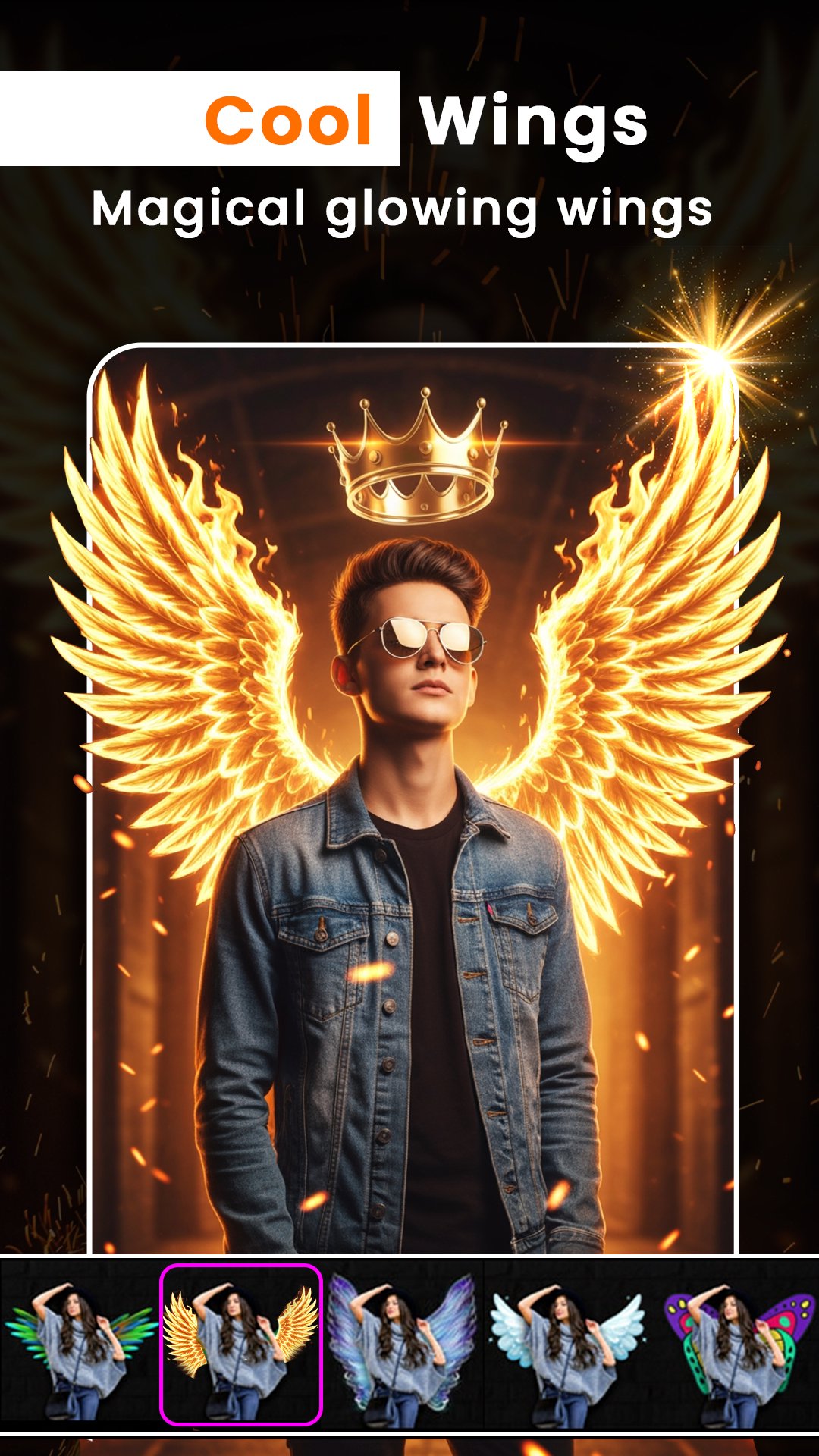
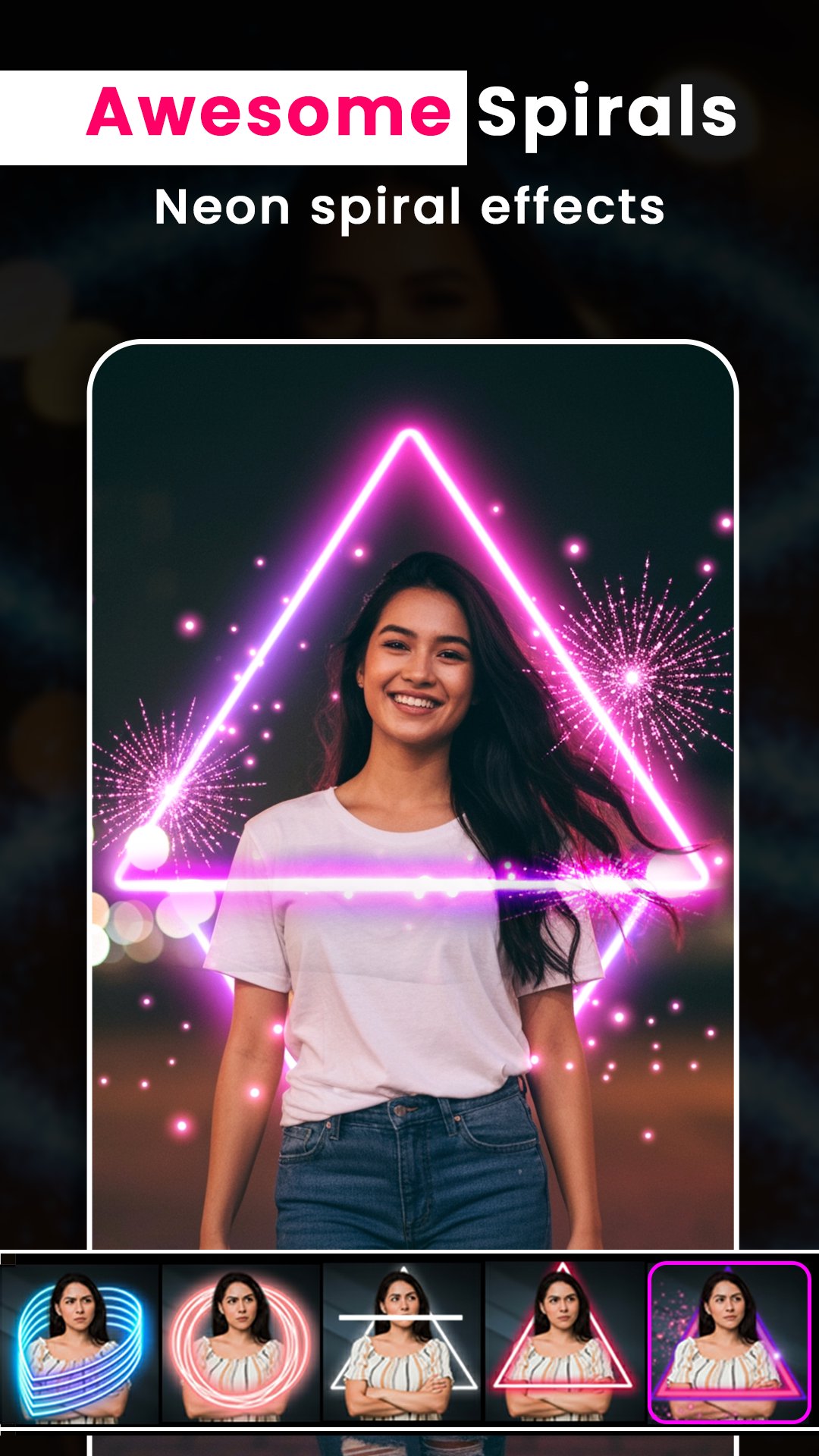
With Neon Effects and Neon Filters, your photos will shine with vibrant colors and eye-catching light effects, perfect for social media, profile pictures, or personal collections. The drip and melt effects let you give your images a stylish, artistic edge, while background blur tools help you focus on the main subject and achieve professional-looking results. Add fantasy wings, from angelic butterflies to majestic dragons, to give your photos a magical touch that stands out.
PixelLab Photo Editor is designed for ease of use and creativity. Its intuitive editor allows you to enhance, decorate, and transform your photos with just a few taps, all while preserving high-quality output. Whether you’re editing for social media, creating profile pictures, or simply having fun, PixelLab provides all the tools you need in one powerful, free app.
Perfect for photographers, content creators, or anyone who loves photo effects, neon edits, drip art, fantasy edits, and creative photo transformations, PixelLab Photo Editor lets you unleash your imagination. Share your creations instantly with friends, family, or followers and watch your photos turn into attention-grabbing works of art.
Pixel Lab photo editor adding stylish text, 3D texts, shapes, stickers & drawing on top of your picture has never been easier. With a simple and clean interface that lets you focus on whatever you're doing, a wide selection of presets, fonts, stickers and backgrounds that you can customize from your phone or tablet. Beautify your photos and selfies, wrap them up with the best Pixel Effect and make the moments of happiness unforgettable.
Download PixelLab Photo Editor today and start creating vibrant, magical, and professional-looking photos that will impress everyone. With endless possibilities and effects at your fingertips, every photo becomes a masterpiece!
If you have any problems or suggestions, feel free to let us know. Email: digitalbytespvtltd@gmail.com
Preview
Tags
PhotographyInformation
Developer
Digital Bytes (SMC-Private) Limited
Latest Version
1.9
Last Updated
2026-03-14
Category
Photography
Available on
Google Play
Show More
How to play Picture Editor – PixelLab with GameLoop on PC
1. Download GameLoop from the official website, then run the exe file to install GameLoop
2. Open GameLoop and search for “Picture Editor – PixelLab” , find Picture Editor – PixelLab in the search results and click “Install”
3. Enjoy playing Picture Editor – PixelLab on GameLoop
Minimum requirements
OS
Windows 8.1 64-bit or Windows 10 64-bit
GPU
GTX 1050
CPU
i3-8300
Memory
8GB RAM
Storage
1GB available space
Recommended requirements
OS
Windows 8.1 64-bit or Windows 10 64-bit
GPU
GTX 1050
CPU
i3-9320
Memory
16GB RAM
Storage
1GB available space