
Photo To AI Silhouette Maker PC
Csmartworld
Download Photo To AI Silhouette Maker on PC With GameLoop Emulator
Photo To AI Silhouette Maker on PC
Photo To AI Silhouette Maker, coming from the developer Csmartworld, is running on Android systerm in the past.
Now, You can play Photo To AI Silhouette Maker on PC with GameLoop smoothly.
Download it in the GameLoop library or search results. No more eyeing the battery or frustrating calls at the wrong time any more.
Just enjoy Photo To AI Silhouette Maker PC on the large screen for free!
Photo To AI Silhouette Maker Introduction
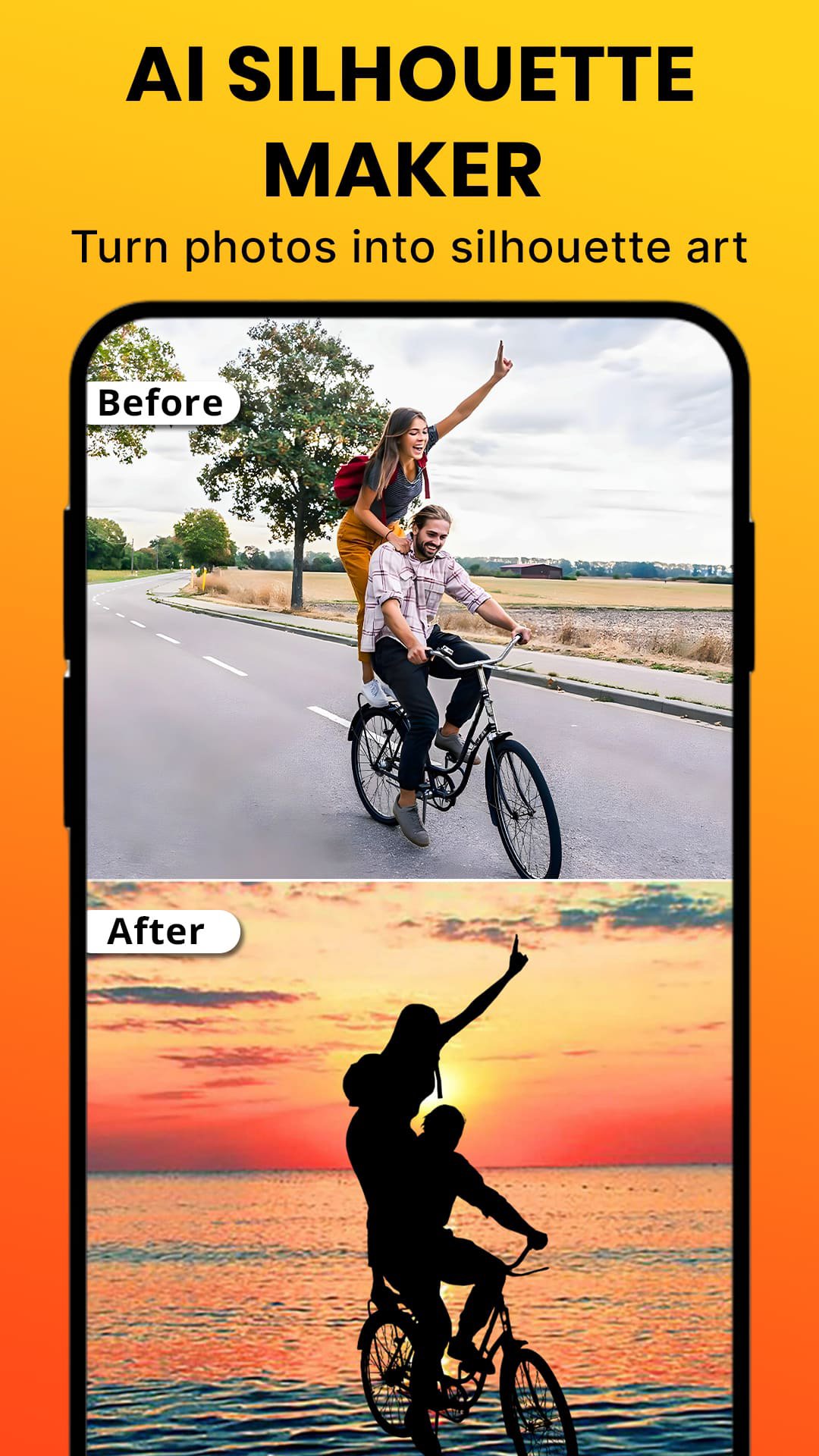
Photo to Silhouette Maker – AI Silhouette Creator
Turn your photos into clean, professional silhouette art in seconds.
Photo to Silhouette Maker is an AI-powered silhouette app that helps you create sharp, artistic silhouettes without manual editing. Just choose a photo and the app intellige ntly detects the subject, processes the background, and transforms your image into a beautiful silhouette—ideal for posters, profile pictures, minimalist art, and social media.
Why Choose Photo to Silhouette Maker?
✔ AI Silhouette Creation
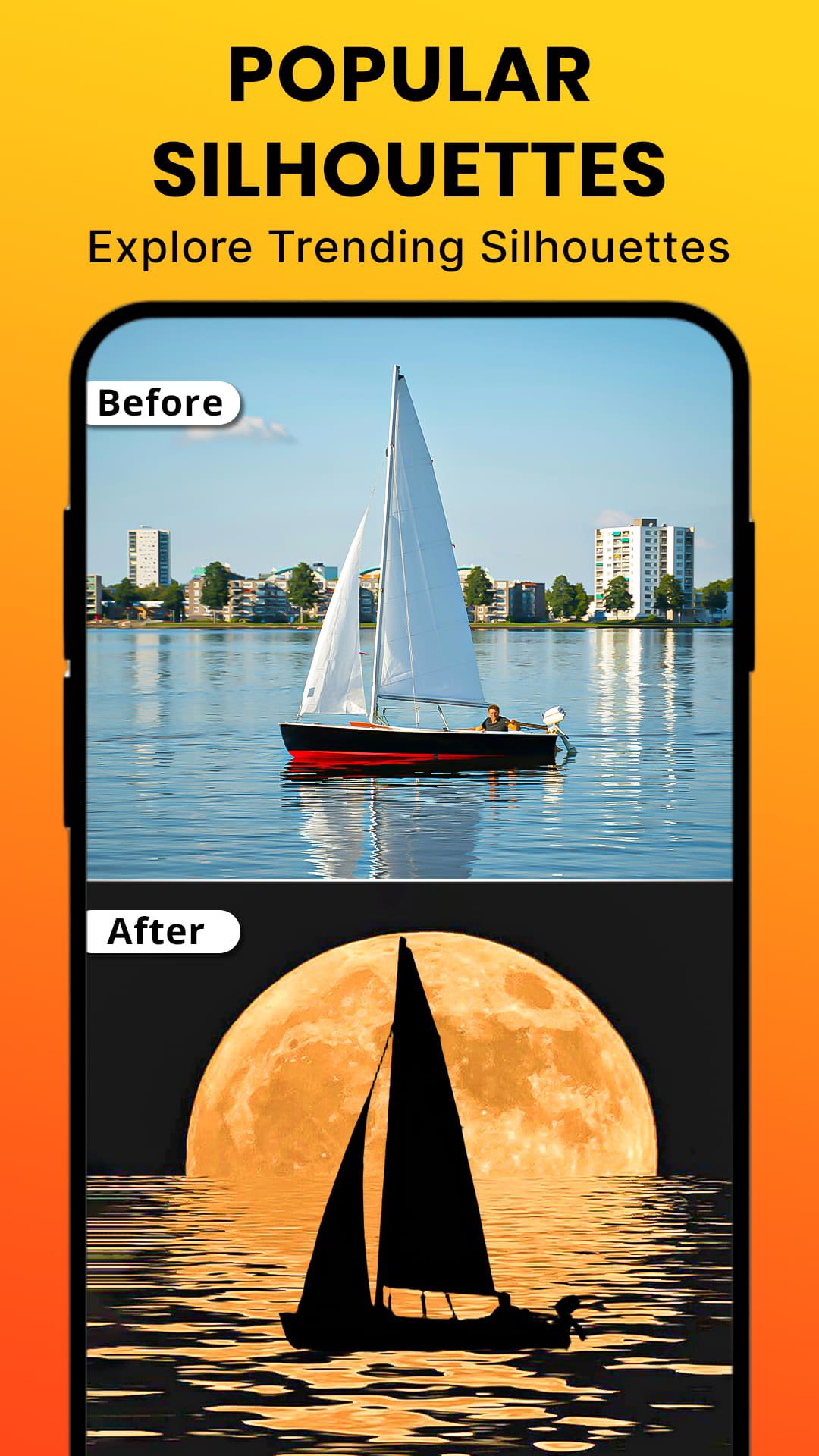
Advanced AI accurately detects people, animals, and objects to generate smooth, well-defined silhouettes.
✔ Smart Background Processing
Unwanted background elements are automatically handled to produce clean silhouette shapes with clear edges.
✔ Multiple Silhouette Styles
Create classic black silhouettes, neon silhouettes, and artistic variations using effects and filters, including double exposure style effects.
✔ Creative Background Collections
Choose from nature, gradient, color, and artistic backgrounds to enhance your silhouette designs.
✔ Text & Typography Tools
Add names, quotes, or captions to design posters and share-ready artwork.
✔ Fast, Simple & Beginner-Friendly
No design skills required. Create high-quality silhouettes in just a few taps.
Key Features
• Photo to silhouette converter app
• AI-powered silhouette maker
• Clean-edge silhouette generation
• Neon silhouette effects
• Double exposure style effects
• Artistic filters & effects
• Text editor for images
• High-resolution save & export
• One-tap social sharing
Perfect For
• Profile pictures & display photos
• Human, animal & object silhouettes
• Posters, banners & creative designs
• Minimalist art & wallpapers
• Social media posts & stories
Create girl silhouette, man silhouette, dog silhouette, wolf silhouette, tree silhouette, palm silhouette, and more effortlessly.
Save & Share Instantly
Export your silhouette artwork in high quality and share it directly on Instagram, WhatsApp, Facebook, Twitter, and other platforms.
Download Photo to Silhouette Maker today
Create stunning silhouette art with AI—simple, fast, and beautifully clean.
Preview
Tags
PhotographyInformation
Developer
Csmartworld
Latest Version
9.5
Last Updated
2026-09-30
Category
Photography
Available on
Google Play
Show More
How to play Photo To AI Silhouette Maker with GameLoop on PC
1. Download GameLoop from the official website, then run the exe file to install GameLoop
2. Open GameLoop and search for “Photo To AI Silhouette Maker” , find Photo To AI Silhouette Maker in the search results and click “Install”
3. Enjoy playing Photo To AI Silhouette Maker on GameLoop
Minimum requirements
OS
Windows 8.1 64-bit or Windows 10 64-bit
GPU
GTX 1050
CPU
i3-8300
Memory
8GB RAM
Storage
1GB available space
Recommended requirements
OS
Windows 8.1 64-bit or Windows 10 64-bit
GPU
GTX 1050
CPU
i3-9320
Memory
16GB RAM
Storage
1GB available space