
Photo Grid - Editor & Collage PC
MerinGo
Download Photo Grid - Editor & Collage on PC With GameLoop Emulator
Photo Grid - Editor & Collage on PC
Photo Grid - Editor & Collage, coming from the developer MerinGo, is running on Android systerm in the past.
Now, You can play Photo Grid - Editor & Collage on PC with GameLoop smoothly.
Download it in the GameLoop library or search results. No more eyeing the battery or frustrating calls at the wrong time any more.
Just enjoy Photo Grid - Editor & Collage PC on the large screen for free!
Photo Grid - Editor & Collage Introduction
🥇Highlights
● 20,000+ Collage Template
● 1,000+ Text Style and Fonts
● 100+ Free Color
💖 Why you need PhotoGrid?
● Create memory collages with ease?It's packed with features like Grid, Scrapbook, Template and more!
● Create amazing social media content?We have the photo & video editor all in one.
● Grow a new business?This is the best tool to create stunning images for social media, like Instagram posts and stories, Facebook posts, banners and covers, YouTube thumbnails, and Pinterest collections.Feature Highlights
✨The most complete collage app
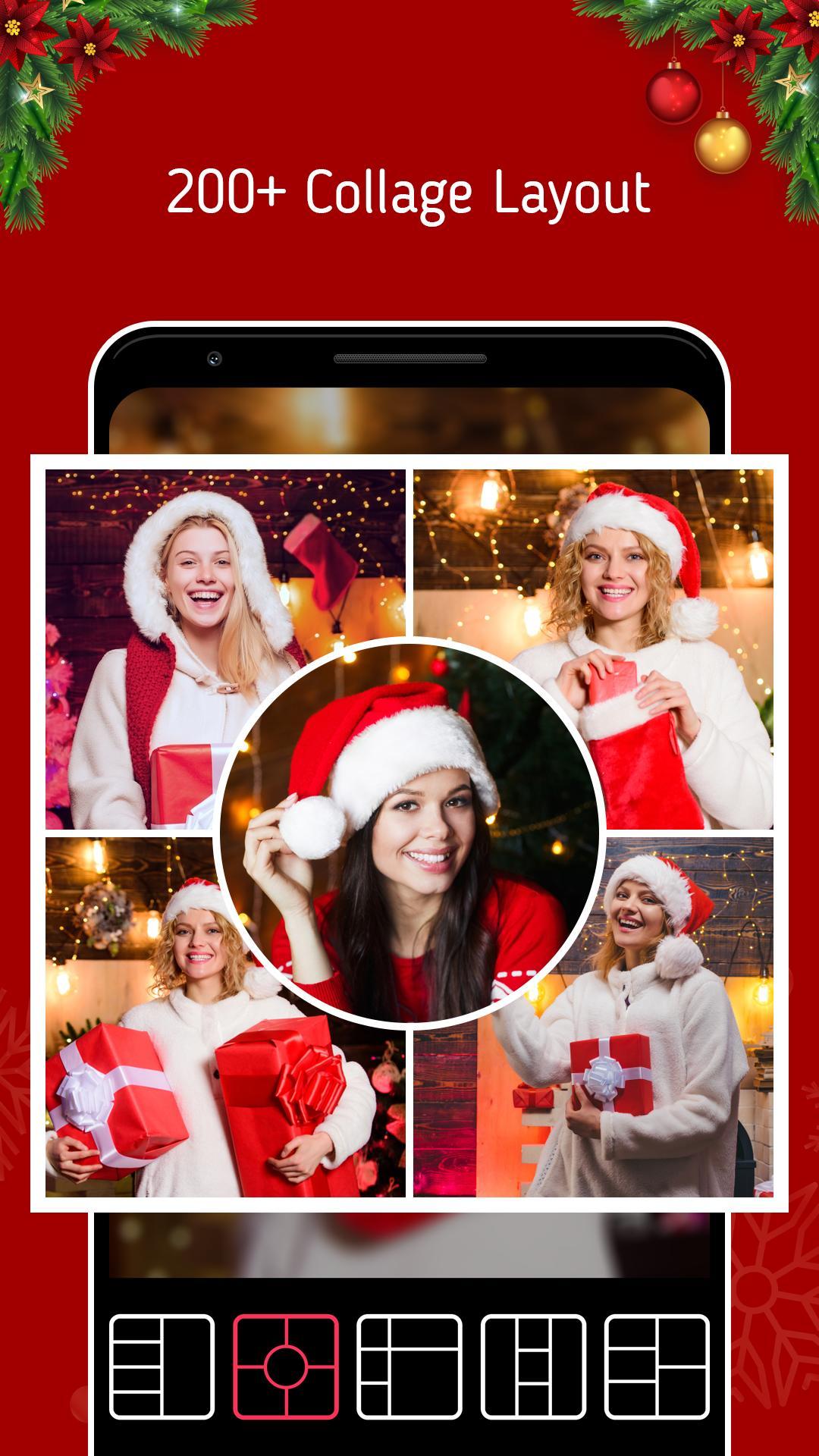
● 20,000+ different collage templates. Re-mix up to 16 of your photos at a time to create fun, personalized layouts and collages.
● Design your own photo creations! Make beautiful filmstrip and cool photo stitches!
● You can also personalize your own scrapbook with freestyle pic stitches! Happy scrapbooking!
🌟 Powerful photo editor
● Crop, rotate, resize, blur and beautify your photos easily, you can even frame your images in Instagram's 1:1 aspect ratio!
● Add stickers, text, backgrounds, graffiti, boarders, and mosaic, or adjust the brightness, contrast, saturation, and layout of your photos!
● Convert a raw photo into a powerful image all in one app. You can also customize templates to suit your needs!
🎬 Video Editor & Video Grid Maker
● Combine photos and videos to make video grids.
● Best Instagram video and photo editor, add blurred backgrounds without cropping them or adding unexpected watermarks!
● Add music and other effects to videos to post on Instagram. Merge, trim videos and apply video effects. A professional photo editor with the collage maker.
🏆 Other popular editing tools
● Edit: Crop, ratio, text fonts, blur, frame, mosaic, and the list goes on.
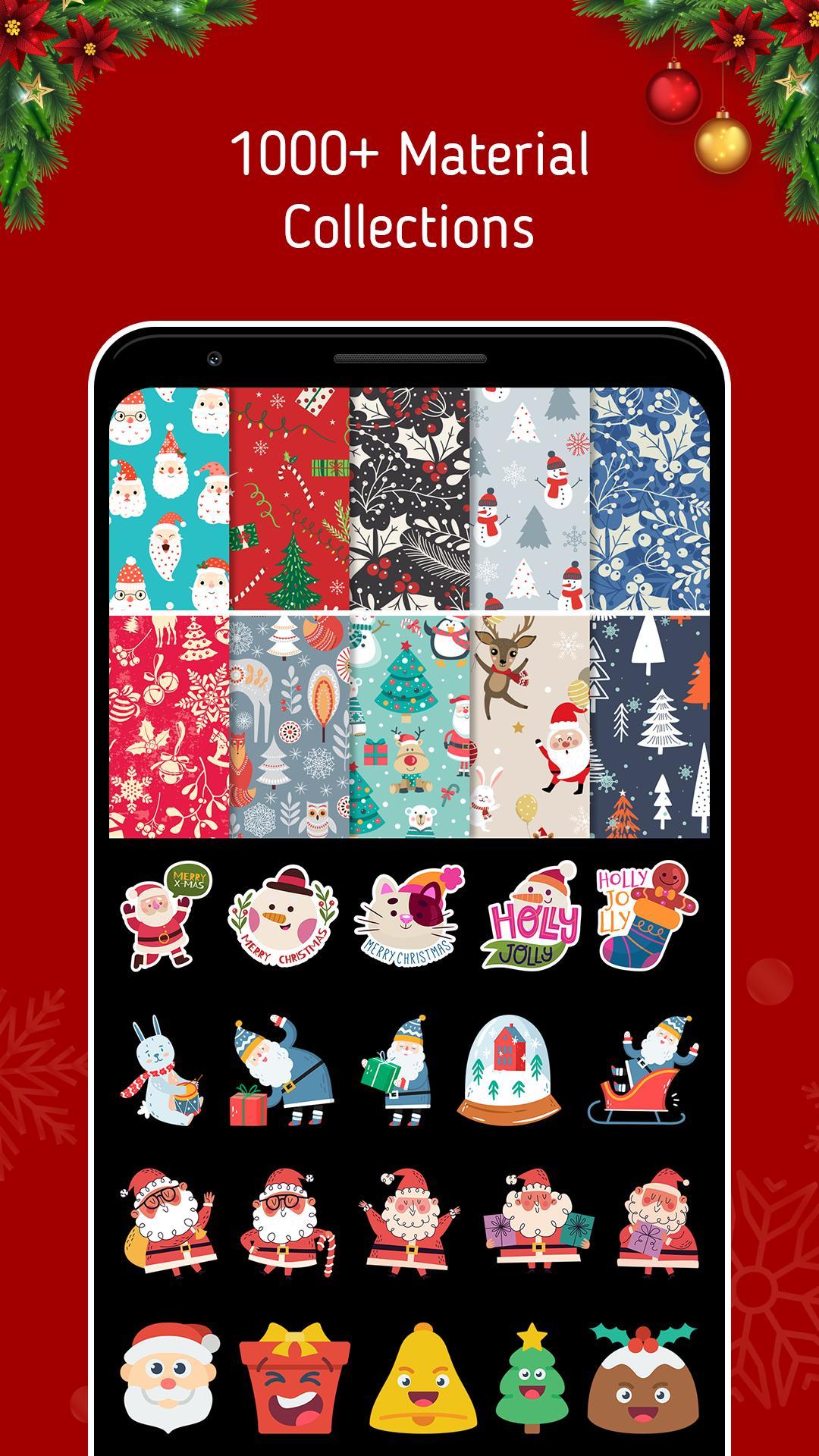
● Stickers: Personalize your photo collage with 500+ stickers and cute emojis.
● Backgrounds: 90+ varieties of backgrounds
Preview
Tags
PhotographyInformation
Developer
MerinGo
Latest Version
1.0
Last Updated
2022-12-24
Category
Photography
Available on
Google Play
Show More
How to play Photo Grid - Editor & Collage with GameLoop on PC
1. Download GameLoop from the official website, then run the exe file to install GameLoop
2. Open GameLoop and search for “Photo Grid - Editor & Collage” , find Photo Grid - Editor & Collage in the search results and click “Install”
3. Enjoy playing Photo Grid - Editor & Collage on GameLoop
Minimum requirements
OS
Windows 8.1 64-bit or Windows 10 64-bit
GPU
GTX 1050
CPU
i3-8300
Memory
8GB RAM
Storage
1GB available space
Recommended requirements
OS
Windows 8.1 64-bit or Windows 10 64-bit
GPU
GTX 1050
CPU
i3-9320
Memory
16GB RAM
Storage
1GB available space