
Photo editing: Travel anywhere PC
G3 Studio
Download Photo editing: Travel anywhere on PC With GameLoop Emulator
Photo editing: Travel anywhere on PC
Photo editing: Travel anywhere, coming from the developer G3 Studio, is running on Android systerm in the past.
Now, You can play Photo editing: Travel anywhere on PC with GameLoop smoothly.
Download it in the GameLoop library or search results. No more eyeing the battery or frustrating calls at the wrong time any more.
Just enjoy Photo editing: Travel anywhere PC on the large screen for free!
Photo editing: Travel anywhere Introduction
In the current era of the technology boom, having a lot of likes on social networks has brought a certain joy to each person. Highlight your photos with this Photo editing: Travel anywhere for travel collages and start your magical journey of creating lovely and inspiring photos.
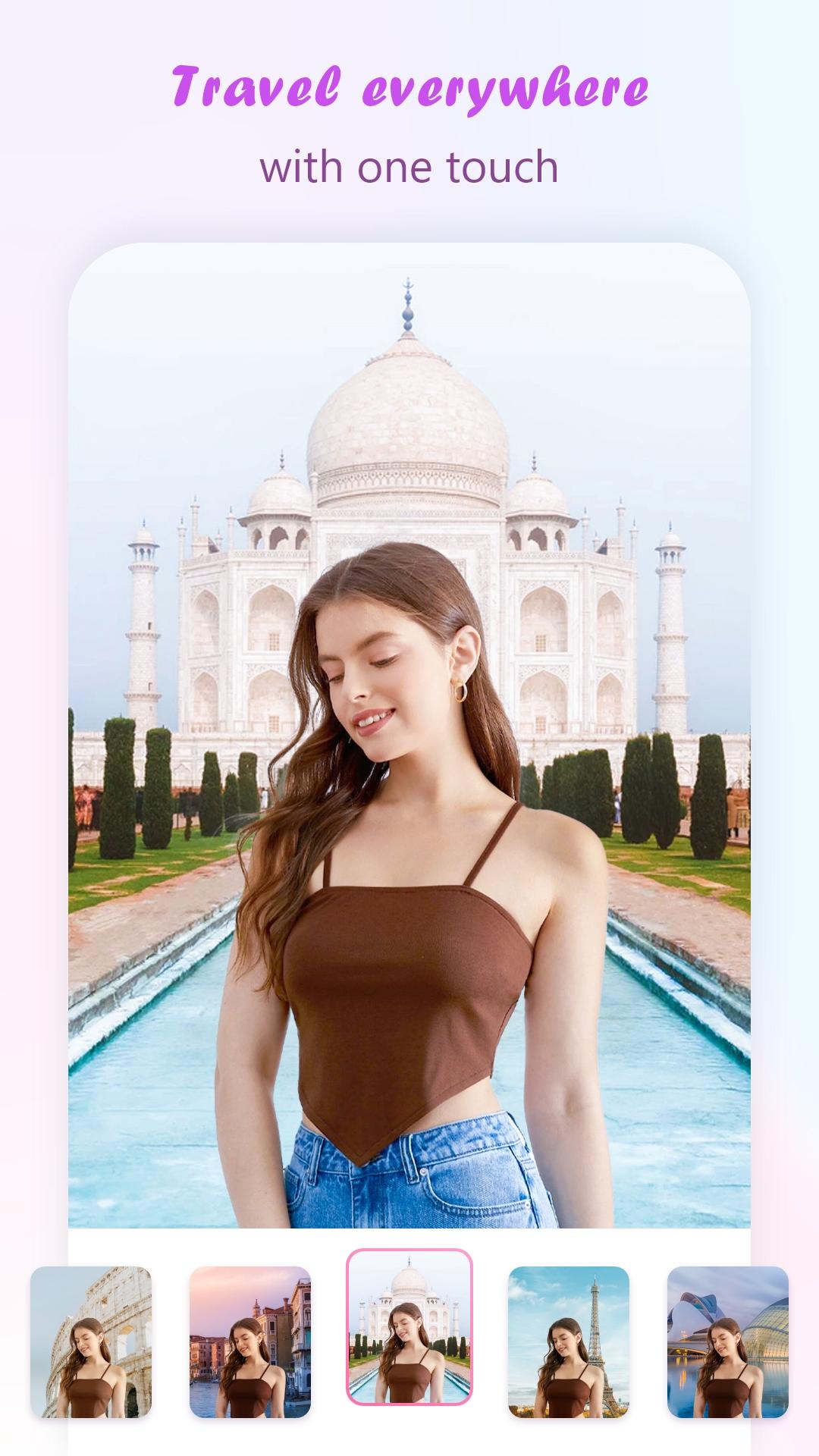
With Photo editing: Travel anywhere application, you can enhance your photos of travel moments with world-famous tourist and sightseeing landmarks to make the photo more unique. You can edit your images with different views of a place and nature, and turn your photos into real works of art.
Main features:
- Change the frame with +9999 famous landmarks in the world for virtual photo collage
- Photo editing effects toolkit
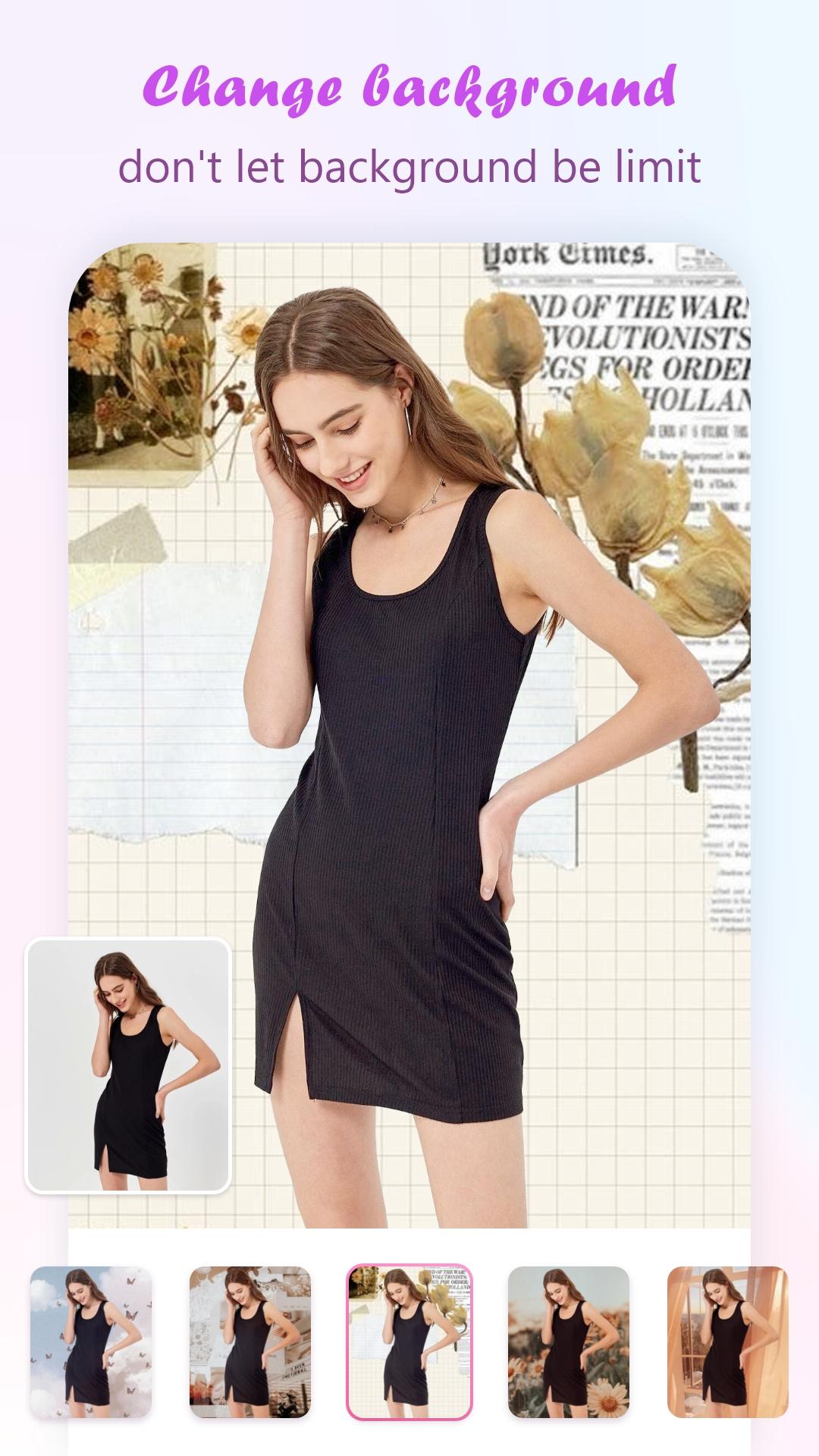
- Edit colors, clouds and change the sky background
- Text & sticker adder will change the image to more attractive
- Automatic photo filters
- Create travel photos and stitch them into a story
- You can Rotate, scale, zoom in, zoom out or drag the photo to fit the frame as you like
- You can save and share your photo via social network
User manual app Photo editing: Travel anywhere
Step 1: Install Photo editing: Travel anywhere
Step 2: Open the application and follow the instructions of the application
Step 3: Select photos from Mobile Gallery or take new ones
Step 4: Apply your favorite Effect on the photo of your choice
Step 5: Choose the place you want to visit and collage a photo
Tip: Choose a photo of yourself, the background is not many people, the photo is not too bright to create a photo of the best moment.
Step 6: Apply many filters, text styles & cute stickers to it
Step 7: Save or share your work via social networks with friends and family
We always listen to your feedback, we appreciate your rating and comments to improve and make it better.
Preview
Tags
PhotographyInformation
Developer
G3 Studio
Latest Version
10.0
Last Updated
2023-11-06
Category
Photography
Available on
Google Play
Show More
How to play Photo editing: Travel anywhere with GameLoop on PC
1. Download GameLoop from the official website, then run the exe file to install GameLoop
2. Open GameLoop and search for “Photo editing: Travel anywhere” , find Photo editing: Travel anywhere in the search results and click “Install”
3. Enjoy playing Photo editing: Travel anywhere on GameLoop
Minimum requirements
OS
Windows 8.1 64-bit or Windows 10 64-bit
GPU
GTX 1050
CPU
i3-8300
Memory
8GB RAM
Storage
1GB available space
Recommended requirements
OS
Windows 8.1 64-bit or Windows 10 64-bit
GPU
GTX 1050
CPU
i3-9320
Memory
16GB RAM
Storage
1GB available space