Passport size photo app PC
Mobso Apps
Download Passport size photo app on PC With GameLoop Emulator
Passport size photo app on PC
Passport size photo app, coming from the developer Mobso Apps, is running on Android systerm in the past.
Now, You can play Passport size photo app on PC with GameLoop smoothly.
Download it in the GameLoop library or search results. No more eyeing the battery or frustrating calls at the wrong time any more.
Just enjoy Passport size photo app PC on the large screen for free!
Passport size photo app Introduction
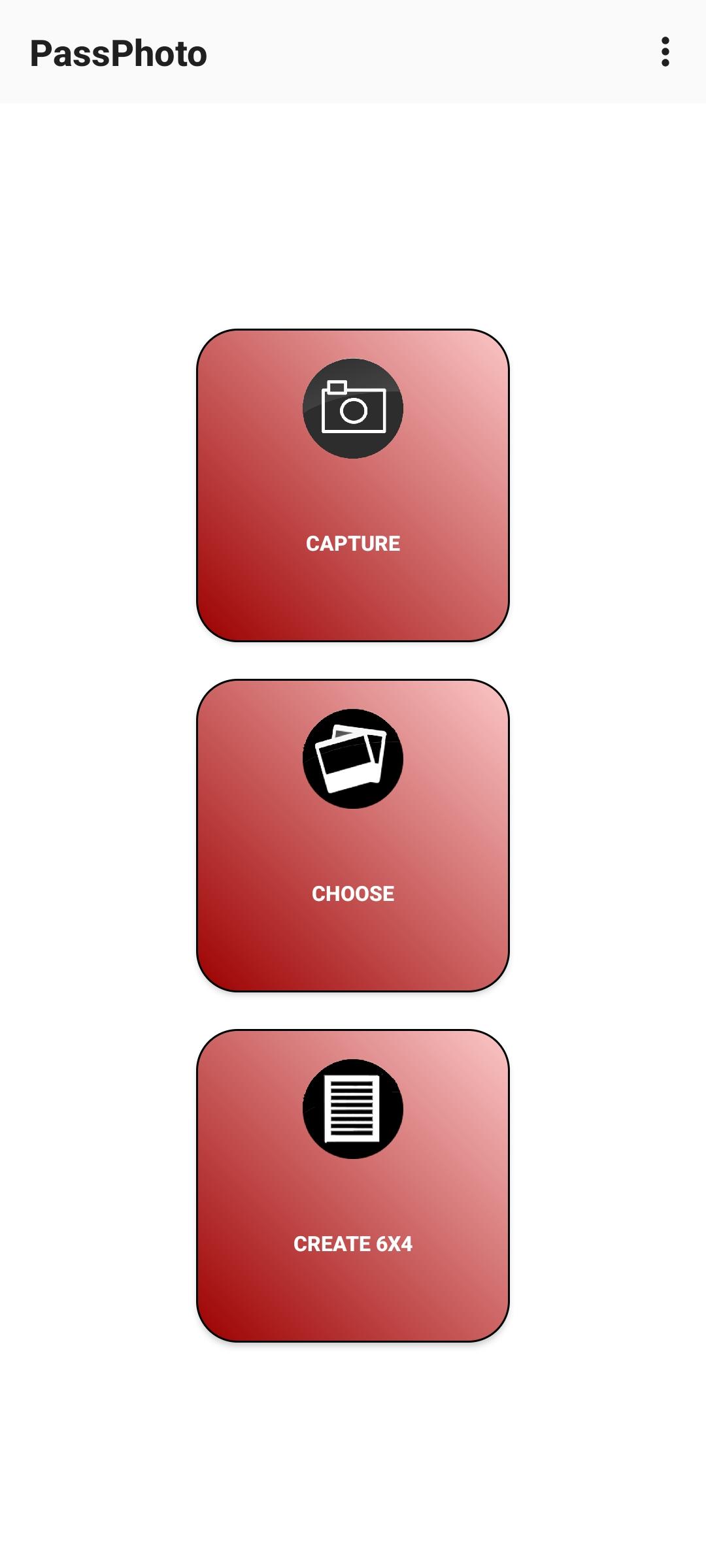
PassPhoto helps you to make passport size photos in required height, width dimensions and file size.
* Change background colour of passport size photo.
* Re-size images passport photos,signatures,scanned copies of certificates etc.
* Create 6x4 inch print format.
Audience:
PassPhoto can be used by those applying to different recruitment examinations, jobs, entrance examinations etc. that necessitate online submission of passport size photos, signature and similar documents in digital format. You can Create/Re-size such materials into dimensions and file sizes accurately.
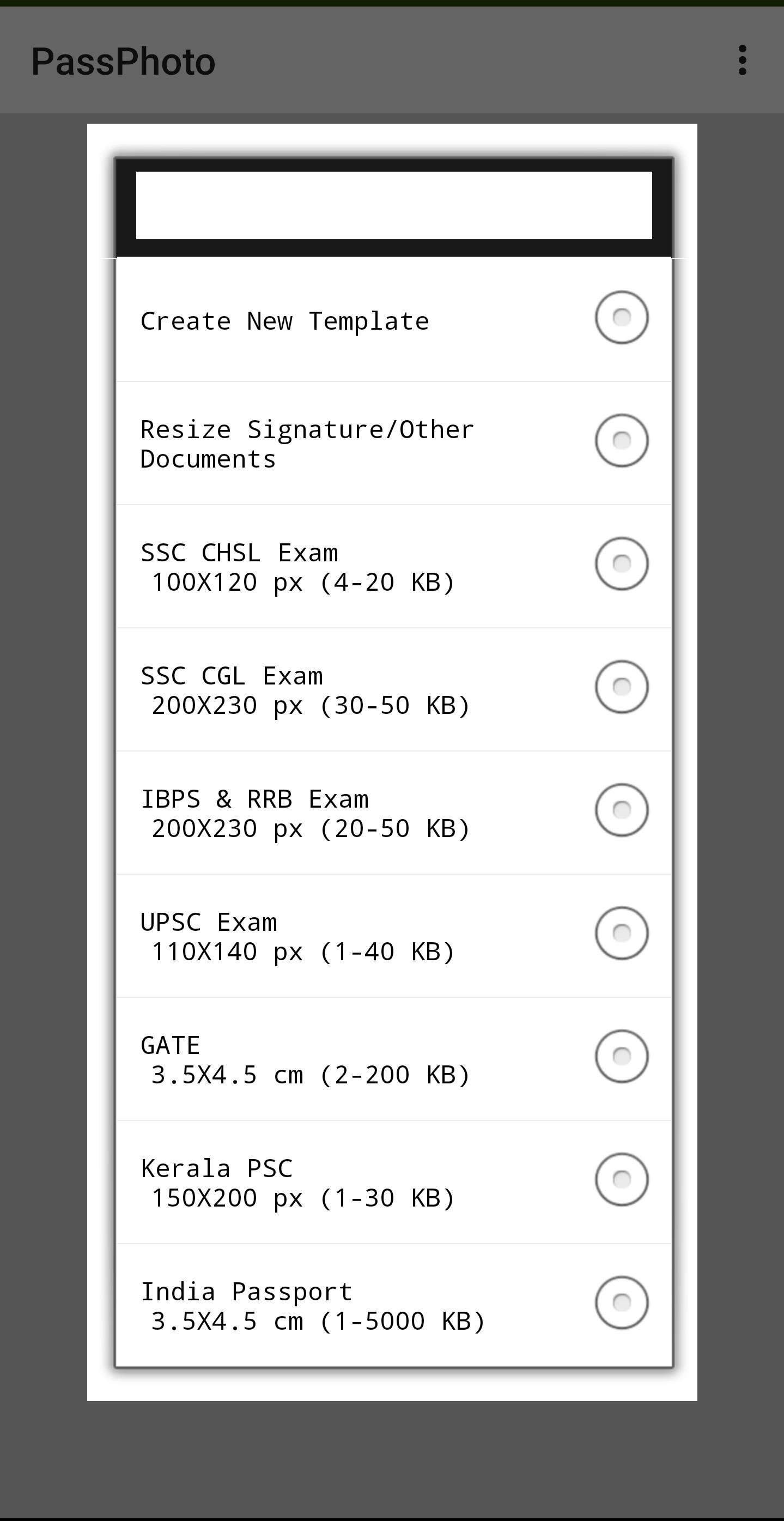
i.e FOR CANDIDATES applying to UPSC, IBPS, SSC, RBI, KERALA PSC etc.
Features:
1. Create/re-size photos according to width, height, minimum file size & maximum file size
2. Add name & date. (Kerala PSC)
3. Re-size signatures or other documents according to width, height, minimum file size & maximum file size.
4. Crop, Rotate, Flip.
5. Adjust brightness & contrast.
6. Create 6x4 inch layouts for printing passport size photos.(only for 3.5 x 4.5 cms )
7. Create new template where you can enter width,height,max size & min size.
8. Change Background.
Important:
Make sure that you stand before a light plain background or a wall when taking photo.
Avoid using low resolution cameras to ensure picture quality.
You can add new dimensions by choosing "Create New Template".
** Note: The app developer is not associated or affiliated with IBPS, UPSC, SSC, RBI or any other institutions conducting such exams **
Preview
Tags
PhotographyInformation
Developer
Mobso Apps
Latest Version
11
Last Updated
2025-09-09
Category
Photography
Available on
Google Play
Show More
How to play Passport size photo app with GameLoop on PC
1. Download GameLoop from the official website, then run the exe file to install GameLoop
2. Open GameLoop and search for “Passport size photo app” , find Passport size photo app in the search results and click “Install”
3. Enjoy playing Passport size photo app on GameLoop
Minimum requirements
OS
Windows 8.1 64-bit or Windows 10 64-bit
GPU
GTX 1050
CPU
i3-8300
Memory
8GB RAM
Storage
1GB available space
Recommended requirements
OS
Windows 8.1 64-bit or Windows 10 64-bit
GPU
GTX 1050
CPU
i3-9320
Memory
16GB RAM
Storage
1GB available space