Necklace Photo Editor PC
clickheroapps
Download Necklace Photo Editor on PC With GameLoop Emulator
Necklace Photo Editor on PC
Necklace Photo Editor, coming from the developer clickheroapps, is running on Android systerm in the past.
Now, You can play Necklace Photo Editor on PC with GameLoop smoothly.
Download it in the GameLoop library or search results. No more eyeing the battery or frustrating calls at the wrong time any more.
Just enjoy Necklace Photo Editor PC on the large screen for free!
Necklace Photo Editor Introduction
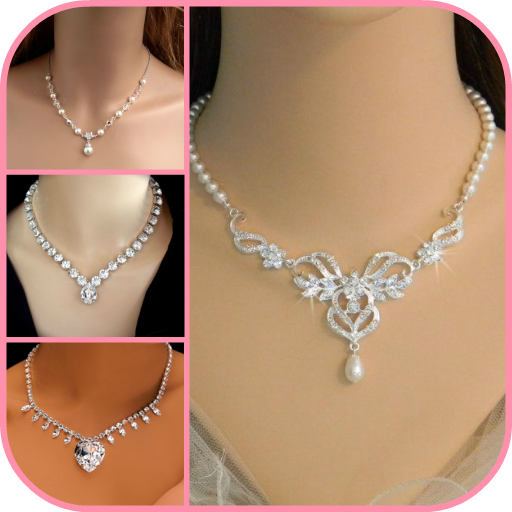
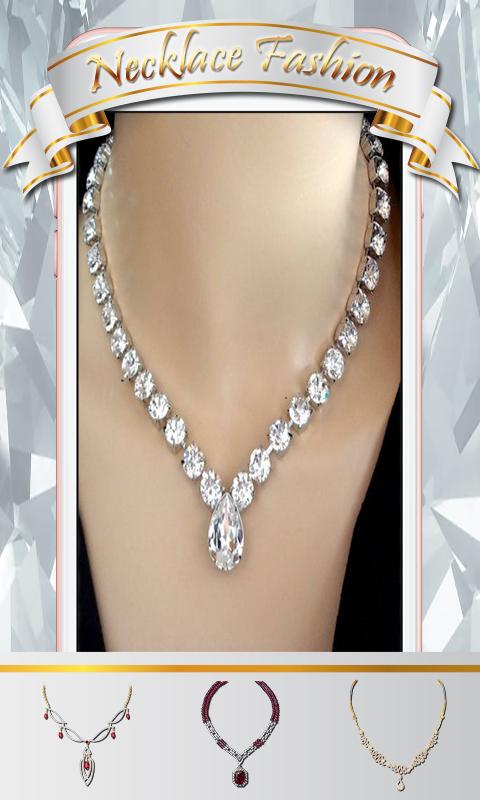
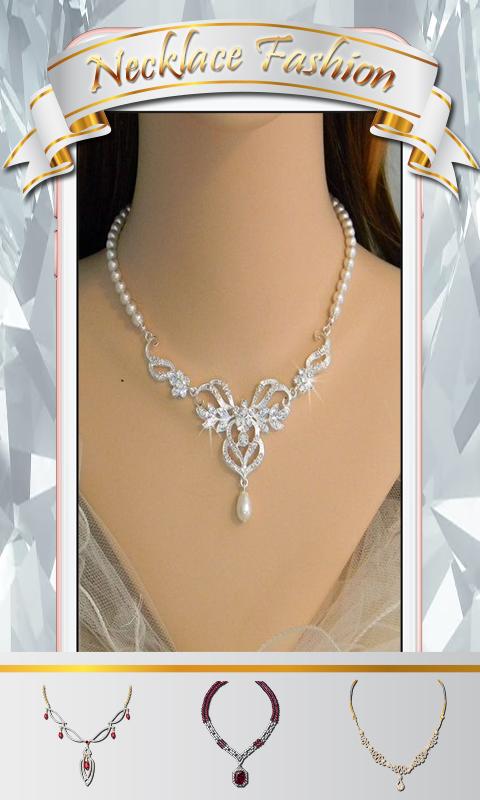
Take a look and have a go with this Necklace Photo Editor here in the play store! Make, create and design your own look with this simple and wonderful app. Now take a tour into the image collection library; choose your favorite necklace accessories from the library and placing it on your pictures. Experiment and try out all the necklace accessories which is available for you and be creative with your work of art.
Make a dazzling beauty and great stylish photo with necklace accessories and share them on your social media friend.
What interesting about the necklace accessories app key features:
❤Easy to use.
❤Friendly user interface.
❤Latest fashioned, and astonishing collection
❤Collection over 50 HD quality necklace accessories designs and style.
❤Select a photo from the gallery or take photos using the phone's camera.
❤Wide range of styles and different templates for any picture.
❤Scale, zoom and move your gallery picture for a perfect fit within the template.
❤Choose your favorite necklace accessories and see the photo effects.
❤Share your creations via WhatsApp, Flickr, Facebook, Picasa, Twitter, Instagram, Skype and other social networks.
Download necklace accessories now and enjoy using this photo making app with awesome designs and pose. Make a move and have fun doing your awesome photos.
Preview
Tags
PhotographyInformation
Developer
clickheroapps
Latest Version
1.1.2
Last Updated
2019-07-24
Category
Photography
Available on
Google Play
Show More
How to play Necklace Photo Editor with GameLoop on PC
1. Download GameLoop from the official website, then run the exe file to install GameLoop
2. Open GameLoop and search for “Necklace Photo Editor” , find Necklace Photo Editor in the search results and click “Install”
3. Enjoy playing Necklace Photo Editor on GameLoop
Minimum requirements
OS
Windows 8.1 64-bit or Windows 10 64-bit
GPU
GTX 1050
CPU
i3-8300
Memory
8GB RAM
Storage
1GB available space
Recommended requirements
OS
Windows 8.1 64-bit or Windows 10 64-bit
GPU
GTX 1050
CPU
i3-9320
Memory
16GB RAM
Storage
1GB available space