
Magnifying Zoom HD Microscope PC
fulls
Download Magnifying Zoom HD Microscope on PC With GameLoop Emulator
Magnifying Zoom HD Microscope on PC
Magnifying Zoom HD Microscope , coming from the developer fulls, is running on Android systerm in the past.
Now, You can play Magnifying Zoom HD Microscope on PC with GameLoop smoothly.
Download it in the GameLoop library or search results. No more eyeing the battery or frustrating calls at the wrong time any more.
Just enjoy Magnifying Zoom HD Microscope PC on the large screen for free!
Magnifying Zoom HD Microscope Introduction
Highly magnified images are usually blurry and shaking. No more poor quality images with this magnifier.This application offers an unmatchable image stabilization (IS) capability.
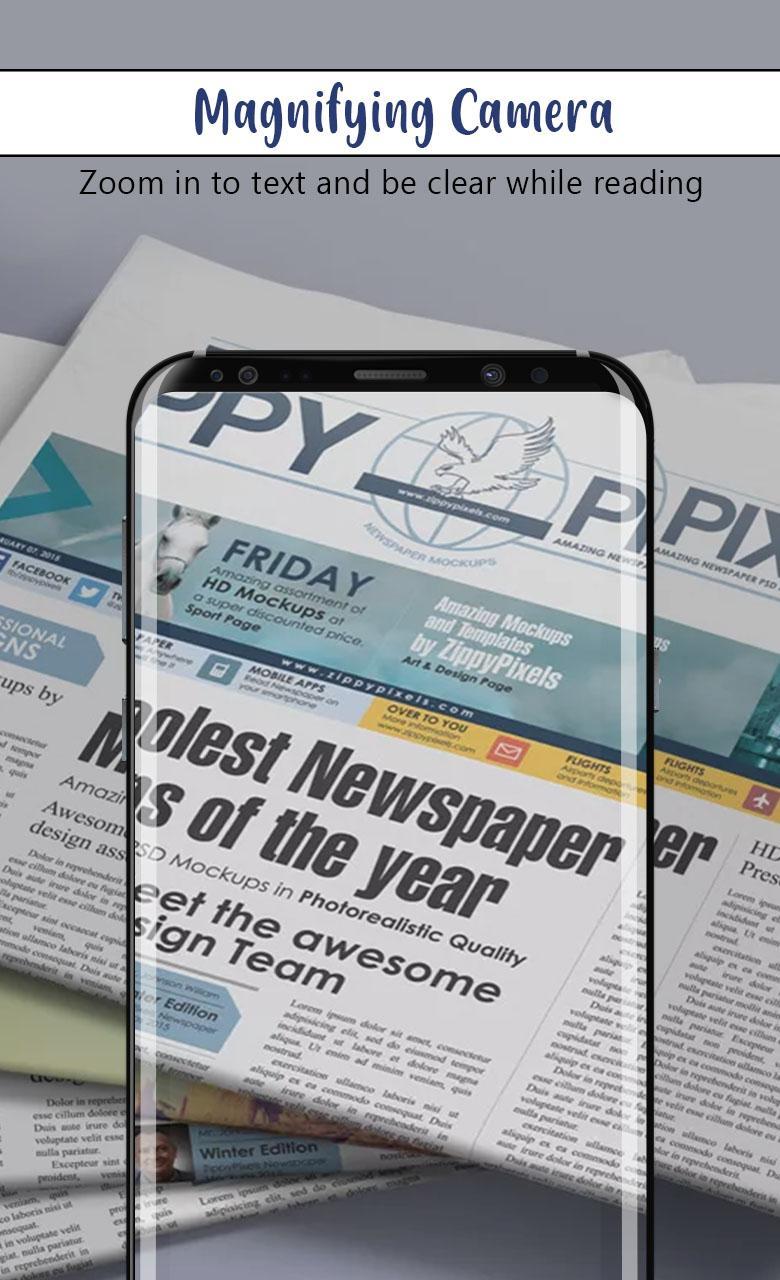
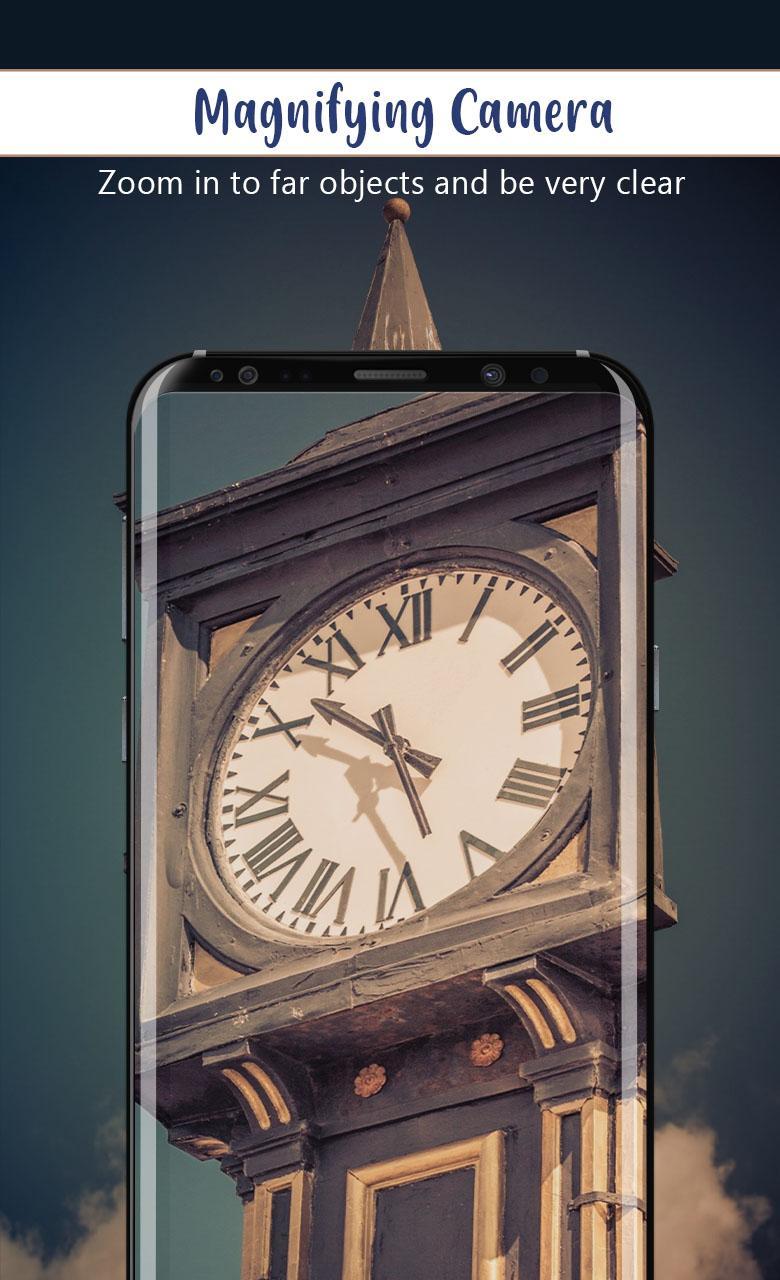
From understanding small texts at a near distance to looking at signs from far away, Magnifying Zoom HD Microscope Camera is the app for seeing things better and clearer.
Place your smart-phone camera close to small objects and use the device as a microscope. You can see something very small that even normally sighted people can't see.
Have you ever been caught in a situation where you’re trying to read the small print on something but ain’t able to read?
Use it to get clearer visibility of an object or text, restaurant menu, medicine bottles label, bank notes, medical prescriptions, visiting cards, serial numbers on device's back, newspapers, grocery bills, text on packets, serial numbers, address, road signs, tag lines and book text in any low light situations.
Let the best magnifying glass app with a flashlight (LED Torch Light) handle all your fine print reading needs. Simply turn on the app and watch as it autofocuses the text while providing you the ability to zoom in/out further.
Use it as a replacement for your microscope, magnifier, magnifying glass, monocular, Zoom camera with amazing image processing and super zooming features.
Features:
- Large and highly visible buttons.
- Freeze images at high resolution for examining details.
- Easy to use either with one hand or two hands.
- Built-in flashlight support.
- Select a target for focus and exposure control.
- Inverted black-and-white image mode.
- Magnify Zoom from 1X to 8X.
- Save Captured Pictures In Library
Download our all-in-one magnifying glass, flashlight, and camera snapshot app and you’ll be able to read even the tiniest print clearly.
Preview
Tags
PhotographyInformation
Developer
fulls
Latest Version
1.0
Last Updated
2020-06-23
Category
Photography
Available on
Google Play
Show More
How to play Magnifying Zoom HD Microscope with GameLoop on PC
1. Download GameLoop from the official website, then run the exe file to install GameLoop
2. Open GameLoop and search for “Magnifying Zoom HD Microscope ” , find Magnifying Zoom HD Microscope in the search results and click “Install”
3. Enjoy playing Magnifying Zoom HD Microscope on GameLoop
Minimum requirements
OS
Windows 8.1 64-bit or Windows 10 64-bit
GPU
GTX 1050
CPU
i3-8300
Memory
8GB RAM
Storage
1GB available space
Recommended requirements
OS
Windows 8.1 64-bit or Windows 10 64-bit
GPU
GTX 1050
CPU
i3-9320
Memory
16GB RAM
Storage
1GB available space