Horror Photo Editor and Effect PC
Subhas App Studio
Download Horror Photo Editor and Effect on PC With GameLoop Emulator
Horror Photo Editor and Effect on PC
Horror Photo Editor and Effect, coming from the developer Subhas App Studio, is running on Android systerm in the past.
Now, You can play Horror Photo Editor and Effect on PC with GameLoop smoothly.
Download it in the GameLoop library or search results. No more eyeing the battery or frustrating calls at the wrong time any more.
Just enjoy Horror Photo Editor and Effect PC on the large screen for free!
Horror Photo Editor and Effect Introduction
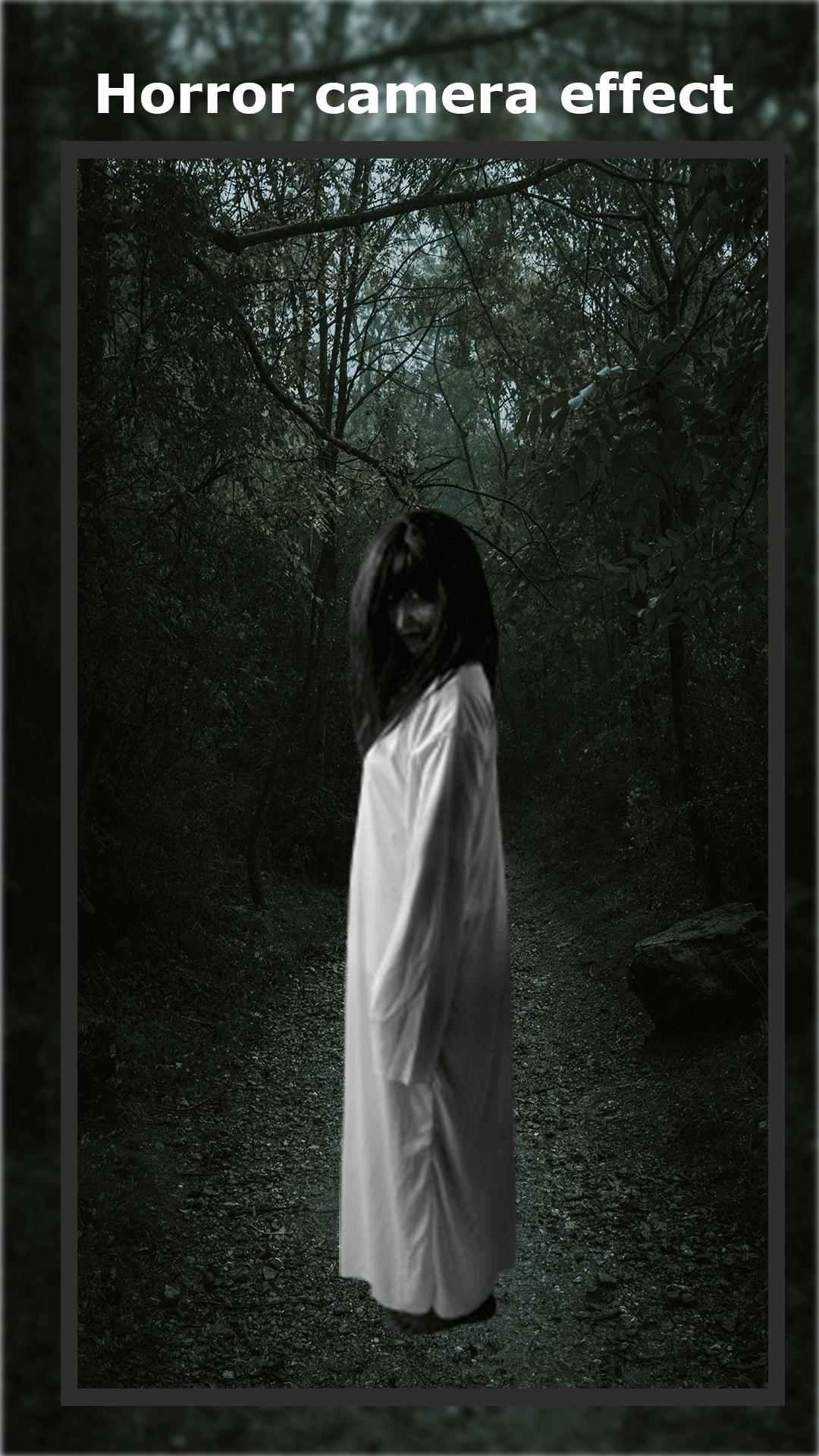
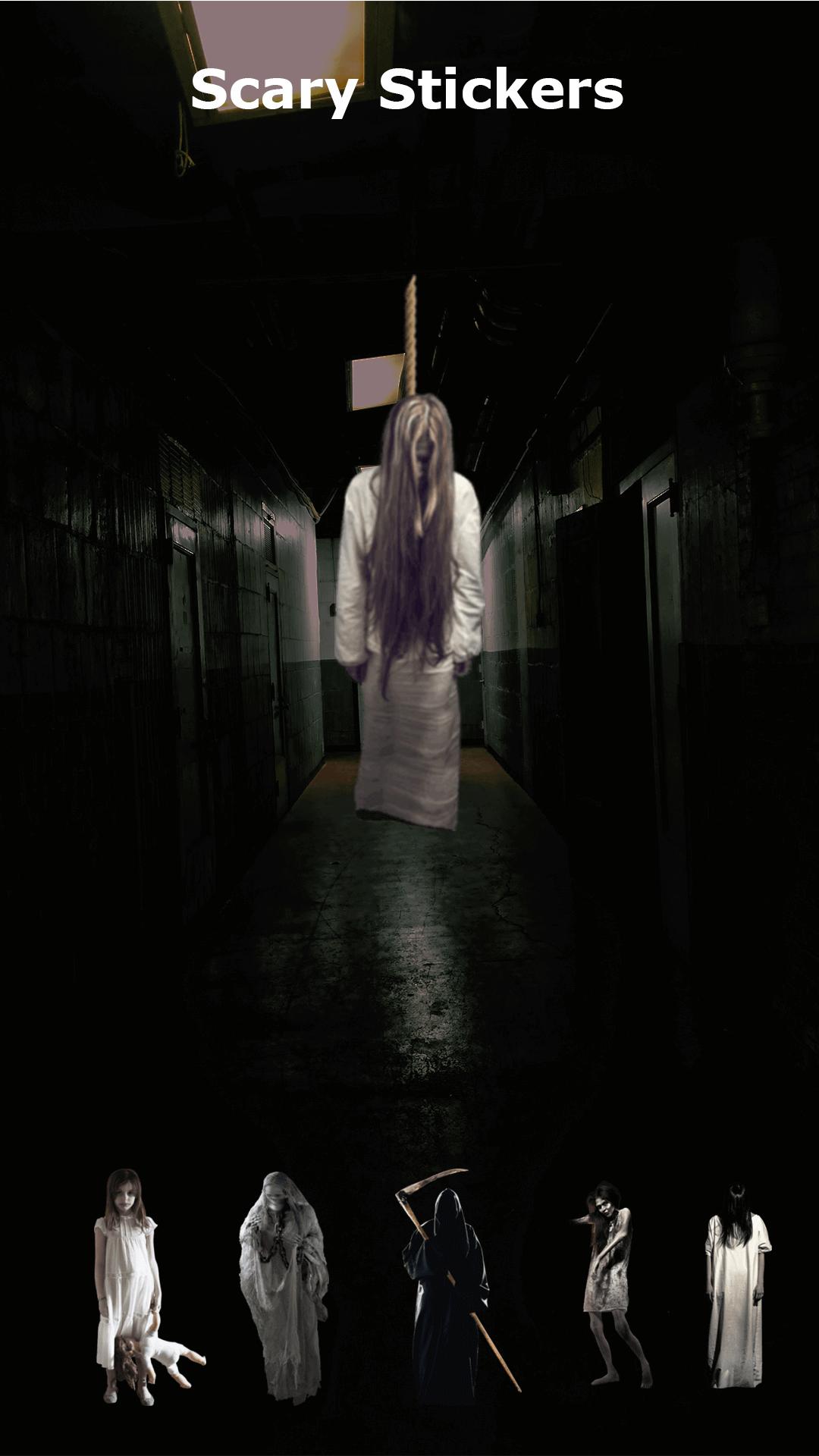
Horror Photo Editor and Effect with Horror Masks, Bloody Knifes, Zombie, Vampire, Witches, and Psycho Killer Sticker. Make now a bloody scary Horror Face Mask and scare your friends. Put in a photo from your gallery or make a new photo, Choose your Scary Horror Sticker to add to your image. Place them where ever you want and save them with the button on the top right. You can also apply dark or spooky filters with the Horror Face Filters.
If you like the added ghost to your photo apps, then you will love this Horror Photo Editor and Effect.
Make yourself a zombie in a second, become a popular Halloween character, or turn into a famous hero with our Horror Photo Editor and Effect.
✔️ Horror Photo Editor and Effect app features:
• Select a photo or picture from the gallery or capture it with your camera phone in real-time.
• New photo frames with scary backgrounds.
• You can Rotate, scale, zoom in, zoom out or drag the photo to fit the frame as you like.
• Make amazing pics with this creepy photo editor.
• Frightening apps with skull photo frames and vampire photo frames.
• These scary photo frames are perfect for editing photos.
• Add Text on the Photo with different colors, and fonts pattern and resize your text.
• Amazing Horror Effects to apply on photo.
• A lot of horror templates to choose from, fit for any occasion.
• Save your image to an SD card.
• Share your creation via social media.
• Set as Horror Wallpaper.
Use our original face-in-hole templates and our perfect collection of stickers for the creation of your Halloween masterpiece.
Save your crazy pics in high resolution and share them with your friends on social media.
Enjoy a huge selection of the best Horror Photo Editor and Effect and design Scary Pictures with yourself or friends.
Preview
Tags
PhotographyInformation
Developer
Subhas App Studio
Latest Version
4.0
Last Updated
2023-01-24
Category
Photography
Available on
Google Play
Show More
How to play Horror Photo Editor and Effect with GameLoop on PC
1. Download GameLoop from the official website, then run the exe file to install GameLoop
2. Open GameLoop and search for “Horror Photo Editor and Effect” , find Horror Photo Editor and Effect in the search results and click “Install”
3. Enjoy playing Horror Photo Editor and Effect on GameLoop
Minimum requirements
OS
Windows 8.1 64-bit or Windows 10 64-bit
GPU
GTX 1050
CPU
i3-8300
Memory
8GB RAM
Storage
1GB available space
Recommended requirements
OS
Windows 8.1 64-bit or Windows 10 64-bit
GPU
GTX 1050
CPU
i3-9320
Memory
16GB RAM
Storage
1GB available space