
Gallery Locker - Hide Games PC
Nikhil Kheni
Download Gallery Locker - Hide Games on PC With GameLoop Emulator
Gallery Locker - Hide Games on PC
Gallery Locker - Hide Games, coming from the developer Nikhil Kheni, is running on Android systerm in the past.
Now, You can play Gallery Locker - Hide Games on PC with GameLoop smoothly.
Download it in the GameLoop library or search results. No more eyeing the battery or frustrating calls at the wrong time any more.
Just enjoy Gallery Locker - Hide Games PC on the large screen for free!
Gallery Locker - Hide Games Introduction
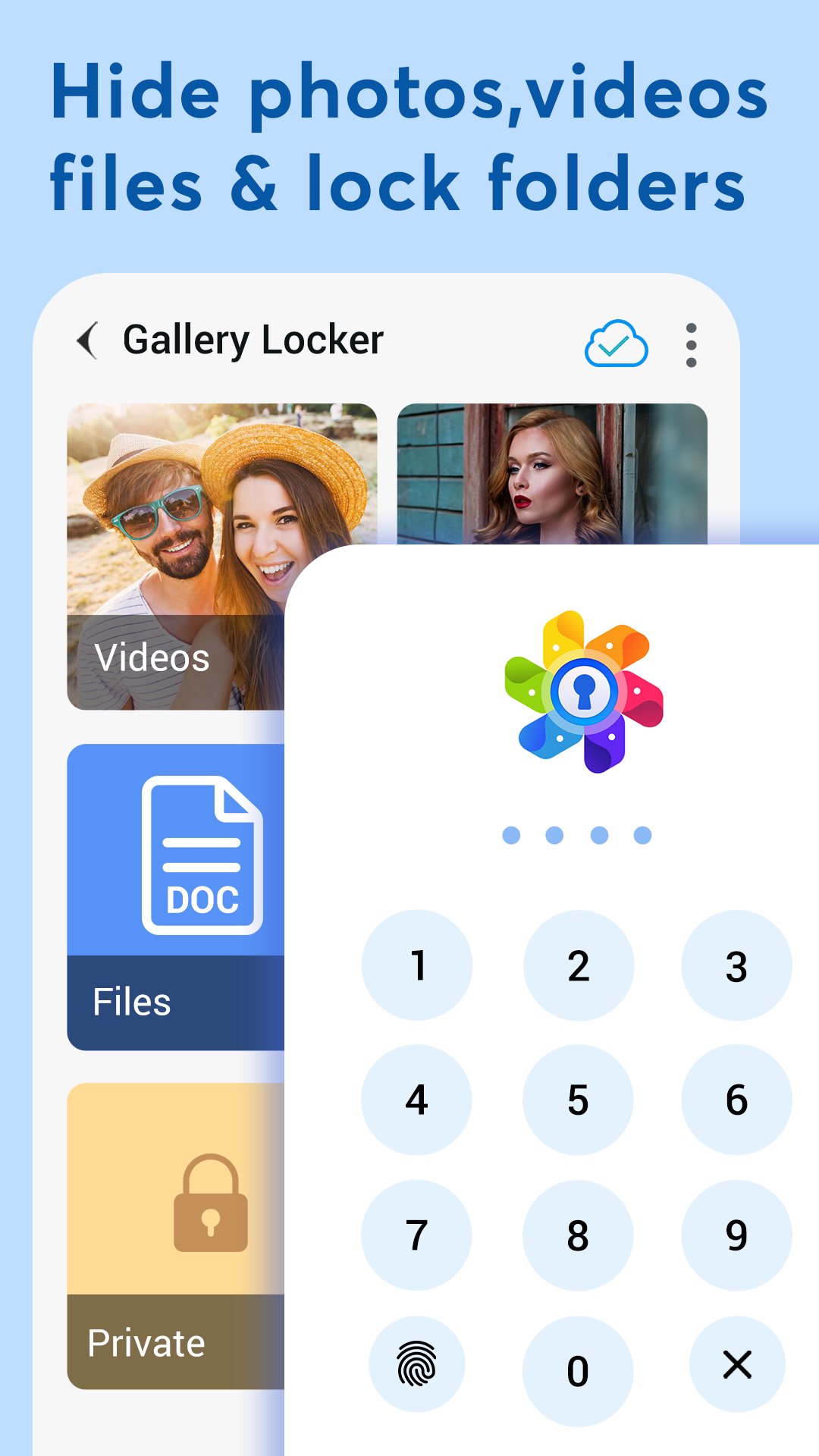
Gallery Locker app has the most advanced security features to Hide Apps, Hide Pictures, Videos & Hide Files inside private space using biometric fingerprint lock, PIN & pattern lock.
Your hidden apps & games remain secret to your friends & family. Everything will be truly protected in your private vault.
Main Features:
🔐 Hide Apps
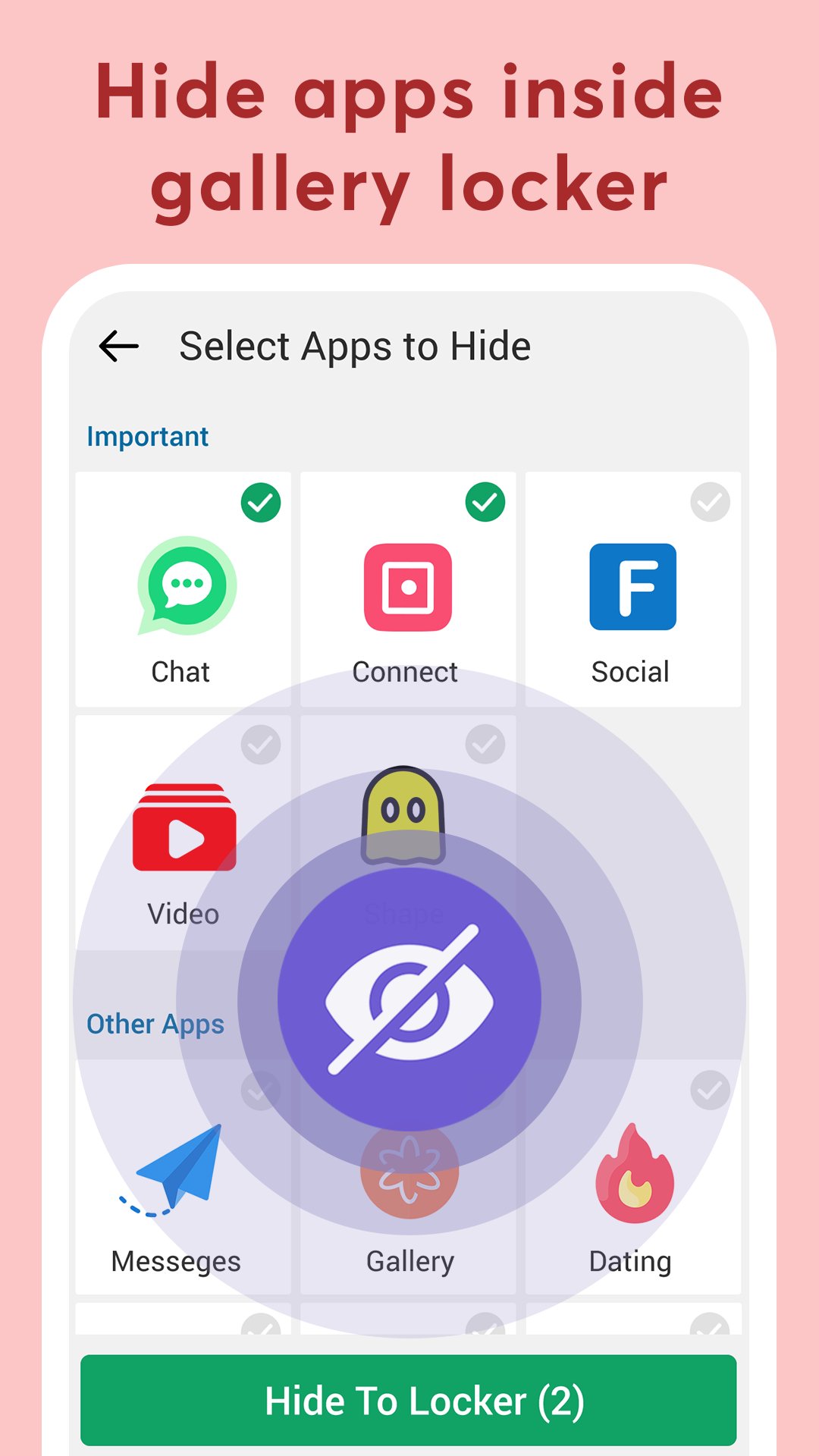
Hide social apps and hide games into the gallery locker. Only you can see hidden apps protected inside private space. App hider feature allows you to hide applications in hidden space with password protection.
Note that App hider feature uses Launcher functionality to work. You need to set our App as Default Home Launcher in order to hide apps.
📷 Hide Pictures, Videos & Files
Secure personal photos, videos, sensitive documents, notes & contacts with PIN protection, fingerprint lock and pattern lock. Photo locker is the safest place to hide pictures. You can also hide audio files & add notes.
📤 Cloud Backup
Automatic backup videos, photos, apps, music, contacts and important documents using cloud drive with one click. Never lose your data again when you hide files or hide apps. Sync your files around multiple devices in real time.
📲 File Transfer
Easily transfer files from old phone to new phone or tablet by scanning QR code using the same Wi-Fi or hotspot connection. You can also transfer files from computer to secret gallery & vault without using internet data.
🕵️ Private Browser
Download photos and videos from a secret browser. Leave no traces of browsing history after you exit into video locker.
📁 Folders Lock
Set password to individual folders & keep it safe from others. Also useful as an album locker to hide videos.
🌈 Dynamic Themes
Support Light & Dark mode with a variety of fashionable colors and dynamic themes as per your wallpaper on your smartphone.
🎭 Fake Locker
Use an alternate password to open different gallery photos vault. Protect your hidden games from kids for privacy during unexpected situations.
More Useful Tools to hide apps & games:
✔️ File management with sort, list, grid, rename, move, lock photos & export.
✔️ Face down auto lock during a panic situation.
✔️ Inbuilt video player and image viewer inside photo hide app.
✔️ SD-Card support in this photo hider.
✔️ Directly hide files from third party gallery or file manager apps by “Share to Gallery Locker”.
✔️ Set the folder cover of your choice.
✔️ Recycle bin to restore private video files deleted by mistake.
✔️ Fingerprint unlock with devices supporting fingerprint sensor.
✔️ Pin the most important and frequently used folders at the top.
Gallery locker app comes with latest user experience & much needed features like Hide Apps, Cloud Sync and Dark Mode.
Q: Will I get my files back if I reinstall the app?
A: Yes. Install this Gallery photos vault again and you will be asked if you wish to restore previous locker data.
When use the drive backup to hide pictures, your files will be stored fully encrypted into your personal drive space and could not be readable out of your app.
Preview
Tags
PhotographyToolsInformation
Developer
Nikhil Kheni
Latest Version
111.0
Last Updated
2025-12-26
Category
Photography
Available on
Google Play
Show More
How to play Gallery Locker - Hide Games with GameLoop on PC
1. Download GameLoop from the official website, then run the exe file to install GameLoop
2. Open GameLoop and search for “Gallery Locker - Hide Games” , find Gallery Locker - Hide Games in the search results and click “Install”
3. Enjoy playing Gallery Locker - Hide Games on GameLoop
Minimum requirements
OS
Windows 8.1 64-bit or Windows 10 64-bit
GPU
GTX 1050
CPU
i3-8300
Memory
8GB RAM
Storage
1GB available space
Recommended requirements
OS
Windows 8.1 64-bit or Windows 10 64-bit
GPU
GTX 1050
CPU
i3-9320
Memory
16GB RAM
Storage
1GB available space