
FILROLL - Vintage Film Camera PC
ssolstice
Download FILROLL - Vintage Film Camera on PC With GameLoop Emulator
FILROLL - Vintage Film Camera on PC
FILROLL - Vintage Film Camera, coming from the developer ssolstice, is running on Android systerm in the past.
Now, You can play FILROLL - Vintage Film Camera on PC with GameLoop smoothly.
Download it in the GameLoop library or search results. No more eyeing the battery or frustrating calls at the wrong time any more.
Just enjoy FILROLL - Vintage Film Camera PC on the large screen for free!
FILROLL - Vintage Film Camera Introduction
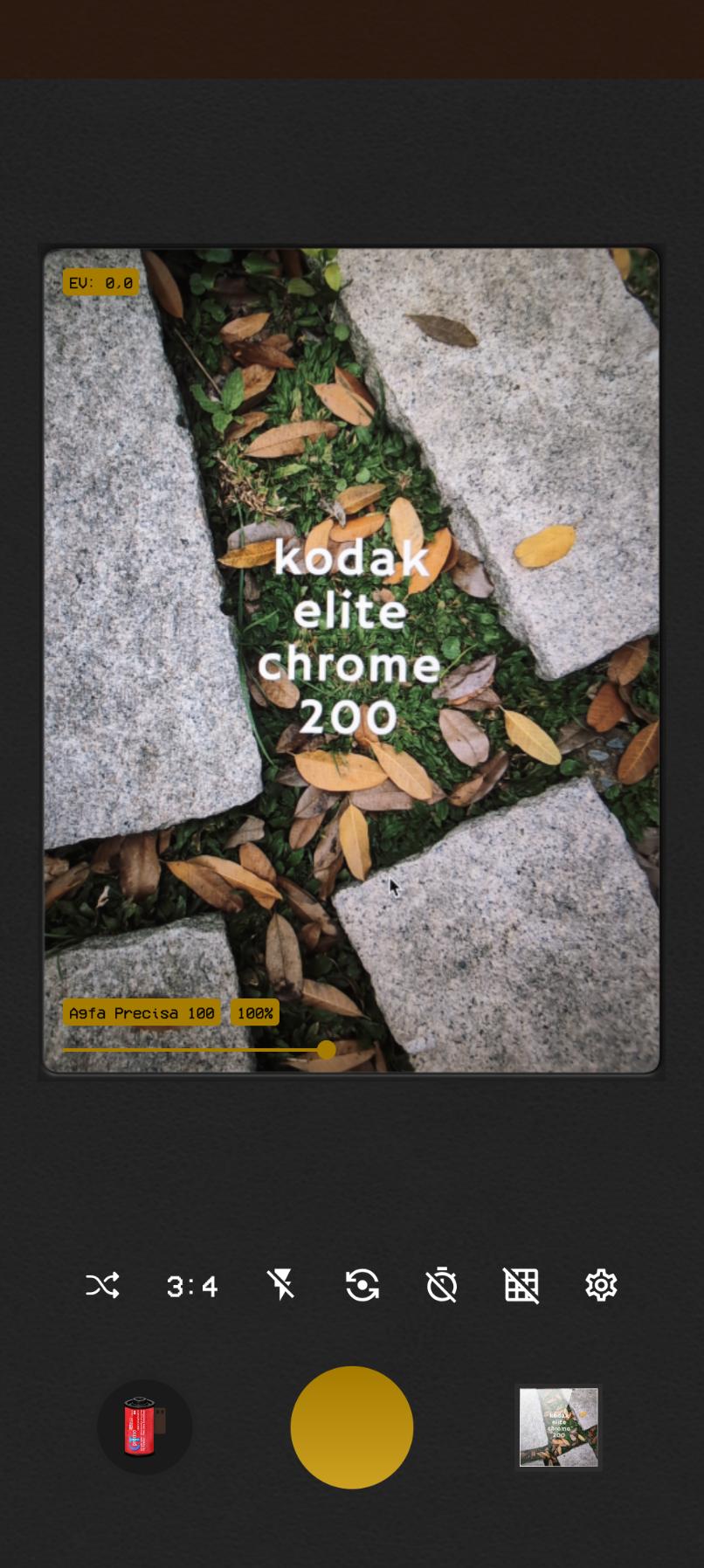
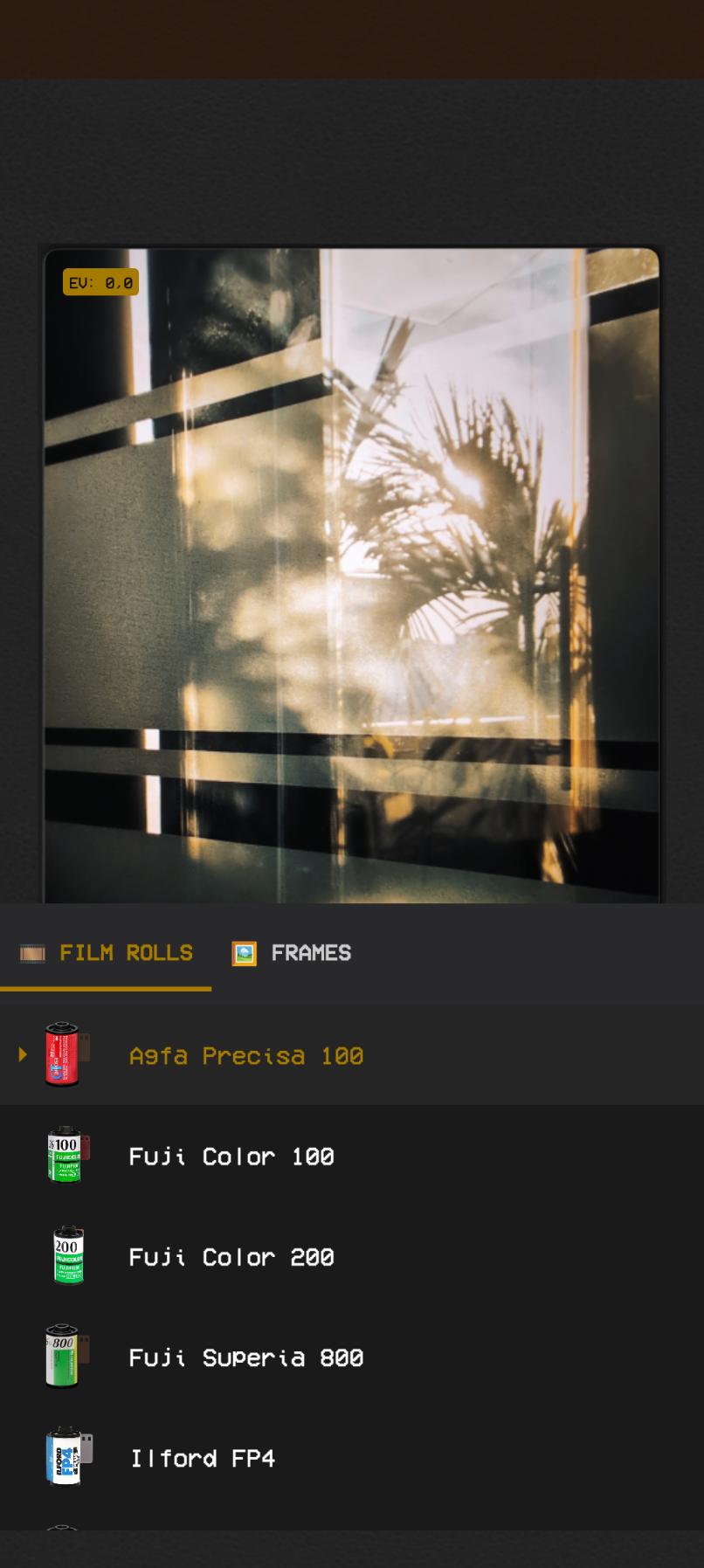
✨ This is a film reel that does not need to be stored in the refrigerator and will not expire. It really reproduces the colors of Kodak, Fuji, Agfa and many other special films.We currently have the following films available and sometimes we will release new films ( especially those that have stopped producing ). ✨
✨ 🖼️ New Feature: Add Frame ✨
🎞️ Featured 🎞️
- Agfa Precisa 100
- Ilford FP4
- Fuji Color 100
- Fuji Color 200
- Fuji Superia 800
- Kodak Ektachrome E100
- Kodak Gold 200
- Kodak Vision3
- Lomography Redscale 100
- Lomography 800
✨✨✨✨✨✨✨✨✨
- Agfa Vista 800
- Agfa Color 200
- Agfa Vista 200
- Ilford HP5
- Ilford PanF
- Fuji Astia 100f
- Fuji Superia 100
- Fuji Superia 200
- Fuji Superia 400
- Fuji Pro 160c
- Fuji Provia 100
- Fuji Velvia 50
- Kodak Ektar 100
- Kodak Elite Color 200
- Kodak Kodachrome 25
- Kodak Portra 160
- Kodak Portra 400
- Kodak Tri-X 400
- Kodak Elite Chrome 200
- Lomography Negative 400
🎁✨🎁✨🎁✨🎁✨🎁✨
- Agfa Ultra 50
- Agfa Ultra Color 100
- Ilford Delta 400
- Fuji Pro 400
- Fuji Neopan 1600
- Fuji Superia 1600
- Fuji Reala 500d
- Fuji Sensia 100
- Kodak Portra 800
- Kodak Ultramax 400
❤️ You’re most welcome to share your story with us. If you have any questions or suggestions, please contact us as.
💌 E-mail: ssolstice216@gmail.com
Preview
Tags
PhotographyInformation
Developer
ssolstice
Latest Version
1.0.49
Last Updated
2025-09-09
Category
Photography
Available on
Google Play
Show More
How to play FILROLL - Vintage Film Camera with GameLoop on PC
1. Download GameLoop from the official website, then run the exe file to install GameLoop
2. Open GameLoop and search for “FILROLL - Vintage Film Camera” , find FILROLL - Vintage Film Camera in the search results and click “Install”
3. Enjoy playing FILROLL - Vintage Film Camera on GameLoop
Minimum requirements
OS
Windows 8.1 64-bit or Windows 10 64-bit
GPU
GTX 1050
CPU
i3-8300
Memory
8GB RAM
Storage
1GB available space
Recommended requirements
OS
Windows 8.1 64-bit or Windows 10 64-bit
GPU
GTX 1050
CPU
i3-9320
Memory
16GB RAM
Storage
1GB available space