FaceSwap: AI Face Swap Photo PC
AT-Mobile
Download FaceSwap: AI Face Swap Photo on PC With GameLoop Emulator
FaceSwap: AI Face Swap Photo on PC
FaceSwap: AI Face Swap Photo, coming from the developer AT-Mobile, is running on Android systerm in the past.
Now, You can play FaceSwap: AI Face Swap Photo on PC with GameLoop smoothly.
Download it in the GameLoop library or search results. No more eyeing the battery or frustrating calls at the wrong time any more.
Just enjoy FaceSwap: AI Face Swap Photo PC on the large screen for free!
FaceSwap: AI Face Swap Photo Introduction
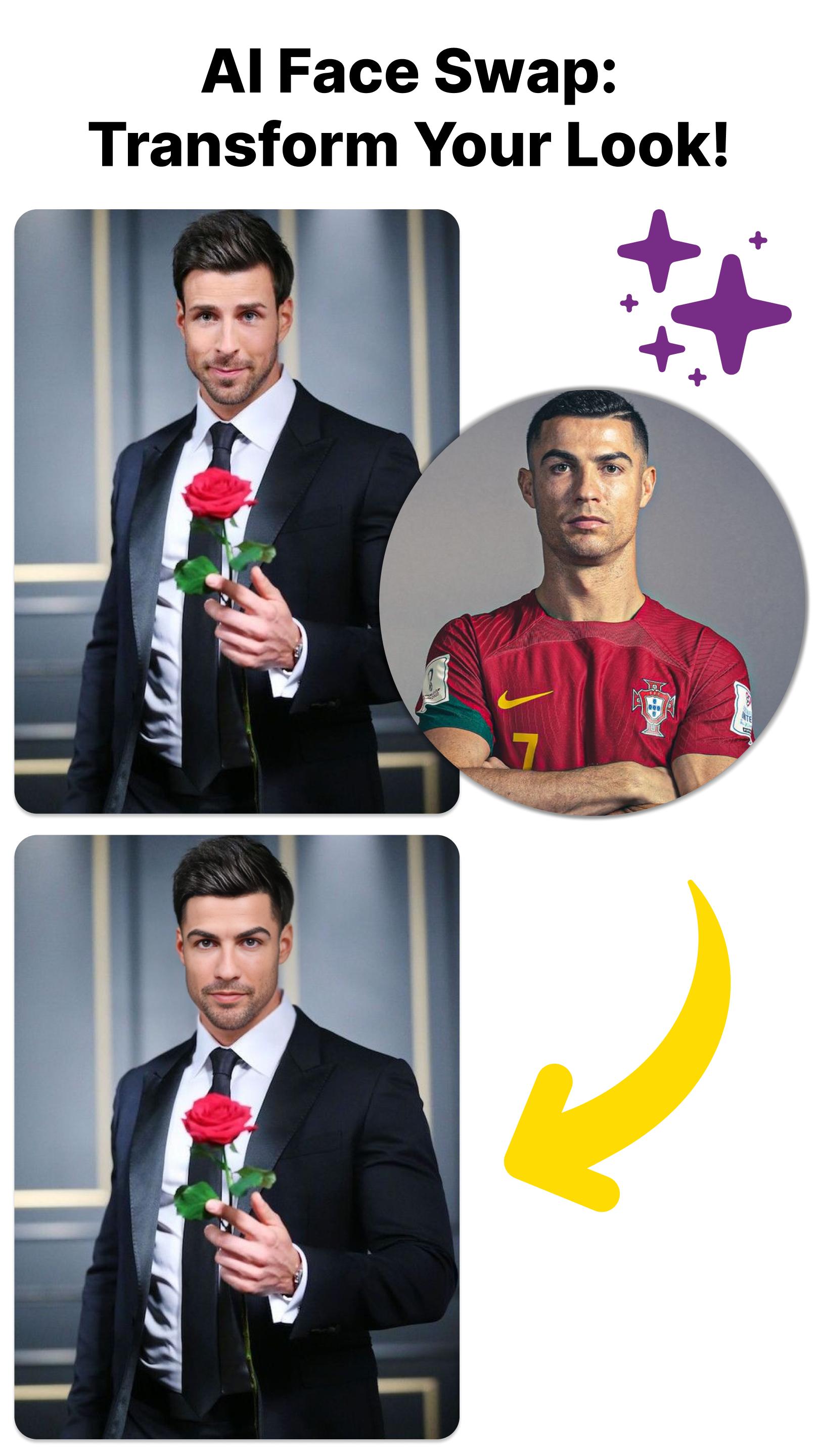
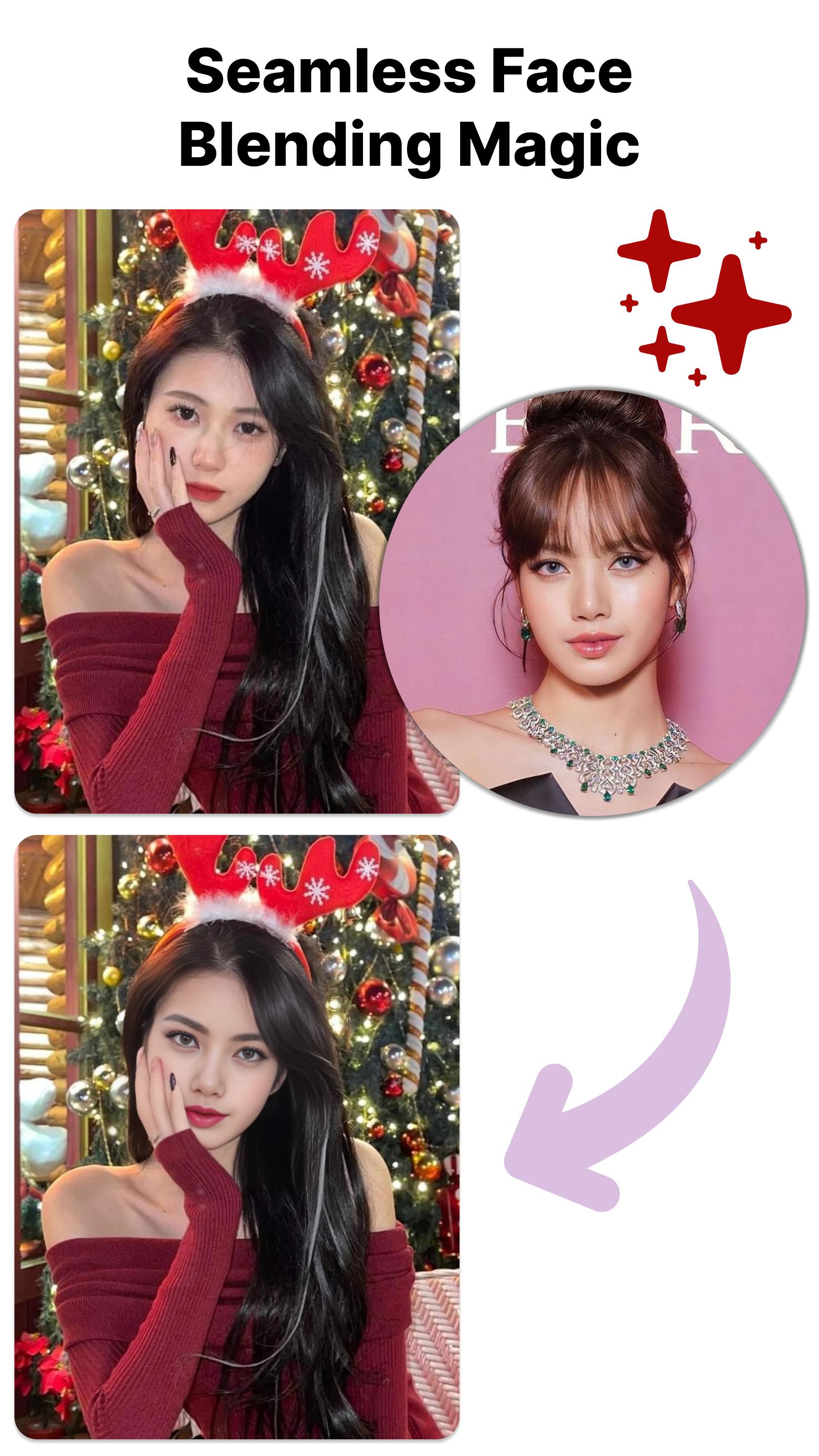
Discover the power of FaceSwap: AI Face Swap Photo, your go-to app for seamless face transformations. With cutting-edge artificial intelligence, our app allows you to effortlessly swap and blend faces in photos, creating amusing and captivating results. Explore a variety of face-swapping options, from subtle enhancements to hilarious mash-ups.
Key Features:
• AI-Powered Face Swap: Witness the magic as our advanced AI seamlessly swaps faces, creating stunning and realistic results.
• Effortless Blending: Achieve smooth and natural blends for a seamless look that will leave your friends amazed.
• User-Friendly Interface: Our intuitive design ensures a user-friendly experience, making face swapping a breeze for everyone.
• Versatile Options: From subtle touch-ups to creative mash-ups, explore a range of face-swapping options to suit your style.
• Instant Sharing: Share your transformed photos directly from the app to social media and impress your friends with your creativity.
Download FaceSwap: AI Face Swap Photo now and embark on a fun and innovative journey of face transformation. Unleash your creativity and redefine your photos with our powerful AI technology.
Preview
Tags
PhotographyInformation
Developer
AT-Mobile
Latest Version
22.0
Last Updated
2023-12-15
Category
Photography
Available on
Google Play
Show More
How to play FaceSwap: AI Face Swap Photo with GameLoop on PC
1. Download GameLoop from the official website, then run the exe file to install GameLoop
2. Open GameLoop and search for “FaceSwap: AI Face Swap Photo” , find FaceSwap: AI Face Swap Photo in the search results and click “Install”
3. Enjoy playing FaceSwap: AI Face Swap Photo on GameLoop
Minimum requirements
OS
Windows 8.1 64-bit or Windows 10 64-bit
GPU
GTX 1050
CPU
i3-8300
Memory
8GB RAM
Storage
1GB available space
Recommended requirements
OS
Windows 8.1 64-bit or Windows 10 64-bit
GPU
GTX 1050
CPU
i3-9320
Memory
16GB RAM
Storage
1GB available space