Lomography App: Vintage Camera PC
Code Gradients Apps
Download Lomography App: Vintage Camera on PC With GameLoop Emulator
Lomography App: Vintage Camera on PC
Lomography App: Vintage Camera, coming from the developer Code Gradients Apps, is running on Android systerm in the past.
Now, You can play Lomography App: Vintage Camera on PC with GameLoop smoothly.
Download it in the GameLoop library or search results. No more eyeing the battery or frustrating calls at the wrong time any more.
Just enjoy Lomography App: Vintage Camera PC on the large screen for free!
Lomography App: Vintage Camera Introduction
Lomography App: Vintage Camera Filter for Android – Turn Moments into Retro Masterpieces!
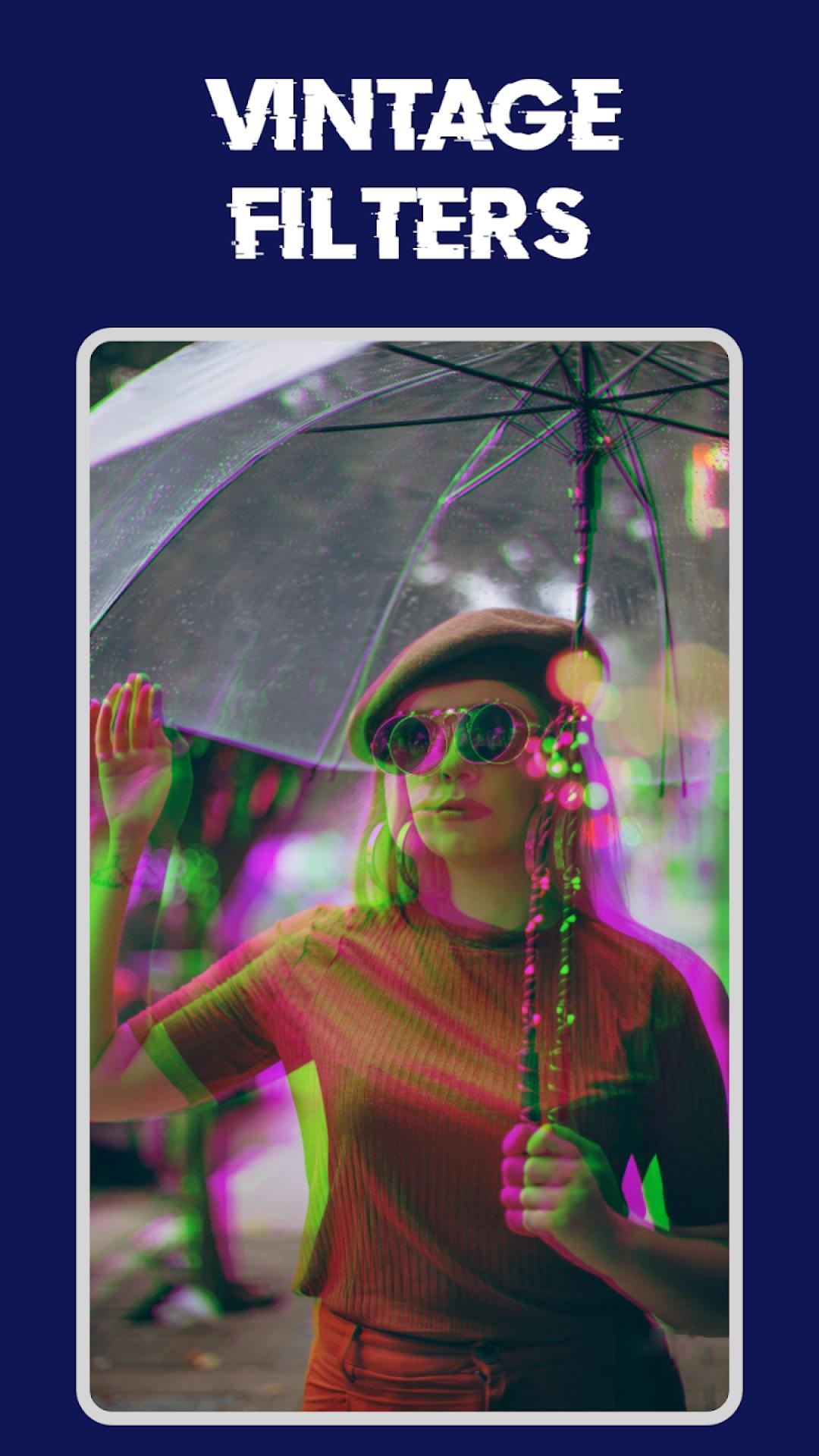
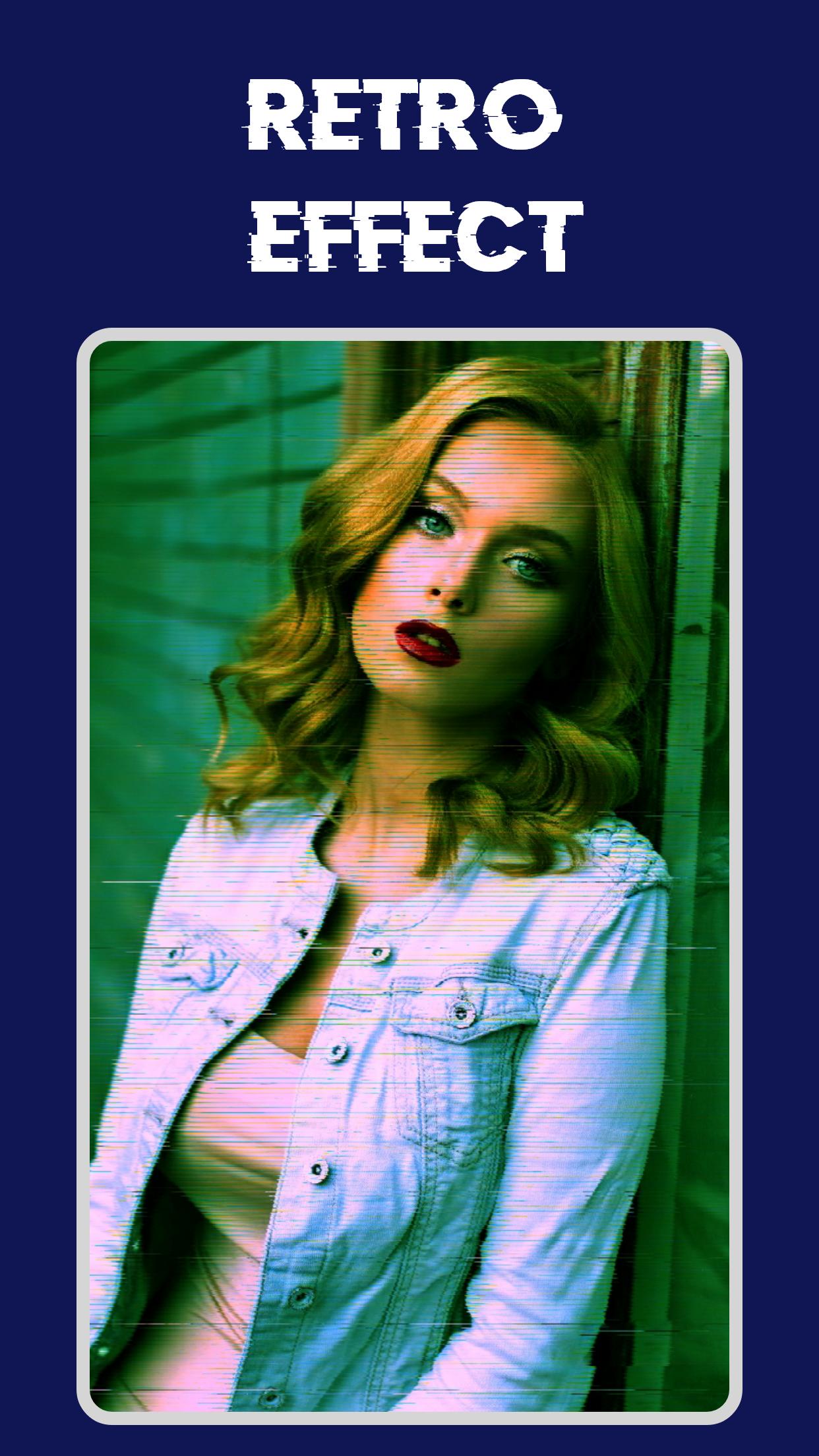
Step into the world of digital nostalgia with Lomography App: Vintage Camera Filter for Android and experience the magic of old-school photography in a new-age style. Whether you're into 90s vibes, VHS overlays, or glitchy effects, this app transforms every moment into a visual time capsule. Vintage Camera App: Digital Camera Filters brings you iconic styles that give your photos a unique, dramatic flair while keeping editing simple and fun.With a perfect blend of modern tools and vintage vibes, Glitch Effect: Vintage Photo Editor is designed for those who love to blend art with tech. Enjoy the simplicity of creating captivating visual stories with just a tap.
📸 Top Features of Vintage Camera App: Digital Camera Filters: 📸
🎞 3D glitch photo and video effects;
📷 Live Retro Cam: Vintage Camera Filter for Android;
📹 Looping Boomerang video maker;
🕹 Easy-to-use Retro Cam: 1967 Vintage Filters;
🎬 VHS Cam: Retro Camera Lomography App;
💡 Real-time glitch capture with flashlight option;
📼 1998 Cam: Digital Camera Filter in high resolution;
🖼 Lomography App: Vintage Photo Polaroid Filters with adjustable intensity;
🌀 Trippy, dreamy, and drizzling styles for dramatic edits;
🎨 Save or share your Retro Photo: 90s Camera Effects instantly!
Capture Vintage Vibes with Every Shot!
Lomography App: Vintage Camera Filter for Android lets you capture life in retro tones. Whether you're taking stills or videos, the real-time effects give you full control over the look and mood of your shots. From the saturated hues of a 1998 Cam: Digital Camera Filter to the dreamy haze of Glitch Effect: Vintage Photo Editor, each tap gives you another way to tell your story.Retro Aesthetic Meets Modern Function:📸
With Lomography App: Vintage Photo Polaroid Filters, your photos feel like they came straight out of a 90s photo album. The interface is simple, letting you focus on creating without distractions. Just snap a pic, apply your favorite Retro Cam: 1967 Vintage Filters, and save or share effortlessly.
Personalize Your Retro Creations:📹
Every element of this Glitch Effect: Vintage Photo Editor is customizable. With the 1998 Cam: Digital Camera Filter and other classic options, you can create art that's nostalgic yet completely yours. The Boomerang and glitch features of Lomography App: Digital Camera Filters bring your visuals to life.
Designed for Lovers of Retro Photo: 90s Camera Effects:🔥
Perfect for those who appreciate grainy textures, color bleed, and the charm of analog photos, the app gives new life to every image. The Lomography App: Vintage Photo Polaroid Filters make you feel like you’re shooting with a classic film camera. Use the VHS Cam: Retro Camera Lomography App setting for videos that feel like they were recorded decades ago.
Start Creating with Lomography App: Vintage Camera Filter for Android Now!
If you’re a fan of old-school aesthetics with a modern twist, then Vintage Filter App: Digital Camera Filters is your creative playground. From trippy overlays to classic Retro Photo: 90s Camera Effects, this app combines powerful tools with a nostalgic touch. Add flair to your shots, surprise your followers, and turn your gallery into a throwback masterpiece with VHS Cam: Retro Camera Lomography App and Retro Cam: 1967 Vintage Filters. Get ready to explore your visual creativity with the Glitch Effect: Vintage Photo Editor—where every shot is a story worth sharing!Preview
Tags
PhotographyInformation
Developer
Code Gradients Apps
Latest Version
6.0
Last Updated
2025-09-08
Category
Photography
Available on
Google Play
Show More
How to play Lomography App: Vintage Camera with GameLoop on PC
1. Download GameLoop from the official website, then run the exe file to install GameLoop
2. Open GameLoop and search for “Lomography App: Vintage Camera” , find Lomography App: Vintage Camera in the search results and click “Install”
3. Enjoy playing Lomography App: Vintage Camera on GameLoop
Minimum requirements
OS
Windows 8.1 64-bit or Windows 10 64-bit
GPU
GTX 1050
CPU
i3-8300
Memory
8GB RAM
Storage
1GB available space
Recommended requirements
OS
Windows 8.1 64-bit or Windows 10 64-bit
GPU
GTX 1050
CPU
i3-9320
Memory
16GB RAM
Storage
1GB available space