DateCamera2 (Date & Location) PC
Office110
Download DateCamera2 (Date & Location) on PC With GameLoop Emulator
DateCamera2 (Date & Location) on PC
DateCamera2 (Date & Location), coming from the developer Office110, is running on Android systerm in the past.
Now, You can play DateCamera2 (Date & Location) on PC with GameLoop smoothly.
Download it in the GameLoop library or search results. No more eyeing the battery or frustrating calls at the wrong time any more.
Just enjoy DateCamera2 (Date & Location) PC on the large screen for free!
DateCamera2 (Date & Location) Introduction
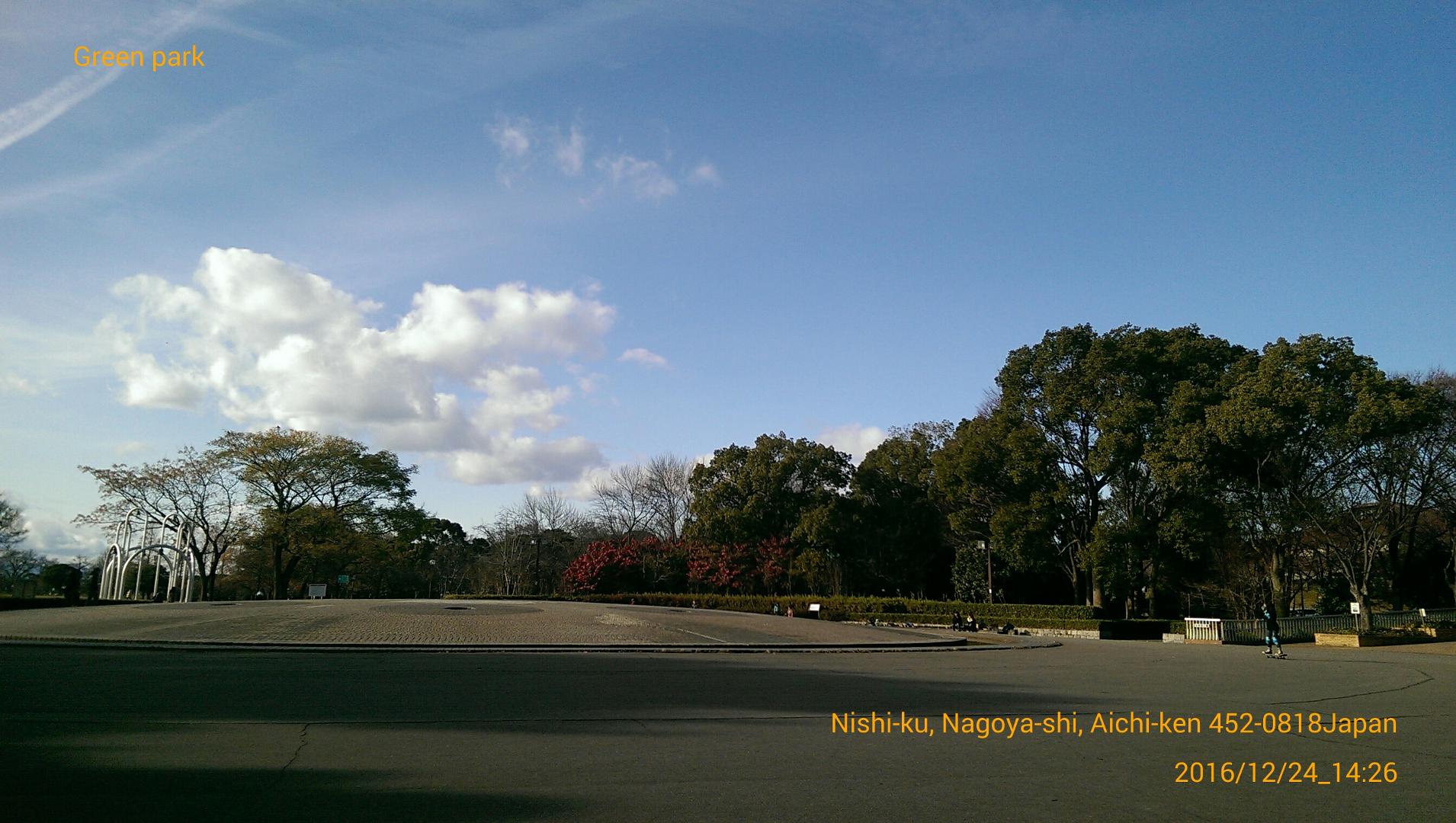
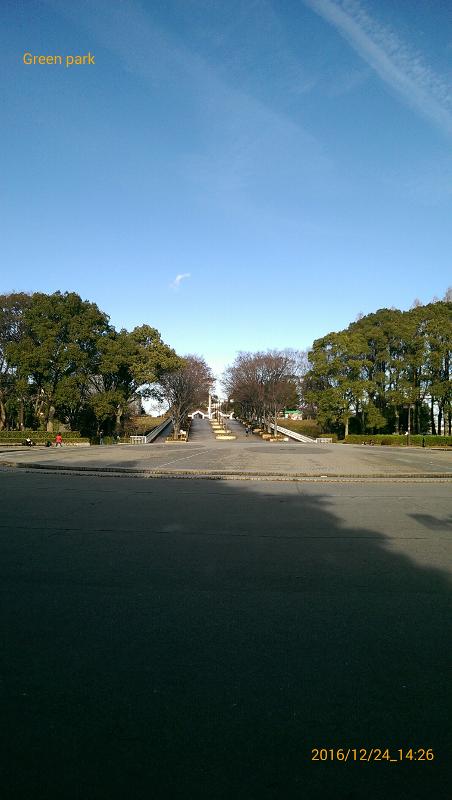
It is a camera that allows you to put the shooting date, current location, and simple text in the image.You can select the date type and color. You can also record the current location. It can be used for traveling and business records shooting important scenes, which will be useful for later management.With this "DateCamera2", simple text can be included, and operation has also been reduced in weight!
==Simple text(Text button)==
You can enter a simple single line of text.
You can switch between display and non-display.
==Display of location name(Location button)==
Display the current location.Each time you press the button, you can switch the display.
You can delete the text by long tapping the place name.Permission is required to use location information.If an error occurred, please enable (ON) the location from the setting screen of the smartphone.
==Date type(Style button)==
11 types.
==Date color(Color button)==
You can change the color and transparency you like.
==Text size(Size button)==
You can change the font size in 5 levels.
==Camera button==
Start shooting.
==Grid button==
Switches between grid display and individual display.
==Folder button==
Change the image save destination.
==Open button==
Select the captured image.
Thumbnails are displayed on the screen for the selected image.
By tapping the image, you can display full screen or delete it.
==Share button==
You can post images currently being displayed on other applications such as Twitter.
==Direction to insert date==
2 types.Automatic switching.
==Save image==
Save format(.jpeg)
Important point
Depending on your smartphone, images before processing without date may be saved in duplicate.
Even if you delete it, it is okay because the date-containing image is saved.
==Recommended operating environment==
Android 4.4 or later
== Privacy Policy Overview ==
This application acquires camera functions and positional information.This data shall not be utilized for any purpose aside from the use of this app and to serve advertisements.
For details on the Privacy Policy,please refer to the page below.
https://office110.info/policy_datecamera2.html
You can navigate to the above address from the Privacy Policy link in the developer information.
Preview
Tags
PhotographyInformation
Developer
Office110
Latest Version
1.5.0
Last Updated
2025-05-13
Category
Photography
Available on
Google Play
Show More
How to play DateCamera2 (Date & Location) with GameLoop on PC
1. Download GameLoop from the official website, then run the exe file to install GameLoop
2. Open GameLoop and search for “DateCamera2 (Date & Location)” , find DateCamera2 (Date & Location) in the search results and click “Install”
3. Enjoy playing DateCamera2 (Date & Location) on GameLoop
Minimum requirements
OS
Windows 8.1 64-bit or Windows 10 64-bit
GPU
GTX 1050
CPU
i3-8300
Memory
8GB RAM
Storage
1GB available space
Recommended requirements
OS
Windows 8.1 64-bit or Windows 10 64-bit
GPU
GTX 1050
CPU
i3-9320
Memory
16GB RAM
Storage
1GB available space