Background Eraser - Remove bg PC
Image Crop n Wallpaper Changer
Download Background Eraser - Remove bg on PC With GameLoop Emulator
Background Eraser - Remove bg on PC
Background Eraser - Remove bg, coming from the developer Image Crop n Wallpaper Changer, is running on Android systerm in the past.
Now, You can play Background Eraser - Remove bg on PC with GameLoop smoothly.
Download it in the GameLoop library or search results. No more eyeing the battery or frustrating calls at the wrong time any more.
Just enjoy Background Eraser - Remove bg PC on the large screen for free!
Background Eraser - Remove bg Introduction
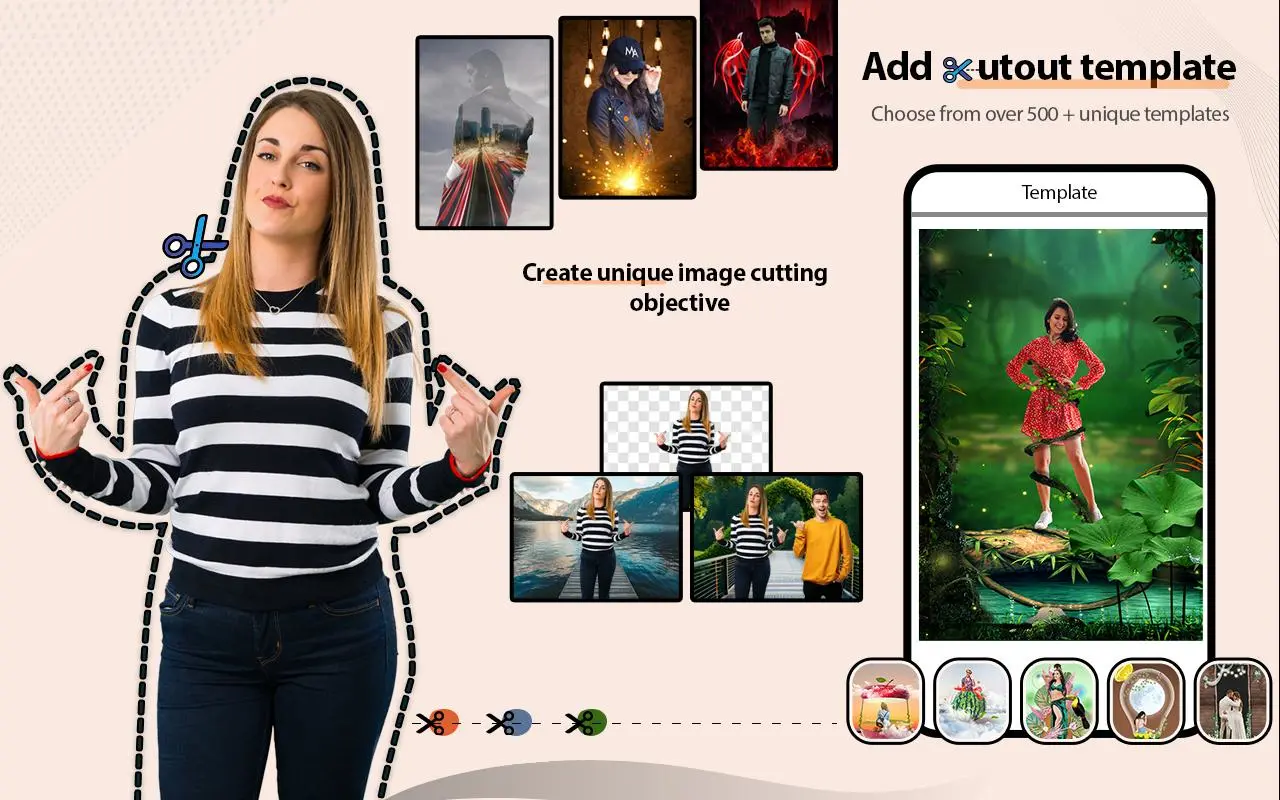
Welcome to Background Eraser & Photo Editor - Remove Unwanted Objects is the ultimate photo editing app for Android that makes it incredibly easy to cut and paste objects from one photo to another. Say goodbye to unwanted objects in your pictures with ease. Whether you want to remove backgrounds, erase distractions, or retouch your photos, our app has got you covered.
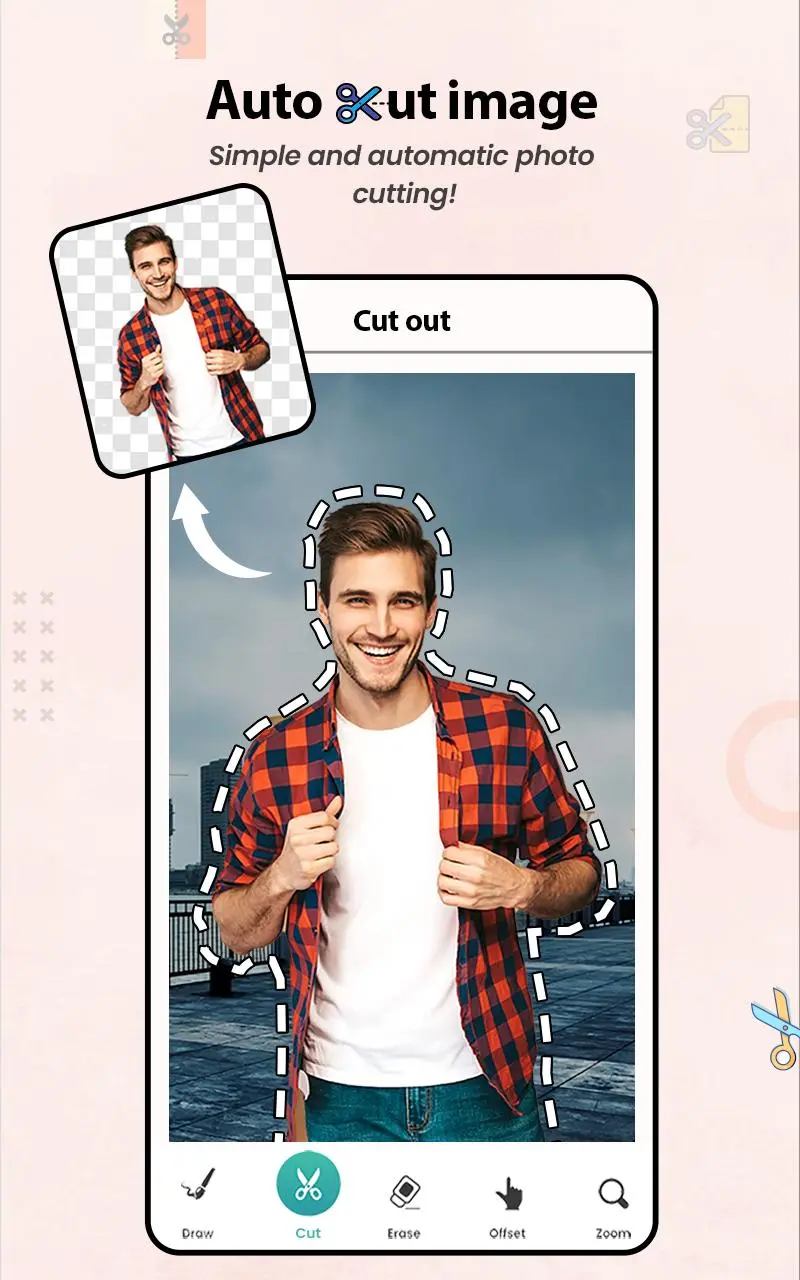
Create stunning images with our powerful background eraser feature. Simply trace around the object you want to remove, and watch it disappear like magic. Our advanced algorithms ensure precise and accurate cutouts every time, leaving you with professional-looking results.
Want to swap faces? No problem! Easily cut out a face from one photo and paste it wherever you desire.
This simple yet powerful photo editing tool allows you to remove the background of your photos in just a few seconds, unleashing your creativity to create masterpieces. The unique Cut and Paste Photos - Background Eraser app enables you to cut from multiple photos and merge them together into one cohesive image.
Missing someone in your group or family photos? No worries! With Cut and Paste Photos, you can easily cut out a picture and paste it instantly, adding them to the photo without the need for professional help or expensive editing tools. Instantly paste a photo into another photo and merge them seamlessly. It's the ultimate tool for cutting and pasting photos effortlessly.
★ Key Features:
✅ Cutout Tool: Cut and paste objects onto different backgrounds seamlessly.
✅ Background Eraser: Remove unwanted backgrounds with precision.
✅ Photo Editor: Enhance your photos with a variety of editing tools.
✅ Advanced photo editing tools for further customization.
With Background Eraser & Photo Editor - Remove bg, your original photo resolution is preserved, ensuring top-notch image quality. Utilize our background eraser feature to create amazing content, leaving your friends in awe. Explore the fantastic features of our app, such as picture cut-outs and the background eraser, and let your creativity soar!
☛ Download Background Eraser & Photo Editor now to remove bg and unlock a world of endless possibilities for your photos. With Background Eraser & Photo Editor, you can effortlessly remove backgrounds and edit your photos like a pro. Say goodbye to unwanted objects and hello to stunning images with our powerful editing tools. Try it now for free!
Preview
Tags
PhotographyInformation
Developer
Image Crop n Wallpaper Changer
Latest Version
6.6.4
Last Updated
2025-06-04
Category
Photography
Available on
Google Play
Show More
How to play Background Eraser - Remove bg with GameLoop on PC
1. Download GameLoop from the official website, then run the exe file to install GameLoop
2. Open GameLoop and search for “Background Eraser - Remove bg” , find Background Eraser - Remove bg in the search results and click “Install”
3. Enjoy playing Background Eraser - Remove bg on GameLoop
Minimum requirements
OS
Windows 8.1 64-bit or Windows 10 64-bit
GPU
GTX 1050
CPU
i3-8300
Memory
8GB RAM
Storage
1GB available space
Recommended requirements
OS
Windows 8.1 64-bit or Windows 10 64-bit
GPU
GTX 1050
CPU
i3-9320
Memory
16GB RAM
Storage
1GB available space