Crop Camera - auto crop photo PC
hardcoded joy
Download Crop Camera - auto crop photo on PC With GameLoop Emulator
Crop Camera - auto crop photo on PC
Crop Camera - auto crop photo, coming from the developer hardcoded joy, is running on Android systerm in the past.
Now, You can play Crop Camera - auto crop photo on PC with GameLoop smoothly.
Download it in the GameLoop library or search results. No more eyeing the battery or frustrating calls at the wrong time any more.
Just enjoy Crop Camera - auto crop photo PC on the large screen for free!
Crop Camera - auto crop photo Introduction
Crop Camera (former "Custom Size Camera") allows you to perform 3 operations at once:
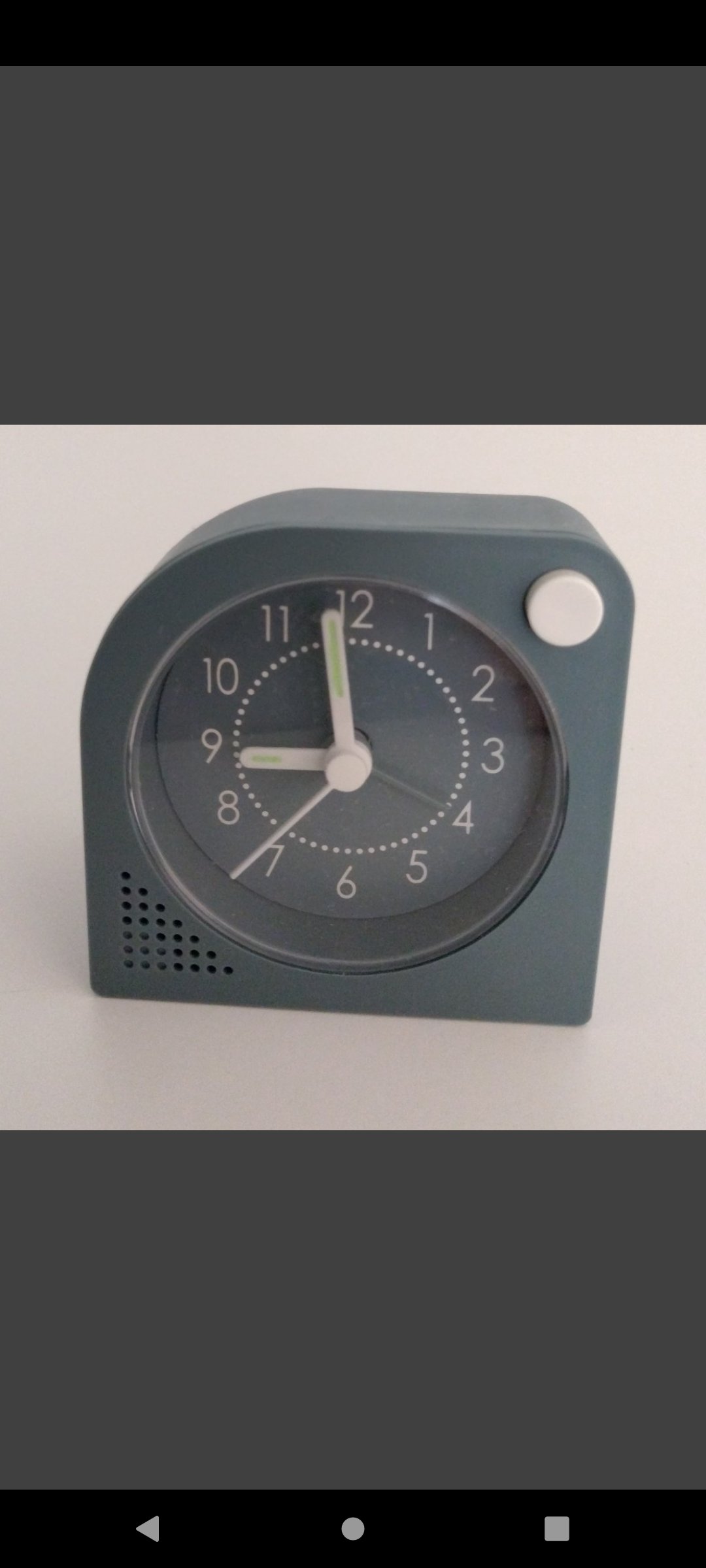
Take a picture + Crop the image + Scale the image to the desired resolution.
The app is useful when taking pictures for:
• social media posts
• writing articles
• products to upload to a store
• documentation for a DIY project
• recipes
• etc.
Features:
• selectable camera (back facing camera / front facing camera)
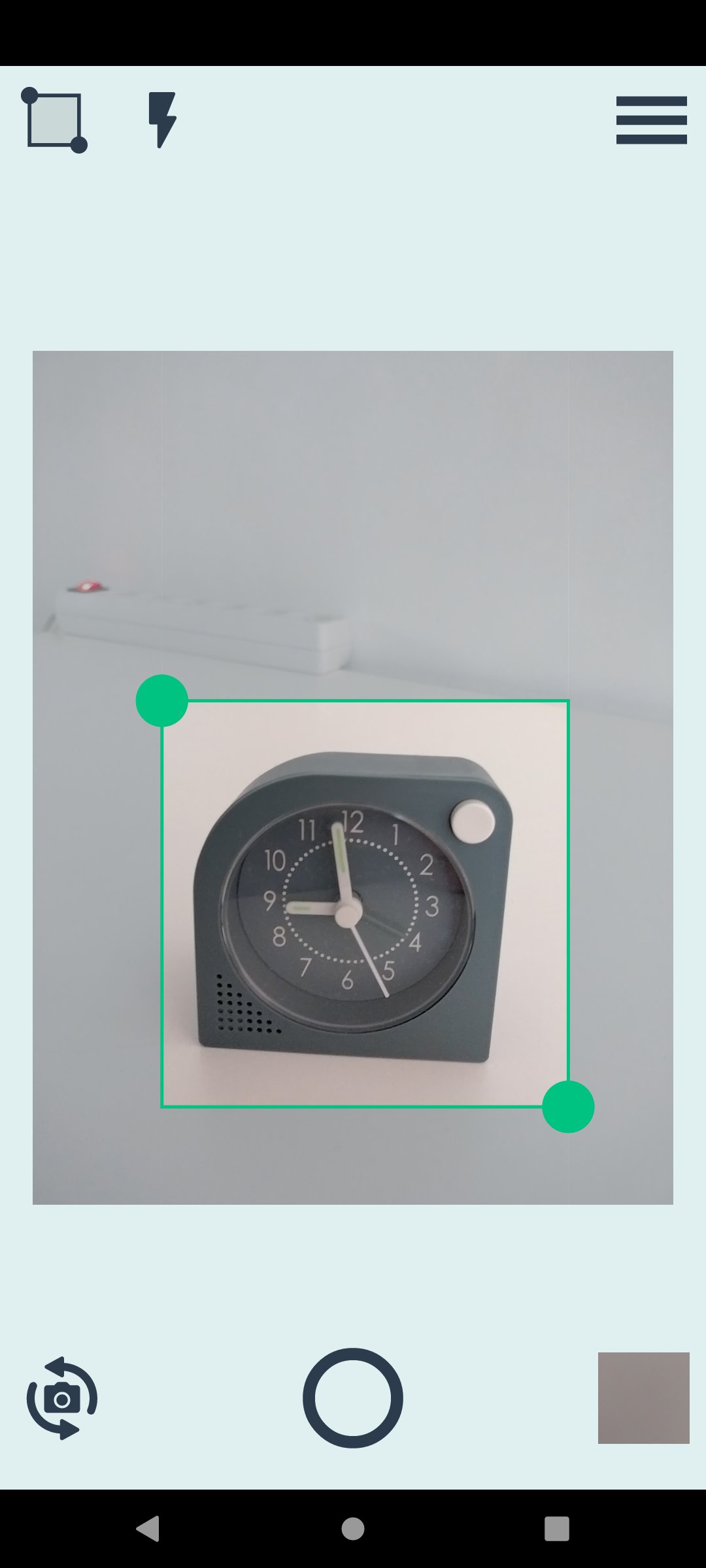
• adjustable crop region dispalyed on top of the camera preview
• output resolution is selectable from a list of presets
• output resolution presets can be edited in the app settings
• the crop region automatically keeps the asppect ratio of the current output resolution
• selectable output image format (JPG / PNG)
• configurable output JPEG quality (for JPG)
• configurable review time (output image is displayed after a picture si taken)
• configurable storage folder
• in-app image gallery (see the pictures taken, zoom, share, delete)
Free version limitations:
• output image format JPG only
• output JPEG quality 90% only
• the list of output resolution presets is limited to 5 entries.
• the output image width and height are limited to the interval [500, 1600] pixels.
Users can upgrade to Premium Version via in-app purchase (one time payment).
Premium advantages:
• no ads
• adjustable JPEG quality
• output size below 500 px is also accepted
• output size above 1600 px is also accepted, limited only by the device's resources
• store more than 5 presets for the output size
• additional output image format: PNG
Combine with Folder Server app -> take pictures with phone, access them on PC.
Preview
Tags
PhotographyInformation
Developer
hardcoded joy
Latest Version
1.3.4
Last Updated
2025-08-06
Category
Photography
Available on
Google Play
Show More
How to play Crop Camera - auto crop photo with GameLoop on PC
1. Download GameLoop from the official website, then run the exe file to install GameLoop
2. Open GameLoop and search for “Crop Camera - auto crop photo” , find Crop Camera - auto crop photo in the search results and click “Install”
3. Enjoy playing Crop Camera - auto crop photo on GameLoop
Minimum requirements
OS
Windows 8.1 64-bit or Windows 10 64-bit
GPU
GTX 1050
CPU
i3-8300
Memory
8GB RAM
Storage
1GB available space
Recommended requirements
OS
Windows 8.1 64-bit or Windows 10 64-bit
GPU
GTX 1050
CPU
i3-9320
Memory
16GB RAM
Storage
1GB available space