Telescope 45x HQ Img.Proc. Zoom Photo and Video PC
DODOS
Download Telescope 45x HQ Img.Proc. Zoom Photo and Video on PC With GameLoop Emulator
Telescope 45x HQ Img.Proc. Zoom Photo and Video on PC
Telescope 45x HQ Img.Proc. Zoom Photo and Video, coming from the developer DODOS, is running on Android systerm in the past.
Now, You can play Telescope 45x HQ Img.Proc. Zoom Photo and Video on PC with GameLoop smoothly.
Download it in the GameLoop library or search results. No more eyeing the battery or frustrating calls at the wrong time any more.
Just enjoy Telescope 45x HQ Img.Proc. Zoom Photo and Video PC on the large screen for free!
Telescope 45x HQ Img.Proc. Zoom Photo and Video Introduction
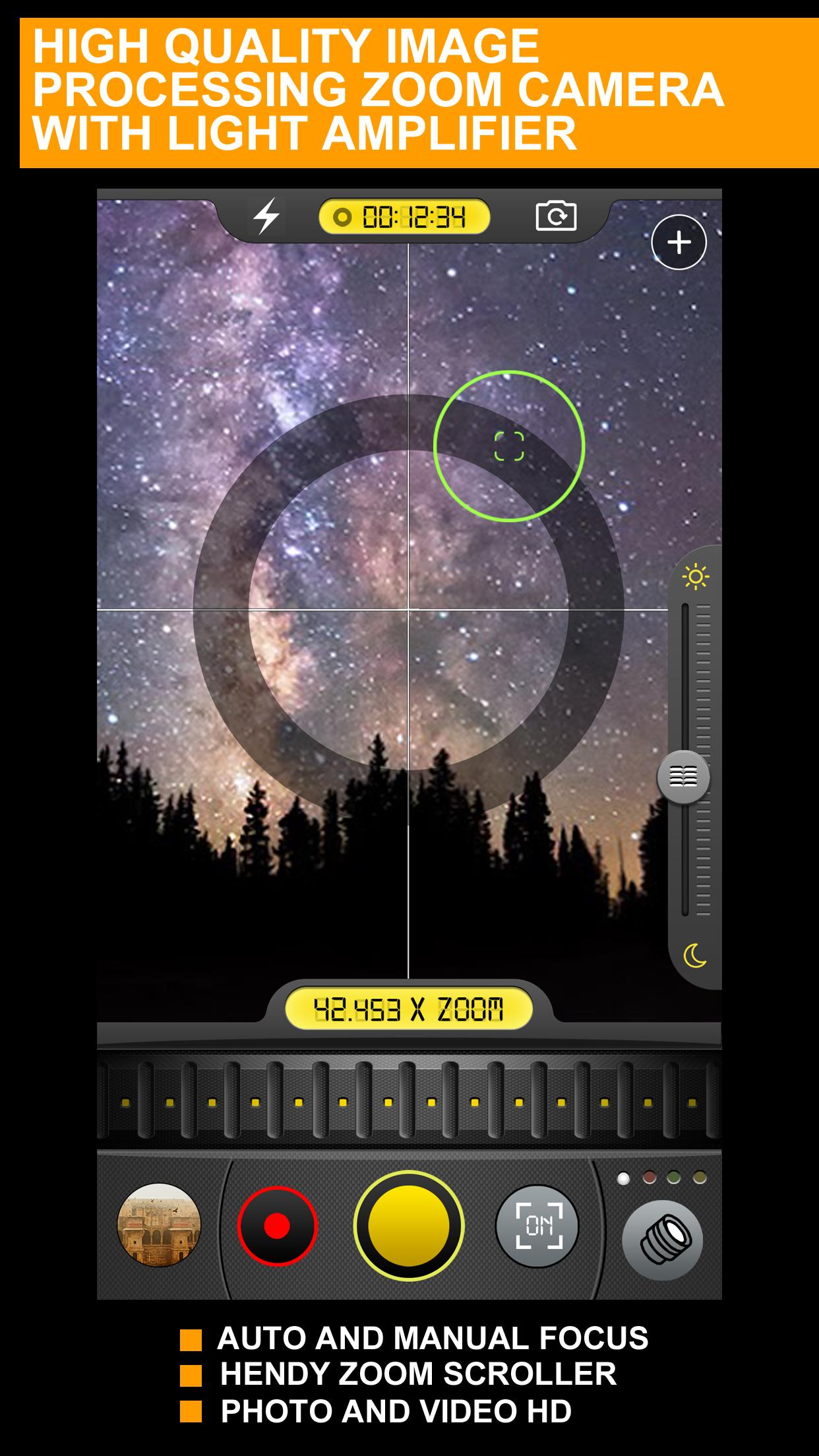
This app allows to make a super zoom.The design of the app is beautiful. You will feel like a professional. The screen shows time and different indicators. You can take a screenshot in real time. The app shows you the numbers of zoom. It is a perfect handy zoom. You don’t need to carry a heavy telescope.
All you need is in your smartphone. Zoom in and zoom out. Adjust the brightness to better see the stars. High quality image will delight you. You will see all the details of the stars and planets. Share photos with your friends. They will be surprised. Record the video of celestial phenomena. Choose the color filter to make the best photo.
You can also use this app to look at various objects. Look at the lines on your fingers. You will be amazed at the image quality. The app has been downloaded more than 5 million times!
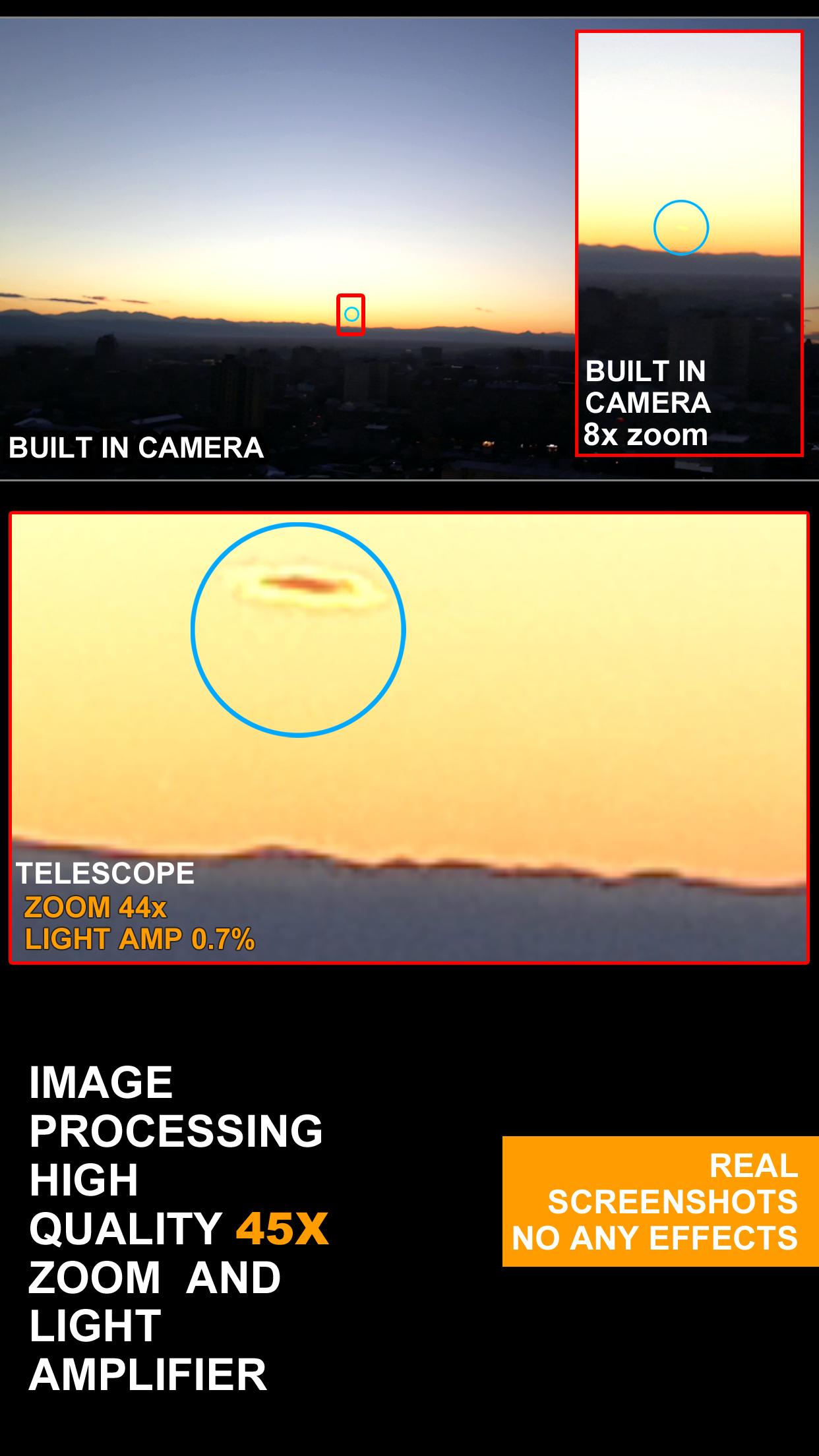
The great advantage of the app is pixelization. That’s why the photos will be amazing. This app works better than small telescopes. Developers add improvements and innovations. Using this app will allow you to see every corner in the universe.
////PLEASE NOTE//// Telescope is high quality image processing zoom app BUT IT IS NOT REAL OPTICAL TELESCOPE ///
Preview
Information
Developer
DODOS
Latest Version
1.2
Last Updated
2020-06-10
Category
Photography
Available on
Google Play
Show More
How to play Telescope 45x HQ Img.Proc. Zoom Photo and Video with GameLoop on PC
1. Download GameLoop from the official website, then run the exe file to install GameLoop
2. Open GameLoop and search for “Telescope 45x HQ Img.Proc. Zoom Photo and Video” , find Telescope 45x HQ Img.Proc. Zoom Photo and Video in the search results and click “Install”
3. Enjoy playing Telescope 45x HQ Img.Proc. Zoom Photo and Video on GameLoop
Minimum requirements
OS
Windows 8.1 64-bit or Windows 10 64-bit
GPU
GTX 1050
CPU
i3-8300
Memory
8GB RAM
Storage
1GB available space
Recommended requirements
OS
Windows 8.1 64-bit or Windows 10 64-bit
GPU
GTX 1050
CPU
i3-9320
Memory
16GB RAM
Storage
1GB available space