
Photo Collage - Photo Editor PC
AVNSoftware Inc.
Download Photo Collage - Photo Editor on PC With GameLoop Emulator
Photo Collage - Photo Editor on PC
Photo Collage - Photo Editor, coming from the developer AVNSoftware Inc., is running on Android systerm in the past.
Now, You can play Photo Collage - Photo Editor on PC with GameLoop smoothly.
Download it in the GameLoop library or search results. No more eyeing the battery or frustrating calls at the wrong time any more.
Just enjoy Photo Collage - Photo Editor PC on the large screen for free!
Photo Collage - Photo Editor Introduction
📸 Photo Collage - Photo Editor – Blend, Filter & Create Magic!
Unleash your inner artist with Photo Collage - Photo Editor, your ultimate AI-powered photo editing studio! Whether you're creating eye-catching collages, stylish profile pictures, or transforming everyday photos into artistic masterpieces, our app offers all-in-one tools to bring your vision to life.
🎨 Key Features:
• 25 photos into stunning collages
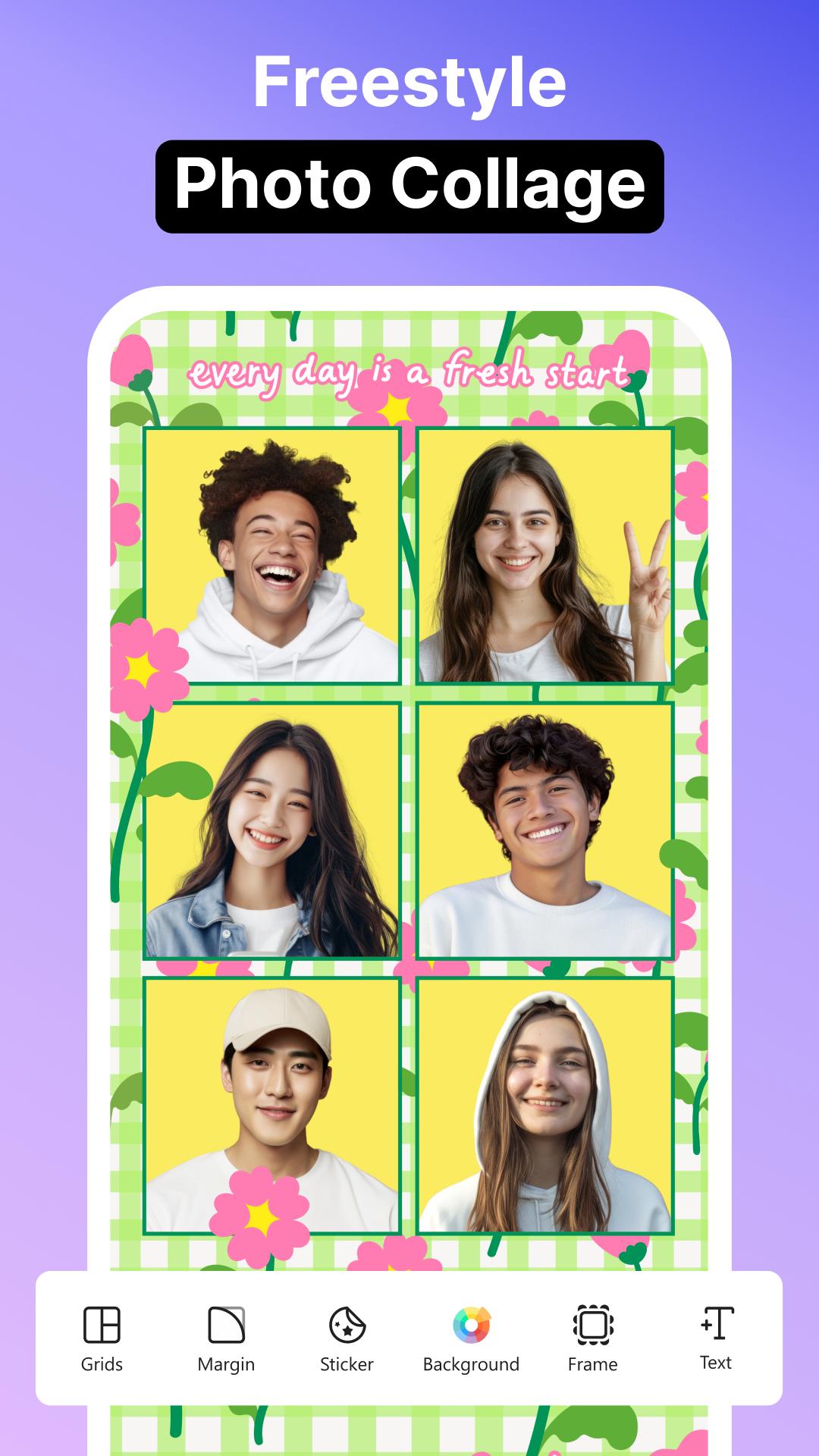
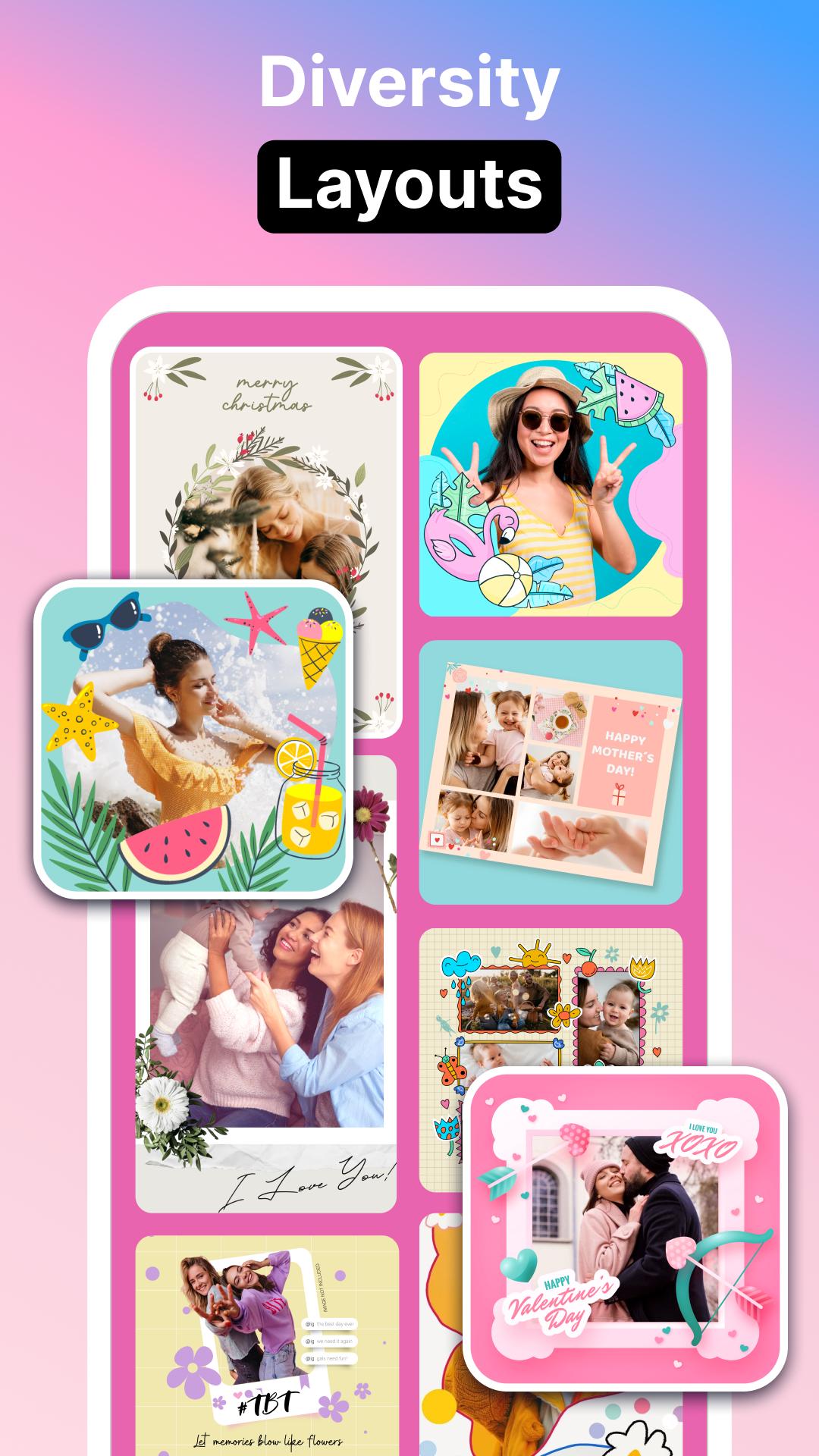
• 300+ layouts, freestyle & grid collage modes
• AI Photo Blending & Double Exposure effects
• Personalized Profile Picture Maker for social media
• Artistic Background Effects & Filters
• 30+ Collage Backgrounds: clouds, emojis, fireworks, floral & more
• Variety of photo frames: PIP, friendship, glitter, calendar & family frames
• 12 font styles, add text, stickers, and emojis
• Import custom fonts & adjust borders, spacing, and aspect ratio
• One-tap enhancements: brightness, contrast, hue, saturation
• Ready-to-post formats for Instagram, Facebook, Stories, and more
🖼️ Powerful Collage Maker & Grid Editor
Create photo collages like a pro with flexible grid layouts and freestyle mode. Adjust border thickness, frame colors, and background patterns to make your collage truly stand out.
📷 AI Blend & Double Exposure Magic
Blend two images seamlessly with AI-driven effects for surreal, dreamlike photos. Perfect for storytelling through visuals.
📷 Profile Picture Editor
Make your selfies pop with unique filters designed specifically for profile pictures. Elevate your social media look effortlessly.
🎆 Creative Effects & Art Filters
From pre-set filters to AI-powered photo effects, go beyond the basics. Customize vibrance, contrast, and saturation for jaw-dropping results.
🌀 Trendy Photo Effects
Apply mesmerizing spiral, neon, drip, overlay, and smoke effects. Perfect for a modern, artistic aesthetic.
🖼️ Frame Your Moments
Choose from classic and creative photo frames including PIP, dual, multiplex, fashion, glitter, anniversary, and family frames.
🌟 Featured & Favorites
Explore trending filters and effects, and save your go-to styles in the Favorite section for quick editing.
📐 Social-Ready Editing Tools
Easily export your edits in the perfect aspect ratios for Instagram, Stories, Facebook, and more.
About our permissions: Collage Maker asks for permissions "READ_EXTERNAL_STORAGE, WRITE_EXTERNAL_STORAGE" to read your photos/videos so that we can edit and save photos. We do not use this permission for any other purpose.
Preview
Tags
PhotographyInformation
Developer
AVNSoftware Inc.
Latest Version
113_06092025
Last Updated
2025-09-06
Category
Photography
Available on
Google Play
Show More
How to play Photo Collage - Photo Editor with GameLoop on PC
1. Download GameLoop from the official website, then run the exe file to install GameLoop
2. Open GameLoop and search for “Photo Collage - Photo Editor” , find Photo Collage - Photo Editor in the search results and click “Install”
3. Enjoy playing Photo Collage - Photo Editor on GameLoop
Minimum requirements
OS
Windows 8.1 64-bit or Windows 10 64-bit
GPU
GTX 1050
CPU
i3-8300
Memory
8GB RAM
Storage
1GB available space
Recommended requirements
OS
Windows 8.1 64-bit or Windows 10 64-bit
GPU
GTX 1050
CPU
i3-9320
Memory
16GB RAM
Storage
1GB available space