
Citrus 1 Tap Photo Enhancer AI PC
Wemagine.AI
Download Citrus 1 Tap Photo Enhancer AI on PC With GameLoop Emulator
Citrus 1 Tap Photo Enhancer AI on PC
Citrus 1 Tap Photo Enhancer AI, coming from the developer Wemagine.AI, is running on Android systerm in the past.
Now, You can play Citrus 1 Tap Photo Enhancer AI on PC with GameLoop smoothly.
Download it in the GameLoop library or search results. No more eyeing the battery or frustrating calls at the wrong time any more.
Just enjoy Citrus 1 Tap Photo Enhancer AI PC on the large screen for free!
Citrus 1 Tap Photo Enhancer AI Introduction
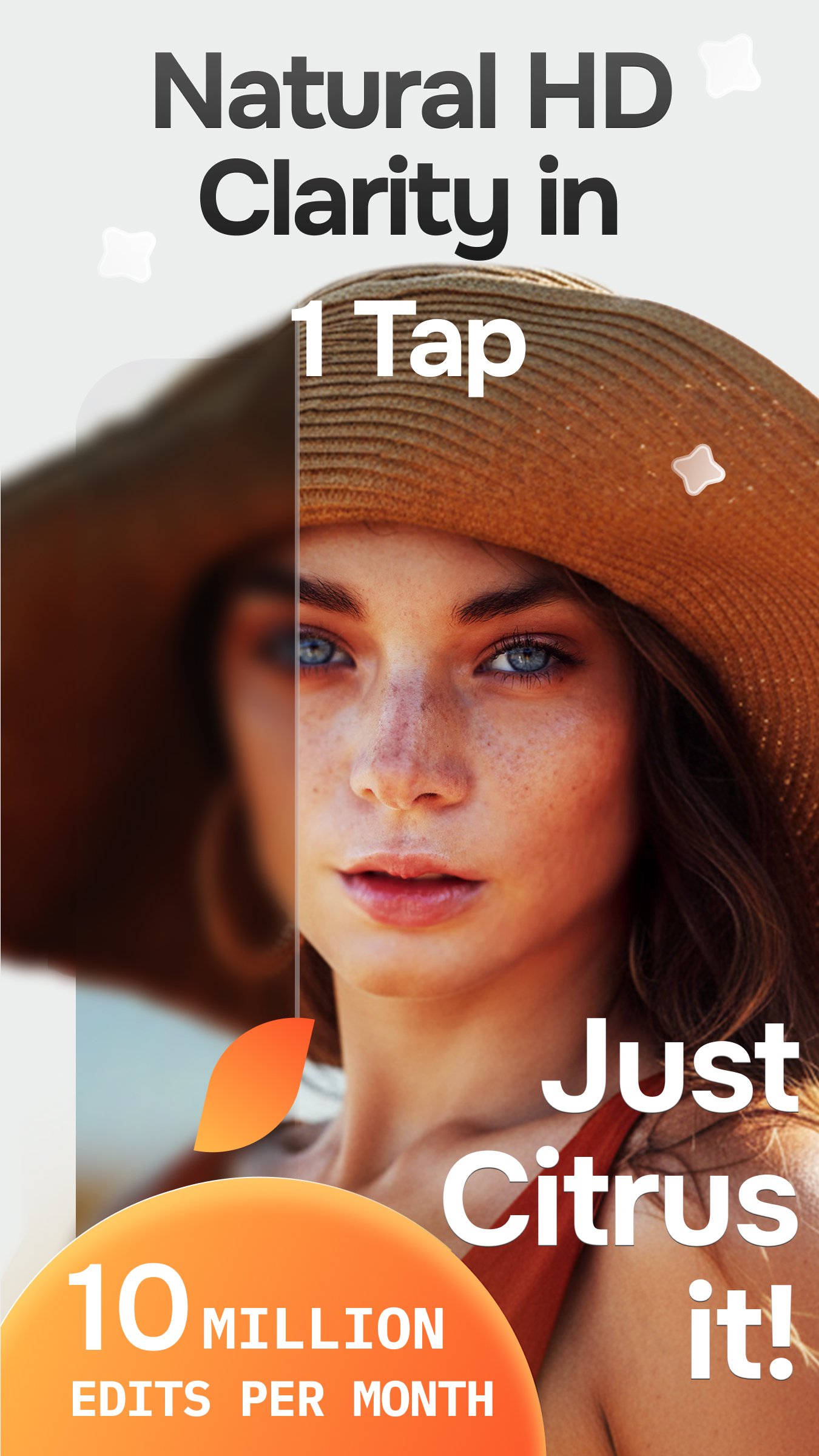
More than 10 million photos are enhanced with Citrus 1 Tap Photo Enhancer every month. People use Citrus because it’s free, fast, and makes photos look naturally better, without complicated tools or heavy filters.
Citrus helps improve photo quality in just one tap.
It enhances clarity, details, color, and sharpness while staying true to the original photo.
Built for real life and real moments, Citrus focuses on subtle, balanced improvements, so photos look cleaner, clearer, and more natural, without losing their emotion or authenticity. Recent updates have made enhancements even faster and more consistent, especially for photo dumps and slideshows.
Enhance your photos for free with Citrus.
*What Citrus helps improve*
- Blurry or soft photos
- Photos that lack clarity or detail
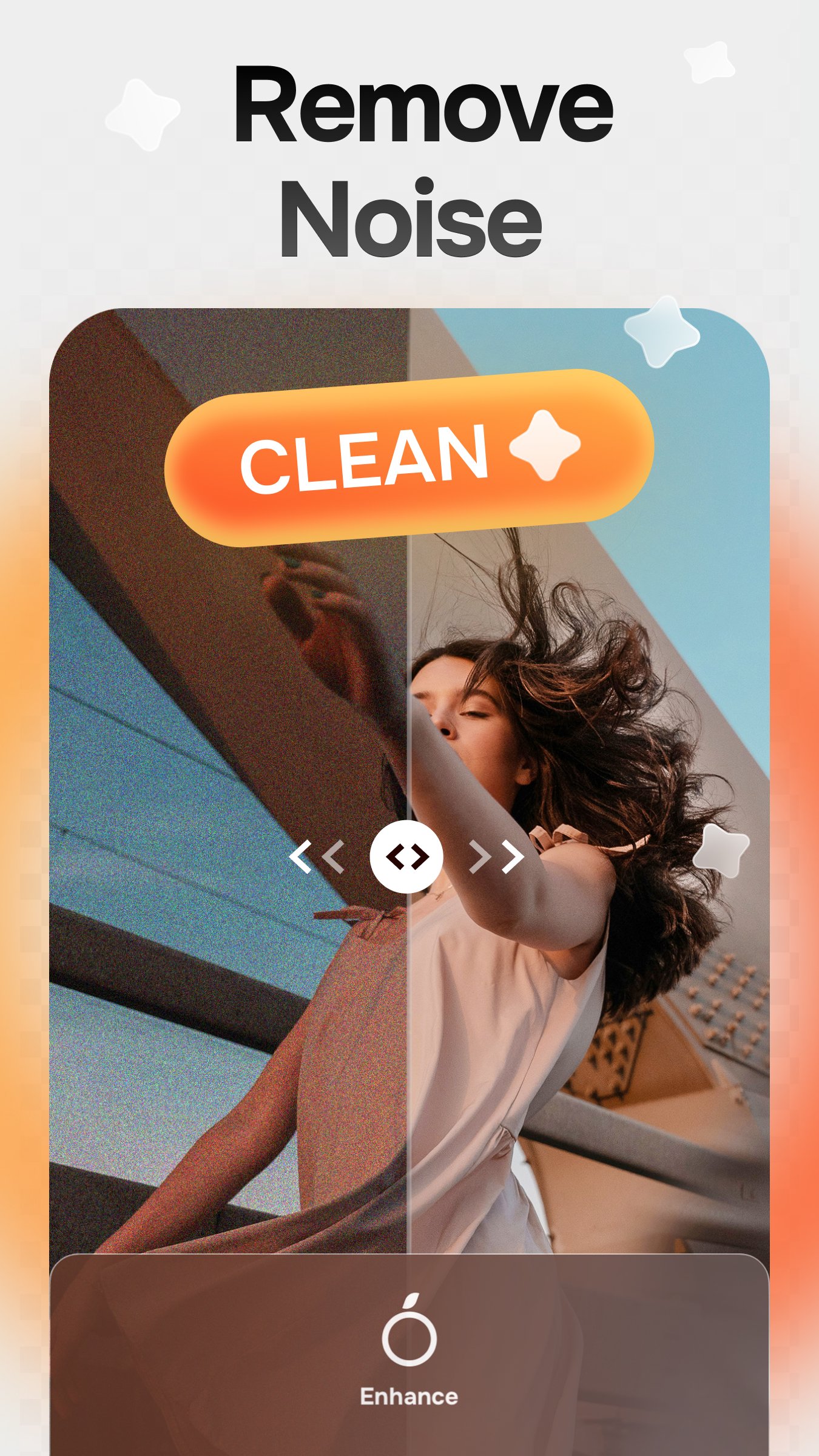
- Grainy or noisy images
- Low resolution or compressed photos
- Photos that are too dark, overexposed, or poorly balanced
- Over or under saturated colors and color tint issues
- Selfies and portraits that need subtle, natural enhancement
- Social media photos, carousel , posts, reels and slideshows
- TikTok photo dumps and Instagram slideshows
*Key features*
- Free one tap photo enhancement
- Unblur photos naturally
- Sharpen details without harsh artifacts
- Reduce noise and grain
- Enhance selfies and portraits subtly
- Natural, non fake face and looks enhancement
- Upscale and improve low resolution photos
- Sharpen faces, objects, and backgrounds
- Improve multiple photos consistently
- Fast processing with privacy and safety in mind
Citrus does not over edit photos.
It restores natural HD clarity, balanced color, and realistic detail, keeping the feeling of the original moment intact.
Many users describe Citrus as the ultimate app they rely on to automatically improve their photos — because it works quietly in the background, doesn’t force payments, and keeps usability first.
What users say:
“It makes my photos look 10× better.”
“Make my photo clean and HD.”
“Free to use and not pushy with payments.”
“It makes my photo dumps tuff.”
“Feels safe and respects my privacy.”
Whether you’re preparing a TikTok photo dump, an Instagram slideshow, or simply improving everyday photos, Citrus helps bring out the best version of the original image, effortlessly.
Natural HD clarity. One tap.Just Citrus It.
Let’s keep in touch :)
Free Web version: Justcitrusit.com
Instagram: https://instagram.com/justcitrusit
Facebook: https://www.facebook.com/justcitrusit
X: https://x.com/justcitrusit
Privacy & Terms
Privacy Policy: https://www.wemagine.ai/citrus-ai-privacy-policy
Terms of Use: https://www.wemagine.ai/citrus-ai-terms-of-service
Citrus Plus Subscription
Unlock unlimited enhancements with Citrus Plus — no watermarks, no ads, and turbo-fast processing, including batch processing.
Try it free for 3 days. Subscriptions renew automatically (weekly or yearly) and can be managed anytime in your Google Play settings.
Preview
Tags
PhotographyInformation
Developer
Wemagine.AI
Latest Version
4.7
Last Updated
2026-02-16
Category
Photography
Available on
Google Play
Show More
How to play Citrus 1 Tap Photo Enhancer AI with GameLoop on PC
1. Download GameLoop from the official website, then run the exe file to install GameLoop
2. Open GameLoop and search for “Citrus 1 Tap Photo Enhancer AI” , find Citrus 1 Tap Photo Enhancer AI in the search results and click “Install”
3. Enjoy playing Citrus 1 Tap Photo Enhancer AI on GameLoop
Minimum requirements
OS
Windows 8.1 64-bit or Windows 10 64-bit
GPU
GTX 1050
CPU
i3-8300
Memory
8GB RAM
Storage
1GB available space
Recommended requirements
OS
Windows 8.1 64-bit or Windows 10 64-bit
GPU
GTX 1050
CPU
i3-9320
Memory
16GB RAM
Storage
1GB available space