CEWE: Photobooks & Printing PC
CEWE
Download CEWE: Photobooks & Printing on PC With GameLoop Emulator
CEWE: Photobooks & Printing on PC
CEWE: Photobooks & Printing, coming from the developer CEWE, is running on Android systerm in the past.
Now, You can play CEWE: Photobooks & Printing on PC with GameLoop smoothly.
Download it in the GameLoop library or search results. No more eyeing the battery or frustrating calls at the wrong time any more.
Just enjoy CEWE: Photobooks & Printing PC on the large screen for free!
CEWE: Photobooks & Printing Introduction
CEWE is the home of premium photobooks, high-quality photo printing, photo wall art & heartfelt photo gifts.
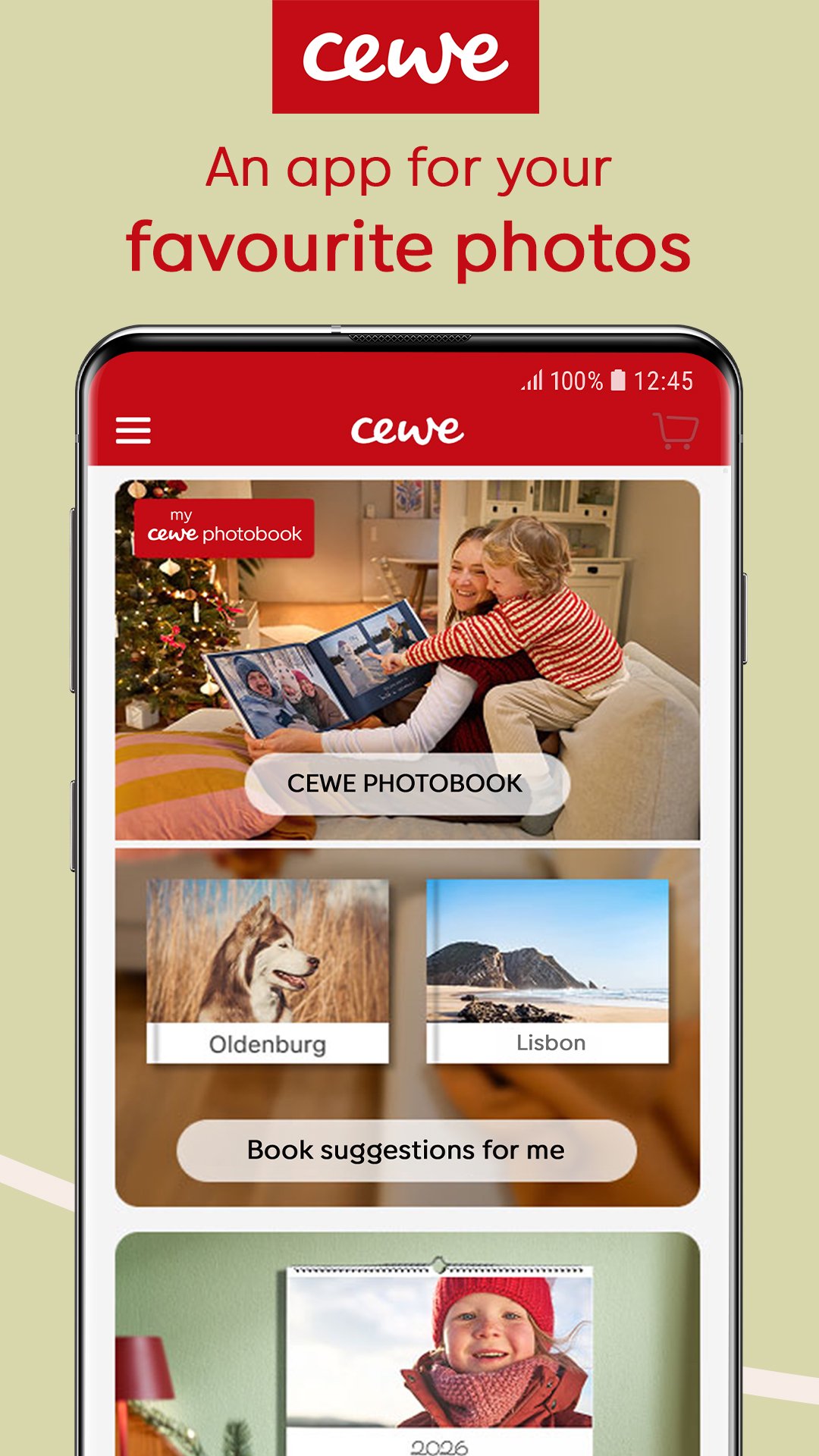
Discover the CEWE app and make the most out of your favourite photos. Cherishing all your special memories has never been easier!
Upload your photos and start creating a photo book today. In minutes, you can order prints of all your photos, design heartfelt gifts, and create unique wall art for friends and family.
Photos from your phone straight to your heart ♥️ – So easy and designed by me
CEWE has been Europe’s leading photo service for over half a century and has been awarded the Which? Best Buy for Photobooks.
This is the perfect app if you need a photo printing service or want fun and creative ways to relive your favourite moments.
Join our millions of satisfied customers!
Features & Highlights
• Smart photo selection: Let us automatically suggest the best photos for your photo book and perfectly showcase your most beautiful moments! 📷
• Automatic photo book suggestions: Do you need inspiration for the design? Our app generates individual photobooks 🥰 from your best pictures – completely automatically and free of charge.
• Smart layout: Thanks to the intelligent image distribution, your photos are arranged optimally and harmoniously on the photo book pages. The app ensures a balanced layout and a professional outcome! 📖
• Intuitive editor: New, tidy design with exciting assistance functions that help you with the design. ✨
• Data protection: Your data and photos are stored securely and not passed on to third parties. 🔐
Download the CEWE app for free, create photobooks, print your photos and design your photo gifts quickly and conveniently.
CEWE Photo Products at a Glance
• Photobooks
• Photo prints & instant photos
• Photo Wall art, canvas & poster prints
• Photo Gifts
• Greeting cards & party invitations
• Photo phone cases
• Photo calendars
Photobooks
• Choose a landscape, portrait or square photo book in various sizes.
• Quick photo grouping and intelligent automatic layouts for easy creation.
• Choose a traditional centre fold binding or a premium layflat binding.
• Printed on high-quality classic, matte or gloss paper.
• Depending on your preferred paper type, you can add up to 202 pages in your photo book.
Photo Printing
• Choose from a range of small classic sizes like 6x4” and 7x5” prints to larger 8x6” and 10x8” prints.
• Standard & premium photo paper available.
• Automatic image optimisation and variable photo print formats are available, so photos aren’t cropped to fit specific dimensions.
Wall Art
• Print your photos on a variety of materials, including canvas, acrylic, aluminium or sustainably sourced wood.
• Our Photo Posters are available in Glossy, Matte, Pearl, Silk, Semi-Gloss and Fine Art Matte finishes.
• Framing and mounting options are available.
Photo Calendars
• Wall or desk calendars available.
• Square, portrait or landscape formats.
• Different paper options.
• Create your designs or select pre-made styles.
Other Popular Photo Gifts Available
• Photo Cushions
• Photo Blanket
• Photo Mugs
• Personalised Jigsaw Puzzles
• Photo Magnets
• Personalised Tote Bag
Why Choose CEWE?
• We’re a UK manufacturer and a proud part of Europe’s number one photo company.
• We want you to love your photo product. If you’re not 100% happy, we’ll help you out, no matter what.
• The CEWE PHOTOBOOK and all other CEWE-branded products are manufactured 100% climate-neutral.
SUPPORT
If you have any questions about the CEWE App, please contact our customer service team.
By e-mail: info@cewe.co.uk
By phone: 01926 463 107
Preview

Tags
PhotographyInformation
Developer
CEWE
Latest Version
7.5.7
Last Updated
2025-12-13
Category
Photography
Available on
Google Play
Show More
How to play CEWE: Photobooks & Printing with GameLoop on PC
1. Download GameLoop from the official website, then run the exe file to install GameLoop
2. Open GameLoop and search for “CEWE: Photobooks & Printing” , find CEWE: Photobooks & Printing in the search results and click “Install”
3. Enjoy playing CEWE: Photobooks & Printing on GameLoop
Minimum requirements
OS
Windows 8.1 64-bit or Windows 10 64-bit
GPU
GTX 1050
CPU
i3-8300
Memory
8GB RAM
Storage
1GB available space
Recommended requirements
OS
Windows 8.1 64-bit or Windows 10 64-bit
GPU
GTX 1050
CPU
i3-9320
Memory
16GB RAM
Storage
1GB available space