
Bulk Watermark PC
Bufolabs
Download Bulk Watermark on PC With GameLoop Emulator
Bulk Watermark on PC
Bulk Watermark, coming from the developer Bufolabs, is running on Android systerm in the past.
Now, You can play Bulk Watermark on PC with GameLoop smoothly.
Download it in the GameLoop library or search results. No more eyeing the battery or frustrating calls at the wrong time any more.
Just enjoy Bulk Watermark PC on the large screen for free!
Bulk Watermark Introduction
Bulk Watermark App is a powerful tool designed to help you easily add watermarks to your photos and videos in bulk. Whether you're a professional photographer, a content creator, or simply someone who wants to protect their visual content, this app offers a convenient solution to apply watermarks efficiently.
Key Features:
Batch Watermarking: Effortlessly add watermarks to multiple photos or videos at once, saving you valuable time and effort.
Customizable Watermarks: Personalize your watermarks by choosing from a variety of options. Add image watermarks by selecting your own logo, signature, or copyright symbol. Alternatively, you can create text watermarks and customize the font, size, color, and opacity to match your branding.
Precise Positioning: Easily position your watermark on photos or videos using intuitive controls. Move, resize, and rotate the watermark to achieve the perfect placement that suits your needs.
Bulk Processing Options: Select multiple files from your device's storage or import them directly from popular cloud services. The app efficiently processes all the selected files, ensuring a seamless watermarking experience.
Preview and Adjustments: Before saving the final watermarked files, preview them to ensure they meet your expectations. Make any necessary adjustments to the watermark positioning or appearance to achieve the desired result.
Output Flexibility: Choose from various output options to save your watermarked files. Save them locally on your device, export them to cloud storage, or share them directly through the app with your preferred platforms.
Additional Tools: Enhance your workflow with additional features such as batch renaming, file format conversion, and integration with popular social media platforms for easy sharing.
User-Friendly Interface: Enjoy a sleek and intuitive user interface that makes the watermarking process straightforward, even for those with minimal technical expertise.
Protect your visual content, establish your brand, and maintain ownership with Bulk Watermark App. Download now and effortlessly apply watermarks to your photos and videos in bulk.
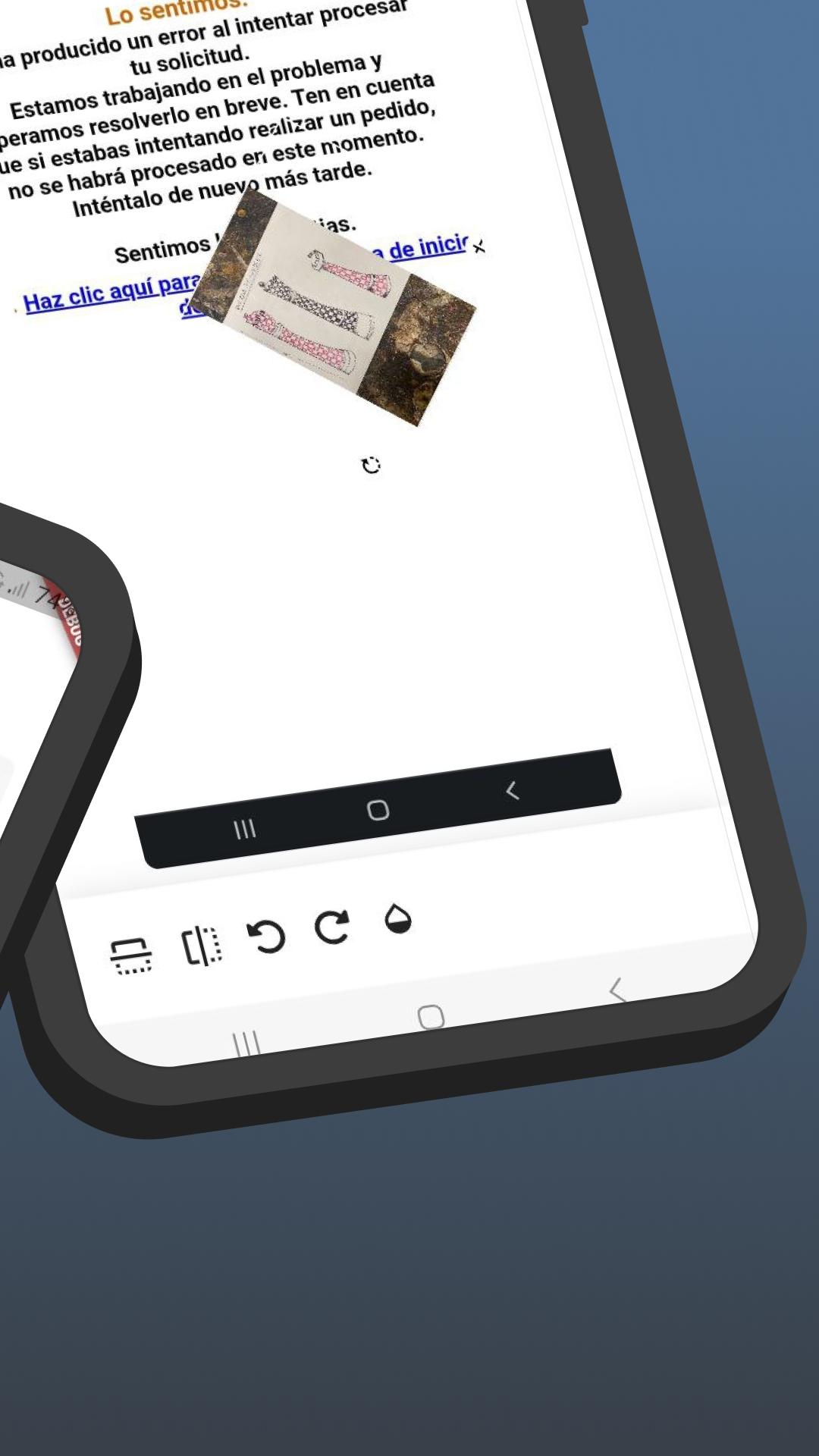
Preview

Tags
PhotographyInformation
Developer
Bufolabs
Latest Version
1.0.1
Last Updated
2023-10-11
Category
Photography
Available on
Google Play
Show More
How to play Bulk Watermark with GameLoop on PC
1. Download GameLoop from the official website, then run the exe file to install GameLoop
2. Open GameLoop and search for “Bulk Watermark” , find Bulk Watermark in the search results and click “Install”
3. Enjoy playing Bulk Watermark on GameLoop
Minimum requirements
OS
Windows 8.1 64-bit or Windows 10 64-bit
GPU
GTX 1050
CPU
i3-8300
Memory
8GB RAM
Storage
1GB available space
Recommended requirements
OS
Windows 8.1 64-bit or Windows 10 64-bit
GPU
GTX 1050
CPU
i3-9320
Memory
16GB RAM
Storage
1GB available space