Body & Face Editor PC
Color Delight Studio
Download Body & Face Editor on PC With GameLoop Emulator
Body & Face Editor on PC
Body & Face Editor, coming from the developer Color Delight Studio, is running on Android systerm in the past.
Now, You can play Body & Face Editor on PC with GameLoop smoothly.
Download it in the GameLoop library or search results. No more eyeing the battery or frustrating calls at the wrong time any more.
Just enjoy Body & Face Editor PC on the large screen for free!
Body & Face Editor Introduction
Body & Face Editor app is the best photo editing app to enhance your natural beauty and reshape your body with powerful editing tools - all in just a few taps!
Using this body editor app, reshape your body curves, enlarge breasts and hips, slim your waist, smooth your skin, or even increase your height, and much more. This powerful photo editor has all the tools to help you instantly give your simple photos the perfect look.
You don't need any editing skills - select your photo, use any of the body editor tools, and get amazing results in seconds!
✨Body & Face Editor Key Features:
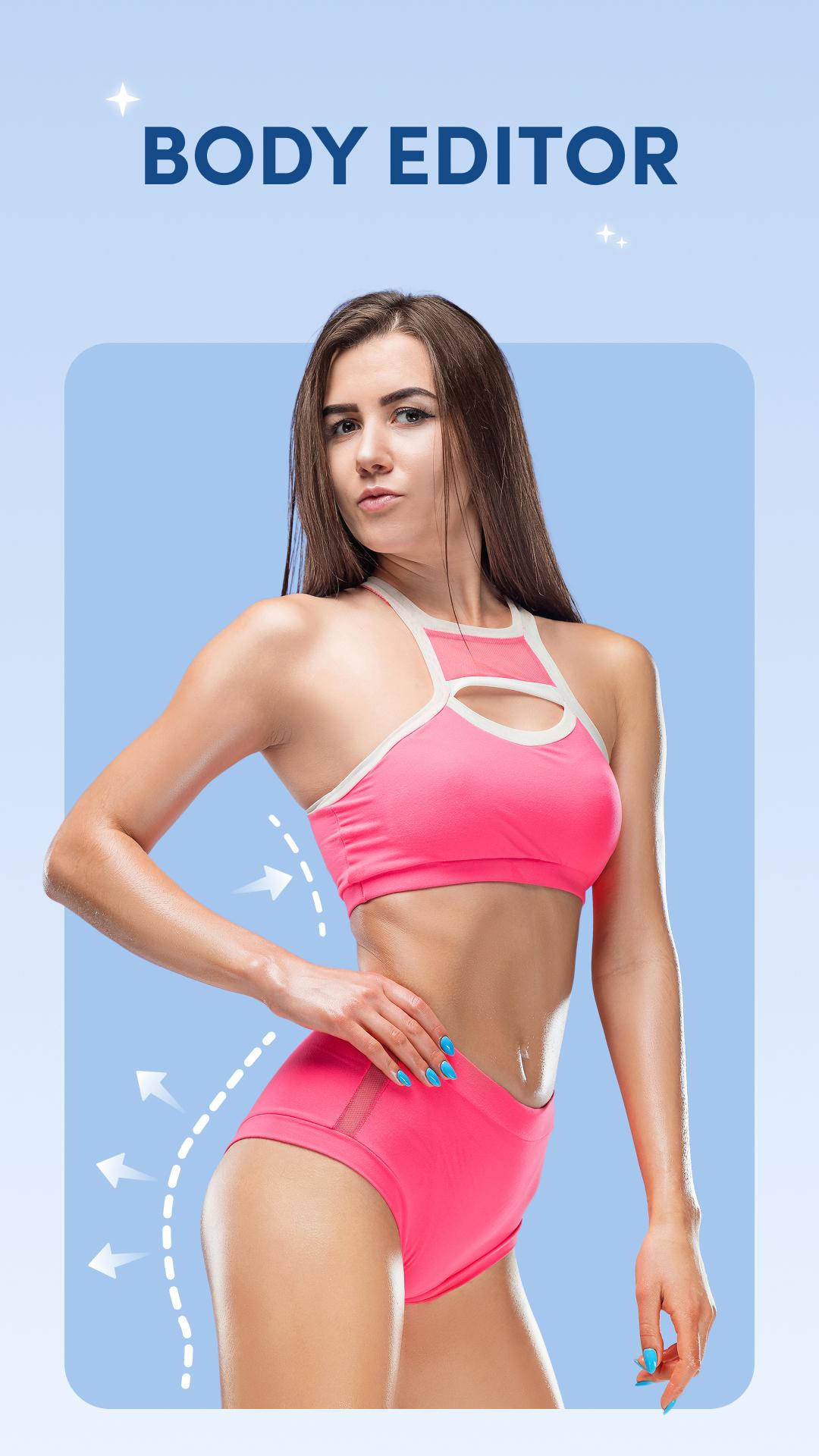
🔥 Body Shaper
- Slim your waist, reshape your body, or enhance your curves. Make your body fit and stylish with Body Editor.
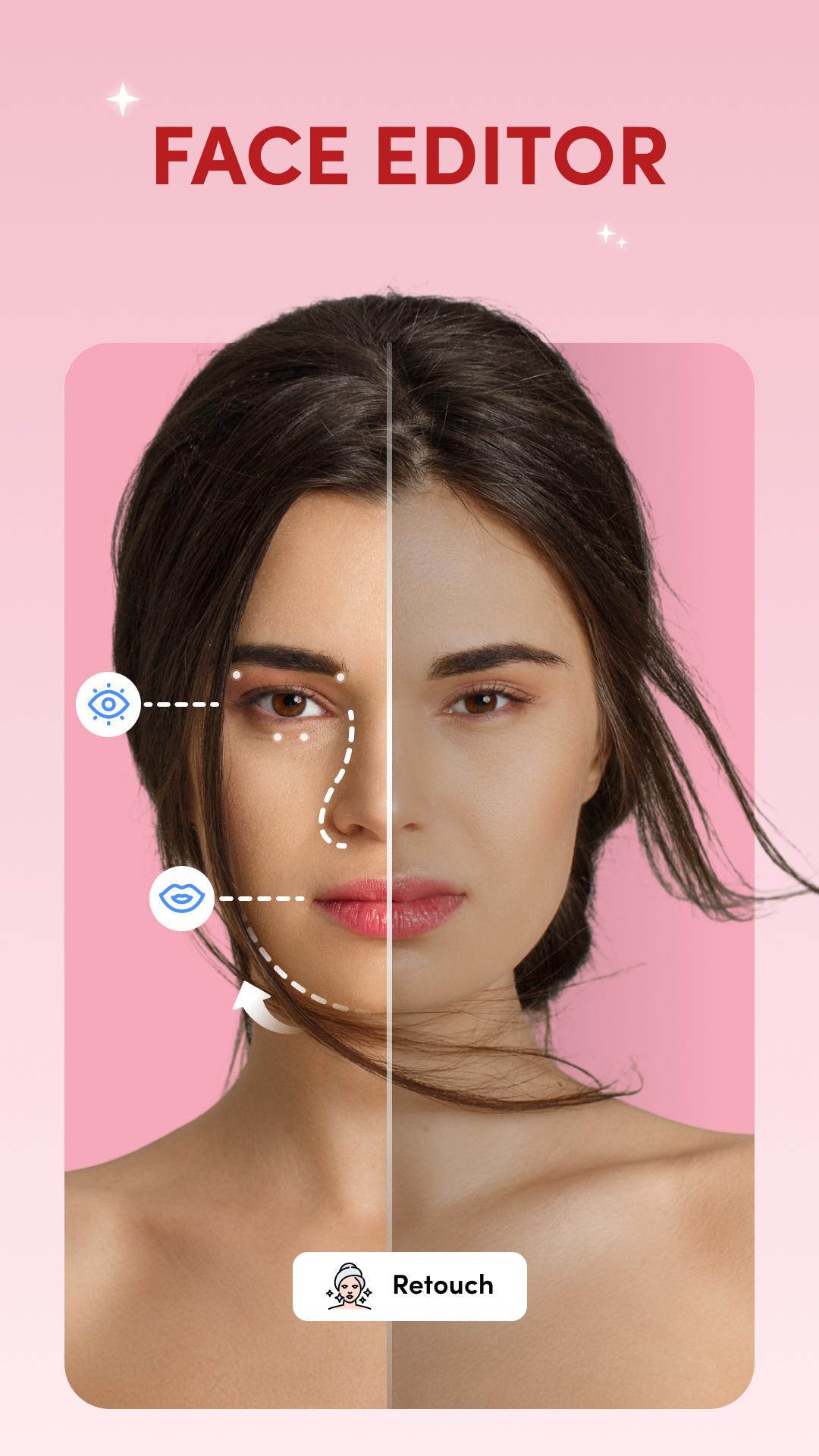
👀 Face Editor
- Edit your face to look slimmer and more beautiful with the Face Editor. Perfect for your selfie photos.
✨ Breast & Hip Enlarger
- Easily increase your breast and hip size with natural-looking results.
📏 Height Editor
- Make yourself taller and your legs longer in just one tap.
💄 Face Makeup
- Brighten your skin tone for a fresh, glowing look with face makeup.
👄 Lip Shaper
- Resize your lips, apply lipstick, and make your smile stand out.
🎨 Photo Filters
- Apply stylish and cool filters to your photos.
🧘 Slimming Tool
- Easily slim your body for a fit and toned look in every photo.
👁️ Eye Makeup
- Use the face editor to easily add eyeliner, eyebrows, and eyelashes.
👃 Nose Shaper
- Make your nose slimmer and more balanced.
🔹Advanced Tools
✦ Look Enhance: Change your overall appearance to look more stylish and attractive.
✦ Add Tattoo: Add cool and realistic tattoos to your photos.
✦ Abs: Add six-pack abs and make your body fit.
✦ Dress Up: Try on a virtual collection of hair, beard, goggles, and many more accessories and see what looks best on you.
Perfect your look in every photo with the Body Editor and Face Editor. Whether it's reshaping your body, whitening your skin, beautifying your face, or refining your eyes and nose - it's all possible in just a few taps! Just a few touches and you'll get amazing and aesthetic results in no time. Start editing like a pro and get the perfect look in every photo with Body & Face Editor!
Download the Body & Face Editor app and explore advanced editing tools right on your device!
Preview
Tags
PhotographyInformation
Developer
Color Delight Studio
Latest Version
1.14
Last Updated
2025-09-29
Category
Photography
Available on
Google Play
Show More
How to play Body & Face Editor with GameLoop on PC
1. Download GameLoop from the official website, then run the exe file to install GameLoop
2. Open GameLoop and search for “Body & Face Editor” , find Body & Face Editor in the search results and click “Install”
3. Enjoy playing Body & Face Editor on GameLoop
Minimum requirements
OS
Windows 8.1 64-bit or Windows 10 64-bit
GPU
GTX 1050
CPU
i3-8300
Memory
8GB RAM
Storage
1GB available space
Recommended requirements
OS
Windows 8.1 64-bit or Windows 10 64-bit
GPU
GTX 1050
CPU
i3-9320
Memory
16GB RAM
Storage
1GB available space