
Background Remover - AI Editor PC
AppTrendz Studio
Download Background Remover - AI Editor on PC With GameLoop Emulator
Background Remover - AI Editor on PC
Background Remover - AI Editor, coming from the developer AppTrendz Studio, is running on Android systerm in the past.
Now, You can play Background Remover - AI Editor on PC with GameLoop smoothly.
Download it in the GameLoop library or search results. No more eyeing the battery or frustrating calls at the wrong time any more.
Just enjoy Background Remover - AI Editor PC on the large screen for free!
Background Remover - AI Editor Introduction
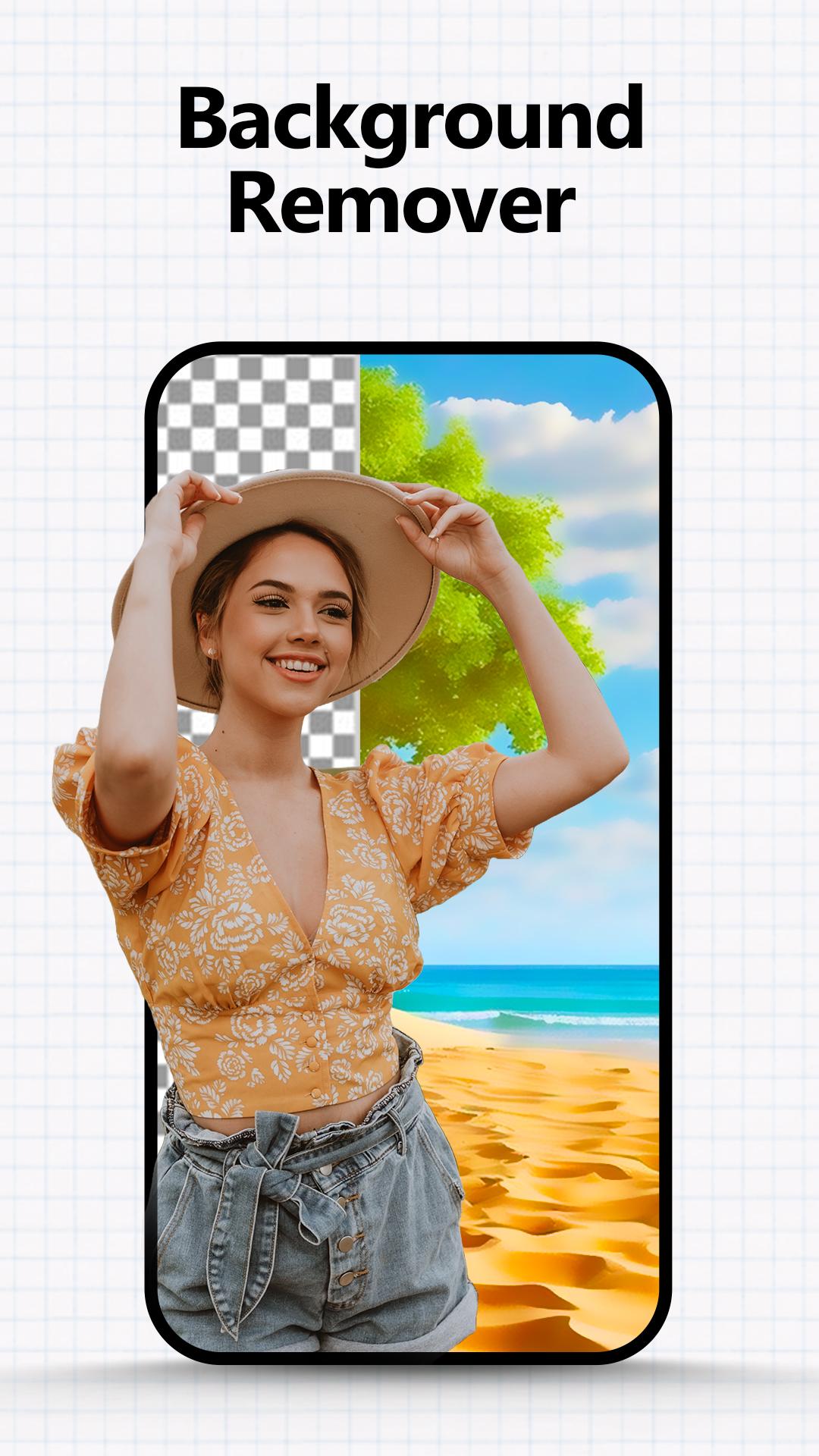
Transform your photos in seconds with the Background Remover App 2025! Powered by advanced AI technology, this intuitive app allows you to remove, edit, and replace photo backgrounds effortlessly.
Join over 10 million users who have simplified photo editing with our AI-powered background remover!
🔥 Why Choose the Background Remover App?
✂️ Advanced Background Removal
☑️ Remove backgrounds from photos with pinpoint accuracy using AI-powered tools.
☑️ Effortlessly remove backgrounds with AI precision.
☑️ Automatically detect edges for flawless cutouts, leaving no detail behind.
✂️ Powerful Photo Editing Tools
☑️ Crop & Erase: Edit photos to perfection by removing unwanted areas.
☑️ Customizable Filters: Enhance your photos with stunning filters for a polished look.
☑️ Stickers & Text: Add creative elements like text and stickers to PNG or JPG images.
☑️ Export Images: Save with customizable backgrounds, perfect for ID photos or thumbnails.
✨ Seamless Background Replacement
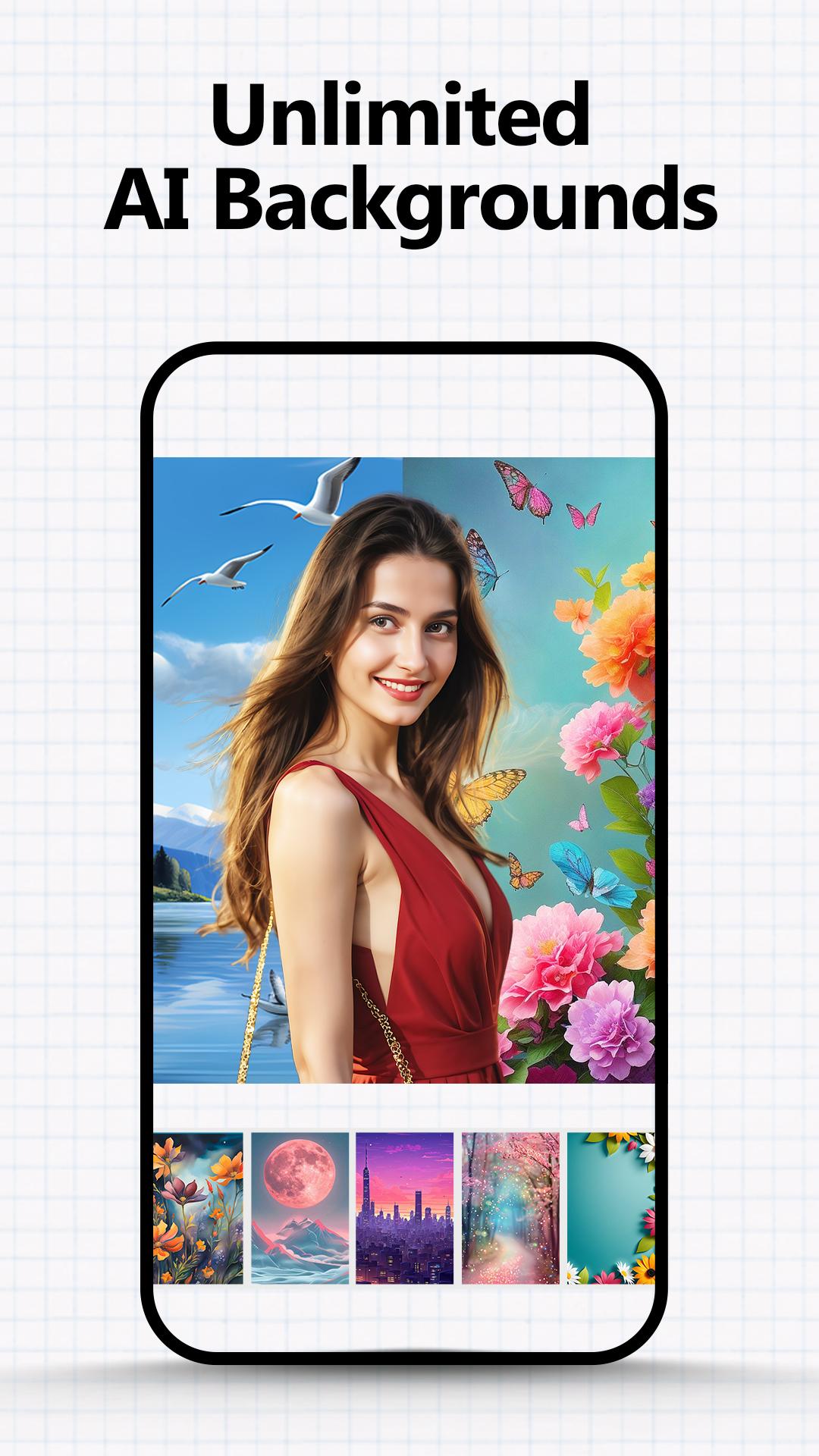
☑️ Replace backgrounds effortlessly with vibrant colors, pre-designed images, or your custom uploads.
☑️ Stunning Background Options: Choose from 800+ 4K/HD backgrounds, including nature, abstract, and urban themes.
☑️ Creative Editing Features: Adjust brightness, contrast, and saturation for picture-perfect results.
☑️ Search online for unlimited background options to match your style.
🌈 Creative Freedom
☑️ Cut and Paste Editor: Merge images and create unique compositions.
☑️ Create high-quality transparent PNGs for social media, websites, or product showcases.
✨ Key Features
AI Background Remover: Remove unwanted areas and replace backgrounds with ease.
Background Editor: Customize photos with vibrant new backdrops or transparent PNGs.
Photo Enhancer: Apply filters and effects to make your images stand out.
Customizable Frames: Choose from Nature, Wedding, Birthday, and Studio themes.
YouTube Thumbnail Designer: Create eye-catching thumbnails in minutes.
🎨 Endless Possibilities with Background Remover
With the Background Remover App, you can:
✔ Design professional product images for e-commerce.
✔ Create captivating YouTube thumbnails and podcast covers.
✔ Replace backgrounds for ID photos or social media posts.
✔ Showcase your photos with magazine-style frames.
✔ Edit and enhance images for websites or apps.
🌟 Perfect for All Users
Whether you’re a casual user or a professional, this app delivers exceptional results with minimal effort. It’s free to use, with optional premium upgrades for advanced tools and features.
✂️ Background Remover
Easily remove photo backgrounds and create PNG images in seconds with AI-powered tools.
✂️ Background Photo Editor
Remove and replace backgrounds effortlessly with over 800 HD/4K backgrounds to choose from.
✂️ Cutout Photo Editor
Use the advanced cutout tool to erase backgrounds perfectly and create stunning artwork instantly.
💬 Share Your Experience
Your feedback helps us grow! If you enjoy the Background Remover App, rate us ⭐⭐⭐⭐⭐ and share your thoughts. For support, email us at apptrendshelp@gmail.com.
🚀 Download Now & Start Editing Like a Pro!
Transform your photos with the Background Remover App 2025. Remove backgrounds, enhance images, and create stunning visuals with the power of AI.
💎 Download now and give your photos the perfect makeover!
Preview
Tags
PhotographyInformation
Developer
AppTrendz Studio
Latest Version
1.0.54
Last Updated
2025-07-09
Category
Photography
Available on
Google Play
Show More
How to play Background Remover - AI Editor with GameLoop on PC
1. Download GameLoop from the official website, then run the exe file to install GameLoop
2. Open GameLoop and search for “Background Remover - AI Editor” , find Background Remover - AI Editor in the search results and click “Install”
3. Enjoy playing Background Remover - AI Editor on GameLoop
Minimum requirements
OS
Windows 8.1 64-bit or Windows 10 64-bit
GPU
GTX 1050
CPU
i3-8300
Memory
8GB RAM
Storage
1GB available space
Recommended requirements
OS
Windows 8.1 64-bit or Windows 10 64-bit
GPU
GTX 1050
CPU
i3-9320
Memory
16GB RAM
Storage
1GB available space