Anniversary Photo Frames PC
Unikdev photo video studio
Download Anniversary Photo Frames on PC With GameLoop Emulator
Anniversary Photo Frames on PC
Anniversary Photo Frames, coming from the developer Unikdev photo video studio, is running on Android systerm in the past.
Now, You can play Anniversary Photo Frames on PC with GameLoop smoothly.
Download it in the GameLoop library or search results. No more eyeing the battery or frustrating calls at the wrong time any more.
Just enjoy Anniversary Photo Frames PC on the large screen for free!
Anniversary Photo Frames Introduction
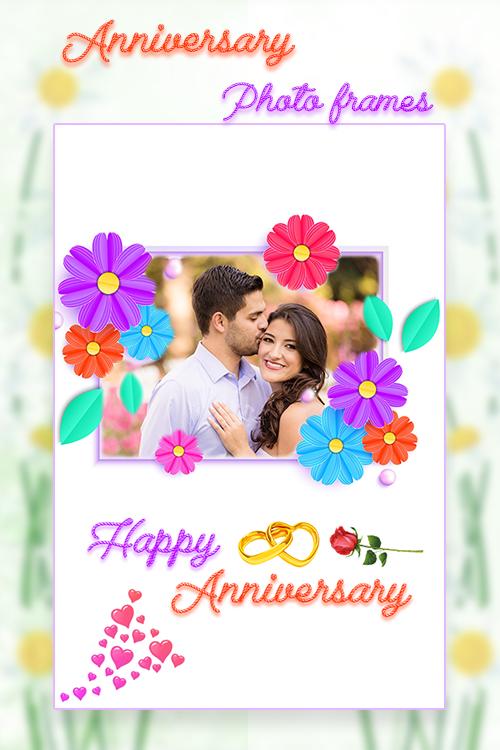
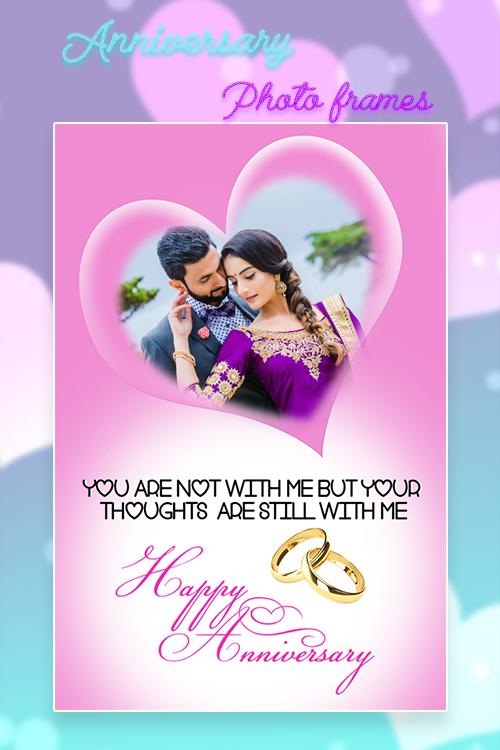
❖ Remember your wedding or any other special moment on your anniversary pick your best photo and choice your favorite frame and make the moments unforgettable with Anniversary Photo maker.
❖ App is specially designed for anniversary, you'll opt for the frames that most accurately fits your declaration of affection, Valentine ’s day or ceremony.
❖ There is so many photo frames for your image to edit with Anniversary Photo Frames and set Anniversary Photo Frames themes with your image.
❖ Not only you can add your photo to the photo frames, we have also included effects, write text in different formats in different colors and save and share via social media.
KEY FEATURES WITHIN APP :
♥ Select a photo or picture from gallery
♥ Many Anniversary photo frame to choose
♥ You can Rotate, scale, zoom in, zoom out or drag the photo to fit the frame as you like
♥ Very easy to use
♥ Apply Photo Filter
♥ Works without internet connection
♥ Apply different color, sticker, photo effects or fonts to your pictures
♥ Save your new edited Anniversary Frame images and share it instantly on social networks
Preview
Tags
PhotographyInformation
Developer
Unikdev photo video studio
Latest Version
2.8
Last Updated
2022-10-10
Category
Photography
Available on
Google Play
Show More
How to play Anniversary Photo Frames with GameLoop on PC
1. Download GameLoop from the official website, then run the exe file to install GameLoop
2. Open GameLoop and search for “Anniversary Photo Frames” , find Anniversary Photo Frames in the search results and click “Install”
3. Enjoy playing Anniversary Photo Frames on GameLoop
Minimum requirements
OS
Windows 8.1 64-bit or Windows 10 64-bit
GPU
GTX 1050
CPU
i3-8300
Memory
8GB RAM
Storage
1GB available space
Recommended requirements
OS
Windows 8.1 64-bit or Windows 10 64-bit
GPU
GTX 1050
CPU
i3-9320
Memory
16GB RAM
Storage
1GB available space