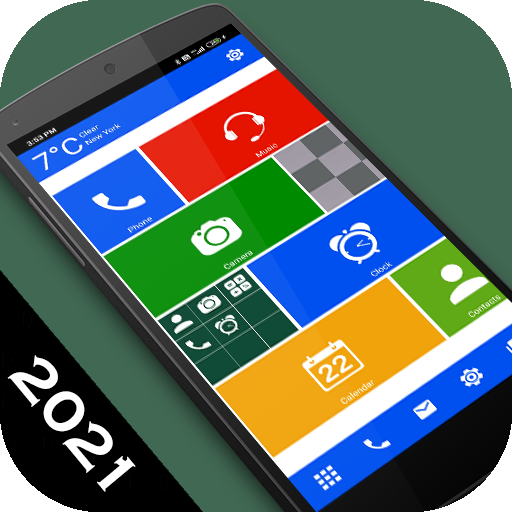
WP 8 Launcher 2021 - Metro The PC
Launchers World
Download WP 8 Launcher 2021 - Metro The on PC With GameLoop Emulator
WP 8 Launcher 2021 - Metro The on PC
WP 8 Launcher 2021 - Metro The, coming from the developer Launchers World, is running on Android systerm in the past.
Now, You can play WP 8 Launcher 2021 - Metro The on PC with GameLoop smoothly.
Download it in the GameLoop library or search results. No more eyeing the battery or frustrating calls at the wrong time any more.
Just enjoy WP 8 Launcher 2021 - Metro The PC on the large screen for free!
WP 8 Launcher 2021 - Metro The Introduction
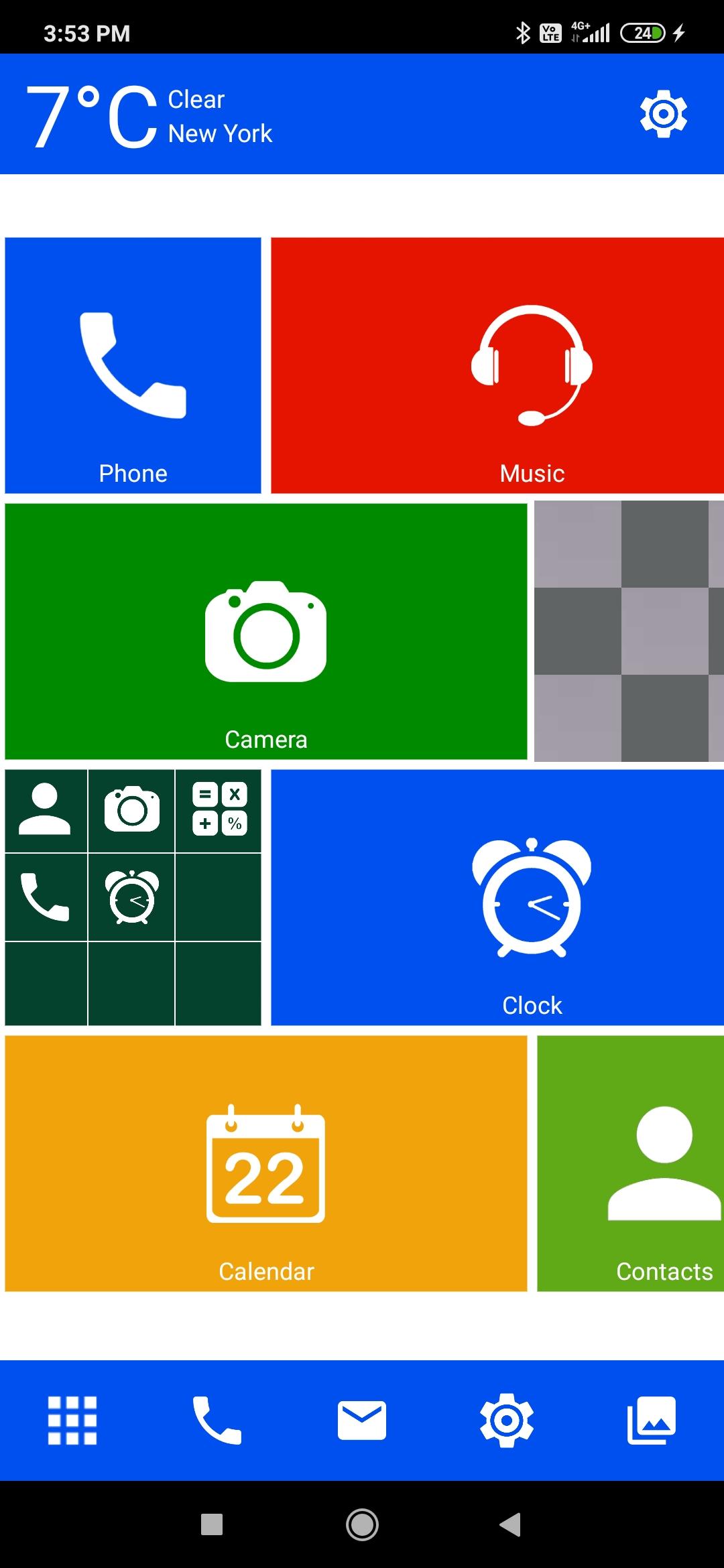
Elegant metro look, simple and clean UI for tablets and mobiles, incredibly fast and easy to use, live weather widget and world class performance!!
If you want to give a new look to your phone or tablet then you should download this amazing WP 8 launcher metro look.
Incredibly fast & easy
WP 8 Launcher provides users extremely fast and smarter using experience with simple, smooth and faster animation effect on user interface.
Elegant and unique look
WP 8 Launcher provides very unique and elegant look. It provides 10 unique & beautiful mobile themes. We have created abundant themes for you with lots of zeal and dedication so that users can give new, fresh and ultimate look to their phones every day.
Personalization
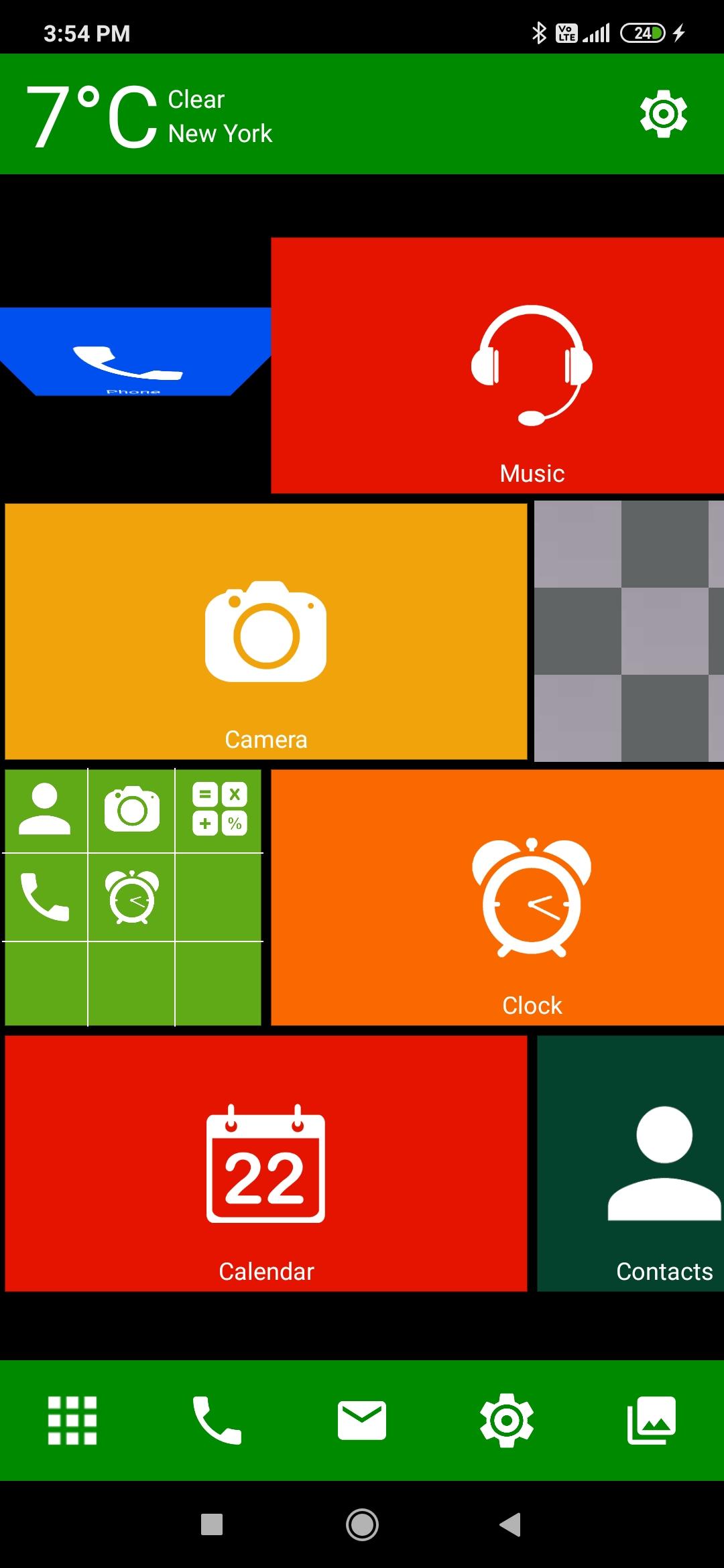
WP 8 launcher provides you very pleasant personalize experience with 10 different type of themes, you can set system current wallpaper as launcher background, more than 25 different colors which you can set for tile color and background color, header & footer color and you can personalize WP8 launcher in your native language it provides you more than 22 worldwide international languages using these feature you can personalize your phone.
Tile customization
You can customize each tile by long press on tile where you can change application on tile, change tile color, change tile transparency etc.
Animation
WP 8 launcher provides you faster and smoother animation for better user interaction.
Easy all apps access & fast search
WP 8 launcher provides access to all apps in one touch and app can be searched very easily using alphabet index search and by writing app name in search option.
Live weather widget
WP 8 launcher provides you weather forecast information on your home screen like temperature of city, city name, weather type and you can change or search your city by clicking on temperature view.
Preview
Tags
PersonalizationInformation
Developer
Launchers World
Latest Version
22.0
Last Updated
2021-01-19
Category
Personalization
Available on
Google Play
Show More
How to play WP 8 Launcher 2021 - Metro The with GameLoop on PC
1. Download GameLoop from the official website, then run the exe file to install GameLoop
2. Open GameLoop and search for “WP 8 Launcher 2021 - Metro The” , find WP 8 Launcher 2021 - Metro The in the search results and click “Install”
3. Enjoy playing WP 8 Launcher 2021 - Metro The on GameLoop
Minimum requirements
OS
Windows 8.1 64-bit or Windows 10 64-bit
GPU
GTX 1050
CPU
i3-8300
Memory
8GB RAM
Storage
1GB available space
Recommended requirements
OS
Windows 8.1 64-bit or Windows 10 64-bit
GPU
GTX 1050
CPU
i3-9320
Memory
16GB RAM
Storage
1GB available space