ZTE Nubia Neo 5 Pro Video Wall PC
Yes Themes
Download ZTE Nubia Neo 5 Pro Video Wall on PC With GameLoop Emulator
ZTE Nubia Neo 5 Pro Video Wall on PC
ZTE Nubia Neo 5 Pro Video Wall, coming from the developer Yes Themes, is running on Android systerm in the past.
Now, You can play ZTE Nubia Neo 5 Pro Video Wall on PC with GameLoop smoothly.
Download it in the GameLoop library or search results. No more eyeing the battery or frustrating calls at the wrong time any more.
Just enjoy ZTE Nubia Neo 5 Pro Video Wall PC on the large screen for free!
ZTE Nubia Neo 5 Pro Video Wall Introduction
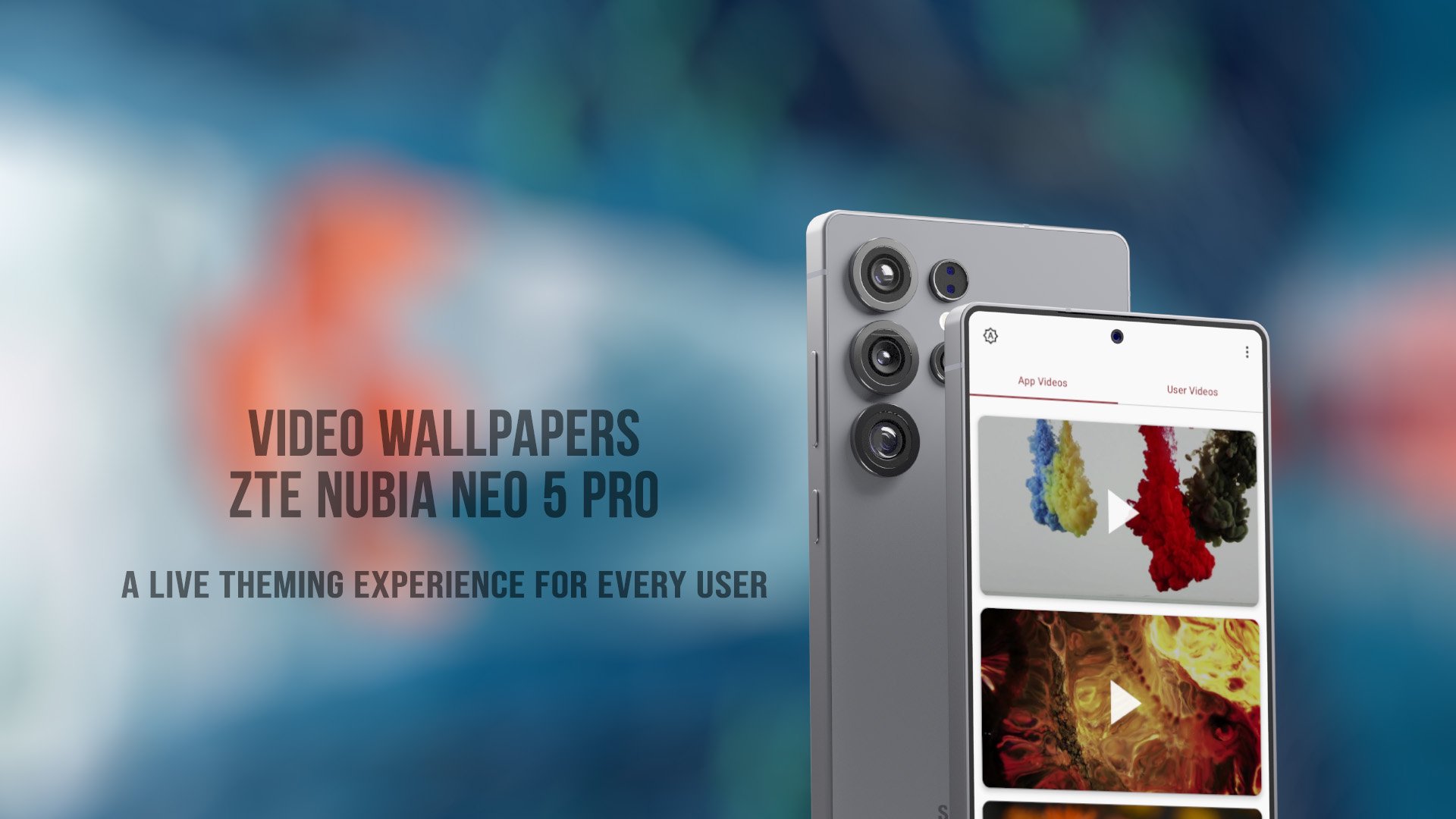
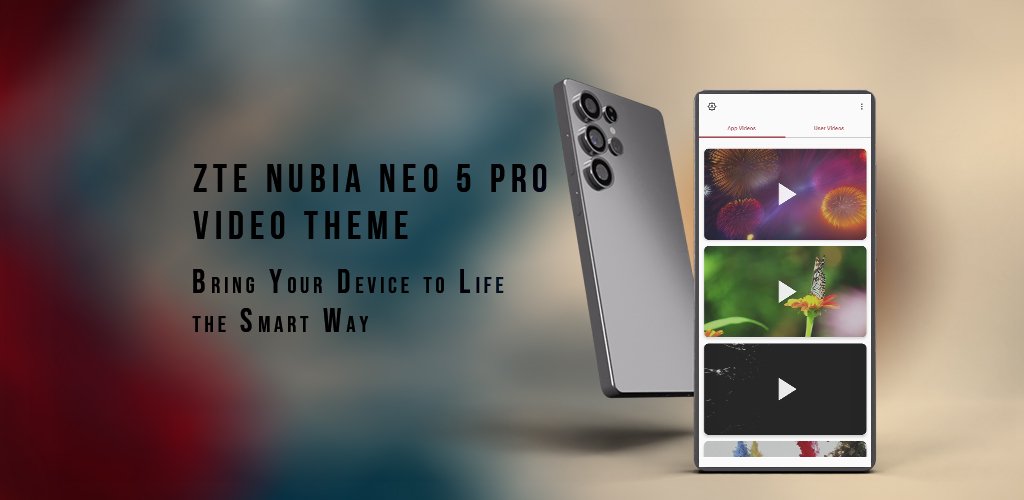
ZTE Nubia Neo 5 Pro Video Wall – Bring Your Screen to Life!
Simplicity meets motion. Elegance meets expression.
Tired of boring, static wallpapers? Want to make your ZTE Nubia Neo 5 Pro Video Wall feel truly alive? Look no further. Live Theme for Redmi K Pad is a beautifully crafted live wallpaper app designed to give your phone a unique and dynamic look – just like you.
Whether you're into minimalist themes, video wallpapers, or animated wallpapers, this app has something for everyone. Inspired by the clean, modern style of Redmi's latest design language, our themes combine simplicity with stunning visuals that move and react — giving your home screen a whole new vibe.
What Makes ZTE Nubia Neo 5 Pro Video Wall Stand Out?
ZTE-Inspired Video Wallpapers
Enjoy a handpicked collection of sleek, stock-style video wallpapers that echo the premium feel of the Redmi K Pad and other flagship models. Designed for elegance, crafted for motion.
Live Wallpapers That Move You
Not just static images — these are real live and animated wallpapers. Set breathtaking motion videos as your home or lock screen and experience your phone in an entirely new way.
HD & 4K Quality
All our wallpapers are in Full HD and 4K resolution, so they look crisp and stunning on any screen size — from compact phones to big displays.
AMOLED & Dark Mode Friendly
Prefer battery-saving visuals? Our collection includes dark wallpapers, black backgrounds, and AMOLED-friendly themes that not only look cool but also save battery life.
Smooth & Lightweight
No heavy downloads. No unnecessary clutter. The app is optimized for speed and efficiency, so you get fast loading and smooth performance even on older devices.
Easy One-Tap Apply
See a wallpaper you love? Just tap once and it's on your screen. It’s that simple. We also support both home screen and lock screen wallpapers, depending on your device.
Whether you want your phone to look modern, minimal, or just different from everyone else — ZTE Nubia Neo 5 Pro Video Wall gives you the tools to express your style.
Fresh new content is added regularly so your phone always stays up to date with the latest trends in themes and live wallpapers.
Download Live Theme for Redmi K Pad now and bring your screen to life.
Say goodbye to boring wallpapers – your ZTE deserves more!
Preview
Tags
PersonalizationInformation
Developer
Yes Themes
Latest Version
2.0.2
Last Updated
2026-04-18
Category
Personalization
Available on
Google Play
Show More
How to play ZTE Nubia Neo 5 Pro Video Wall with GameLoop on PC
1. Download GameLoop from the official website, then run the exe file to install GameLoop
2. Open GameLoop and search for “ZTE Nubia Neo 5 Pro Video Wall” , find ZTE Nubia Neo 5 Pro Video Wall in the search results and click “Install”
3. Enjoy playing ZTE Nubia Neo 5 Pro Video Wall on GameLoop
Minimum requirements
OS
Windows 8.1 64-bit or Windows 10 64-bit
GPU
GTX 1050
CPU
i3-8300
Memory
8GB RAM
Storage
1GB available space
Recommended requirements
OS
Windows 8.1 64-bit or Windows 10 64-bit
GPU
GTX 1050
CPU
i3-9320
Memory
16GB RAM
Storage
1GB available space