
Volfix - volume control fix PC
Soft Stack Dev
Download Volfix - volume control fix on PC With GameLoop Emulator
Volfix - volume control fix on PC
Volfix - volume control fix, coming from the developer Soft Stack Dev, is running on Android systerm in the past.
Now, You can play Volfix - volume control fix on PC with GameLoop smoothly.
Download it in the GameLoop library or search results. No more eyeing the battery or frustrating calls at the wrong time any more.
Just enjoy Volfix - volume control fix PC on the large screen for free!
Volfix - volume control fix Introduction
Android 9 brought a lot of new features to our devices but in the same time, it brought an annoying drawback: The volume buttons control the media volume all the time and we have to perform multiple steps to change the ringtone and notification volume.
There is now a fix to this problem and it is called Volfix.
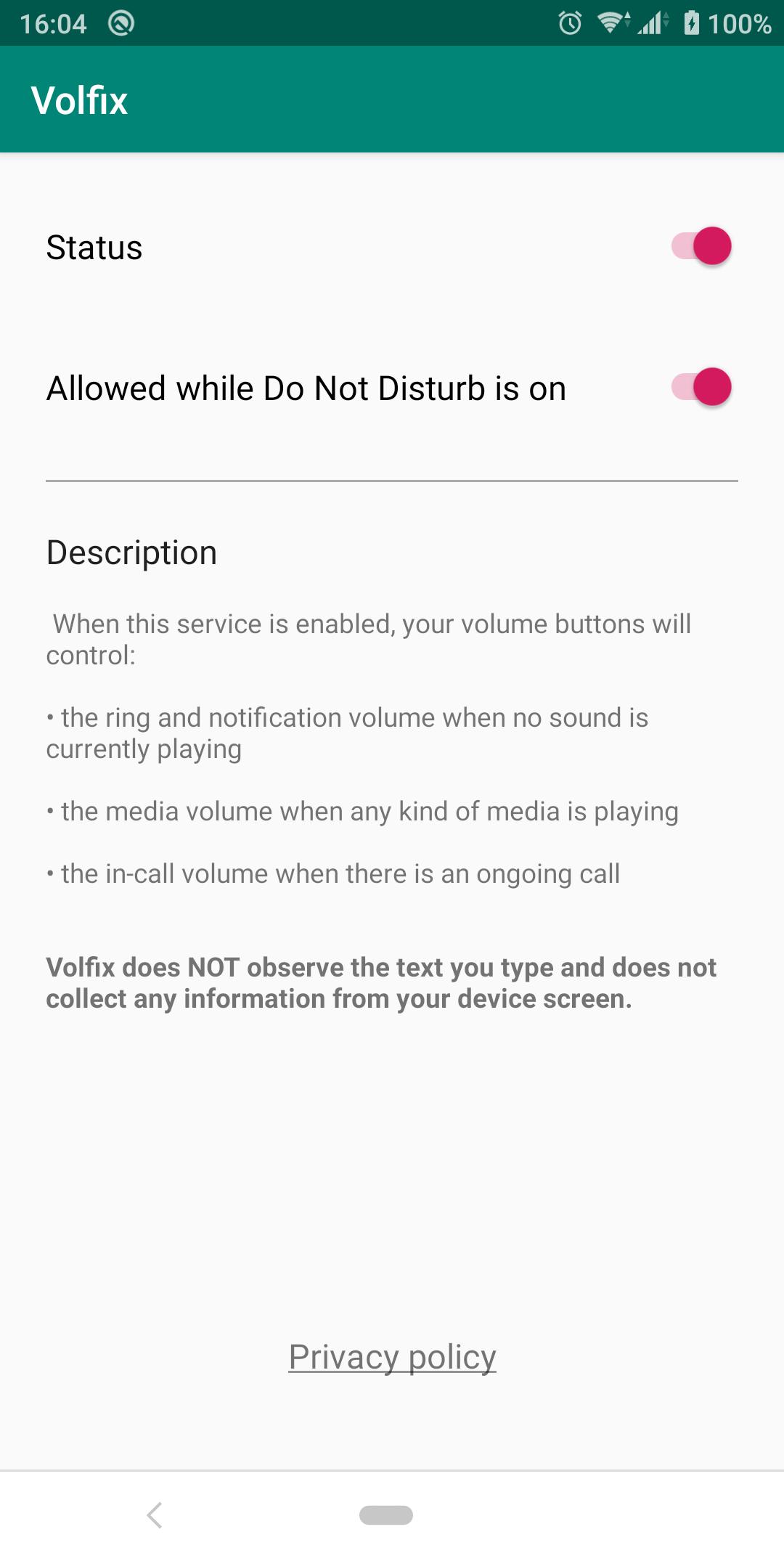
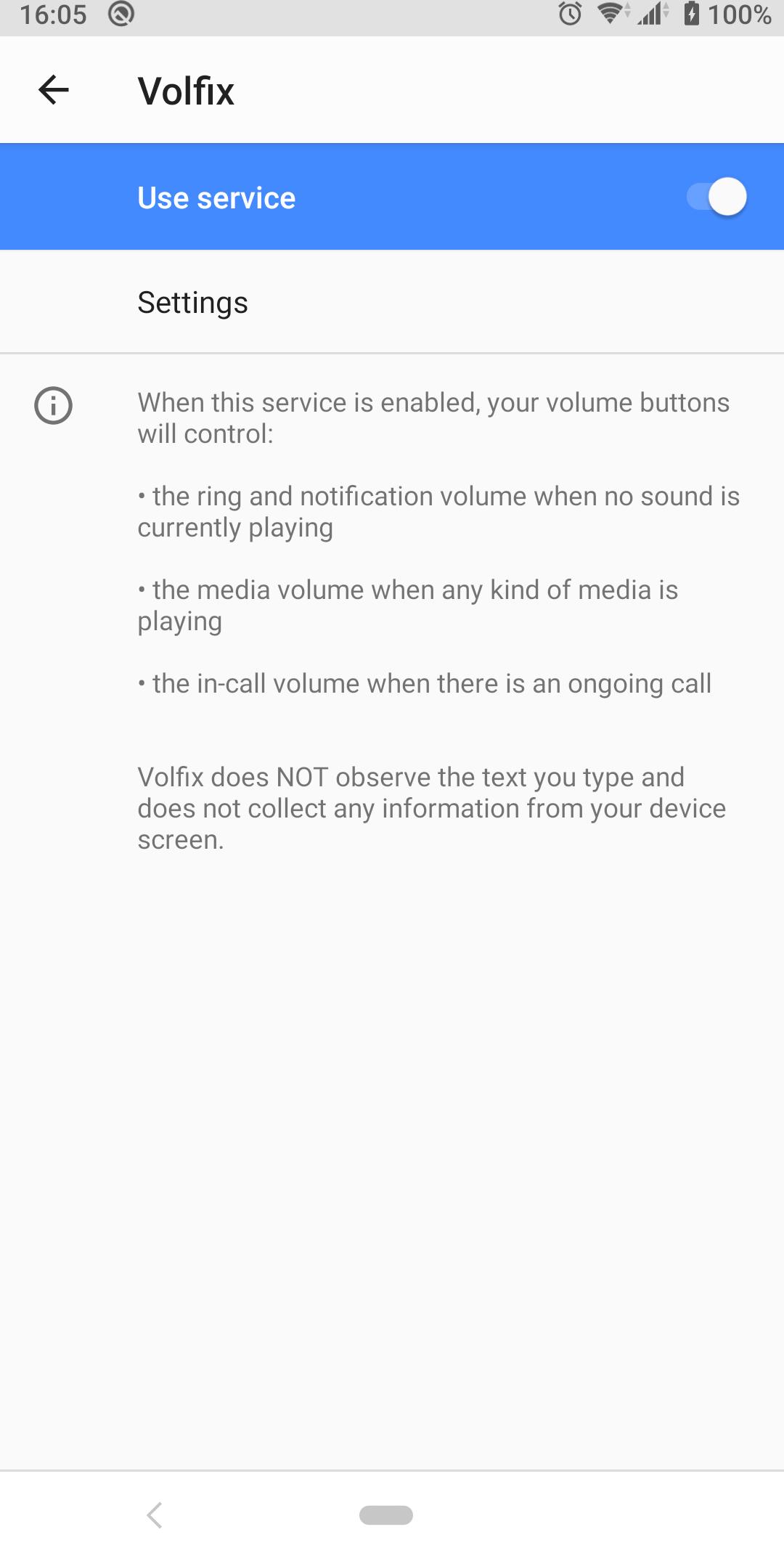
When Volfix is enabled, the volume buttons of your device will control the ringtone and notification volume by default. It will control the media volume while you are listening to any kind of sounds and it will control the "in call" volume while there is an ongoing call.
Volfix requires to be enabled as an accessibility service in order to listen for volume button press events and to map the buttons to control the ring and notification volume instead of media volume.
Please note that at the moment Volfix only works while the screen is on.
Preview
Tags
PersonalizationInformation
Developer
Soft Stack Dev
Latest Version
2.2
Last Updated
2024-03-28
Category
Personalization
Available on
Google Play
Show More
How to play Volfix - volume control fix with GameLoop on PC
1. Download GameLoop from the official website, then run the exe file to install GameLoop
2. Open GameLoop and search for “Volfix - volume control fix” , find Volfix - volume control fix in the search results and click “Install”
3. Enjoy playing Volfix - volume control fix on GameLoop
Minimum requirements
OS
Windows 8.1 64-bit or Windows 10 64-bit
GPU
GTX 1050
CPU
i3-8300
Memory
8GB RAM
Storage
1GB available space
Recommended requirements
OS
Windows 8.1 64-bit or Windows 10 64-bit
GPU
GTX 1050
CPU
i3-9320
Memory
16GB RAM
Storage
1GB available space