Theme of iOS 17 Pro Max PC
Launchers Mania
Download Theme of iOS 17 Pro Max on PC With GameLoop Emulator
Theme of iOS 17 Pro Max on PC
Theme of iOS 17 Pro Max, coming from the developer Launchers Mania, is running on Android systerm in the past.
Now, You can play Theme of iOS 17 Pro Max on PC with GameLoop smoothly.
Download it in the GameLoop library or search results. No more eyeing the battery or frustrating calls at the wrong time any more.
Just enjoy Theme of iOS 17 Pro Max PC on the large screen for free!
Theme of iOS 17 Pro Max Introduction
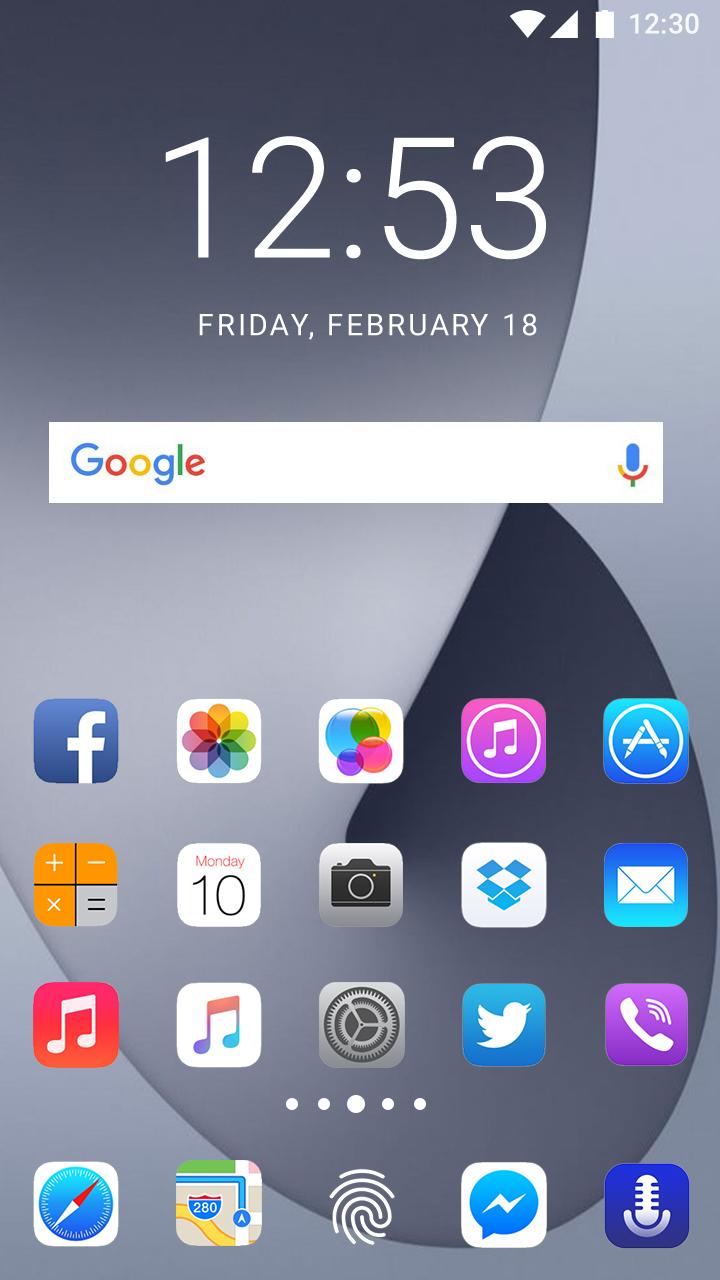
We are pleased to announce that we are providing you Theme of iOS 17 Pro Max a professionally customized and personalized and the best quality theme with high resolution and high quality HD menu icons plus wallpapers with stunning new animations which will give a complete changed and new style upgraded look to your mobile screen. It will also add extra settings to your cell phone with new innovative improvements and will make the outlook of your mobile screen very efficient. You will enjoy the complete new look of your android device.
If you feel you are something missing in your old design layout of your mobile phone? Then get this Theme to give your mobile phone a complete new, heart touching and attractive style. Theme of iOS 17 Pro Max is an Android mobile theme with 3D effects, HD wallpapers, 3D Gadgets and more importantly app icon packs. You will can apply the following list of launchers while using this Theme App.
Launchers Included:
» Smart launcher.
» ADW launcher.
» Action launcher.
» Holo launcher.
» Apex launcher.
» Nova launcher.
» Go launcher.
» One Plus launcher.
» Total launcher.
» ZENIT launcher.
» Ruthless launcher.
» Olauncher launcher.
» Niagara launcher.
» AIO launcher.
» POCO launcher.
» Microsoft launcher.
» Before launcher.
» iOS15 launcher.
» iOS16 launcher.
» Hyperion launcher.
» Lightning launcher.
» Super P launcher.
» Newer launcher.
» Super N launcher.
» DC LAUNCHER.
» CMM LAUNCHER.
» Alpha Hybrid LAUNCHER.
» Zone LAUNCHER.
» Launcher10 LAUNCHER.
» APUSLAUNCHER.
Use:
=> Download Theme App.
=> Open the App and pick your favorite Launcher from the list.
=> Apply the desired Launcher on your device and enjoy.
=> You can an also choose your favorite wallpaper from the stock.
Download the App and get your precious reviews about the App and please rate our App via on play-store ratings.
We are waiting for your feedback to improve further our app if there is any flaws exist. Kindly contact us via Developer email address,
Thanks and Regards.
Disclaimer:
* This App is not affiliated with or endorsed by the given brand name in Title.
* This App is also not affiliated with or endorsed by Android or iPhone.
Preview
Tags
PersonalizationInformation
Developer
Launchers Mania
Latest Version
1.0
Last Updated
2023-06-05
Category
Personalization
Available on
Google Play
Show More
How to play Theme of iOS 17 Pro Max with GameLoop on PC
1. Download GameLoop from the official website, then run the exe file to install GameLoop
2. Open GameLoop and search for “Theme of iOS 17 Pro Max” , find Theme of iOS 17 Pro Max in the search results and click “Install”
3. Enjoy playing Theme of iOS 17 Pro Max on GameLoop
Minimum requirements
OS
Windows 8.1 64-bit or Windows 10 64-bit
GPU
GTX 1050
CPU
i3-8300
Memory
8GB RAM
Storage
1GB available space
Recommended requirements
OS
Windows 8.1 64-bit or Windows 10 64-bit
GPU
GTX 1050
CPU
i3-9320
Memory
16GB RAM
Storage
1GB available space