Suga Kpop BTS Video Call & chat Simulator PC
DVlaap
Download Suga Kpop BTS Video Call & chat Simulator on PC With GameLoop Emulator
Suga Kpop BTS Video Call & chat Simulator on PC
Suga Kpop BTS Video Call & chat Simulator, coming from the developer DVlaap, is running on Android systerm in the past.
Now, You can play Suga Kpop BTS Video Call & chat Simulator on PC with GameLoop smoothly.
Download it in the GameLoop library or search results. No more eyeing the battery or frustrating calls at the wrong time any more.
Just enjoy Suga Kpop BTS Video Call & chat Simulator PC on the large screen for free!
Suga Kpop BTS Video Call & chat Simulator Introduction
Hello fans for suga bts kpop video call simulator chat,
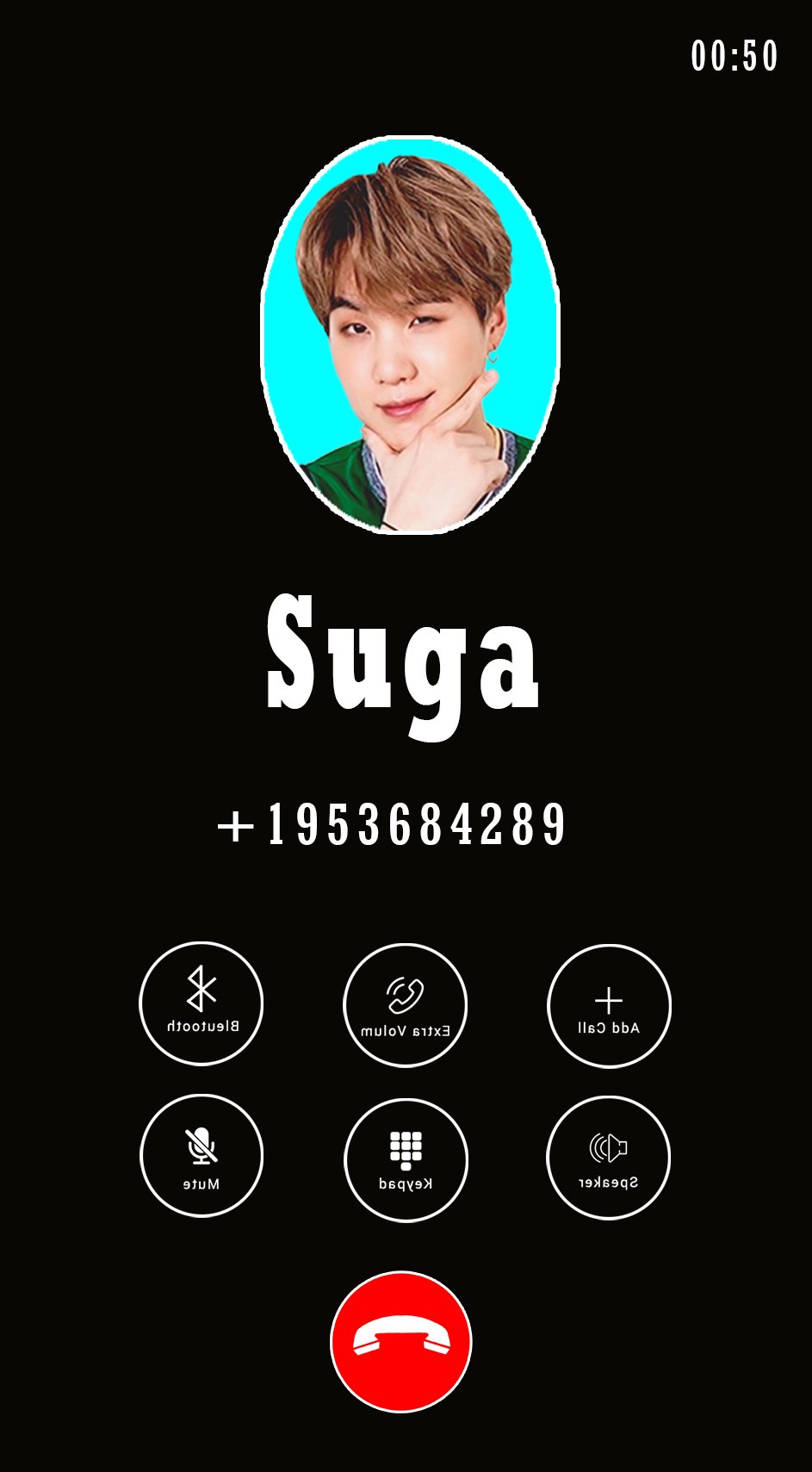
Fake call from suga is a simple application Enables the user to make a fake call that look so real.
Download Prank call suga bts simulator and make calls with suga by one click for thinking your friends are you call suga bts and receiving fake calls from kpop bts.
Prank call from suga bts - great suga bts prank!!
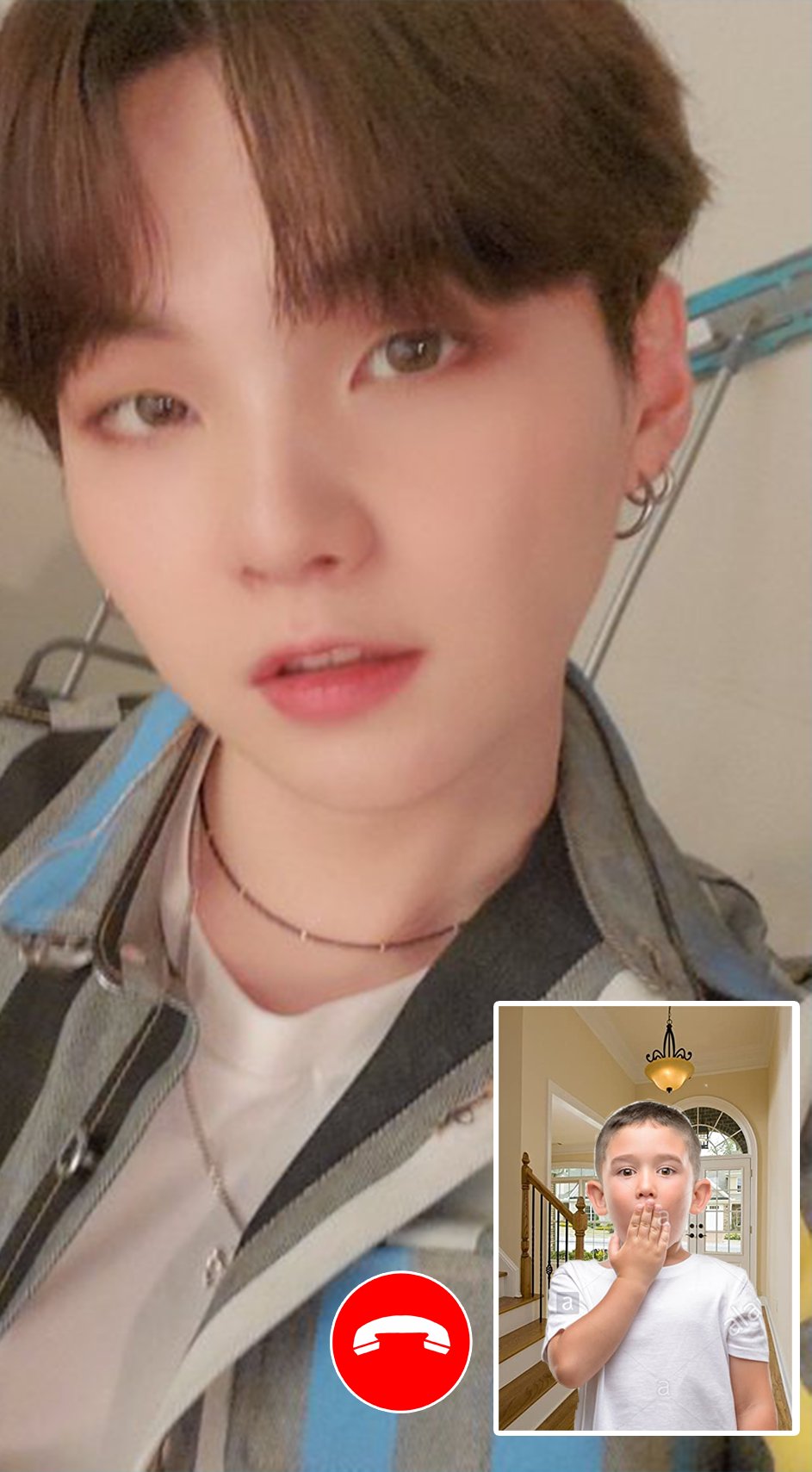
This app will allow you to receive a call video from your favorite Bangtan Boys,
When night time hits, turn on a fake call from bts suga and show a friend and you will see how he is scared!!
Make fun of a lot of fun! Night time is the best time for kpop calls!!
Bts suga ( calling, live chat, calling video ) and check your contacts to compos numbers of the hero
or the suga bts or best kpop and calling.
* Features:
> Simulation incoming call from suga bts
> Choose your character suga bts
> Add your Own Voices
> Select phone ringtone
> Voice will be played when you will answer the Call
> Options to reject or accept a call
> Easy to use
> Cool and friendly Design
> Simulate Fake calling
> bts call and call video
> bts message Simulator Prank
> suga call and call video
> suga message Simulator Prank
> Schedule a new fake call at a specific time
> The most professional and beautiful fake video caller id application in Android is prank calling suga bts!
* Disclaimer:
this app is a prank call. You will have an incoming call simulated by the idol.
This App is only for joking with your friends, have fun and if you like vote for it and share your friends! thank you..
Preview
Information
Developer
DVlaap
Latest Version
2
Last Updated
2021-03-27
Category
Personalization
Available on
Google Play
Show More
How to play Suga Kpop BTS Video Call & chat Simulator with GameLoop on PC
1. Download GameLoop from the official website, then run the exe file to install GameLoop
2. Open GameLoop and search for “Suga Kpop BTS Video Call & chat Simulator” , find Suga Kpop BTS Video Call & chat Simulator in the search results and click “Install”
3. Enjoy playing Suga Kpop BTS Video Call & chat Simulator on GameLoop
Minimum requirements
OS
Windows 8.1 64-bit or Windows 10 64-bit
GPU
GTX 1050
CPU
i3-8300
Memory
8GB RAM
Storage
1GB available space
Recommended requirements
OS
Windows 8.1 64-bit or Windows 10 64-bit
GPU
GTX 1050
CPU
i3-9320
Memory
16GB RAM
Storage
1GB available space