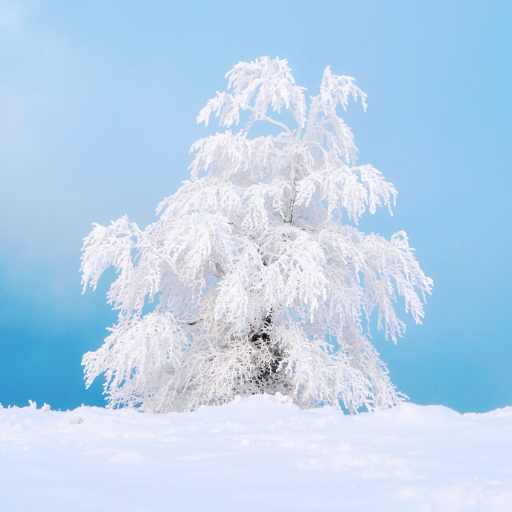
Snow Wallpaper PC
small wave
Download Snow Wallpaper on PC With GameLoop Emulator
Snow Wallpaper on PC
Snow Wallpaper, coming from the developer small wave, is running on Android systerm in the past.
Now, You can play Snow Wallpaper on PC with GameLoop smoothly.
Download it in the GameLoop library or search results. No more eyeing the battery or frustrating calls at the wrong time any more.
Just enjoy Snow Wallpaper PC on the large screen for free!
Snow Wallpaper Introduction
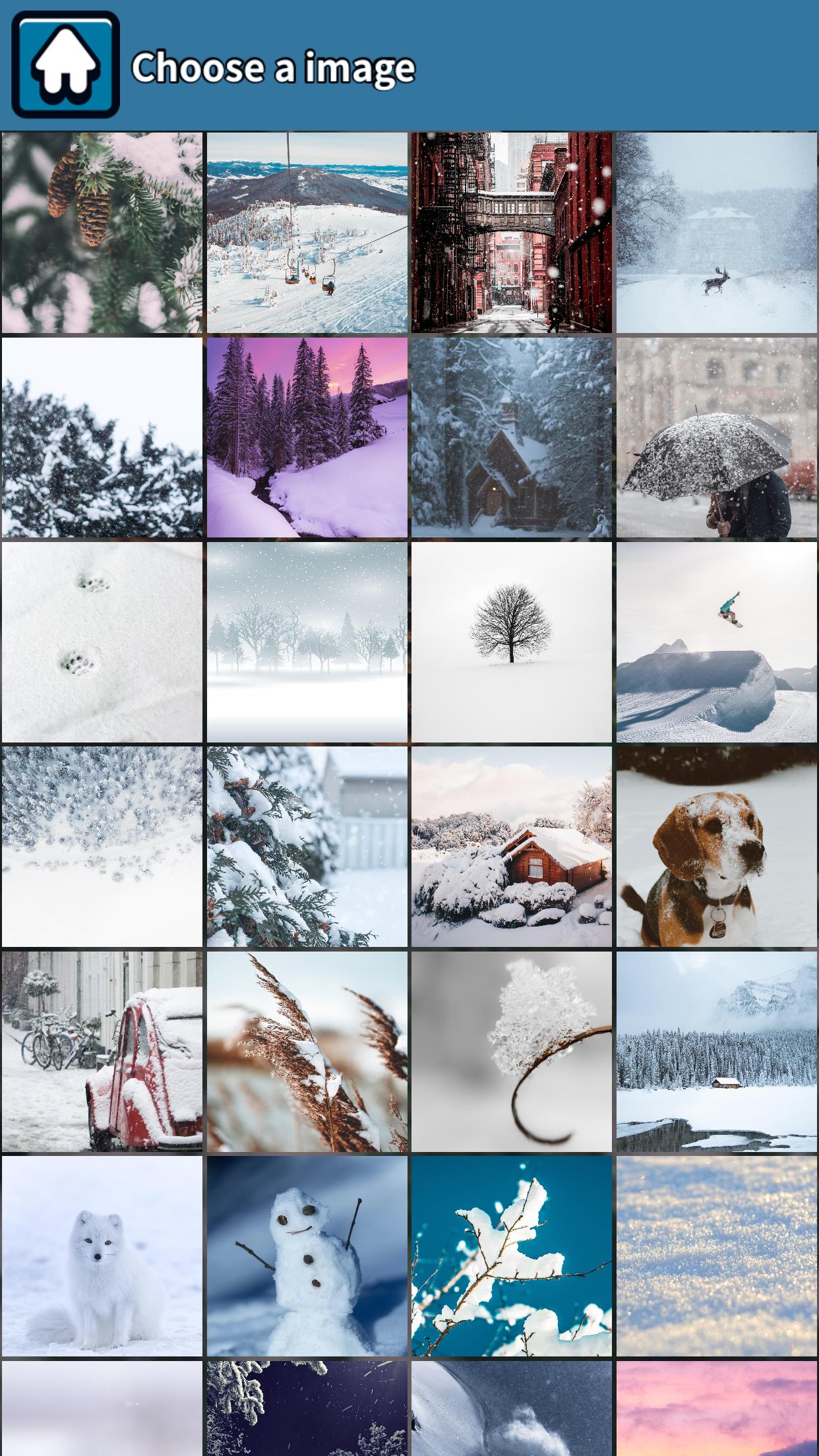
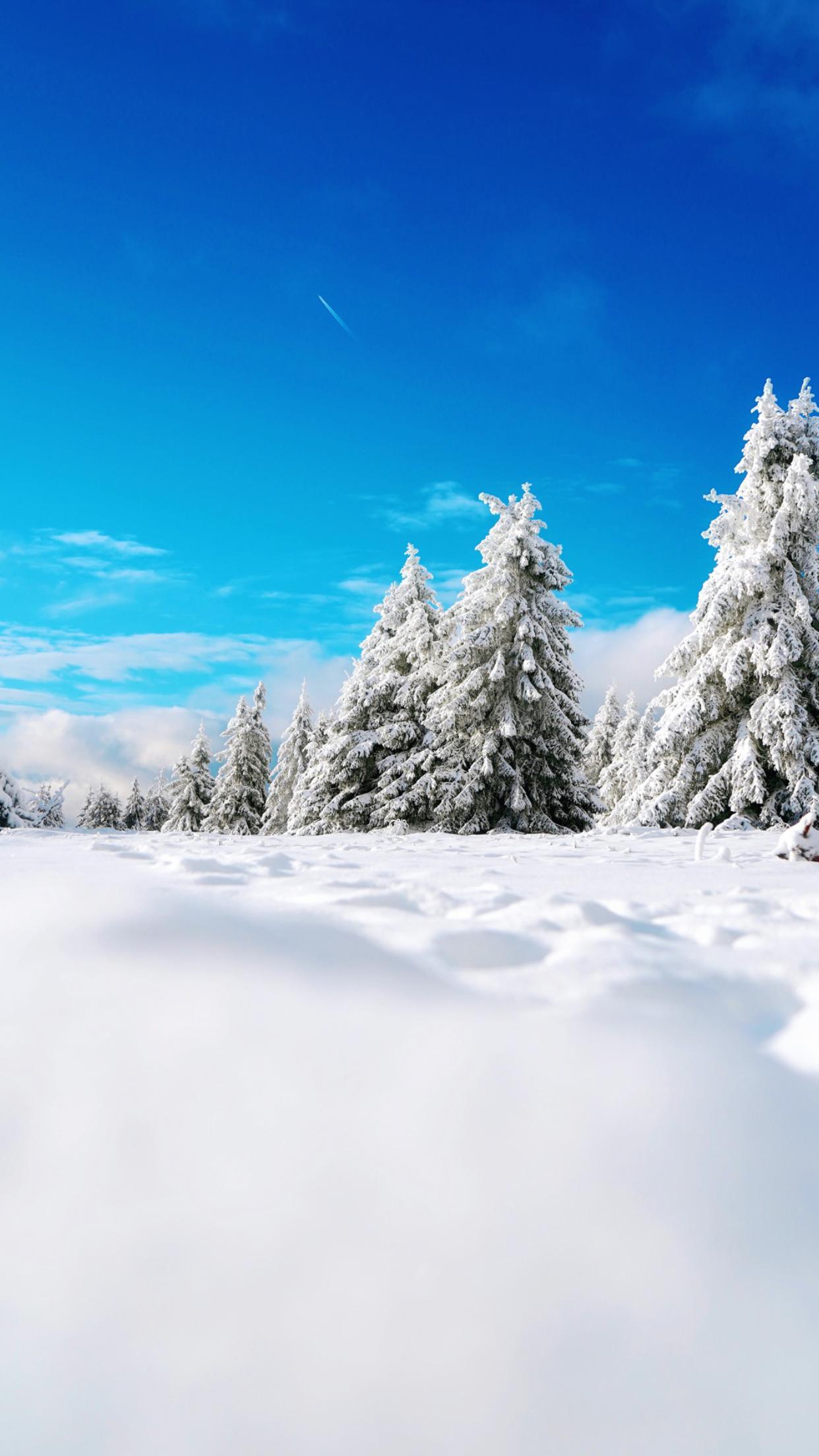
Snow wallpaper app full of beautiful snow background images is here.
Snowflakes on branches as if they were blooming, blizzards blowing in the wind, snowflakes falling like blossoms,
It contains images of all the winter snow in the world full of excitement, such as the stingy in the city center, the fluttering first snow, the luscious snowy snow, the snowman you make with your friends, the beautiful snow scene.
It is full of mysterious and pretty eyes images.
Set these cool snow images as your own wallpaper.
Set your phone wallpaper as well with aesthetic and atmospheric eye images.
Save beautiful high quality eye images and set them as your smartphone wallpaper or lock screen to make your phone stand out.
The most special snow wallpapers background for you are right here.
Snow Wallpaper features
- There are high quality and beautiful wallpapers.
- This wallpaper application works without internet.
- You can share images with your friends.
- This wallpaper app is simple and easy.
- You can enlarge and move the image.
- You can invert the image up and down, left and right.
- Supported all resolutions.
Snow is the frozen moisture in the clouds.
A snowman is a snowball made by putting snow together into a human shape.
Snow takes many forms as ice crystals falling from clouds.
As ice crystals fall, they adhere to each other and become snowflakes, often falling in various sizes and shapes.
The inside of the snow crystal has countless surfaces that can reflect light, so it usually looks white, but sometimes it appears red, yellow, or black when dust or microorganisms floating in the air attach to it.
In addition to the hexagonal shape that is often thought of when thinking of snow crystals, crystals with a huge variety of patterns are created depending on the circumstances in which the crystals are formed.
Snow crystals are truly a work of art created by the mystery of nature.
The shape of snow ice crystals varies depending on the temperature and supersaturation of the atmosphere.
There are several types of ice crystals, such as plates, columns, needles, and dendrites.
Most of them are hexagonal.
In general, when the temperature is high, the snow crystals stick together to form a snowflake, and when the temperature is low, it cannot form a snowflake and falls as powder snow.
Preview
Tags
PersonalizationBoardInformation
Developer
small wave
Latest Version
1.1.0
Last Updated
2025-09-14
Category
Personalization
Available on
Google Play
Show More
How to play Snow Wallpaper with GameLoop on PC
1. Download GameLoop from the official website, then run the exe file to install GameLoop
2. Open GameLoop and search for “Snow Wallpaper” , find Snow Wallpaper in the search results and click “Install”
3. Enjoy playing Snow Wallpaper on GameLoop
Minimum requirements
OS
Windows 8.1 64-bit or Windows 10 64-bit
GPU
GTX 1050
CPU
i3-8300
Memory
8GB RAM
Storage
1GB available space
Recommended requirements
OS
Windows 8.1 64-bit or Windows 10 64-bit
GPU
GTX 1050
CPU
i3-9320
Memory
16GB RAM
Storage
1GB available space