
Robot Mecha Wallpapers HD PC
West Borneo Dev
Download Robot Mecha Wallpapers HD on PC With GameLoop Emulator
Robot Mecha Wallpapers HD on PC
Robot Mecha Wallpapers HD, coming from the developer West Borneo Dev, is running on Android systerm in the past.
Now, You can play Robot Mecha Wallpapers HD on PC with GameLoop smoothly.
Download it in the GameLoop library or search results. No more eyeing the battery or frustrating calls at the wrong time any more.
Just enjoy Robot Mecha Wallpapers HD PC on the large screen for free!
Robot Mecha Wallpapers HD Introduction
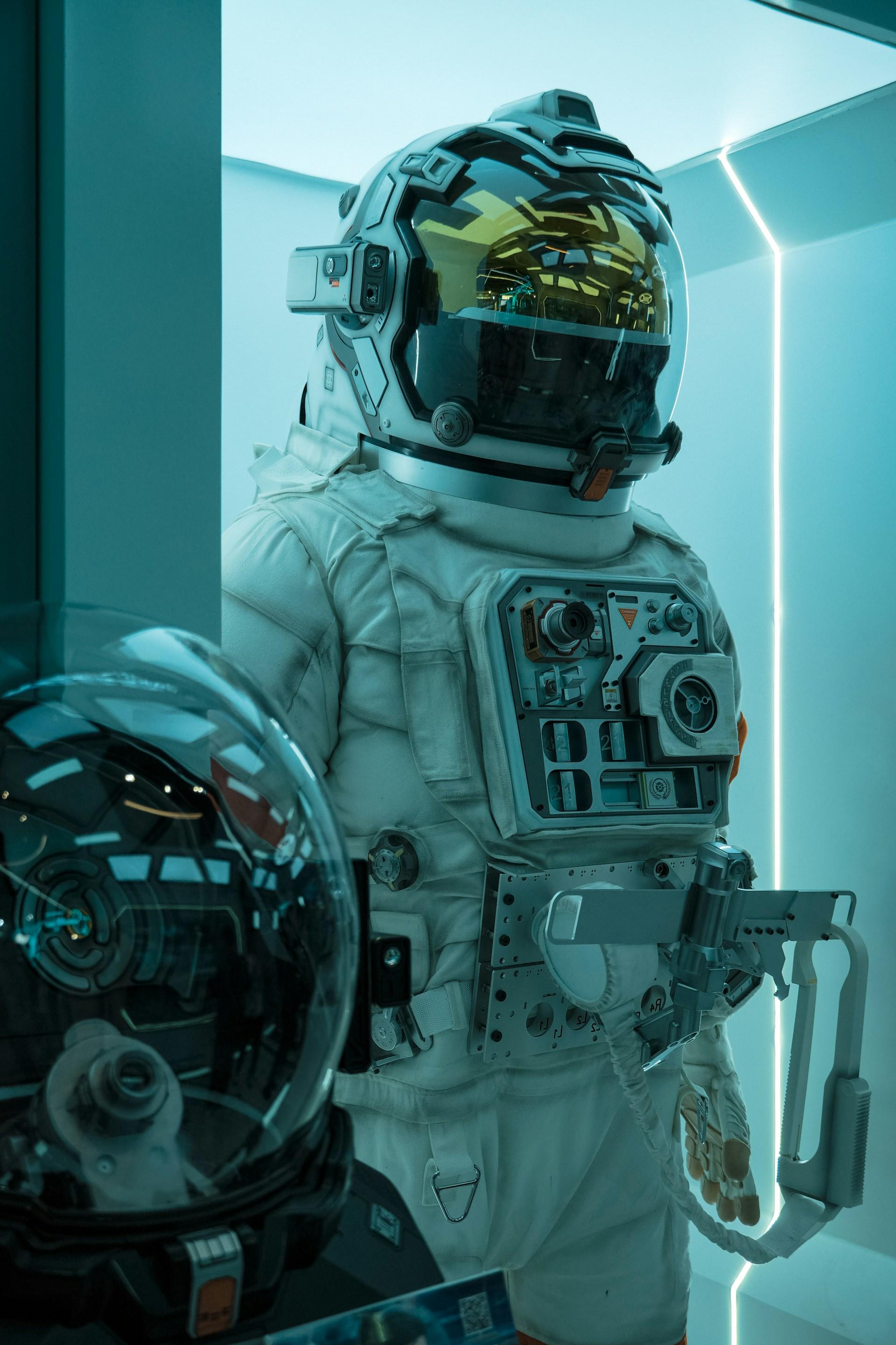
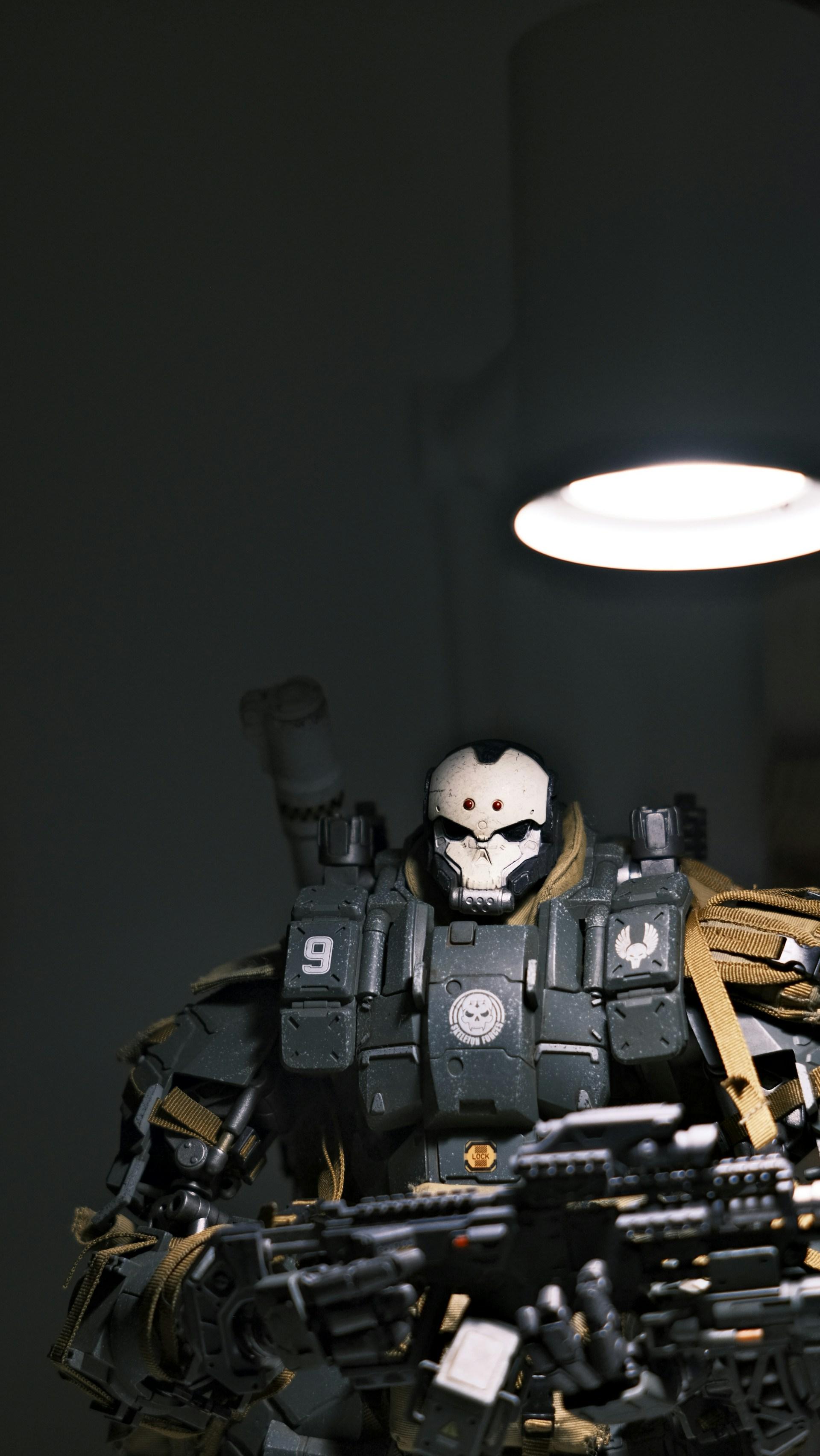
Robot Mecha Wallpapers HD offers a stunning collection of high-definition images featuring futuristic robot and mecha designs. These wallpapers showcase a range of mechanical, humanoid robots, and towering mechs that are often seen in sci-fi movies, anime, and video games. The vibrant details, dynamic poses, and intricate designs capture the essence of robotic technology, blending art and innovation into visually striking images.
Ideal for tech enthusiasts, sci-fi fans, and anyone fascinated by the world of robots, this wallpaper collection offers a variety of themes. From sleek, cutting-edge robots to heavy, battle-ready mechas, these wallpapers allow you to customize your desktop or mobile device with the awe-inspiring power and beauty of futuristic machinery.
Whether you're looking to enhance your screen with a vibrant mech warrior in action, a towering robot in a cityscape, or a close-up of futuristic robotic parts, this collection provides endless possibilities. The high-definition quality ensures crisp, sharp images that maintain their impact on screens of all sizes, providing a cinematic feel that adds a touch of excitement to your device.
Perfect for fans of genres like anime, cyberpunk, or tech-based fiction, Robot Mecha Wallpapers HD transports you into a world where technology and artistry converge, giving you a front-row seat to incredible machines that push the limits of imagination and engineering.
Preview
Tags
PersonalizationInformation
Developer
West Borneo Dev
Latest Version
1.1.0
Last Updated
2025-01-13
Category
Personalization
Available on
Google Play
Show More
How to play Robot Mecha Wallpapers HD with GameLoop on PC
1. Download GameLoop from the official website, then run the exe file to install GameLoop
2. Open GameLoop and search for “Robot Mecha Wallpapers HD” , find Robot Mecha Wallpapers HD in the search results and click “Install”
3. Enjoy playing Robot Mecha Wallpapers HD on GameLoop
Minimum requirements
OS
Windows 8.1 64-bit or Windows 10 64-bit
GPU
GTX 1050
CPU
i3-8300
Memory
8GB RAM
Storage
1GB available space
Recommended requirements
OS
Windows 8.1 64-bit or Windows 10 64-bit
GPU
GTX 1050
CPU
i3-9320
Memory
16GB RAM
Storage
1GB available space