Rifle Fire Lock Screen PC
lockappstudio
Download Rifle Fire Lock Screen on PC With GameLoop Emulator
Rifle Fire Lock Screen on PC
Rifle Fire Lock Screen, coming from the developer lockappstudio, is running on Android systerm in the past.
Now, You can play Rifle Fire Lock Screen on PC with GameLoop smoothly.
Download it in the GameLoop library or search results. No more eyeing the battery or frustrating calls at the wrong time any more.
Just enjoy Rifle Fire Lock Screen PC on the large screen for free!
Rifle Fire Lock Screen Introduction
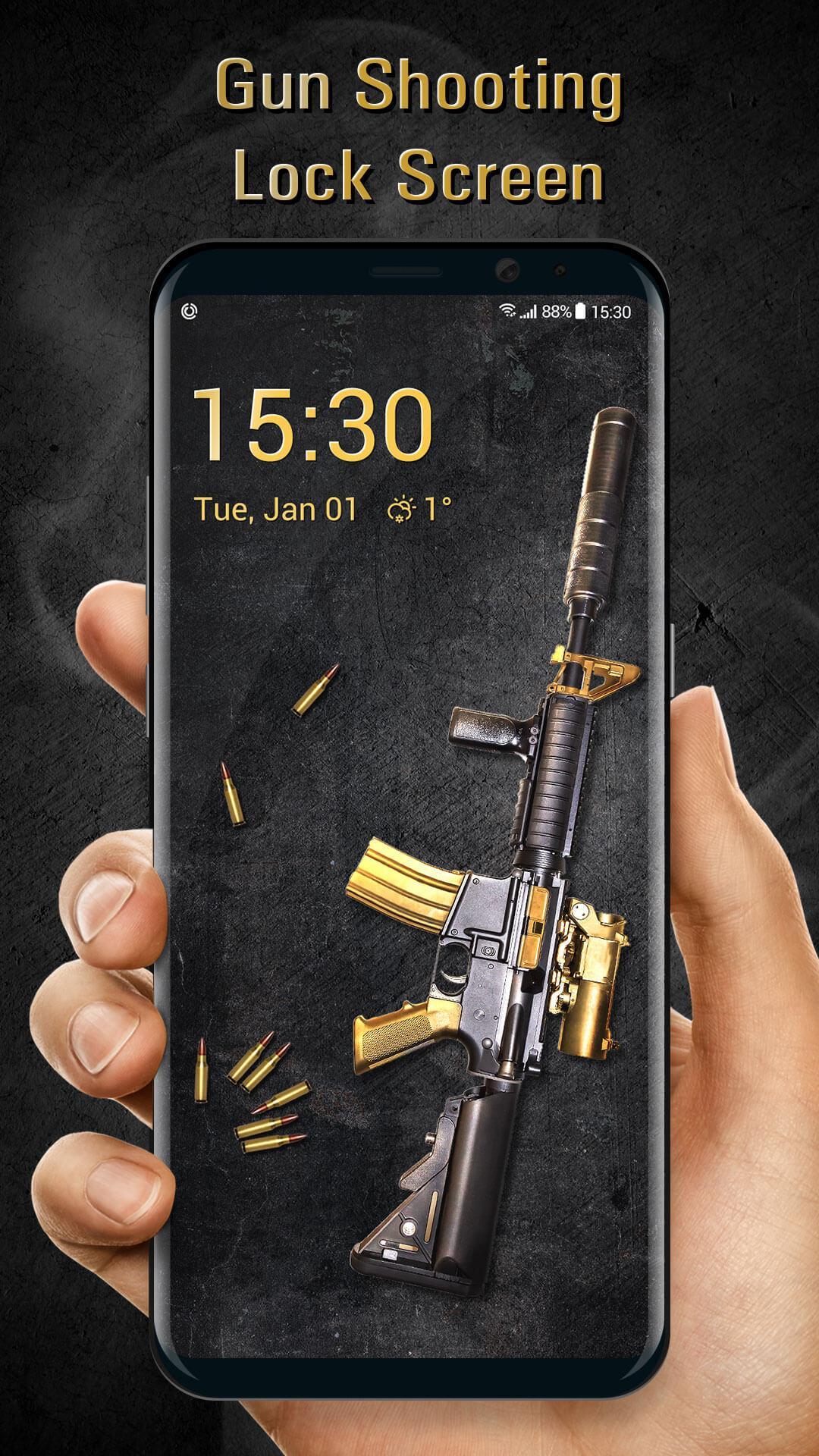
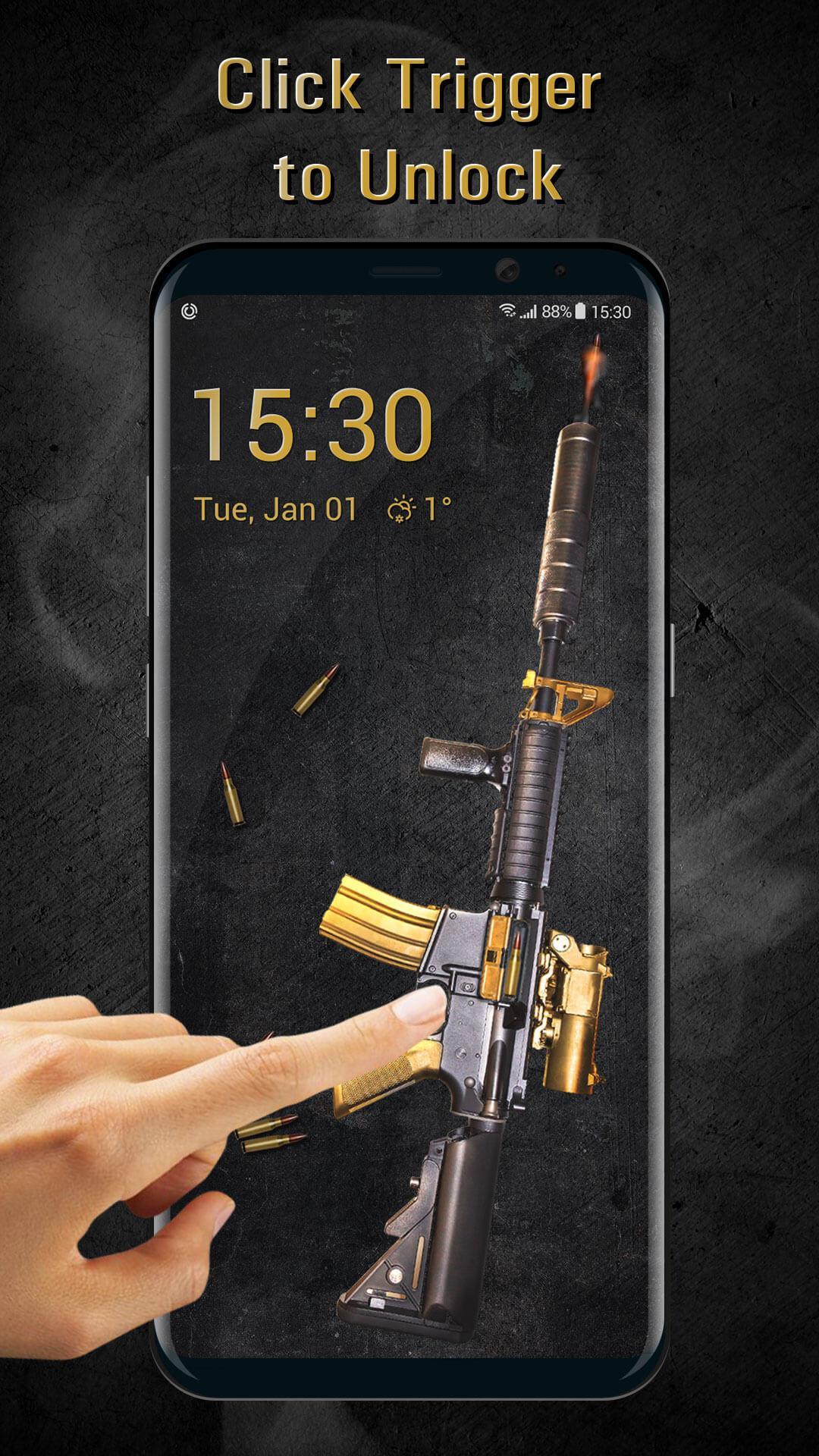
This is a perfect gunfire lock screen with real high-quality gun sound effects which makes this lock screen unique and realistic. The lock screen gunfire app has the HD gun graphics which will look perfect for a home screen lock. Smooth & hustle-free animations with a one-touch unlock that will makes you smile each time you unlock your phone. You will instantly fall in love with this gunfire screen lock. Surprise your friends & family and look cool while showcasing the best creative gun lock screen on your smartphone. Below you will find the info on gunfire lock screen and steps on how to install gunfire lock screen. Enable your gunfire screen lock from setting screen. Set the pin code and remember it. To unlock enter your 4 digit passcode and tap on the pistol to open lock.
———Features———
• Secure Photos and Apps
• Battery Status
• Call Alert
• SMS Alert
• Date and Time
• Beautiful & sophisticated interface
• Very Useful and easy to use
• No chance of hack of your lock sequence
• Free of cost
• Finest and cool security lock screen
• Realistic sound effects of gun fire.
• Look like a realistic pistol fire lock screen.
• FREE Pistol Lock for everyone.
We also support different ways to unlock screen. Don’t like the way of unlocking screen? Don’t worry, we provide more lockers with different ways to unlock. You can try slide to unlock and Pin lock.
Protect privacy
Hate someone who snoops your phone? This app will prevent intruders from checking your photos, videos, messages and contacts. Set a 4 digit password for your apps, so no one can use the apps expect yourself.
Shows digital clock and date
Accurate time display on your home screen, very convenient for you to know the time and date! This app uses the Device Administrator permission.
Please provide us your valuable feedback so that we can make improvements. Your suggestions and feedback will be highly appreciated...!
Thanks and enjoy live gunfire screen lock.
Preview
Tags
PersonalizationInformation
Developer
lockappstudio
Latest Version
1.1
Last Updated
2023-08-02
Category
Personalization
Available on
Google Play
Show More
How to play Rifle Fire Lock Screen with GameLoop on PC
1. Download GameLoop from the official website, then run the exe file to install GameLoop
2. Open GameLoop and search for “Rifle Fire Lock Screen” , find Rifle Fire Lock Screen in the search results and click “Install”
3. Enjoy playing Rifle Fire Lock Screen on GameLoop
Minimum requirements
OS
Windows 8.1 64-bit or Windows 10 64-bit
GPU
GTX 1050
CPU
i3-8300
Memory
8GB RAM
Storage
1GB available space
Recommended requirements
OS
Windows 8.1 64-bit or Windows 10 64-bit
GPU
GTX 1050
CPU
i3-9320
Memory
16GB RAM
Storage
1GB available space