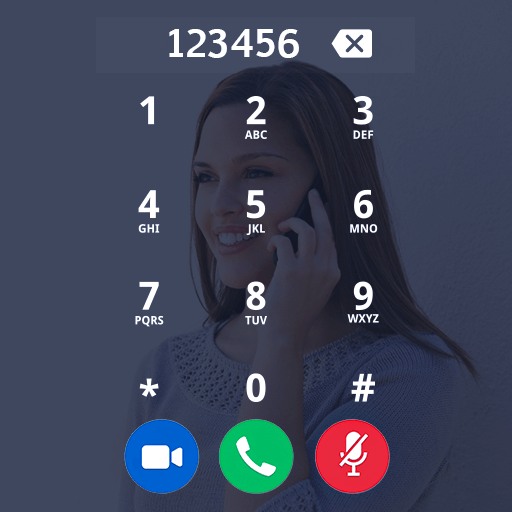
Photo Phone Dialer PC
Cyber Magic
Download Photo Phone Dialer on PC With GameLoop Emulator
Photo Phone Dialer on PC
Photo Phone Dialer, coming from the developer Cyber Magic, is running on Android systerm in the past.
Now, You can play Photo Phone Dialer on PC with GameLoop smoothly.
Download it in the GameLoop library or search results. No more eyeing the battery or frustrating calls at the wrong time any more.
Just enjoy Photo Phone Dialer PC on the large screen for free!
Photo Phone Dialer Introduction
Photo Phone Dialer - Photo Caller Screen Dialer
your device display to direct access of your photo phone dialer and you can set as default phone dialer.
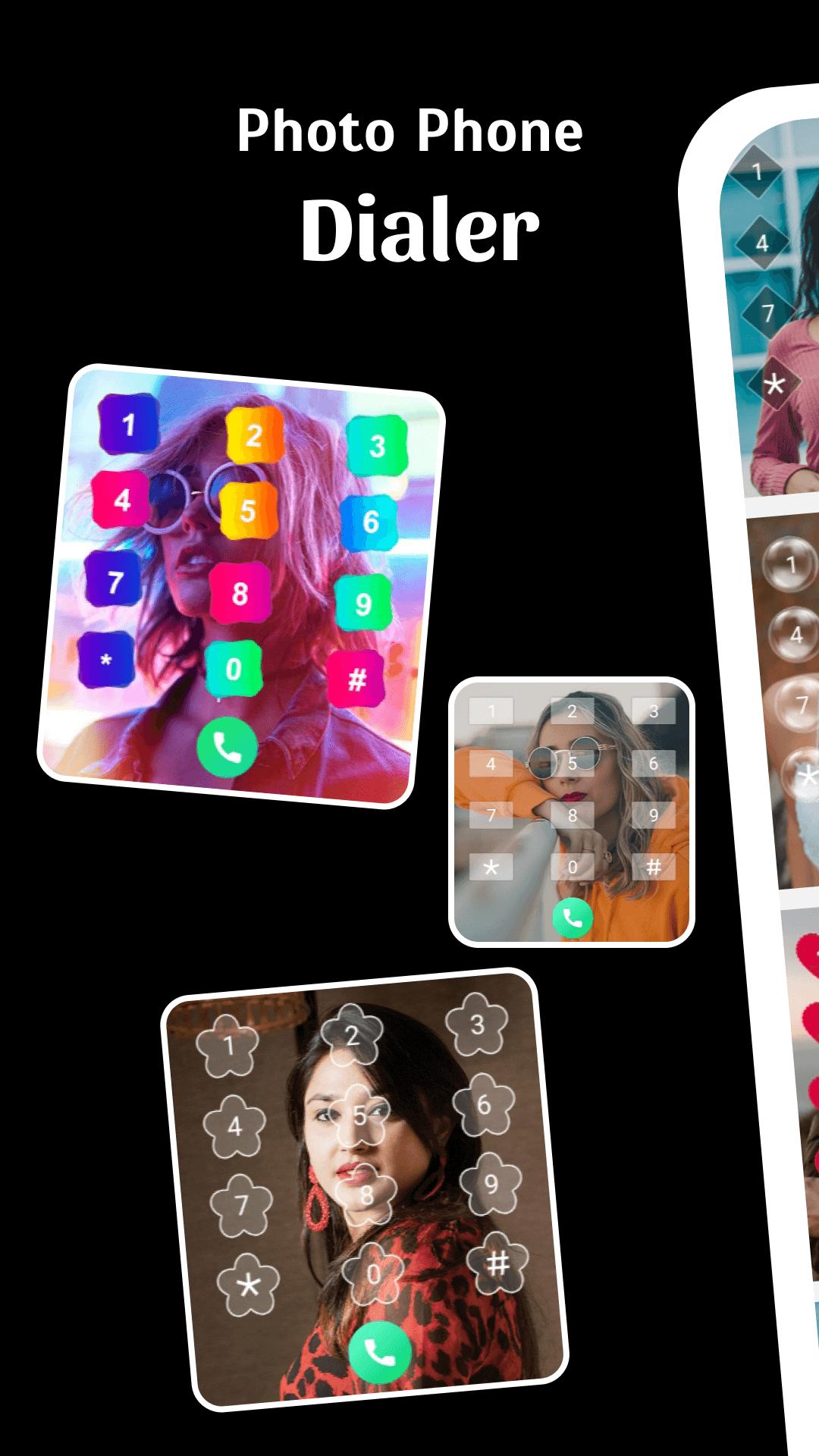
My Photo Phone Dialer is app personalize your calling dial screen.Place a photo of your choice to make a dial screen of your own. Customize it the way you want it and stop using the boring phone's calling dial pads. We have provided all the dialing features in this photo dialer.
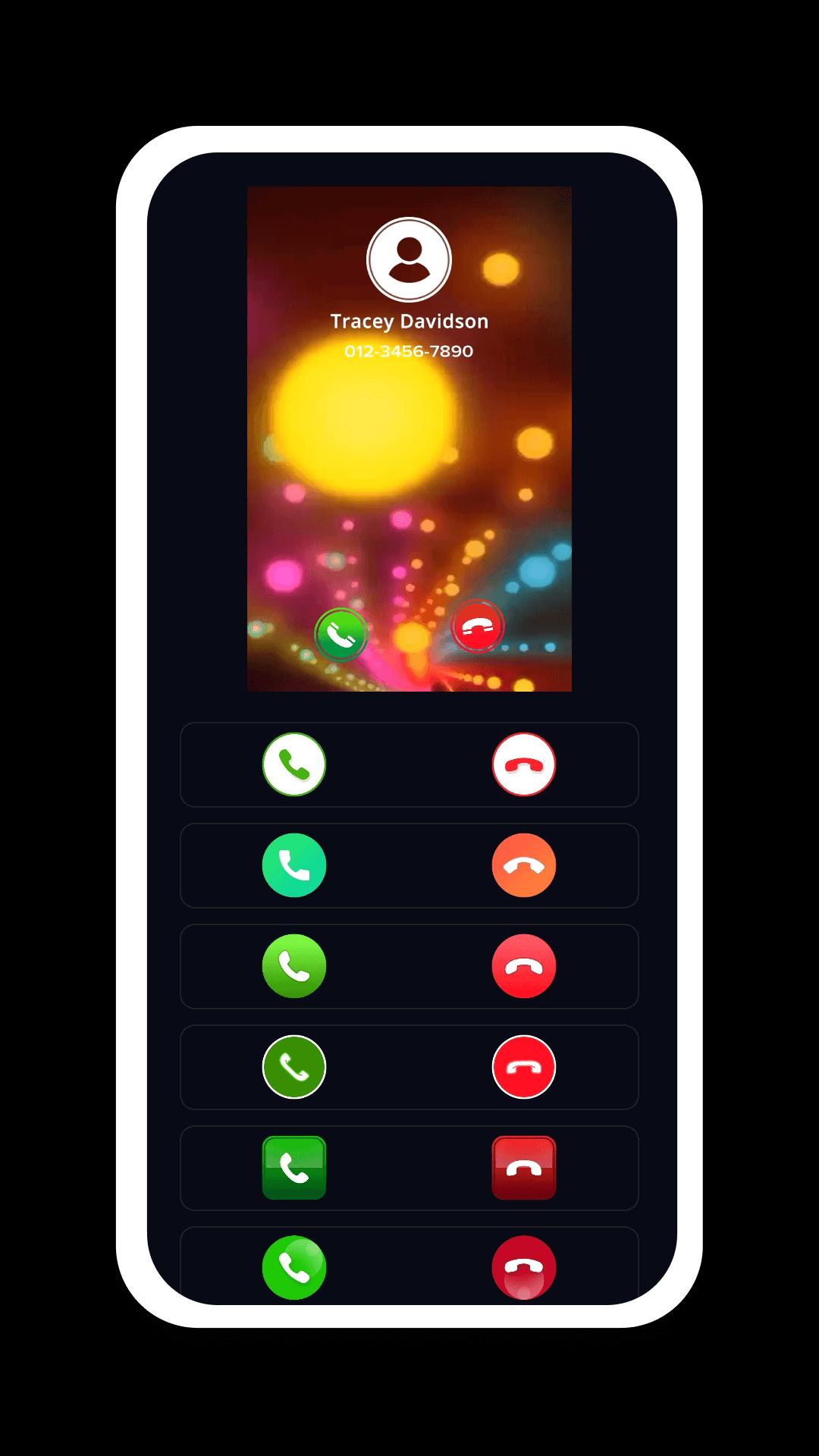
Photo Caller Screen will display high quality full screen photo of the caller when you get phone call, make a Phone Call , miss a phone call. The Photo Caller ID App will let you quickly recognize the caller and help you make the decision on the phone call.
Photo Phone Dialer, call my photo an dialer app that helps you replace the monotonous dial screen, custom number keyboard.
Backgrounds & Wallpapers
My Photo Phone Dialer provides 20+ beautyful & stunning wallpapers for your photo caller screen. You can also set your own photo as your phone dialer wallpaper.
Button Themes
Change your phone dialer dial pad buttons from collection of interesting buttons.
Animation Collection
Apply cool animation when you press dialer pad buttons to call someone. You can set different button animations daily.
Features:
- Easily to switch on and off incoming and outgoing caller screens
- latest 10+ caller style themes
- Full screen calling image
- You can set any Photo on Phone Dialer.
- Smart interface and HD phone Display
- 20+ Buttons Styles available to Change Button style as you wish.
- Customize backgrounds and online backgrounds
- Customize or change calling screen display
- Run on screen off or display off without timeout
Photo Phone Dialer, call my photos is app personalize your calling dial screen. Place a photo of your choice to make a dial screen of your own. Customize it the way you want it and stop using the boring phone's calling dial pads.
Photo Caller Screen will display high quality full screen photo of the caller when you get phone call, make a phone call, miss a phone call. The Full Screen Caller ID will let you quickly recognize the caller and help you make the decision on the phone call.
Preview
Tags
PersonalizationInformation
Developer
Cyber Magic
Latest Version
1.2
Last Updated
2022-08-28
Category
Personalization
Available on
Google Play
Show More
How to play Photo Phone Dialer with GameLoop on PC
1. Download GameLoop from the official website, then run the exe file to install GameLoop
2. Open GameLoop and search for “Photo Phone Dialer” , find Photo Phone Dialer in the search results and click “Install”
3. Enjoy playing Photo Phone Dialer on GameLoop
Minimum requirements
OS
Windows 8.1 64-bit or Windows 10 64-bit
GPU
GTX 1050
CPU
i3-8300
Memory
8GB RAM
Storage
1GB available space
Recommended requirements
OS
Windows 8.1 64-bit or Windows 10 64-bit
GPU
GTX 1050
CPU
i3-9320
Memory
16GB RAM
Storage
1GB available space