
Morx Connect PC
Mantra Softech India Private Limited
Download Morx Connect on PC With GameLoop Emulator
Morx Connect on PC
Morx Connect, coming from the developer Mantra Softech India Private Limited, is running on Android systerm in the past.
Now, You can play Morx Connect on PC with GameLoop smoothly.
Download it in the GameLoop library or search results. No more eyeing the battery or frustrating calls at the wrong time any more.
Just enjoy Morx Connect PC on the large screen for free!
Morx Connect Introduction
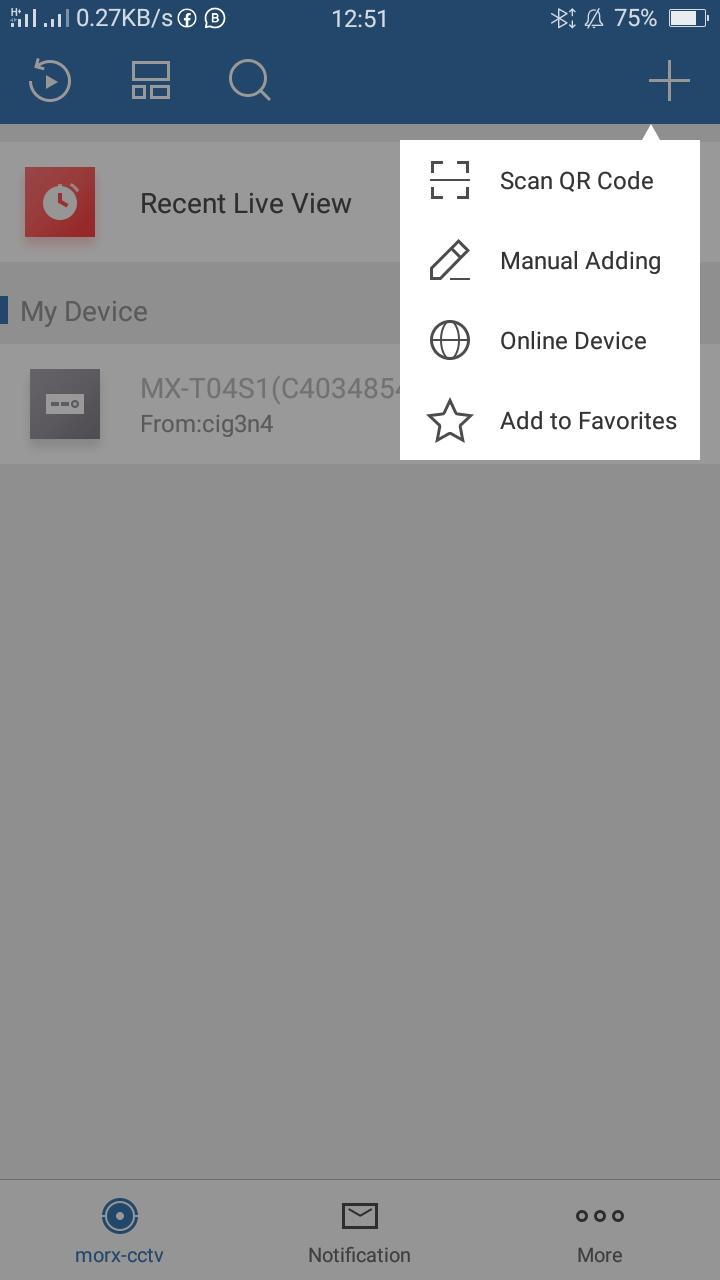
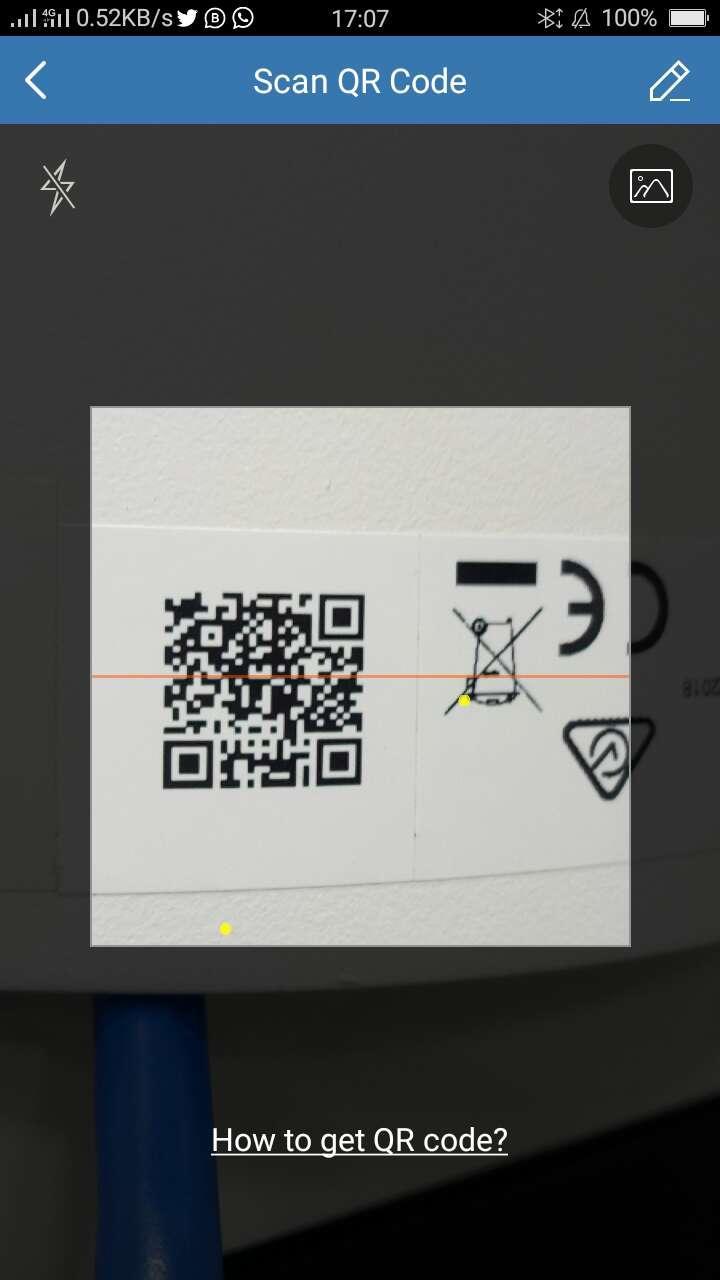
The Morx Connect application is intended to operate with Morx system DVRs, NVRs, Cameras, Video communication devices, and control panels. With this application, you can do real-time monitoring or play recorded video again from your residence, workplace, factory, or somewhere else whenever. At the point when an alert is generated, the device will be activated and you get an notification from the application.
Key Features:
1. Constant observing with camera control
2. Video playback
3. Two-way communication
4. Moment alert warnings with pictures and recordings
5. Offer camera view to others with restricted authorizations
Preview
Tags
PersonalizationInformation
Developer
Mantra Softech India Private Limited
Latest Version
2.0.1.1109
Last Updated
2023-11-21
Category
Personalization
Available on
Google Play
Show More
How to play Morx Connect with GameLoop on PC
1. Download GameLoop from the official website, then run the exe file to install GameLoop
2. Open GameLoop and search for “Morx Connect” , find Morx Connect in the search results and click “Install”
3. Enjoy playing Morx Connect on GameLoop
Minimum requirements
OS
Windows 8.1 64-bit or Windows 10 64-bit
GPU
GTX 1050
CPU
i3-8300
Memory
8GB RAM
Storage
1GB available space
Recommended requirements
OS
Windows 8.1 64-bit or Windows 10 64-bit
GPU
GTX 1050
CPU
i3-9320
Memory
16GB RAM
Storage
1GB available space