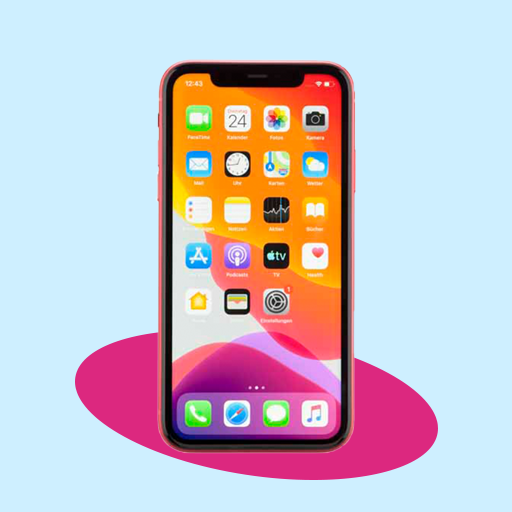
iPhone Launcher - IOS Luncher PC
MP Andro Hub
Download iPhone Launcher - IOS Luncher on PC With GameLoop Emulator
iPhone Launcher - IOS Luncher on PC
iPhone Launcher - IOS Luncher, coming from the developer MP Andro Hub, is running on Android systerm in the past.
Now, You can play iPhone Launcher - IOS Luncher on PC with GameLoop smoothly.
Download it in the GameLoop library or search results. No more eyeing the battery or frustrating calls at the wrong time any more.
Just enjoy iPhone Launcher - IOS Luncher PC on the large screen for free!
iPhone Launcher - IOS Luncher Introduction
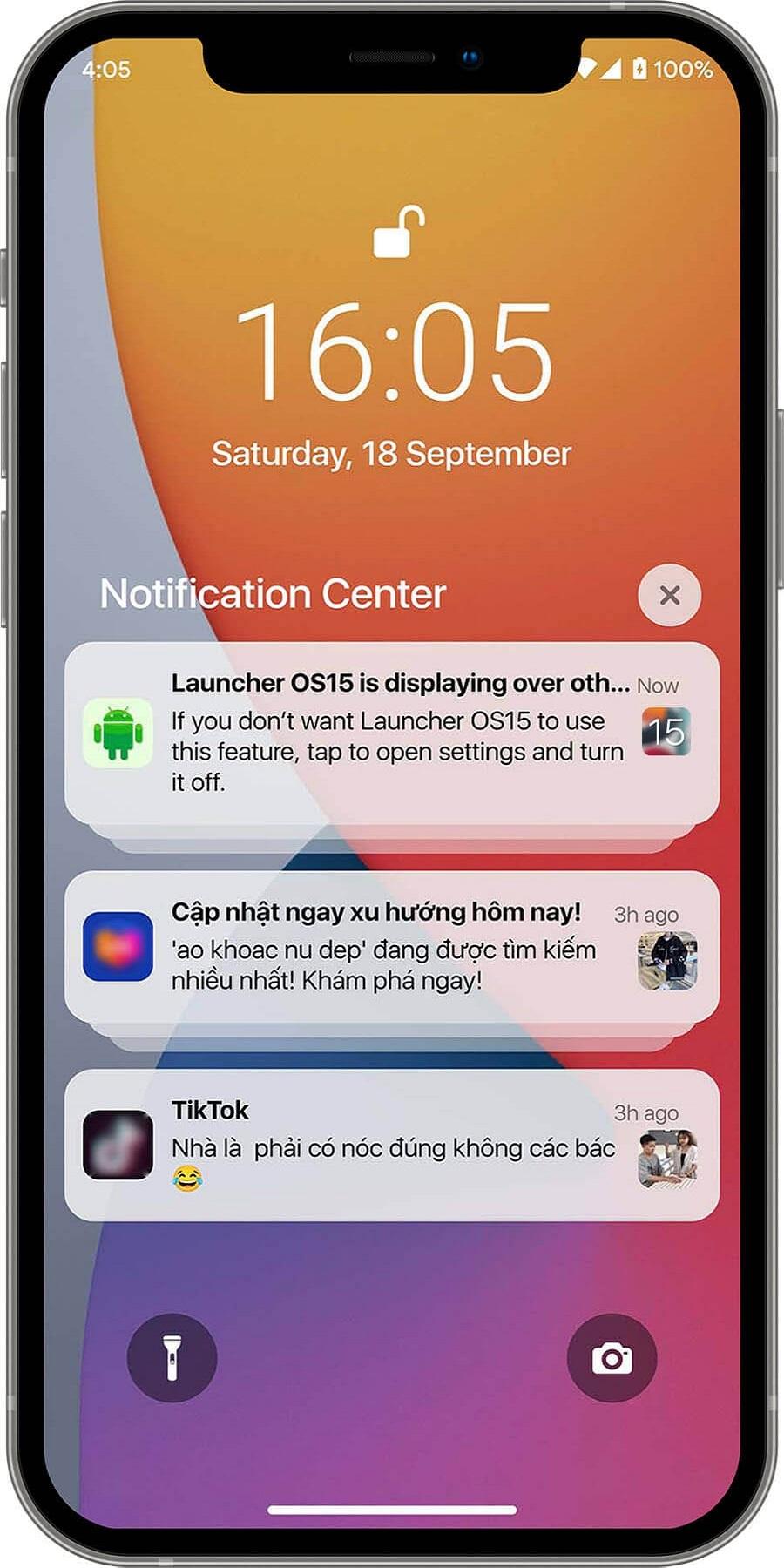
It's simple for your phone will convert to iOS Launcher mode. iOS Launcher is a beautiful design, smooth, and lightweight Android phone launcher. It uses the most recent OS 15 design; it may entirely alter the appearance and operation of your phone, providing you with a unique experience, simple, elegant, and modern.
Features of Launcher iPhone iOS 15:
# Best user interface.
# Smart search.
# Beautiful wallpaper to brighten up your screen.
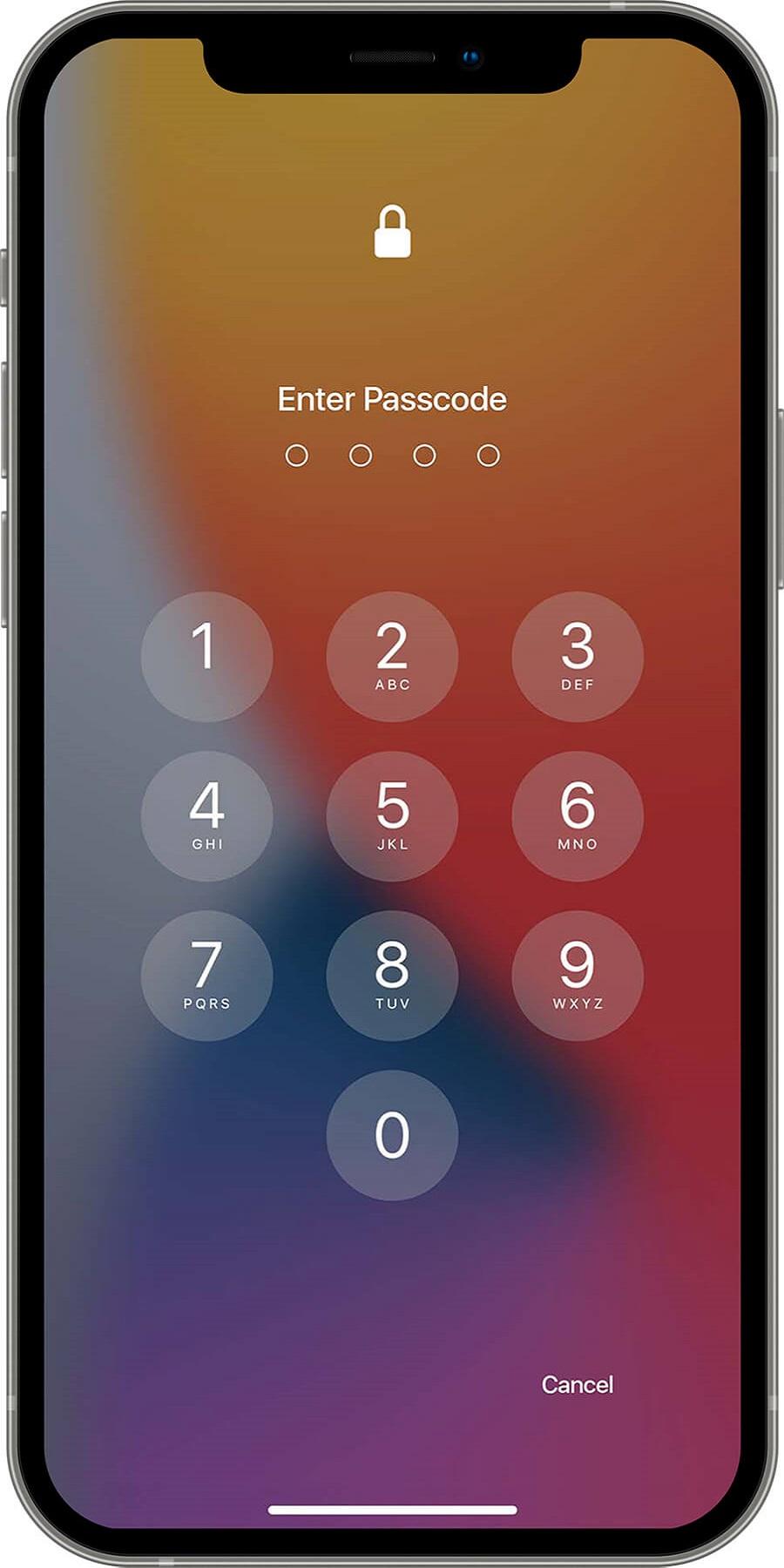
# Support for passwords and pattern lock on the lock screen.
# Swipe down anywhere on the home page to search quickly.
# Silent mode, airplane mode, and Bluetooth are all controlled by the smart toggle.
# More style options are available with the control center, including size, color, location, and vibration.
# One-touch tasks are quick, simple, and time-saving.
# You can customize the application's icon to your liking.
# Change the desktop grid, enable infinite scrolling, show or hide the search bar, modify folder previews, and more.
# A large number of wallpaper images.
Control Center:
Swipe down to enter Control Center, where you can quickly set WiFi, Network, Brightness, Volume, and Take Photo.
App Manager:
Swipe up to activate App Manager; instantly find and drop local apps to your desktop.
Theme Store:
We have thousands of themes in our theme store that are adaptable to the themes you choose and can provide you with a smooth interface similar to OS 13 & OS 15.
Hide Apps:
Hide apps from the launcher that you don't want to see.
With an iPhone launcher, you can make your android phone look like iOS 13 or iOS 15. Open the ios control center app if you wish to change how you access the Control center on your device. iOS 15 allows you quick access to the camera, clock, screen recording, screenshot, and other settings for iOS.
Join us now by downloading the ios launcher! More exciting features are on the way...
Preview
Tags
PersonalizationInformation
Developer
MP Andro Hub
Latest Version
2.0
Last Updated
2022-12-14
Category
Personalization
Available on
Google Play
Show More
How to play iPhone Launcher - IOS Luncher with GameLoop on PC
1. Download GameLoop from the official website, then run the exe file to install GameLoop
2. Open GameLoop and search for “iPhone Launcher - IOS Luncher” , find iPhone Launcher - IOS Luncher in the search results and click “Install”
3. Enjoy playing iPhone Launcher - IOS Luncher on GameLoop
Minimum requirements
OS
Windows 8.1 64-bit or Windows 10 64-bit
GPU
GTX 1050
CPU
i3-8300
Memory
8GB RAM
Storage
1GB available space
Recommended requirements
OS
Windows 8.1 64-bit or Windows 10 64-bit
GPU
GTX 1050
CPU
i3-9320
Memory
16GB RAM
Storage
1GB available space