iOS 17 Launcher - iOS 16 PC
Launcher iOS 17 - ios 16 with Launcher iOS 16
Download iOS 17 Launcher - iOS 16 on PC With GameLoop Emulator
iOS 17 Launcher - iOS 16 on PC
iOS 17 Launcher - iOS 16, coming from the developer Launcher iOS 17 - ios 16 with Launcher iOS 16, is running on Android systerm in the past.
Now, You can play iOS 17 Launcher - iOS 16 on PC with GameLoop smoothly.
Download it in the GameLoop library or search results. No more eyeing the battery or frustrating calls at the wrong time any more.
Just enjoy iOS 17 Launcher - iOS 16 PC on the large screen for free!
iOS 17 Launcher - iOS 16 Introduction
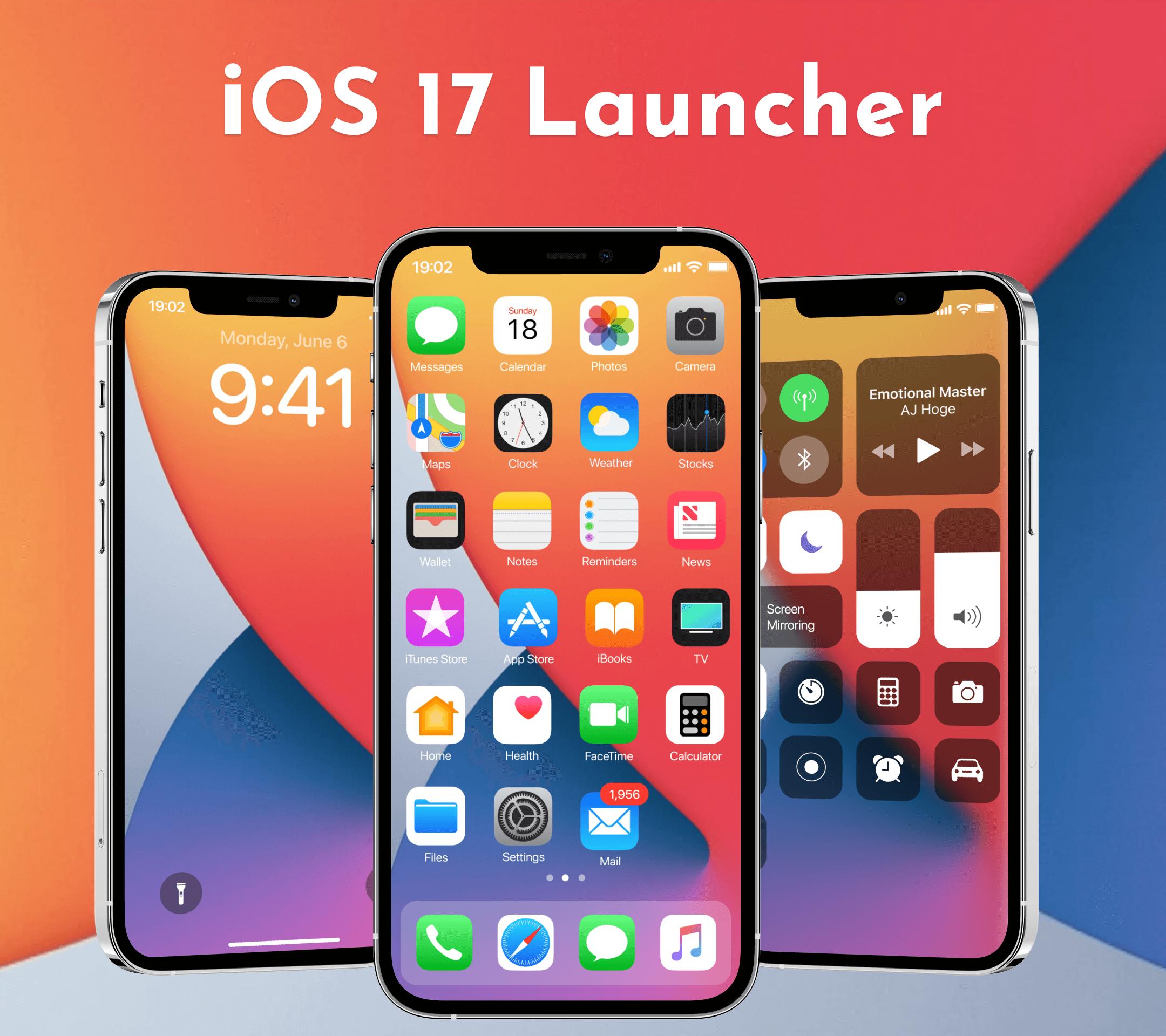
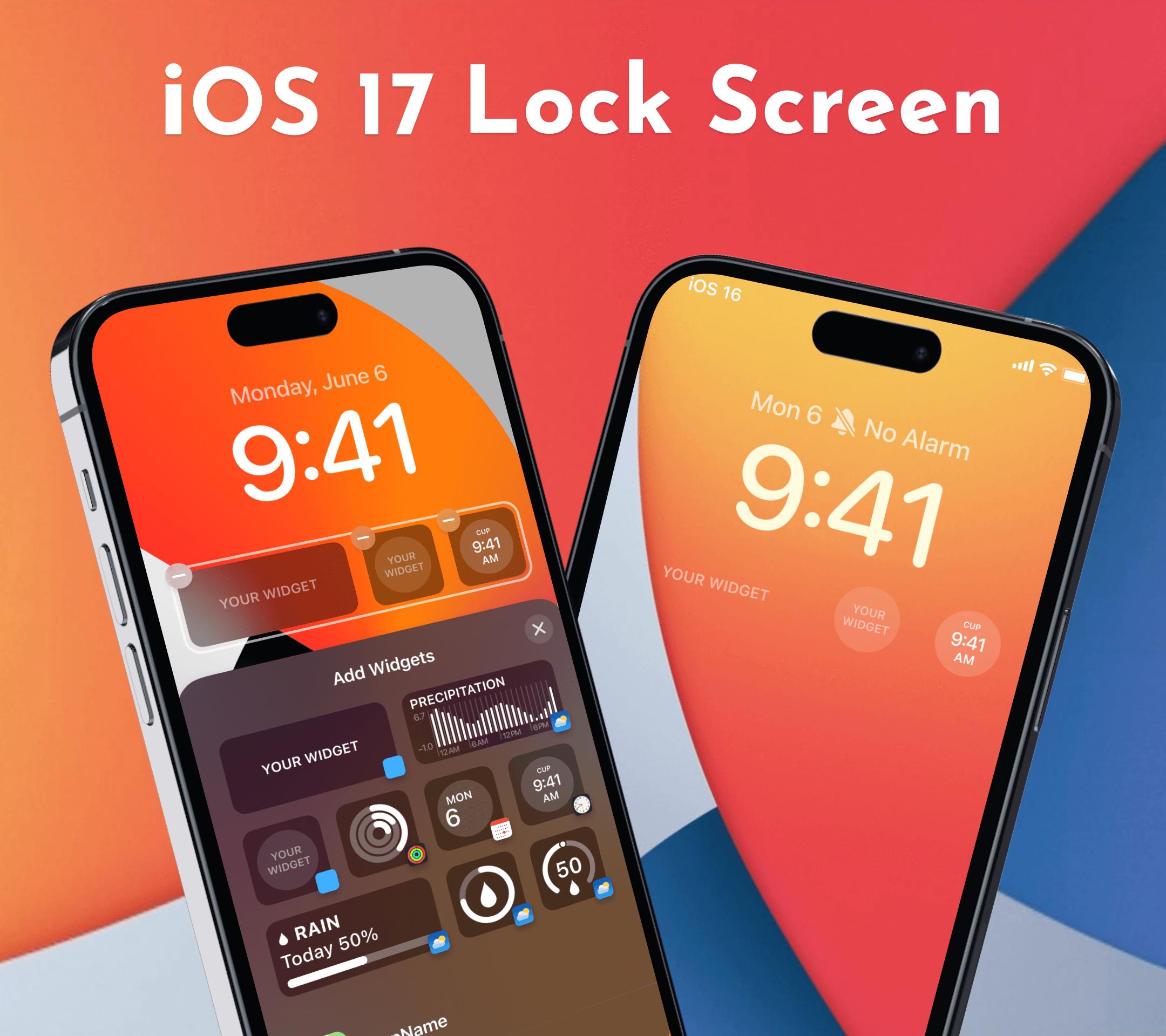
The iOS 17 Launcher - iOS 16 establishes a new benchmark for the Android mobile operating system. It improves the look and feel of your phone, making it more elegant and luxurious. And now it opens up a world of possibilities for your phone's launcher. Your phone is the most powerful with iOS 17 Launcher - iOS 16
MAIN FEATURES:
➜ App Library
- Launcher iOS support: App Library is a new way to organize your apps same as real iOS devices
➜ Dark Mode
Launcher iOS supports dark mode and light mode.
➜ Style Folder
We design iOS Style Folder, you can drag and drop an app to another to create a folder.
➜ Weather and Suggestion widget
We provide a Weather and Suggestion widget, you can get the weather forecast in recent days.
➜ Customizable Icon
Icon and name of application can be modified, you can choose an image and use it as an app icon.
➜ App Unread Notification
We have added a new function to notify unread messages, turn on the App Notified in the settings and grant permission, you can make your apps selected to show New Information tips, do not worry about missing important information!
➜ Power Shade
Custom Notification Panel and Custom Quick Settings.One Shade - Custom Notifications and Custom Quick Settings!
➜ iOS Launcher
We support Two types of control centers, One is the OS style by default and one is classic style, you can change it in Launcher settings.
➜ i phone Themes
iphone Launcher comes up with an awesome theme and a list of free, latest, original and HD wallpapers and theme for iphone.
Note
➪ This app requires Accessibility Services to perform the opening of the recently running apps dialog, the Back function in the X Home Bar, and the Assistive Touch
➪ This app require Query All Packages
➪ All company, product, and service names used in this app are for identification purposes only. Use of these names
trademarks, and brands do not imply endorsement.
➪ iOS 17 Launcher - iOS 16 application is owned by us and is not an official Apple application. We are not affiliated,
associated, authorized, endorsed by, or in any way officially connected with Apple.
Do you love the iphone? Launcher iOS will sets a new standard for the Android mobile operating system. It makes your phone better than before, more beautiful and luxury. And now it opens up to amazing possibilities for launcher on your phone.
If you have any problem when using this Launcher iOS, please send email to me, I will check and fix it as soon as possible.
App Privacy link is as belove:
https://harmonihills108.blogspot.com/2023/05/privacy-policy.html
Thank you for using my iOS 17 Launcher - iOS 16 application.
Preview
Tags
PersonalizationInformation
Developer
Launcher iOS 17 - ios 16 with Launcher iOS 16
Latest Version
1.5
Last Updated
2023-06-30
Category
Personalization
Available on
Google Play
Show More
How to play iOS 17 Launcher - iOS 16 with GameLoop on PC
1. Download GameLoop from the official website, then run the exe file to install GameLoop
2. Open GameLoop and search for “iOS 17 Launcher - iOS 16” , find iOS 17 Launcher - iOS 16 in the search results and click “Install”
3. Enjoy playing iOS 17 Launcher - iOS 16 on GameLoop
Minimum requirements
OS
Windows 8.1 64-bit or Windows 10 64-bit
GPU
GTX 1050
CPU
i3-8300
Memory
8GB RAM
Storage
1GB available space
Recommended requirements
OS
Windows 8.1 64-bit or Windows 10 64-bit
GPU
GTX 1050
CPU
i3-9320
Memory
16GB RAM
Storage
1GB available space