How to Draw Emoji - Learn Draw PC
Indowall
Download How to Draw Emoji - Learn Draw on PC With GameLoop Emulator
How to Draw Emoji - Learn Draw on PC
How to Draw Emoji - Learn Draw, coming from the developer Indowall, is running on Android systerm in the past.
Now, You can play How to Draw Emoji - Learn Draw on PC with GameLoop smoothly.
Download it in the GameLoop library or search results. No more eyeing the battery or frustrating calls at the wrong time any more.
Just enjoy How to Draw Emoji - Learn Draw PC on the large screen for free!
How to Draw Emoji - Learn Draw Introduction
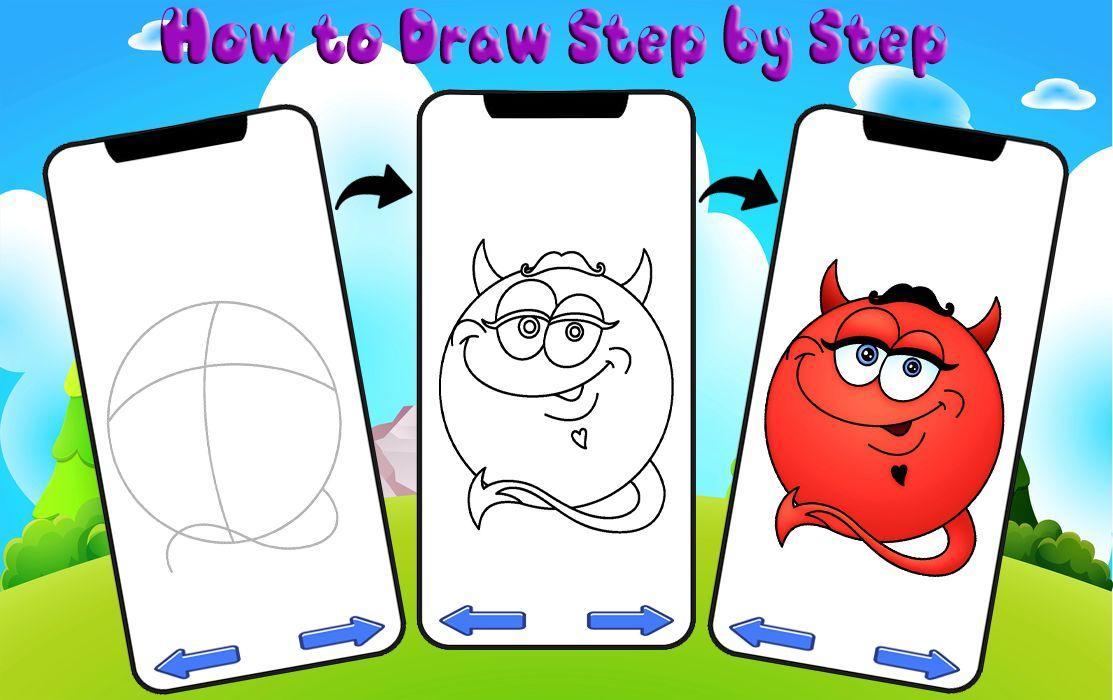
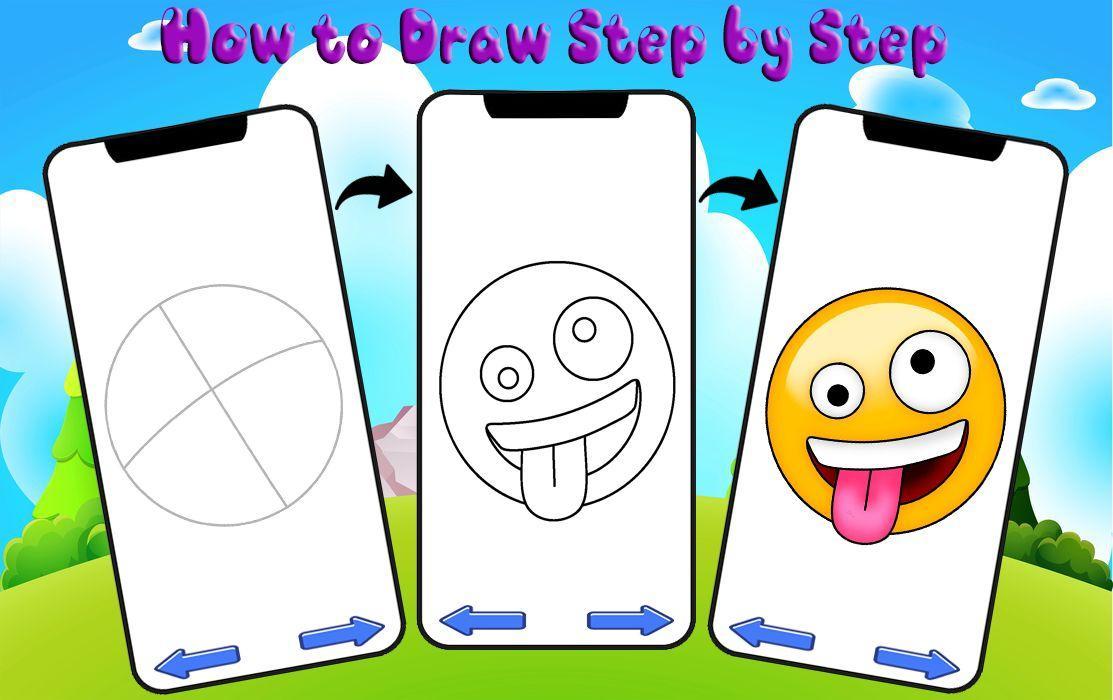
Learn how to draw emoji step by step. Do you want to surprise your friends or just learn to draw? Lessons of varying difficulty will help you work through the key aspects of drawing. You will easily imagine what and how you will draw emoji. Drawing is fun!
How to draw emoji is fun-packed one that you will certainly enjoy. Wide categories are there for learning easy drawing like Fish, Nail Art, Super Heroes, Fruits, Butterfly, Dress, Birds, Hairstyle, Anime Eyes, etc. Under each categories you will get to learn multiple drawing figures by following different drawing lessons. Tricks to learn to draw emoji step by step will be easy with this how to draw easy application.
How to Draw Emoji - Learn Drawing, and you will get learn how to draw emoji easy at your fingertips.
This application allows you easily and in the shortest possible time to learn how to draw emoji. If you want to learn how to draw cool and realistic emoji so that others envy you, then this application is for you. The application contains a huge collection of step by step instructions for drawing emoji.
Even if you can't draw at all, it's not a problem. Our lessons are created solely for accelerated learning from the very foundations of drawing. All emoji drawing lessons are created by professional illustrators. Take a pencil, choose the emoji images you like, and you will learn how to draw today.
All lessons on drawing emoji are presented in the form of step by step instructions. Follow the instructions, and you will see for yourself how easy it is to learn how to draw emoji.
All emoji drawing lessons are completely free. Just install the application, select any emoji you like and learn to draw.
Disclaimer:
All content of this application is collected from public sources. If you think you have content rights in this application, you can contact us by email. Thank you!
Preview
Tags
PersonalizationInformation
Developer
Indowall
Latest Version
2.0
Last Updated
2020-05-22
Category
Personalization
Available on
Google Play
Show More
How to play How to Draw Emoji - Learn Draw with GameLoop on PC
1. Download GameLoop from the official website, then run the exe file to install GameLoop
2. Open GameLoop and search for “How to Draw Emoji - Learn Draw” , find How to Draw Emoji - Learn Draw in the search results and click “Install”
3. Enjoy playing How to Draw Emoji - Learn Draw on GameLoop
Minimum requirements
OS
Windows 8.1 64-bit or Windows 10 64-bit
GPU
GTX 1050
CPU
i3-8300
Memory
8GB RAM
Storage
1GB available space
Recommended requirements
OS
Windows 8.1 64-bit or Windows 10 64-bit
GPU
GTX 1050
CPU
i3-9320
Memory
16GB RAM
Storage
1GB available space