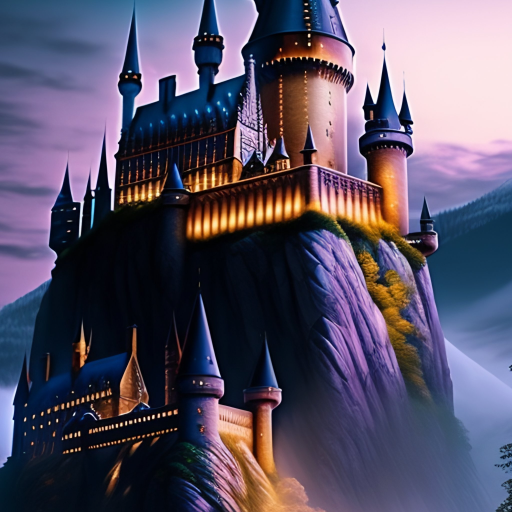
Hogwarts Wallpapers HD PC
8 Bit Indonesia
Download Hogwarts Wallpapers HD on PC With GameLoop Emulator
Hogwarts Wallpapers HD on PC
Hogwarts Wallpapers HD, coming from the developer 8 Bit Indonesia, is running on Android systerm in the past.
Now, You can play Hogwarts Wallpapers HD on PC with GameLoop smoothly.
Download it in the GameLoop library or search results. No more eyeing the battery or frustrating calls at the wrong time any more.
Just enjoy Hogwarts Wallpapers HD PC on the large screen for free!
Hogwarts Wallpapers HD Introduction
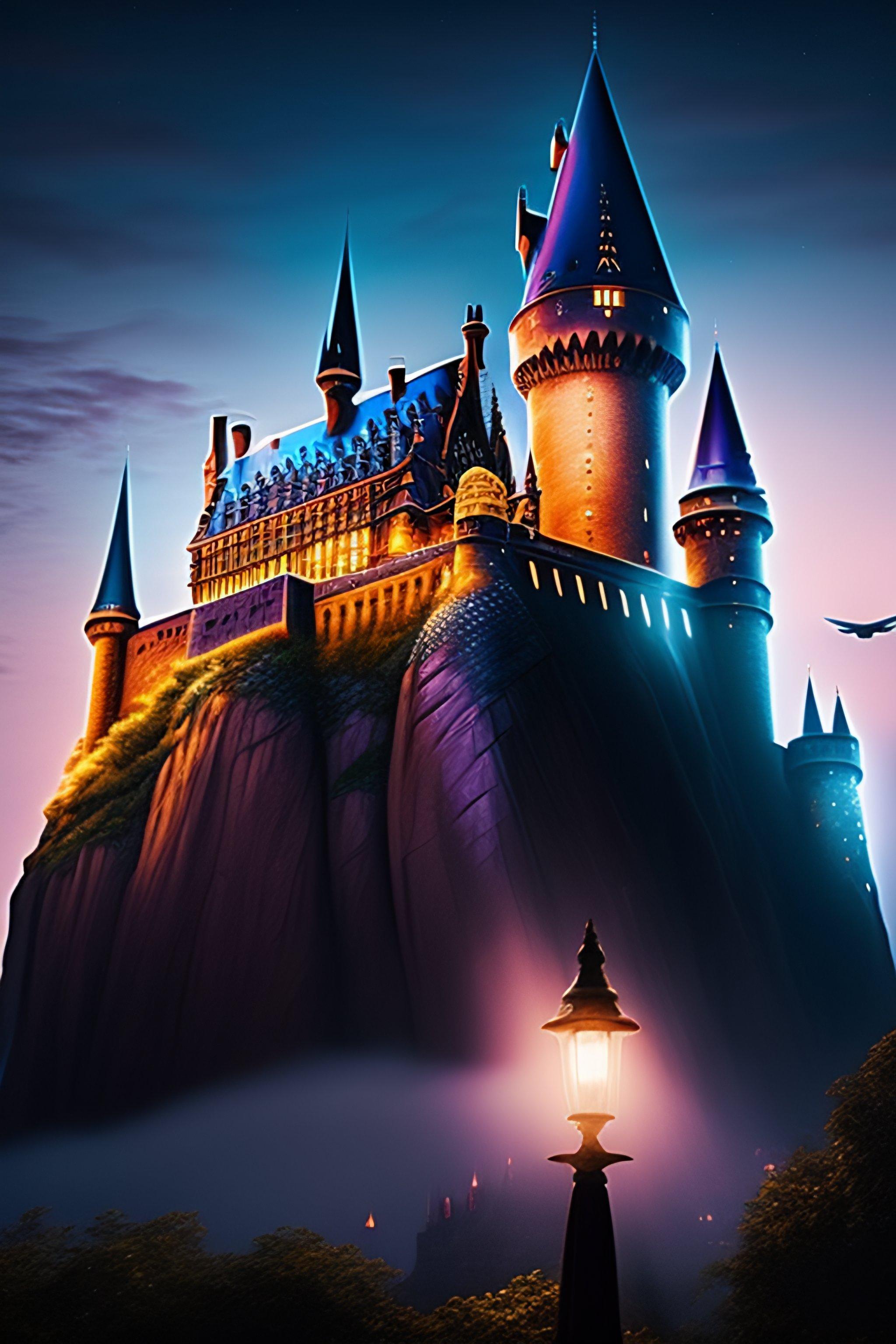
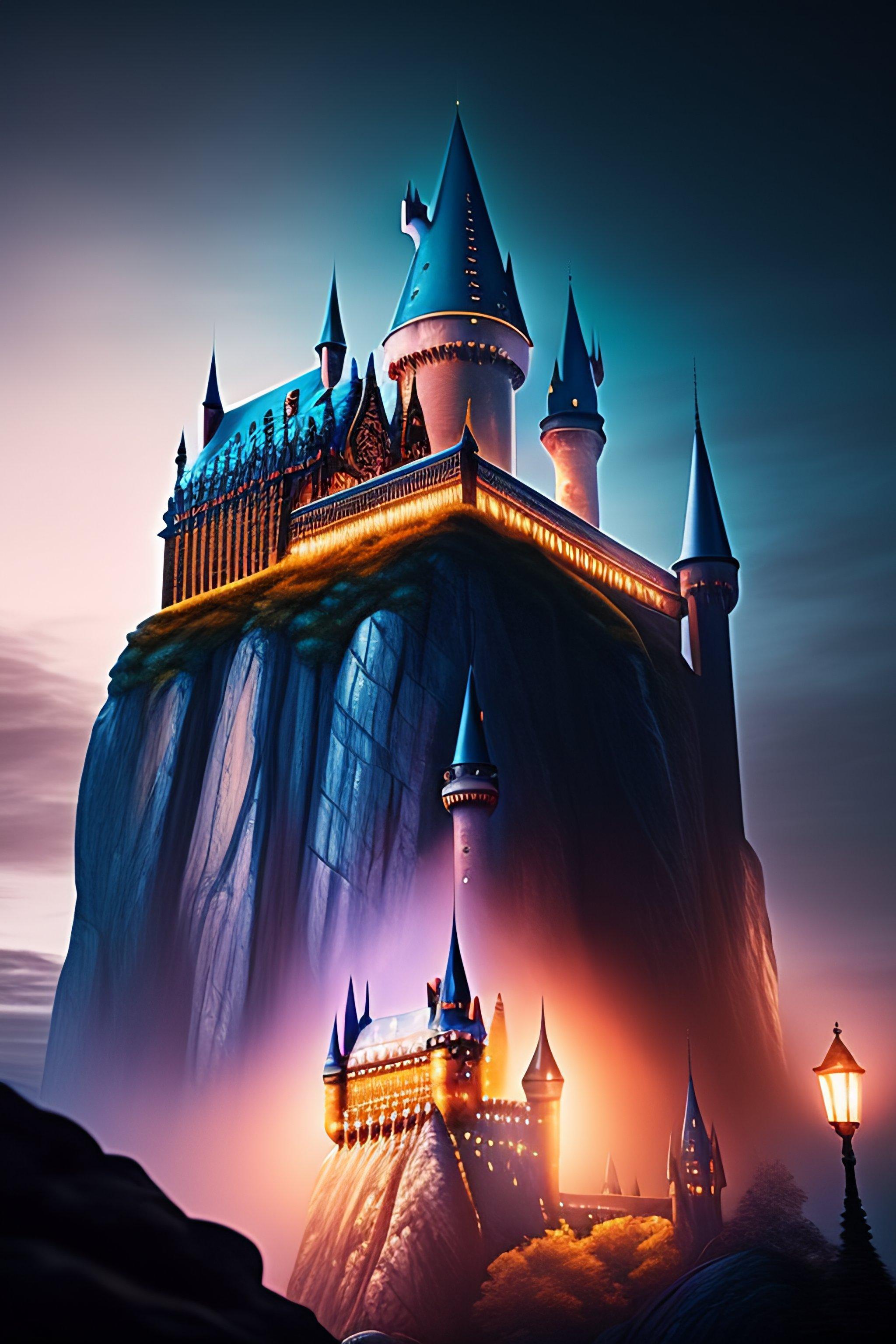
Hogwarts School of Witchcraft and Wizardry was the British wizarding school, located in the Scottish Highlands. It accepted magical students from Great Britain and Ireland for enrolment. It was a state-owned school, funded by the Ministry of Magic.
The precise location of the school could never be uncovered because it was rendered Unplottable. To Muggles, the school looked like an old abandoned castle. Similarly, most wizarding schools' locations were protected in order to prevent their ways of teaching being revealed, as well as protect the students and schools themselves from any harm.
Established around the 10th century, Hogwarts was considered to be one of the finest magical institutions in the Wizarding World, though other notable schools included Beauxbatons Academy of Magic in France, the Durmstrang Institute implied to be in Western Russia, and Ilvermorny School of Witchcraft and Wizardry in the United States. Children with magical abilities were enrolled at birth, and acceptance was confirmed by owl post at age eleven. However, if the child in question was a Muggle-born, a staff member from the school visited the child and his or her family in order to inform them of their magical heritage and the existence of the Wizarding world.
The school's motto was Draco Dormiens Nunquam Titillandus (Draco Dormiens Nvnqvam Titillandvs), which, translated from Latin, means "Never tickle a sleeping dragon".
Preview
Tags
PersonalizationInformation
Developer
8 Bit Indonesia
Latest Version
6.2.1
Last Updated
2023-07-13
Category
Personalization
Available on
Google Play
Show More
How to play Hogwarts Wallpapers HD with GameLoop on PC
1. Download GameLoop from the official website, then run the exe file to install GameLoop
2. Open GameLoop and search for “Hogwarts Wallpapers HD” , find Hogwarts Wallpapers HD in the search results and click “Install”
3. Enjoy playing Hogwarts Wallpapers HD on GameLoop
Minimum requirements
OS
Windows 8.1 64-bit or Windows 10 64-bit
GPU
GTX 1050
CPU
i3-8300
Memory
8GB RAM
Storage
1GB available space
Recommended requirements
OS
Windows 8.1 64-bit or Windows 10 64-bit
GPU
GTX 1050
CPU
i3-9320
Memory
16GB RAM
Storage
1GB available space