Hindi Writing Apps PC
NenoSoft Technologies
Download Hindi Writing Apps on PC With GameLoop Emulator
Hindi Writing Apps on PC
Hindi Writing Apps, coming from the developer NenoSoft Technologies, is running on Android systerm in the past.
Now, You can play Hindi Writing Apps on PC with GameLoop smoothly.
Download it in the GameLoop library or search results. No more eyeing the battery or frustrating calls at the wrong time any more.
Just enjoy Hindi Writing Apps PC on the large screen for free!
Hindi Writing Apps Introduction
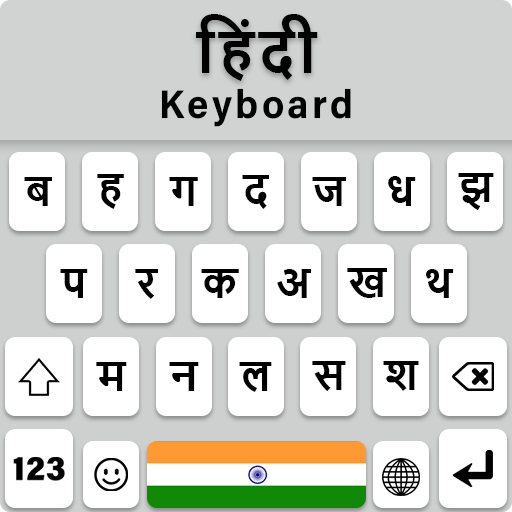
Hindi Keyboard हिंदी Fonts is a simple and fast typing keyboard designed for users who want to write easily in the Hindi language on Android devices. With this keyboard, you can type Hindi words, Hindi alphabets, and Hindi text quickly while chatting, messaging, or posting on social media.
The Hindi Keyboard provides a comfortable Hindi keypad layout that makes Hindi typing smooth and accurate. Whether you are sending messages, writing posts, or chatting with friends, this keyboard helps you type naturally in Hindi.
This Hindi Keyboard also works as a Hindi mein likhne wala app, allowing users to write Hindi text easily on their mobile devices. The keyboard supports Hindi to English typing and English to Hindi typing, making it simple for users who prefer phonetic typing.
To improve typing speed, the keyboard includes intelligent tools such as auto-correction, next-word prediction, and smart word suggestions. A built-in dictionary remembers commonly used Hindi words so they appear faster while typing.
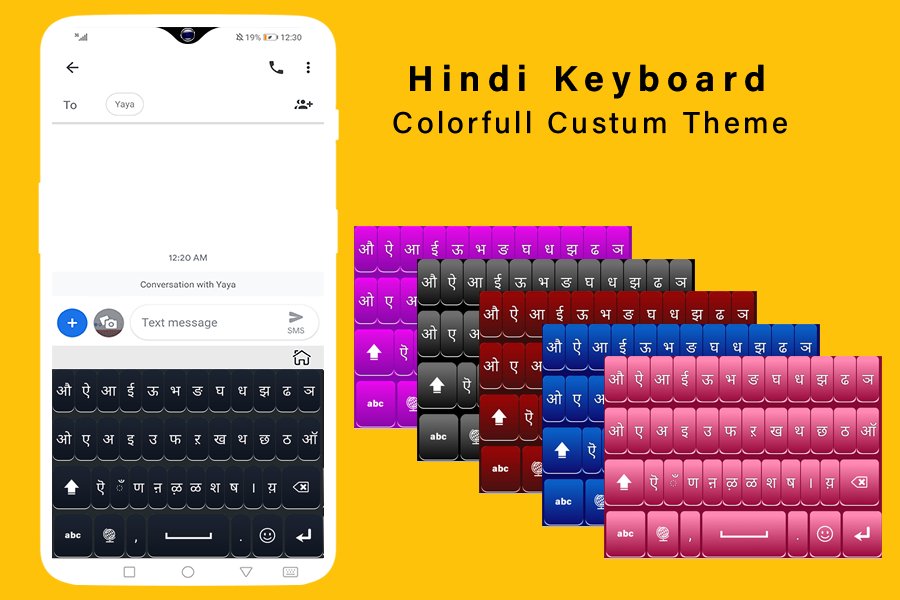
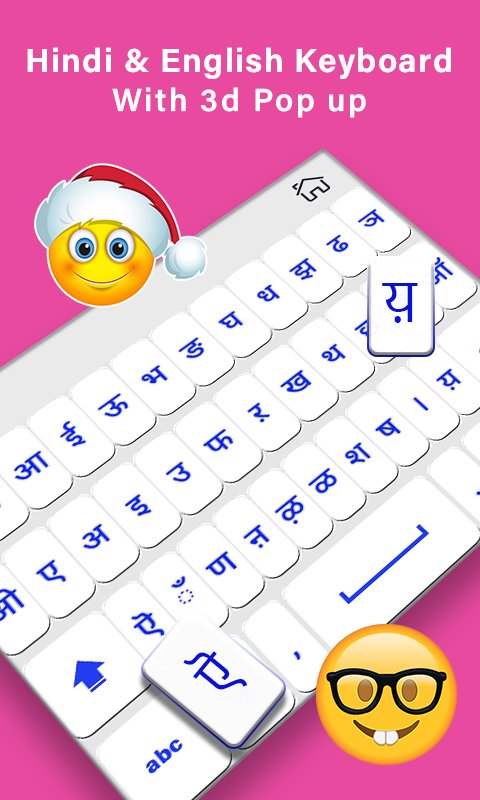
You can also customize your keyboard using stylish Hindi fonts and modern keyboard themes. Choose your favorite Hindi font style and make your messages look more creative and unique. For expressive conversations, the keyboard includes emojis, stickers, GIFs, and smileys that allow you to share emotions while chatting. Whether you are typing messages, writing posts, or using apps in Hindi, Hindi Keyboard हिंदी Fonts provides a smooth and reliable Hindi typing experience.
Main Features of Hindi Keyboard:
• Easy Hindi keyboard for Android
• Smooth Hindi typing keypad
• Support for हिंदी कीबोर्ड टाइपिंग
• English to Hindi typing keyboard
• Built-in dictionary for Hindi words
• Stylish Hindi fonts and font styles
• Beautiful keyboard themes and backgrounds
• Emoji keyboard with stickers and GIFs
• Smooth gesture typing and swipe typing
• Voice typing support
• One-hand typing mode for easy typing
Privacy of Hindi Keyboard:
Your privacy is important. Hindi Keyboard हिंदी Fonts does not collect personal information such as passwords, credit card numbers, or private messages. All typed text remains private and secure on your device.
How to Enable Hindi Keyboard?
1) Install and open Hindi Keyboard हिंदी Fonts
2) Enable the keyboard in your phone settings
3) Select it as your default keyboard
4) Start typing Today in Hindi Language
Preview
Tags
PersonalizationInformation
Developer
NenoSoft Technologies
Latest Version
1.2.4
Last Updated
2026-06-03
Category
Personalization
Available on
Google Play
Show More
How to play Hindi Writing Apps with GameLoop on PC
1. Download GameLoop from the official website, then run the exe file to install GameLoop
2. Open GameLoop and search for “Hindi Writing Apps” , find Hindi Writing Apps in the search results and click “Install”
3. Enjoy playing Hindi Writing Apps on GameLoop
Minimum requirements
OS
Windows 8.1 64-bit or Windows 10 64-bit
GPU
GTX 1050
CPU
i3-8300
Memory
8GB RAM
Storage
1GB available space
Recommended requirements
OS
Windows 8.1 64-bit or Windows 10 64-bit
GPU
GTX 1050
CPU
i3-9320
Memory
16GB RAM
Storage
1GB available space